
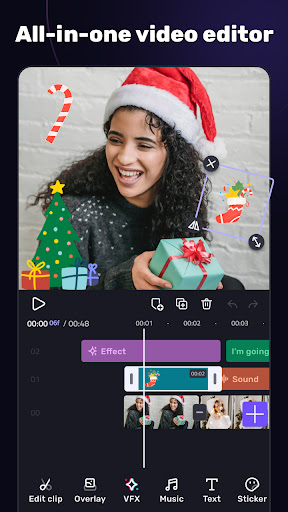
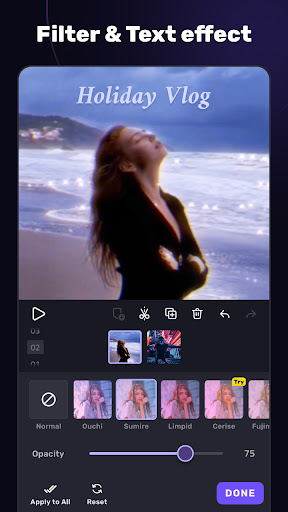
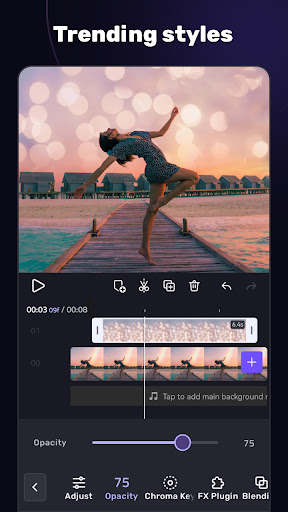

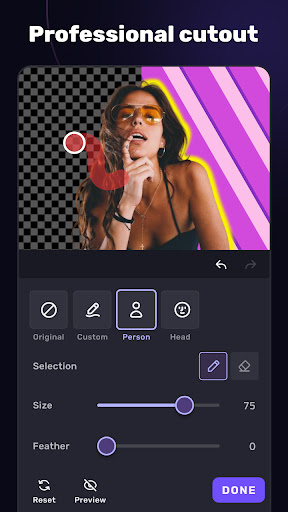
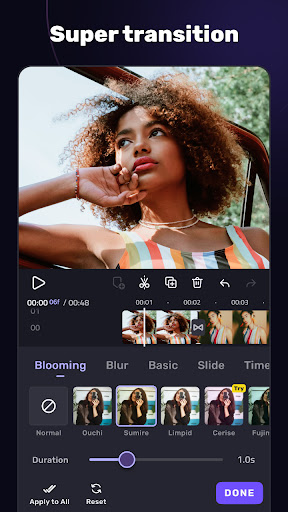
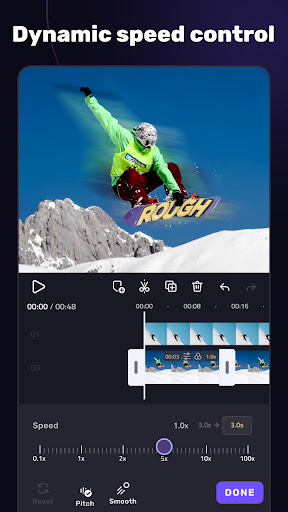
VivaCut is a versatile video editing application that combines professional-grade features with user-friendly functionality. Designed for both casual users and content creators, this app offers an extensive range of tools to produce high-quality videos. The multi-layer timeline allows precise frame-by-frame editing, while advanced features like chroma key and green screen enable Hollywood-style effects.
The app provides essential editing capabilities such as trimming, splitting, and merging video clips with speed control options. For more sophisticated projects, users can utilize keyframe animation, masking, and picture-in-picture effects. VivaCut also includes creative elements like filters, transitions, and glitch effects, along with audio editing tools that support music extraction and rhythm-based editing. These comprehensive features make it suitable for creating engaging content for social media platforms including YouTube, Instagram, and TikTok.
VivaCut distinguishes itself through its comprehensive feature set that caters to various video editing needs. The application's multi-layer timeline supports complex compositions with precise control over each element. Users can apply professional-grade effects including chroma key compositing, keyframe animations, and customizable masks that enhance the visual storytelling aspect of their projects.
The app's audio capabilities are equally impressive, offering tools for music marking, audio extraction, and synchronization with video content. Its collection of pre-designed templates simplifies the creation process while maintaining creative flexibility. Additionally, VivaCut enables exporting in multiple resolutions up to 4K quality, ensuring compatibility across different platforms. These robust features position VivaCut as a competitive alternative to desktop video editing software, all accessible directly from mobile devices.
User-friendly interface
Professional editing tools
Advanced chroma key effects
Comprehensive audio editing
High-quality export options
Subscription required
Complex for beginners
Limited free features
Occasional performance issues
Watermark on free version

Video player, file manager for all formats, 4K/HD media player supports subtitle
 4.30
4.30
Online Videos Player
3.90
A full editing room to accompany your Insta360 cameras and handheld gimbals.
3.30
GENRAL PRO - General Pro is the best video player that fully supports all formats.
4.70
Video Downloader, Multiple Resolution Options, Video Player
4.50
Find, download, and play torrents with the official BitTorrent® Pro app
4.70
Web Browser for LG TV to stream webvideos, online movies and livestreams in HD
4.20
Create, Publish & Maximize
4.70
Make videos you’re proud to share with Edits, a video editor for creators.
4.70
Video Trimmer, Video to MP3 Converter. Extract music from video, Easy & Fast.
4.80
Pro video editor app for Instagram, edit video with song, AI, effect & slowmo.
4.80
An easy-to-use and all-round screen recorder with audio
4.80
A Simple app to download Video & Music from the Internet.
4.70
Fast & easy HD video downloader for all formats, support 4K playback & download.
4.60
Make your own Animations, Video and Photo Edits, Visual Effects, and more!
4.00
Capture images & record videos for USB Camera, Webcam, Microscopes, Endoscopes
3.80
AirMirror is Receiver for Screen Mirroring and Casting from Apple Devices.
3.60
Connect EasyCap or UVC devices for recording and broadcast video/audio stream
3.60
Watch full episodes of your favorite Cartoon Network and Cartoonito shows!
3.50


User Reveiws