
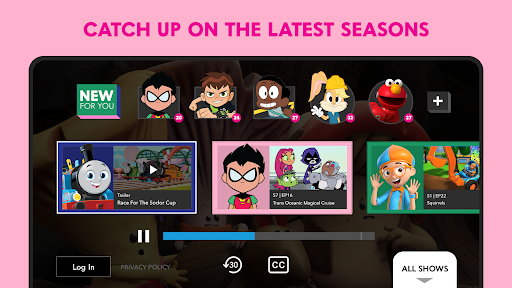
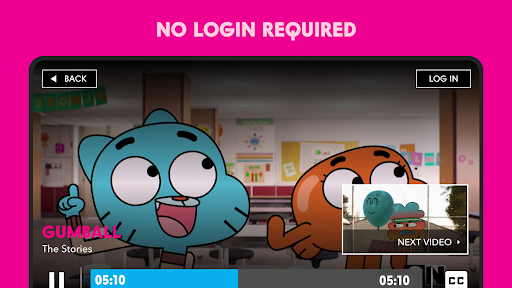
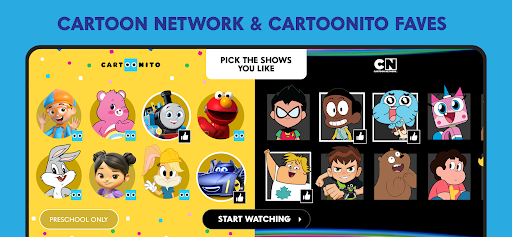
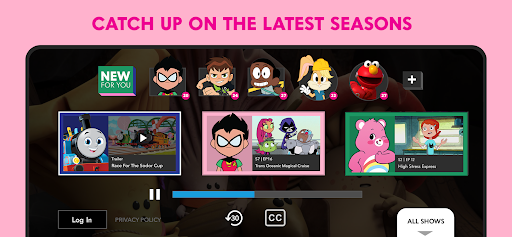
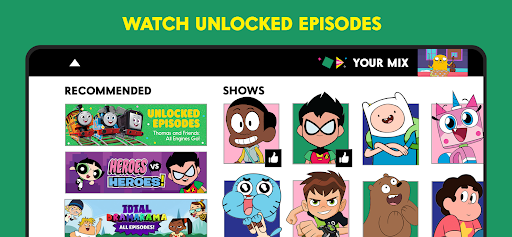
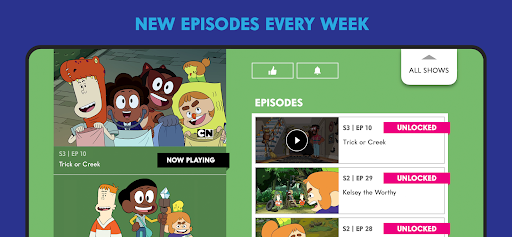

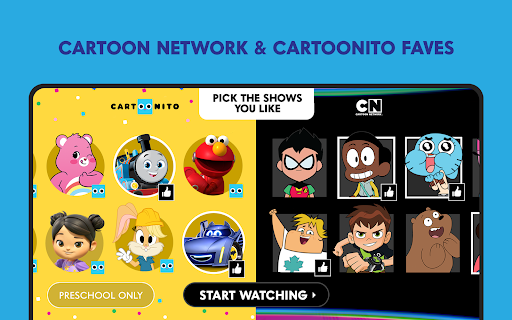
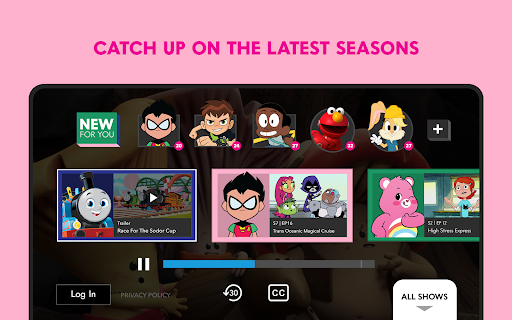
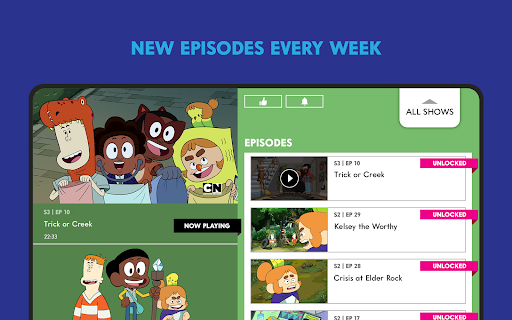
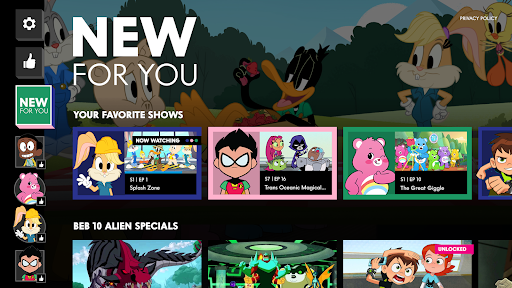
The Cartoon Network App is your ultimate destination for all things Cartoon Network and Cartoonito. Designed specifically for Android TV devices, this Emmy® award-winning app delivers a rich viewing experience with full episodes available the day after they air. Whether you're catching up on Teen Titans GO!, Craig of the Creek, or We Baby Bears, you'll find a vast selection of shows to enjoy.
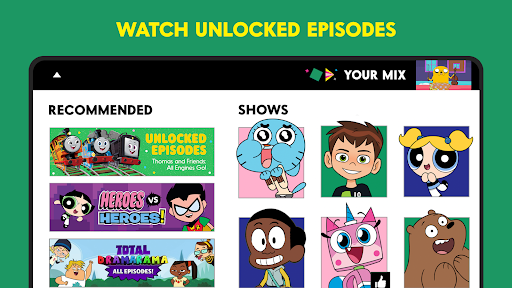
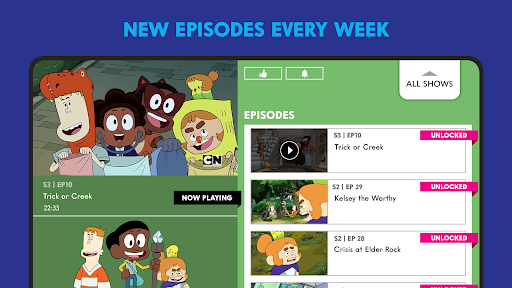
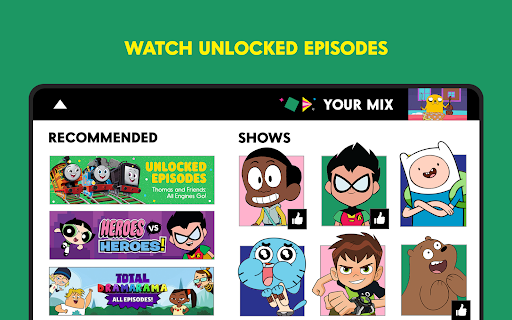
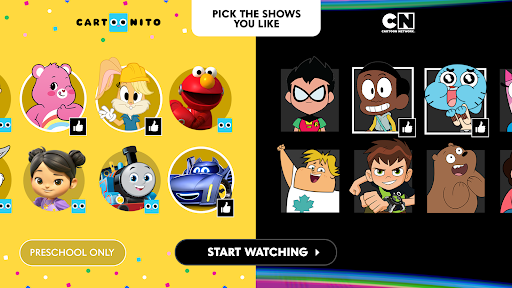
One of the standout features is the 'Your Cartoon Network' functionality, which allows users to personalize their viewing experience by selecting favorite shows that automatically play upon opening the app. With new unlocked episodes added weekly and the option to log in with your TV provider for even more content, this app ensures you never miss an episode of your beloved cartoons.
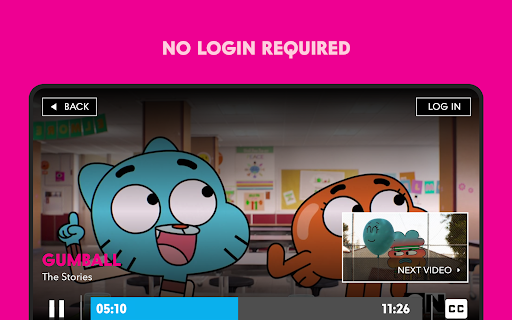
This app is particularly valuable for families looking for child-friendly entertainment options. The ability to watch without login requirements makes it accessible for casual viewers, while the regular addition of new episodes keeps dedicated fans engaged. For those seeking premium content, logging in through participating TV providers like AT&T Uverse, Xfinity, and others unlocks an extended library of episodes.
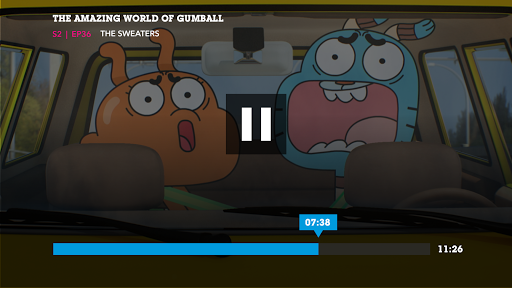
The Cartoon Network App offers a comprehensive set of features designed to enhance user engagement and satisfaction. First and foremost, the app provides access to full episodes of popular shows such as The Amazing World of Gumball, Batwheels, and Bugs Bunny Builders. These episodes are available the day after they air, ensuring timely access to fresh content.
A key innovation is the personalized 'Your Cartoon Network' feature, where users can select preferred shows that will automatically begin playing when the app is launched. This creates a tailored viewing experience that evolves with user preferences. Additionally, the app includes a robust content discovery system that introduces new unlocked episodes every week, keeping the content library feeling fresh and exciting.
For power users, the app supports authentication with major TV providers including Spectrum, Verizon, and DirectTV, unlocking an expanded selection of episodes. The app also incorporates essential accessibility features and parental controls, making it suitable for family use. While some locked content requires authentication, the app maintains a generous selection of freely accessible episodes, striking a balance between open access and premium content offerings.
User-friendly interface
Regular content updates
Personalized viewing options
Wide selection of shows
No login required for basic access
Limited mobile device support
Some content locked behind paywall
Android TV exclusive
Contains advertisements
Requires authentication for full access
IPTV-Smarters Player Pro M3U - Watch Live Stream TV Channels with Chromecast
 4.00
4.00
Capture images & record videos for USB Camera, Webcam, Microscopes, Endoscopes
3.80
IPTV Player - Watch live TV from m3m & m3u8 playlist, stream IPTV on mobile
3.30
Manage your IPTV live channels and VOD playlists (no playlist included)
3.80
AI Video Editor with Music, Filter, Slideshow, Effect, Merge & Trim Video.
4.80
Create, Publish & Maximize
4.70
Manage your YouTube channel on the go
4.40
convenient, safe and fast at Video Downloader & Player
4.60
Capture the moment and Cut
3.40
Pro video editor app for Instagram, edit video with song, AI, effect & slowmo.
4.80
#1 Torrent App on Android ** No Ads Ever + Battery Saver **
4.80
Seamlessly connect and control your smart devices, anytime, anywhere with ease.
4.60
KineMaster, Your Ultimate Video Editor!
4.40
Create & edit videos with AI
4.30
KMPlayer Plus (Divx Codec) officially support Divx codec.
4.30
Online Videos Player
3.90
Save photos and videos from social apps in one tap.
3.60
A full editing room to accompany your Insta360 cameras and handheld gimbals.
3.30
Powerful HD video player with support for all formats & subtitles.
4.5


User Reveiws