
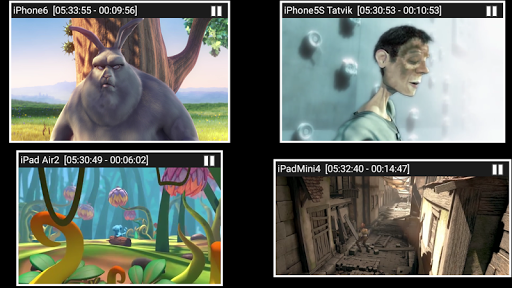


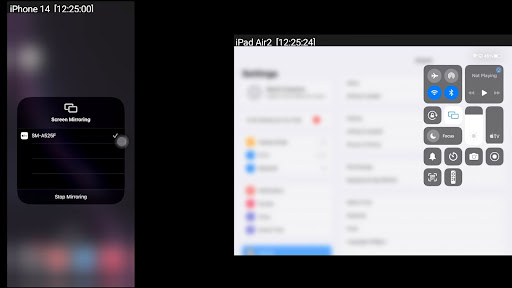
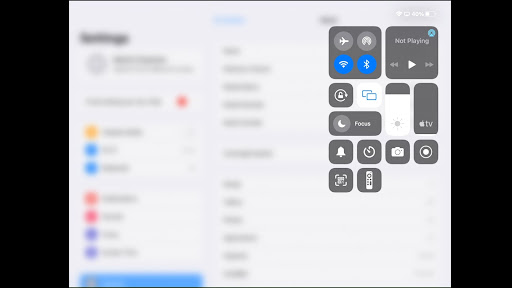
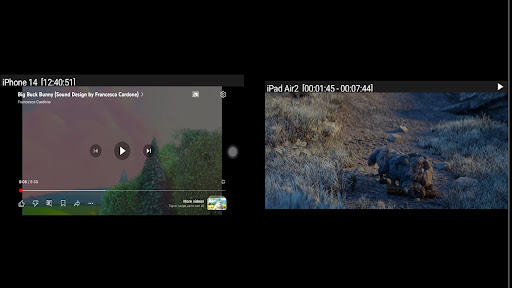
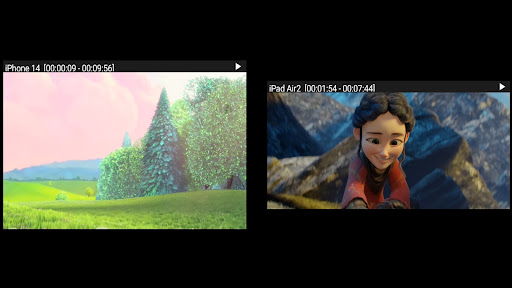

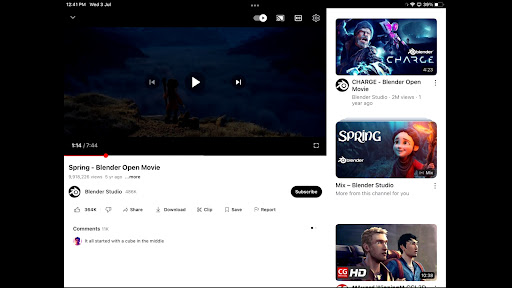
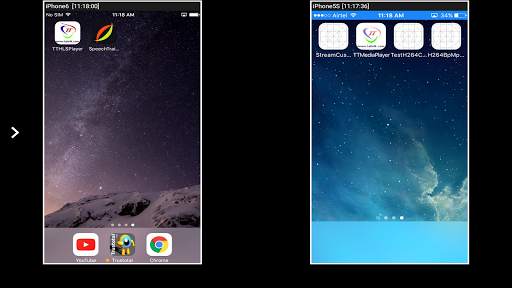
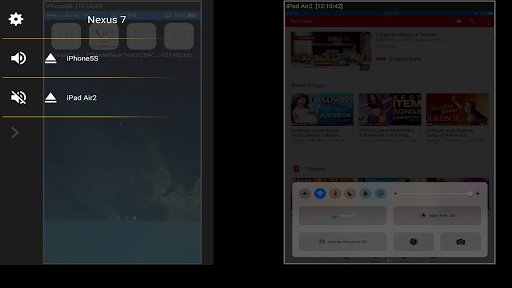
AirMirror is a specialized receiver application designed for Android devices, enabling seamless screen mirroring and casting from Apple devices such as iPhones, iPads, MacBooks, and iMacs. This app facilitates the sharing of screens and multimedia content over a local network, making it an ideal tool for presentations, entertainment, and collaborative sessions with family, friends, or business associates.
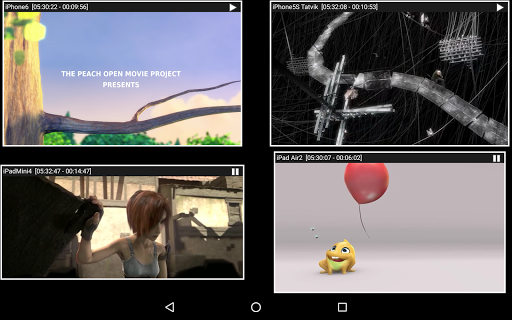
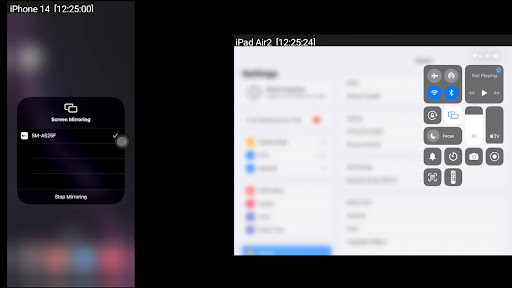
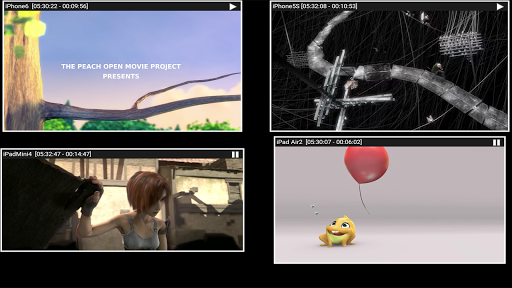
With support for iOS versions 9 to 15, AirMirror allows users to mirror up to four Apple devices simultaneously. It offers versatile features including media playback, photo slideshows, and YouTube video streaming. The app also incorporates security measures like passcode protection to prevent unauthorized access, ensuring a controlled sharing environment.
AirMirror stands out with its comprehensive feature set tailored for efficient screen sharing and media playback. One of its key capabilities is the simultaneous mirroring from up to four Apple devices, allowing multiple users to share content in real-time. This makes it particularly useful in meeting rooms or educational settings where collaboration is essential.
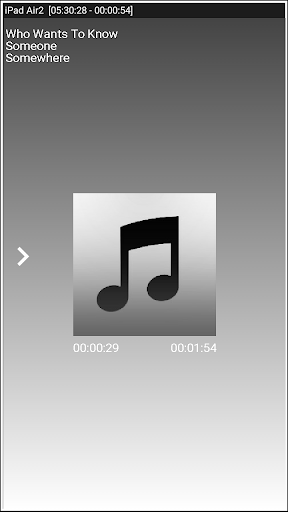
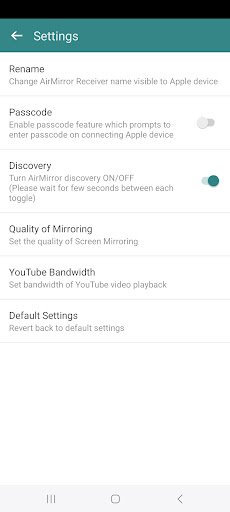
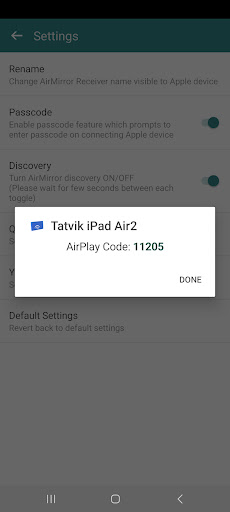
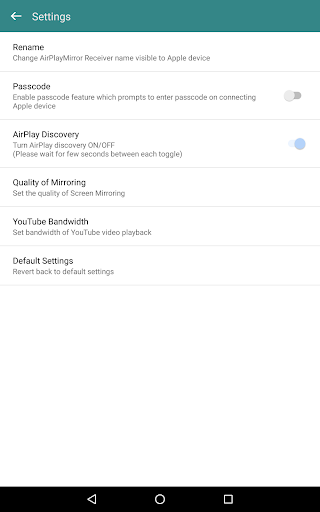
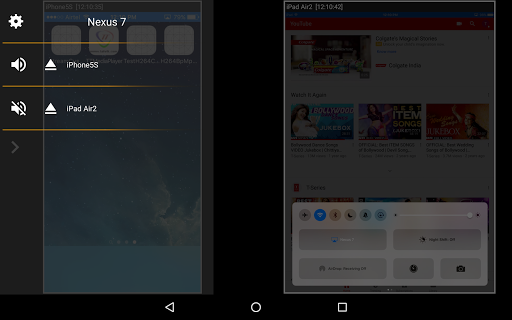
The app provides flexible control options, enabling users to resize and move the mirroring window within the app interface. It supports various media formats, allowing users to stream photos, videos, and audio stored on their Apple devices. Additionally, AirMirror includes a passcode feature that restricts unauthorized users from accessing the shared content, adding a layer of security to the screen-sharing process.
Another notable feature is the Bluetooth Low Energy based advertising, which allows devices to connect across different subnets. This enhances connectivity options, especially in complex network environments. Users can also enjoy gaming sessions by sharing their game screens directly from their Apple devices, providing an interactive experience for viewers.
Supports multiple device connections
Secure passcode protection
Versatile media playback options
User-friendly interface design
Bluetooth Low Energy support
Doesn't support DRM-protected content
Limited live TV capabilities
Requires same network for connection
No direct association with Apple or Google
Occasional connectivity issues reported

KineMaster, Your Ultimate Video Editor!
 4.40
4.40
Powerful HD video player with support for all formats & subtitles.
4.3
KMPlayer Plus (Divx Codec) officially support Divx codec.
4.30
Pro video editor app for Instagram, edit video with song, AI, effect & slowmo.
4.80
All in one HD video downloader & player for multiple formats with full privacy
4.70
Fast & Private Video Downloader App. Save all videos easily from the Internet.
4.40
Connect EasyCap or UVC devices for recording and broadcast video/audio stream
3.60
Browser for Samsung TV to stream webvideos, online movies and livestreams in HD
4.10
This app is an emulator of some specific IPTV boxes
3.50
Play ALL formats in 4K & HD. Video downloader, MP3 player, Chromecast & more.
4.80
Download Hub, easy and private way to download and enjoy your videos offline
4.80
A Quick and Pro Video Editor
4.70
Download videos and play them offline
4.70
Video Player - Unlimited features, 30 days money back guarantee.
4.60
Search & download videos from net with all video downloader, auto-detect & safe.
4.60
Fast & easy HD video downloader for all formats, support 4K playback & download.
4.60
Powerful, professional, versatile teleprompter. Developed by an active film crew
4.00
Capture images & record videos for USB Camera, Webcam, Microscopes, Endoscopes
3.80
You can play SWF format file!
2.50


User Reveiws