
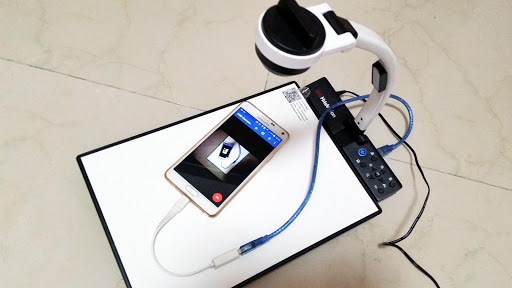
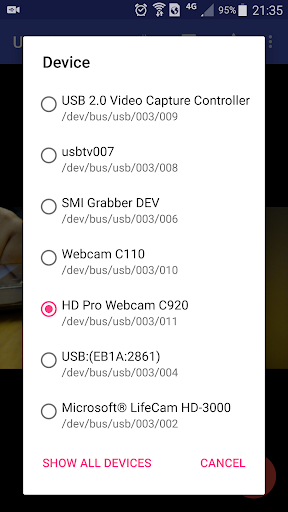
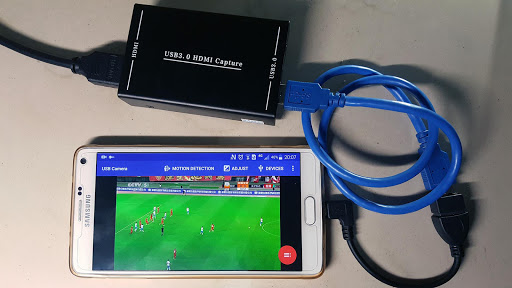
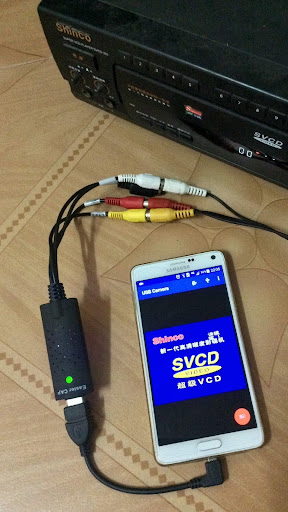
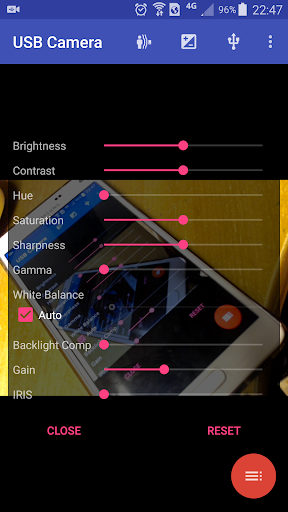
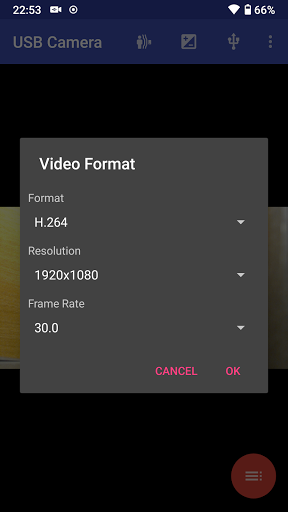
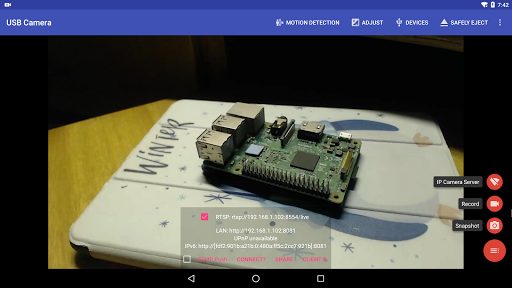
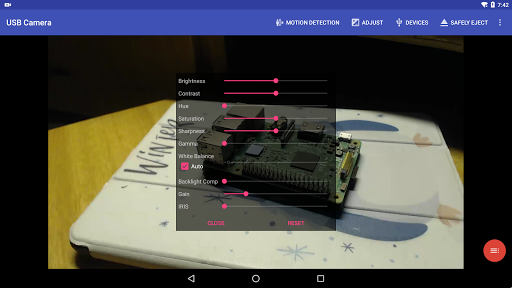
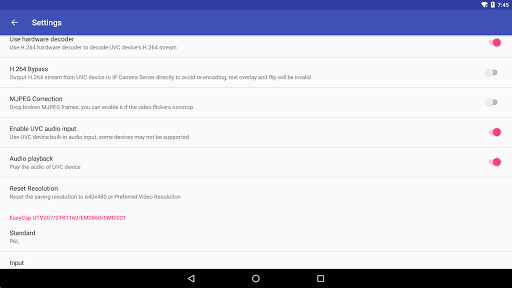
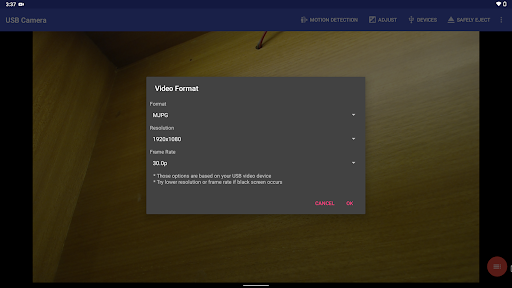
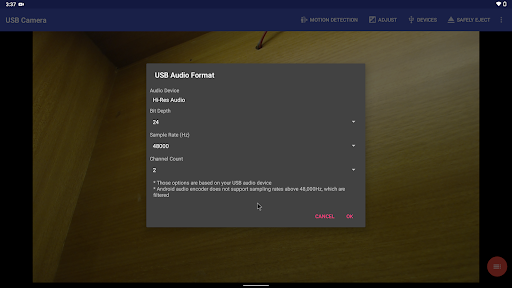

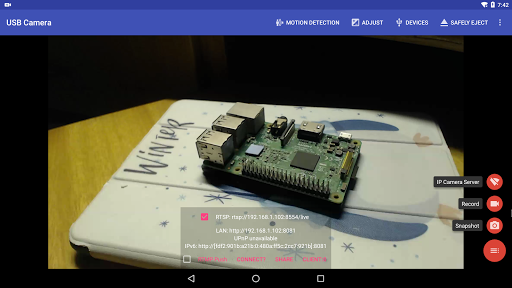
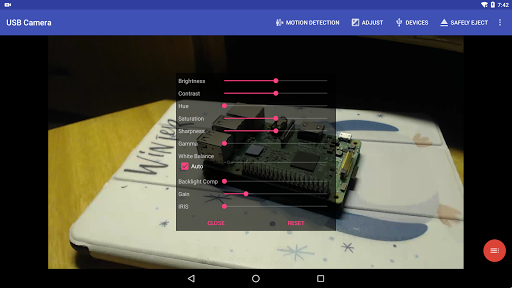
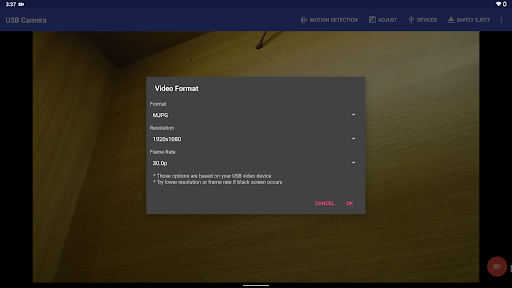
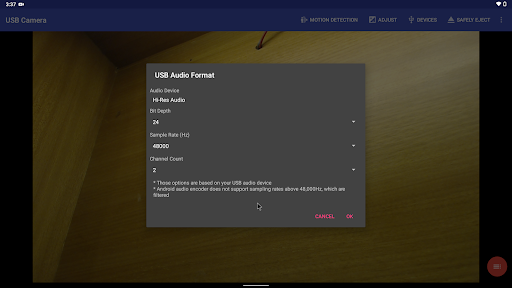
USB Camera Pro is a versatile application that transforms your Android device into a wireless IP camera, allowing you to connect USB webcams or video capture cards via USB-OTG. With this app, users can record videos, take snapshots, and even stream content using RTSP and HTTP servers for security monitoring with bi-directional audio support.
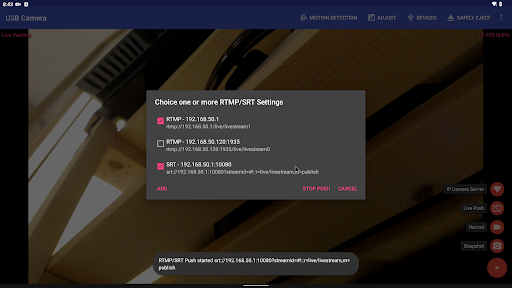
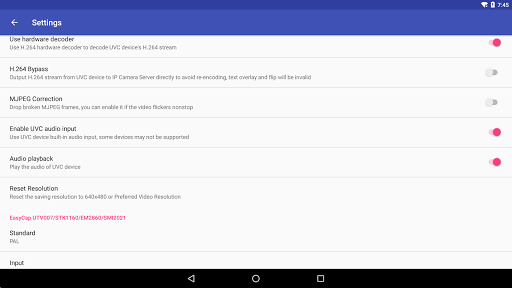
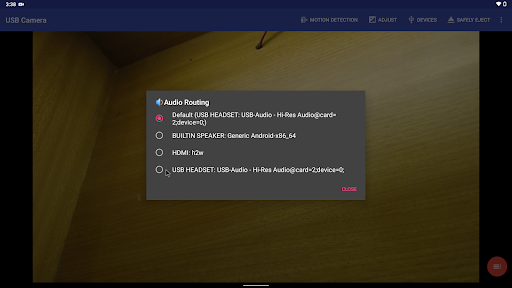
The app supports various devices including UVC WebCams, video grabbers, Windows Hello Cameras, and non-UVC devices like USB Endoscopes. It also features advanced functionalities such as mixing USB audio with built-in microphones, overlaying internal camera feeds onto external ones, and pushing live streams to RTMP/SRT media servers. These capabilities make it suitable for network broadcasting and professional video production.
Designed for both casual and professional use, USB Camera Pro is ideal for those looking to leverage their Android device for enhanced video capture and streaming solutions. Whether for security monitoring, content creation, or live broadcasts, the app offers a comprehensive suite of tools to meet diverse needs.
USB Camera Pro boasts an array of sophisticated features tailored for video enthusiasts and professionals. The app's ability to mix USB audio with system audio or overlay internal camera feeds onto external video streams sets it apart from conventional camera apps. This functionality allows for creative video compositions and professional-grade output.
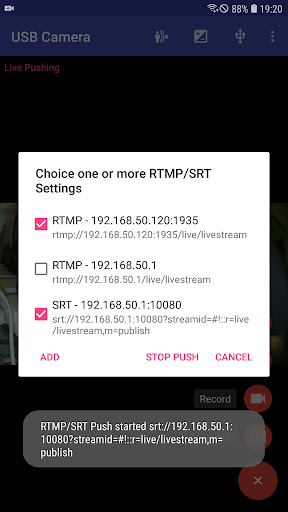
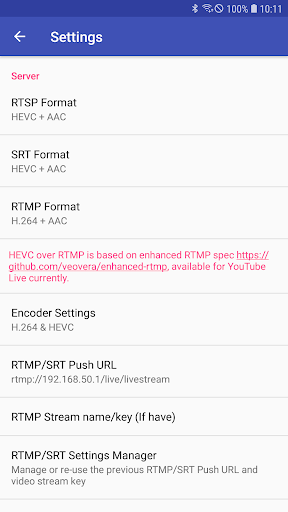
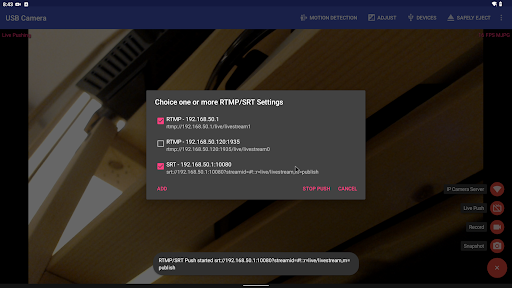
Another standout feature is its support for pushing video and audio streams to multiple RTMP/SRT live media servers simultaneously. With compatibility for rtmps security protocols and SRT protocol, users can broadcast high-quality streams securely. Additionally, the app supports HEVC/AV1 over RTMP, making it compatible with platforms like YouTube Live.
For users interested in immersive viewing experiences, USB Camera Pro supports Side by Side (SBS) views, which are compatible with FPV goggles. Moreover, the app facilitates seamless switching between foreground and background operations without interrupting recordings, ensuring uninterrupted capture regardless of multitasking needs.
User-friendly interface
Wide device compatibility
Advanced audio-video mixing
Secure live streaming options
Seamless multitasking support
Requires specific permissions
Limited third-party app integration
Some features need newer Android versions
May require additional hardware
Complex setup for beginners

Auto video maker with music & exclusive filters. Video editing made simple.
 4.50
4.50
Cast to Chromecast, Xbox, Fire Stick, Roku, DLNA, Smart TV & No Feature Limited!
4.50
Support 1000+ Video Format, Subtitle Download, mp3 & Background Play, Cast On TV
4.60
1)AirPlay/DLNA Mirroring/Streaming, up to 4 connections; 2)Samba/NAS/DMS Player.
4.00
Explore the largest library of free GIFs, Stickers & Memes - or create your own!
3.90
Video Downloader, Multiple Resolution Options, Video Player
4.50
Add date and time watermark to photos and videos
4.50
Flud is a simple and beautiful BitTorrent client for Android.
4.80
Enjoy your favorite videos and channels with the official YouTube app.
3.90
Download Hub, easy and private way to download and enjoy your videos offline
4.80
GENRAL PRO - General Pro is the best video player that fully supports all formats.
4.70
Fast & easy HD video downloader for all formats, support 4K playback & download.
4.60
Video Browser & Downloader X to play the sexy videos from any website.
4.40
Movie maker & video editing app with AI effects and green screen
4.30
Video Downloader is an utility that can save videos and music from web sites
4.20
Your media, on your terms.
4.10
Powerful, professional, versatile teleprompter. Developed by an active film crew
4.00
Live TV, anywhere in your home
3.80
Play and download HD videos from all sources — fast, simple, and all-in-one.
4.0


User Reveiws