

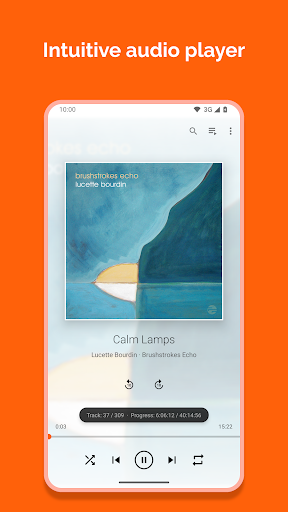

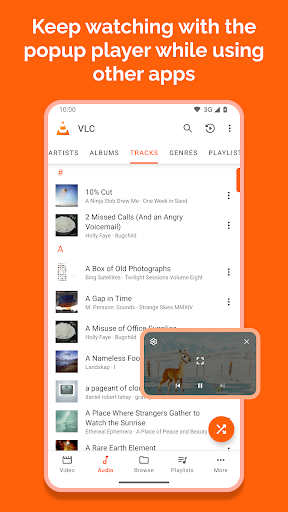
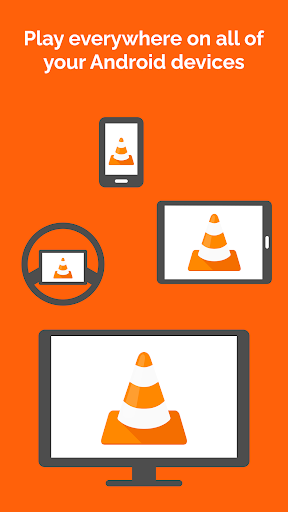
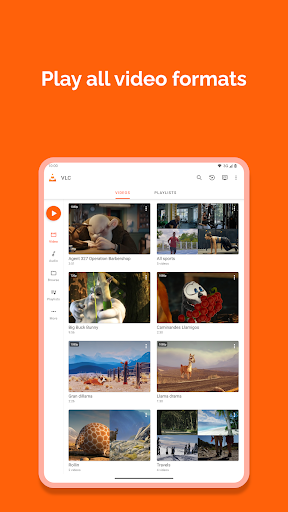
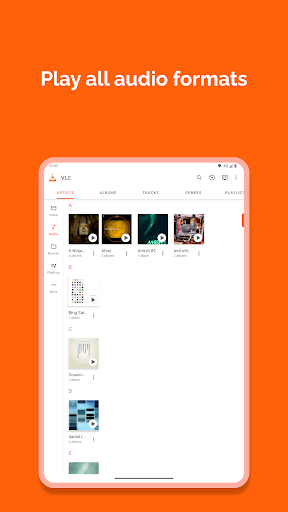
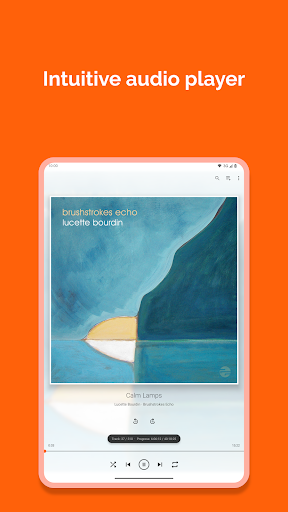

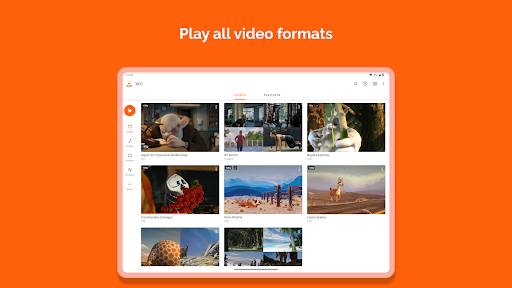
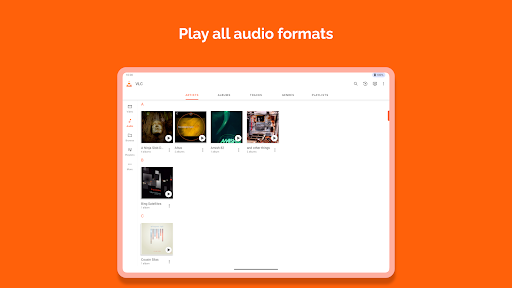
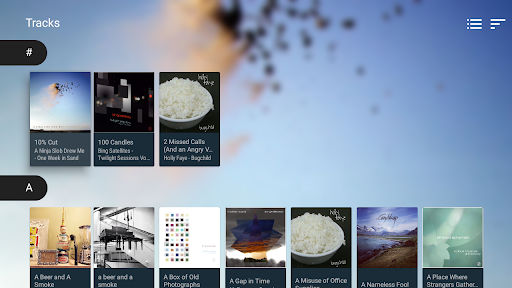
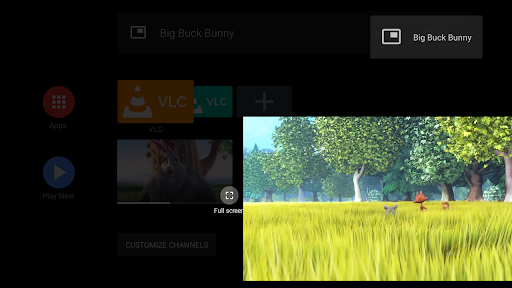
VLC for Android is a versatile media player that brings the renowned VLC experience to mobile devices. This free and open-source application supports an extensive range of video and audio formats, including network streams, DVD ISOs, and disk shares. With its comprehensive codec library, users can enjoy multimedia content without the need for additional downloads.
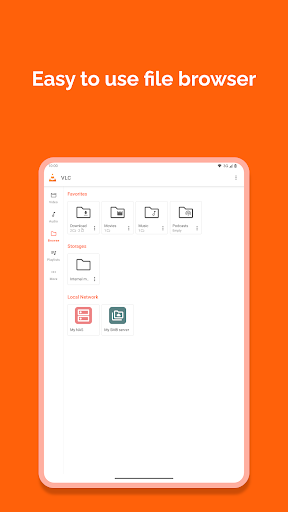
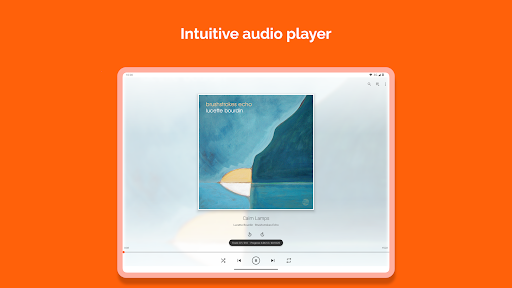
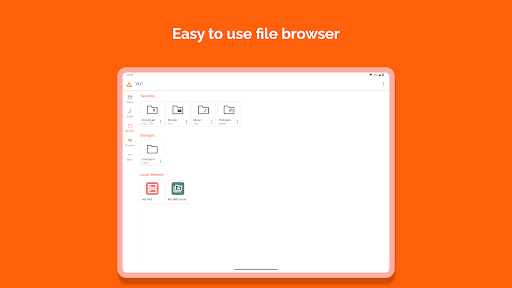
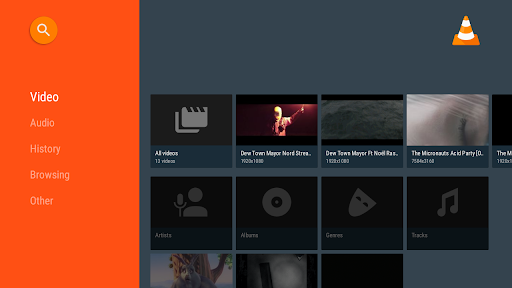
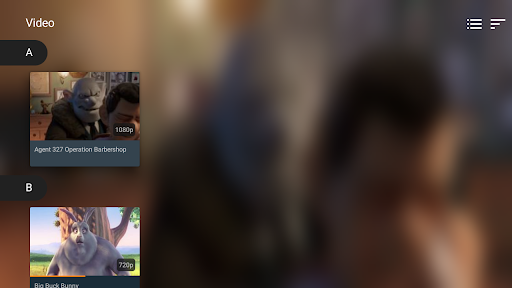
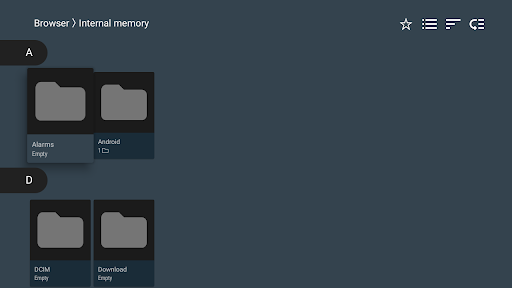
The app's robust feature set includes advanced playback controls, multi-track audio support, and subtitle compatibility. Its intuitive interface allows seamless navigation through local files and network shares, making it an ideal solution for both casual viewers and tech-savvy users who demand flexibility in their media consumption.
VLC for Android distinguishes itself through its comprehensive format support and sophisticated playback features. The application handles all major multimedia formats, including MKV, MP4, AVI, and FLAC, while maintaining perfect synchronization between audio and video streams. Its adaptive streaming capability ensures smooth playback even with variable network conditions.
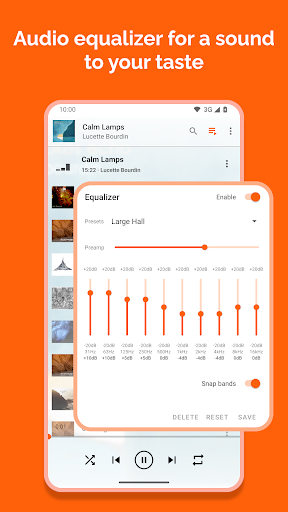
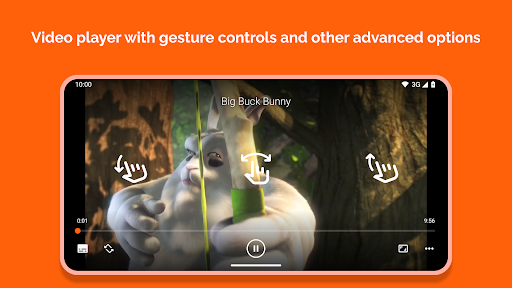
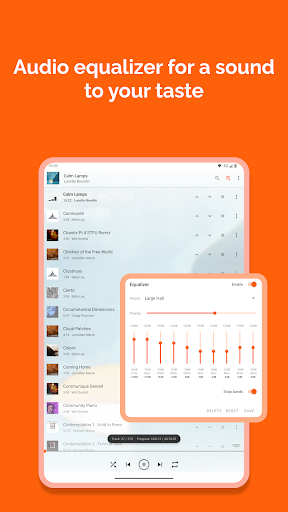
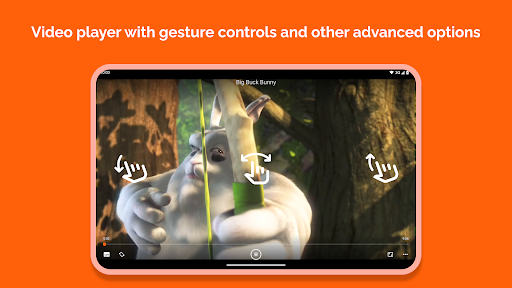
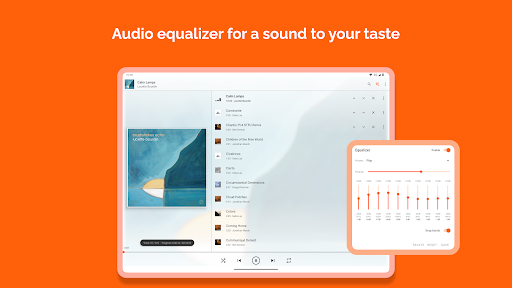
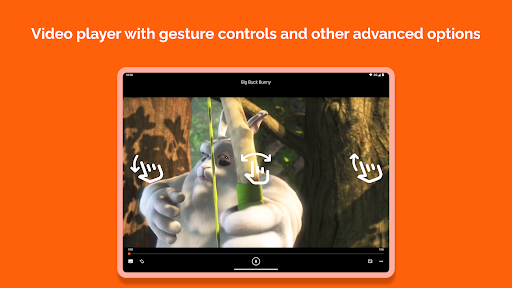
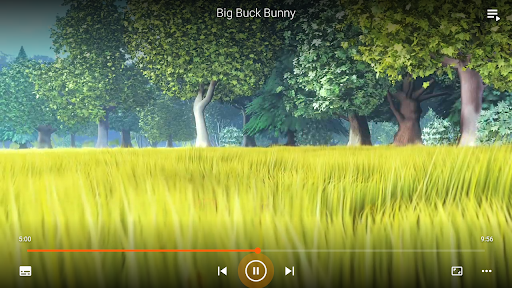
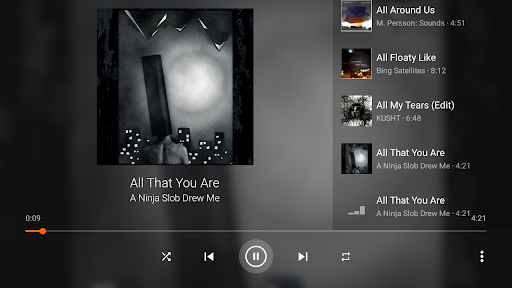
The player's advanced control features include gesture-based volume and brightness adjustment, aspect ratio customization, and precise seeking functionality. Users can benefit from the integrated equalizer and audio filters, creating personalized listening experiences. The application's widget system provides quick access to playback controls, while its support for external storage devices enables management of large media libraries directly from mobile devices.
User-friendly interface
Comprehensive format support
No ads or in-app purchases
Regular updates
Open-source development
Interface may feel complex
Occasional codec issues
Limited customer support
High battery usage
Large app size

Cast Videos from Web Browser, IPTV to Roku, Chromecast, DLNA, Smart TV +more
 4.60
4.60
HD video maker with no watermark, no ads & vlog maker with music, PIP, text
4.50
Stream high quality video from your camera over NDI protocol
4.1
Powerful HD video player with support for all formats & subtitles.
4.4
1)AirPlay/DLNA Mirroring/Streaming, up to 4 connections; 2)Samba/NAS/DMS Player.
4.00
Download videos easily & play them all in one smart, powerful video manager.
3.40
Fast & easy HD video downloader for all formats, support 4K playback & download.
4.60
Powerful Video Editor & Photo Editing App —— Quick Edits & Stunning Effects!
4.30
A Simple app to download Video & Music from the Internet.
4.70
#1 Torrent App on Android ** No Ads Ever + Battery Saver **
4.80
Download videos and play them offline
4.70
A Quick and Pro Video Editor
4.70
KineMaster, Your Ultimate Video Editor!
4.40
AirMirror Receiver - Screen mirroring/cast web videos to Android TV by AirPlay.
4.40
Browser for Samsung TV to stream webvideos, online movies and livestreams in HD
4.10
LumaFusion: The Ultimate Storytelling Experience for Video Editing
4.10
All format media Player, no need video converter any more!
4.00
Stream Web Videos to Chromecast, Samsung, LG, Sony, Roku, Fire TV, DLNA + more
4.00
Video player with powerful streaming playback and various convenient features.
2.10


User Reveiws