
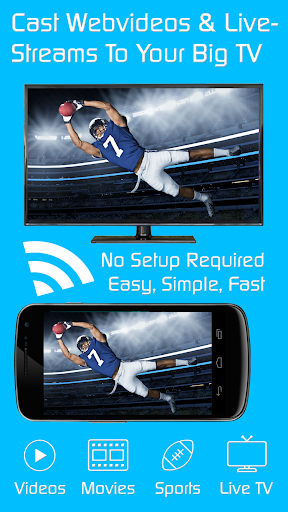

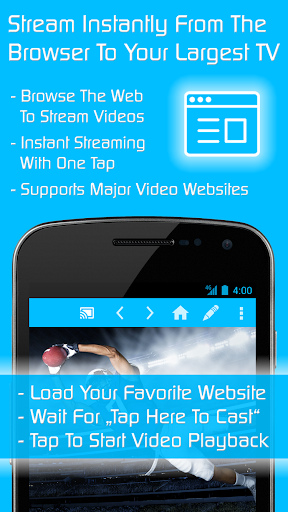
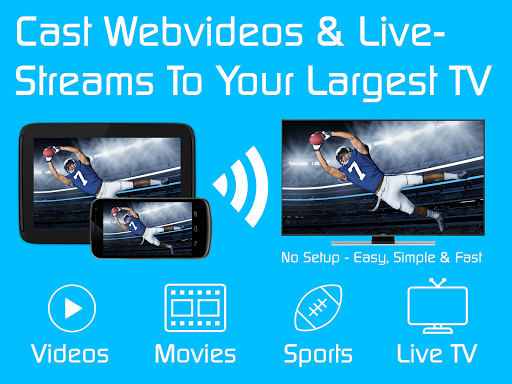
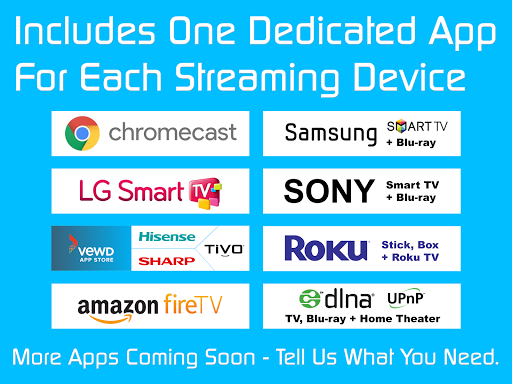
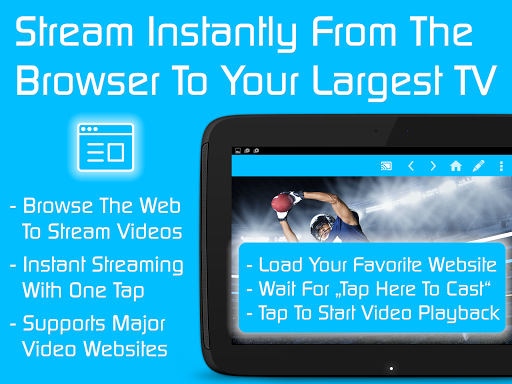
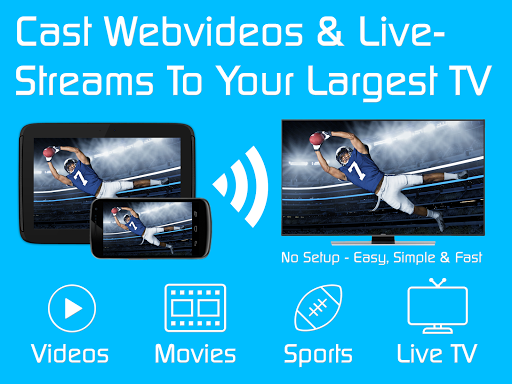
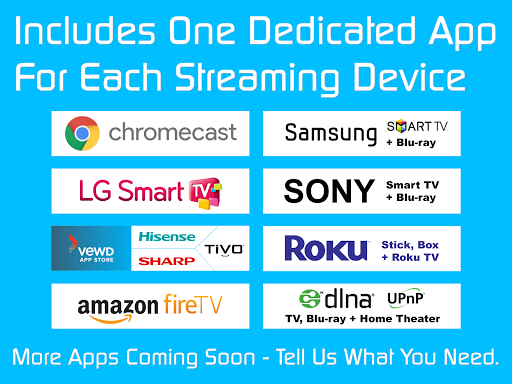
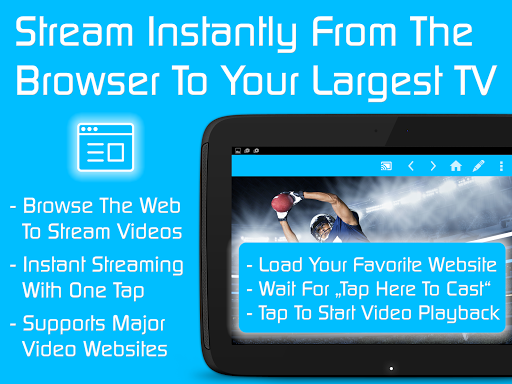
TV Cast is a versatile streaming browser app that allows users to stream and watch web videos, online movies, livestreams, and live TV shows on a variety of devices. Compatible with Chromecast, Samsung TV, LG TV, Sony TV, Hisense TV, Sharp TV, TiVo, Roku, Fire TV, DLNA, and Google Cast/Android TV-powered devices, it offers an all-in-one solution for media streaming needs. The Ultimate app serves as a license key that unlocks premium features in all free Video & TV Cast editions on your Android device.
The app's core functionality revolves around seamless streaming across multiple platforms. Users can enjoy an uninterrupted viewing experience by blocking ads and popups while accessing personalized features such as setting a homepage, enabling desktop mode, and managing unlimited bookmarks. With over 10 million users, TV Cast stands out as a comprehensive tool for enhancing the streaming experience on various smart TVs and media devices.
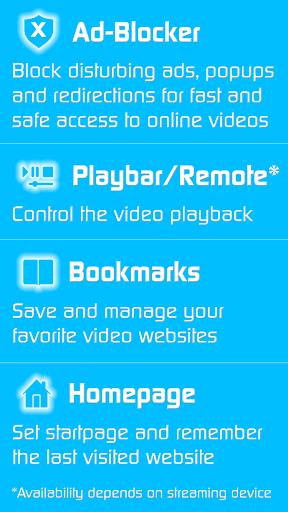
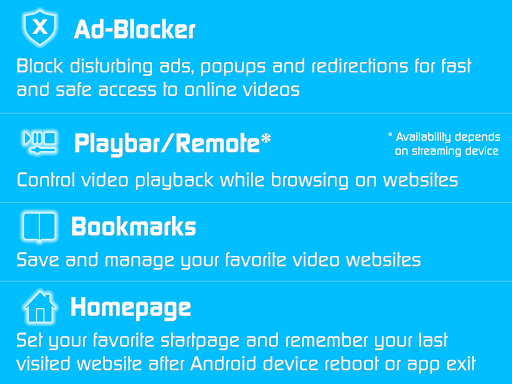
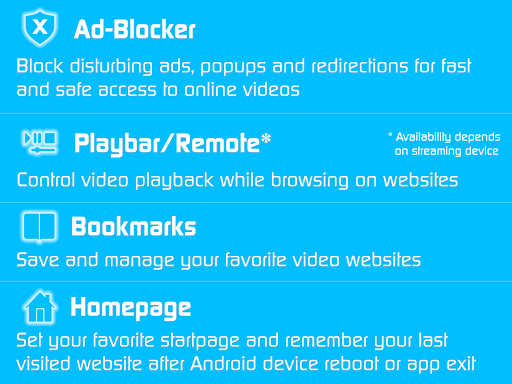
TV Cast boasts a rich set of features designed to elevate the streaming experience. One standout feature is the Ad-Blocker, which removes all advertisements, popups, and redirections from visited websites, ensuring a clean and focused viewing session. Additionally, the Playbar/Remote function enables users to fast forward, rewind, and scrub through videos directly from their browsing interface, depending on the capabilities of the streaming device.
Customization options are abundant with TV Cast. Users can change the homepage to a preferred website, enable desktop mode to access video links more effectively, and save unlimited bookmarks for easy access to favorite content. These features collectively provide a personalized and efficient streaming environment, making TV Cast a powerful tool for those looking to maximize their media consumption experience.
User-friendly interface
Wide device compatibility
Effective ad-blocking
Customizable homepage
Unlimited bookmarks
Premium requires constant app installation
Limited refund window
Device-dependent features
No standalone functionality
Internet dependency

You can play SWF format file!
 2.50
2.50
1)AirPlay/DLNA Mirroring/Streaming, up to 4 connections; 2)Samba/NAS/DMS Player.
4.00
Fast & easy HD video downloader for all formats, support 4K playback & download.
4.60
All in one HD video downloader & player for multiple formats with full privacy
4.70
Powerful Video Editor & Photo Editing App —— Quick Edits & Stunning Effects!
4.30
AI Video Editor:AI Music, Text to Video,Text to Speech,Auto Caption,Video Effect
4.00
Cast to Smart TV, Fire TV. Cast video, photo - Fast & Stable!
3.90
Browser + Remote for Roku to stream webvideos, online movies and livestreams
4.60
Capture the moment and Cut
3.40
Pro video editor app for Instagram, edit video with song, AI, effect & slowmo.
4.80
Seamlessly connect and control your smart devices, anytime, anywhere with ease.
4.60
Cast to Chromecast, Xbox, Fire Stick, Roku, DLNA, Smart TV & No Feature Limited!
4.50
Powerful, professional, versatile teleprompter. Developed by an active film crew
4.00
All format media Player, no need video converter any more!
4.00
Connect 2 UVC devices for recording and broadcast video/audio stream
3.90
Save photos and videos from social apps in one tap.
3.60
AirMirror is Receiver for Screen Mirroring and Casting from Apple Devices.
3.60
Client application for NextPVR software
3.00
Play and download HD videos from all sources — fast, simple, and all-in-one.
4.3


User Reveiws