Audible

4.60

Information

Category:

Android Wear

Price:

Free

Rank:

2

Rating:

4.60

Overview

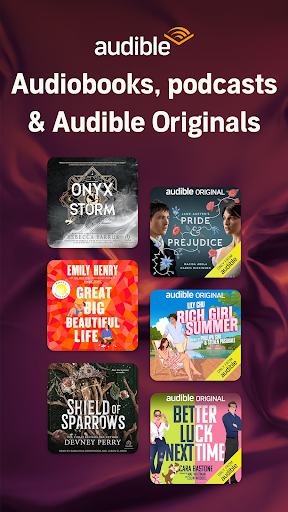
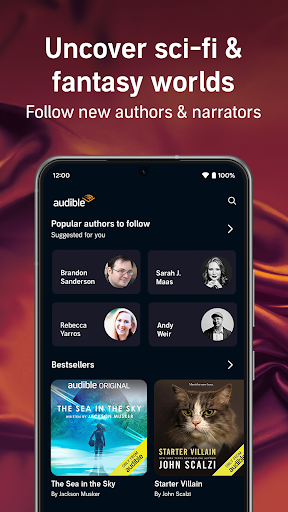
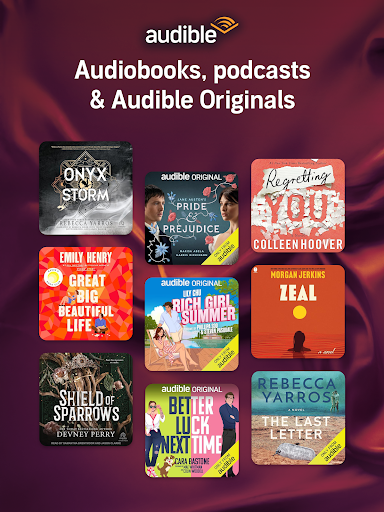
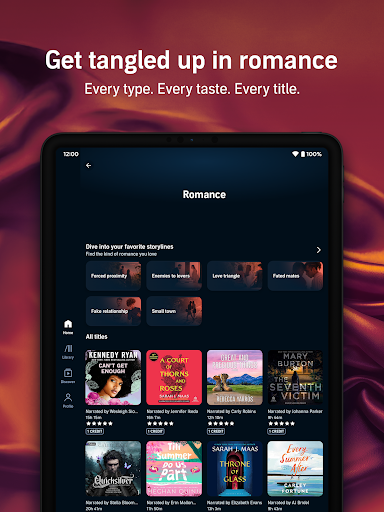
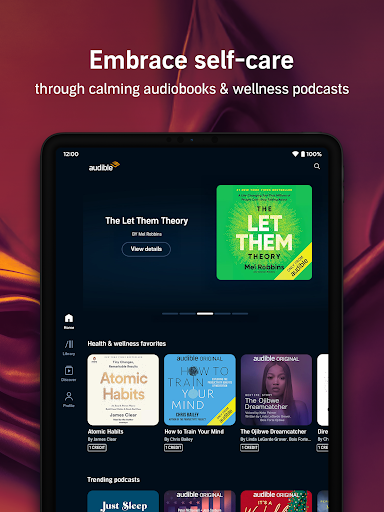
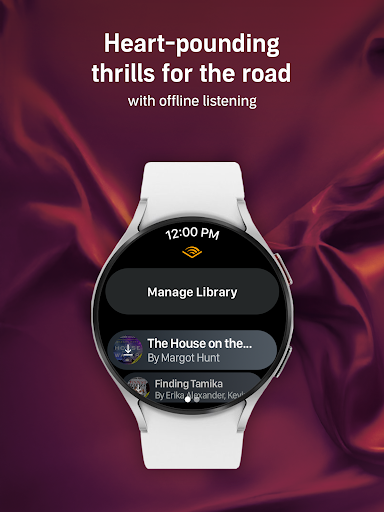
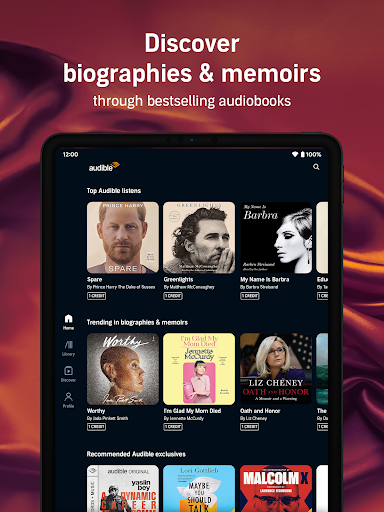
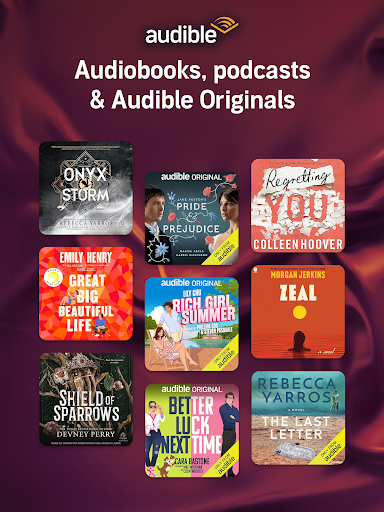
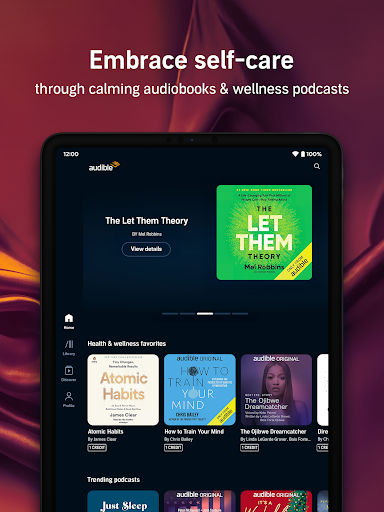
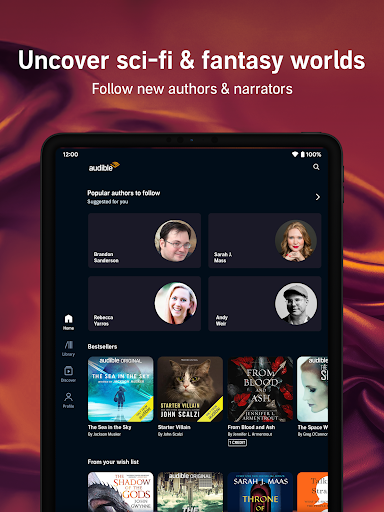
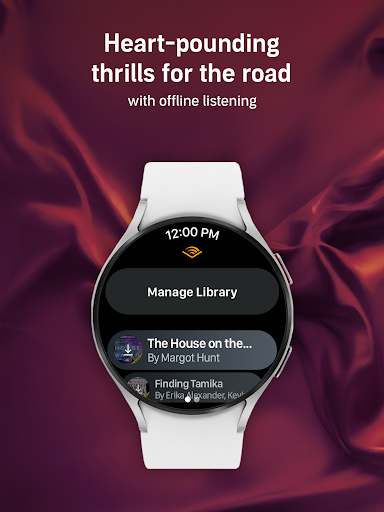
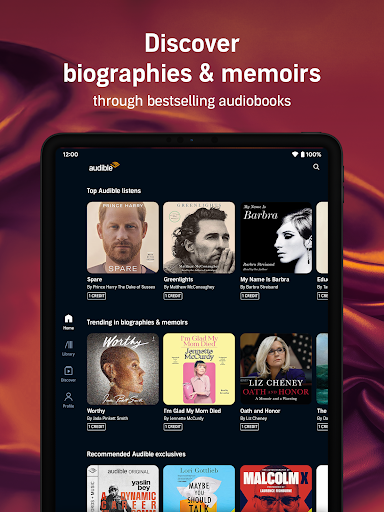
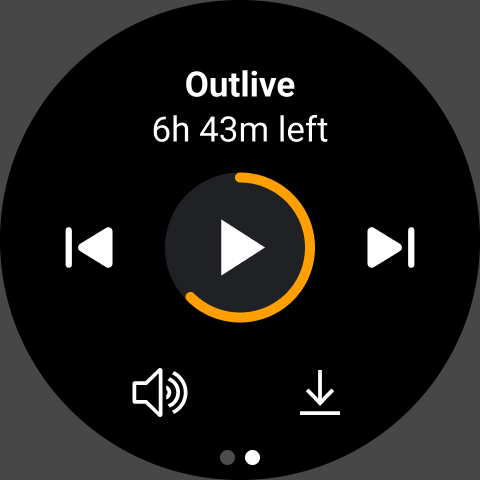
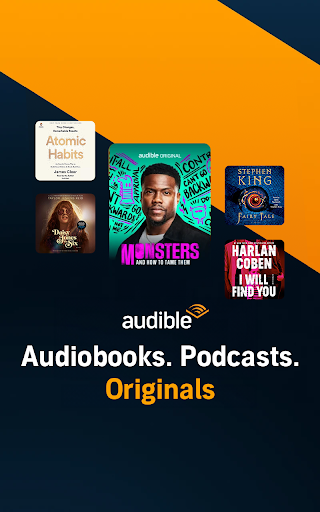
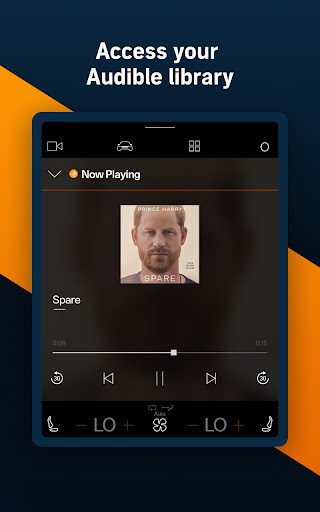
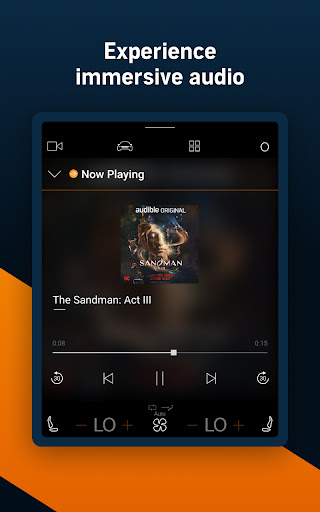
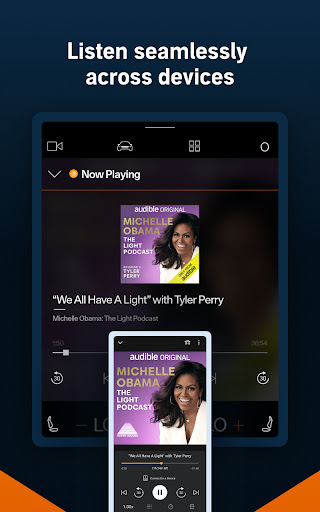
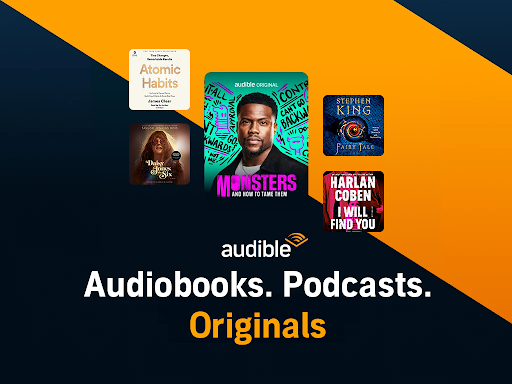
Audible is the premier destination for immersive audio content, offering a vast library of audiobooks, exclusive podcasts, and original programming. Designed for Android Wear, it allows users to stream or download titles for offline listening. Whether commuting, exercising, or relaxing at home, Audible ensures you're never without a captivating story.

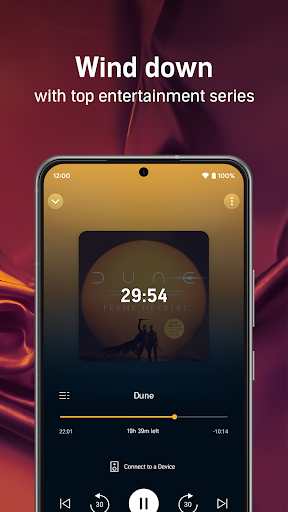
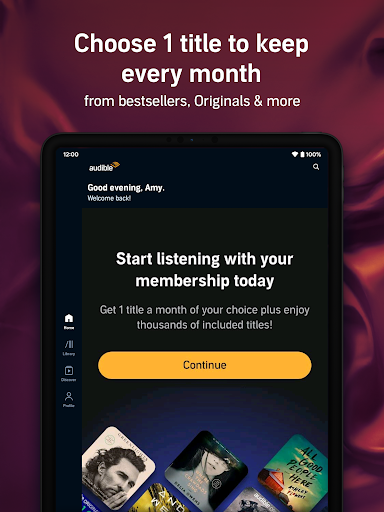
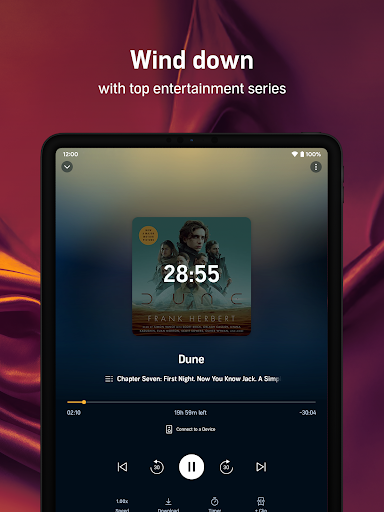
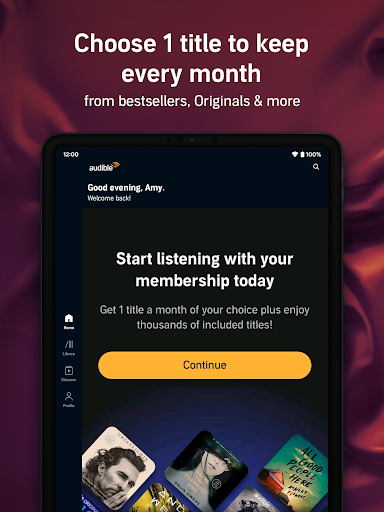
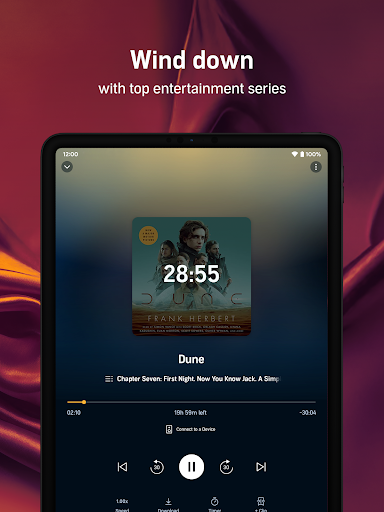
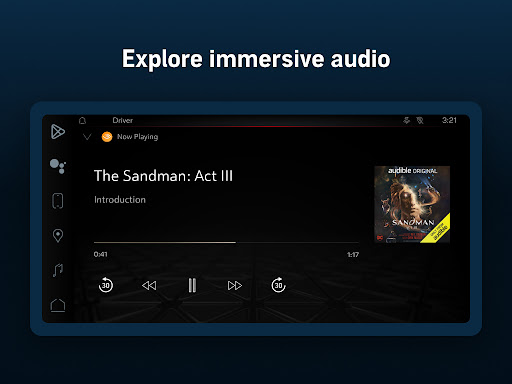
With features like adjustable narration speed, sleep timers, and Car Mode for hands-free playback, Audible enhances the listening experience across devices. The Plus Catalog grants access to thousands of titles, including bestsellers and Audible Originals. Premium Plus members enjoy monthly credits and permanent libraries, making it easy to build a personalized collection of favorites.

Features

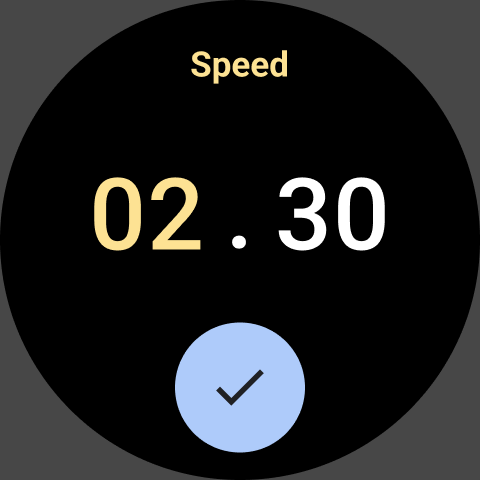
Audible stands out with its extensive catalog of audiobooks, podcasts, and exclusive originals tailored for Android Wear. Users can download content for offline playback, adjust narration speeds up to 3.5x, and utilize Car Mode for seamless listening on the go. The app also supports syncing between Kindle and mobile devices, enabling a versatile reading and listening experience.

Additional features include customizable playlists, bookmarking tools, and a sleep timer for bedtime listening. Audible's membership plans cater to diverse needs, offering free trials, monthly credits, and discounted cash purchases. With Kids Profiles, families can access child-friendly content, while integration with Alexa-enabled devices ensures effortless voice control and connectivity.

Companion app integration

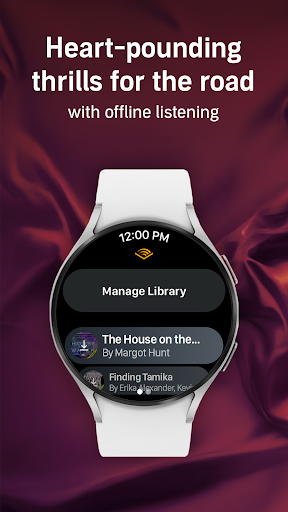
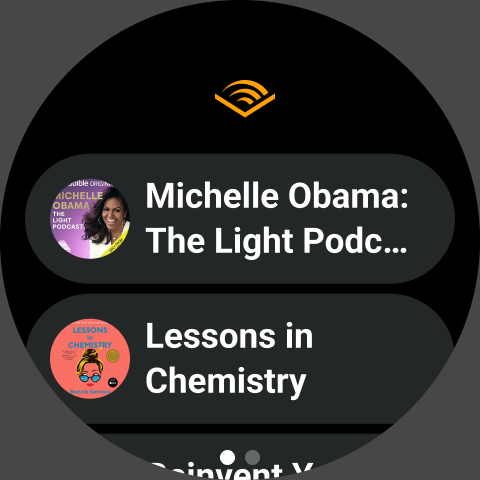
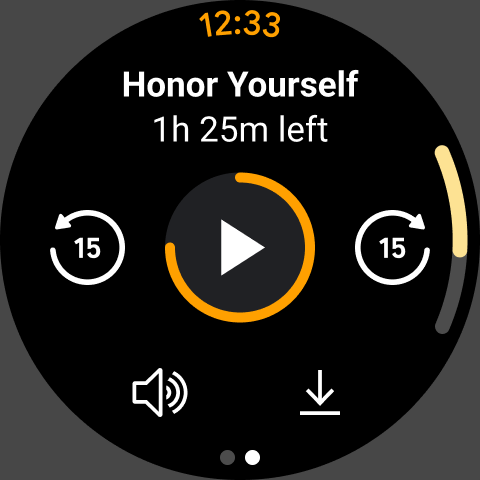
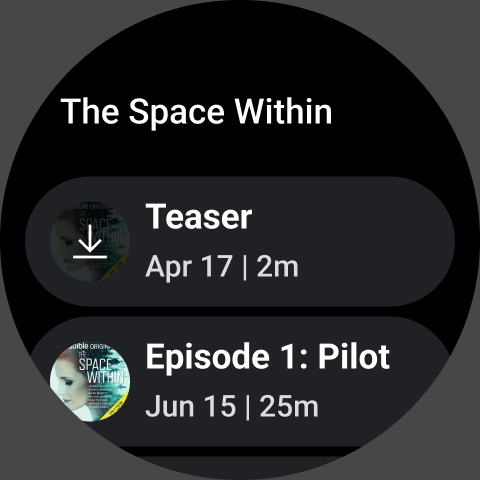
Companion app integration refers to the seamless connection and synchronization between a wearable device application and its corresponding mobile or web application. This feature is crucial for users who rely on their smartwatches or other wearables for quick access to information without needing to pull out their smartphones. For Audible, companion app integration ensures that users can easily manage their audiobooks and podcasts directly from their Android Wear devices while maintaining all essential functionalities available on the main app. The Audible app achieves this by allowing users to control playback, browse titles, and even download content for offline listening directly from their wearable devices. This means you can start listening to an audiobook on your phone during your commute and then continue right where you left off using your smartwatch when you go for a walk. The benefits of such integration are manifold. Firstly, it provides convenience as users do not need to carry multiple devices or constantly switch between them. Secondly, it enhances user experience by offering a consistent interface across different platforms which makes navigation intuitive and learning how to use the app easier. Lastly, it increases engagement since users have more touchpoints with the service throughout their day regardless of what device they happen to be interacting with at any given moment. Overall, companion app integration in Audible empowers listeners by giving them flexibility and control over how they consume audio content whether they're commuting working out or relaxing at home.

Wear OS/device compatibility

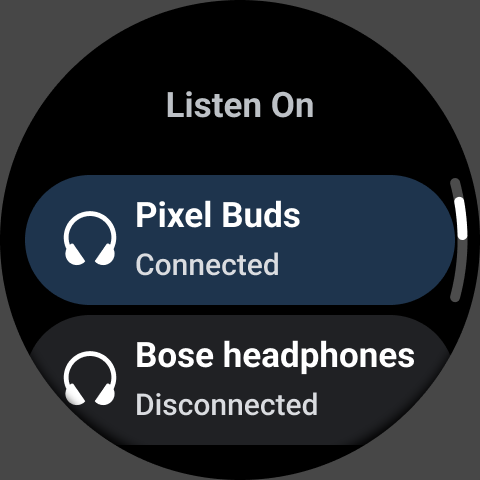
Wear OS/device compatibility pertains to the ability of an application to function properly across various devices running on the Wear OS platform. Ensuring broad compatibility is vital because it allows the largest possible audience to access and enjoy the app's features without encountering technical issues related to hardware or software differences. In the case of Audible, robust Wear OS/device compatibility means that whether you own a Fossil Gen 5 Smartwatch or a Samsung Galaxy Watch Active2 both powered by Wear OS you will receive a smooth and optimized listening experience tailored specifically for smaller screens and touch-based interactions typical of wearable technology. To accomplish this level of compatibility Audible has designed its wearable app version considering factors like varying screen sizes battery life constraints input methods and connectivity options inherent to different models within the Wear OS ecosystem. As a result users benefit from streamlined interfaces that prioritize key actions such as play pause skip chapters adjust volume set sleep timers among others all accessible via simple taps swipes or voice commands depending on individual preferences and situational needs. Moreover maintaining high standards of device compatibility also implies regular updates addressing bugs improving performance introducing new features based on evolving user feedback thus ensuring long-term satisfaction retention among subscribers who depend upon uninterrupted access to their favorite audiobooks podcasts regardless of whichever Wear OS gadget they choose to wear today tomorrow or years down the line.

Props

User-friendly interface

Extensive audiobook library

Offline listening support

Customizable playback options

Premium member benefits

Cons

Subscription fees required

Limited free content

Occasional sync issues

High storage usage

Complex pricing tiers

Features and Functions

What is this app and what can I use it for?

Audible offers a vast library of audiobooks and podcasts for immersive storytelling.

How do I download and install this app on my device?

Visit Google Play Store, search for Audible, and tap Install to download.

How do I get started after opening the app for the first time?

Sign in with your Amazon account and explore the home screen for recommendations.

What are the main features and capabilities of this app?

Key features include offline downloads, adjustable speed, and Car Mode for hands-free use.

How can I customize my experience and adjust preferences?

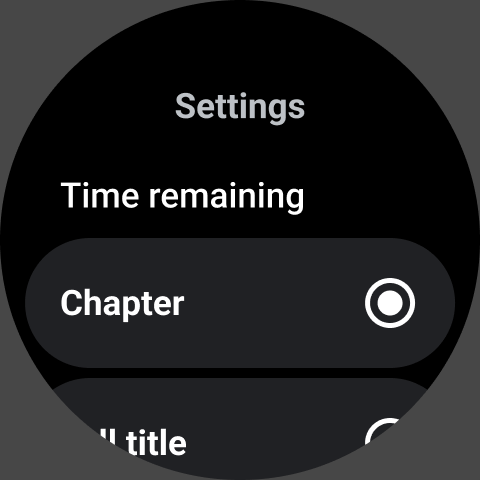
Adjust preferences like playback speed and sleep timer in Settings for a tailored experience.

How do I save or bookmark my favorite content for later access?

Use bookmarks to save favorite sections or titles for future reference within the app.

How can I share content with friends or on social media?

Tap Share to post content links directly to social media platforms or messaging apps.

How do I access detailed information and explore more content?

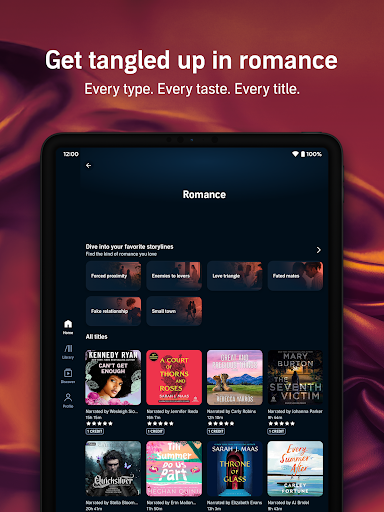
Browse detailed categories or use Search to discover more titles and exclusive originals.

What permissions does this app need and how do I manage them?

The app requires storage and audio permissions; manage these in device settings.

How do I check for updates and keep the app running smoothly?

Check Google Play Store regularly for updates to ensure smooth performance.
Show more

User Reveiws

{{ comment.reviewer_name }}
{{ comment.review_date_formatted}}
{{ comment.review_content }}
{{ tab.name }}
{{ comment.reviewer_name }}
{{ comment.review_date_formatted}}
{{ comment.review_content }}
No reviews with this rating