
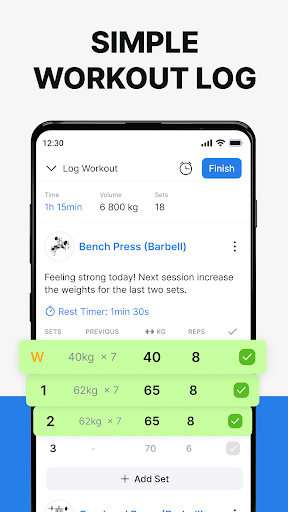

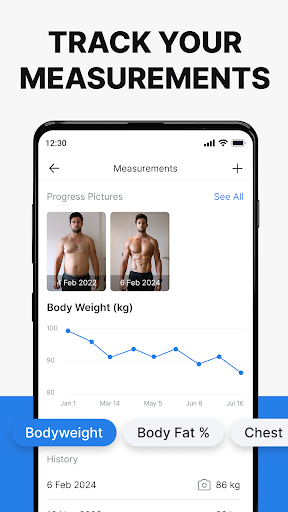
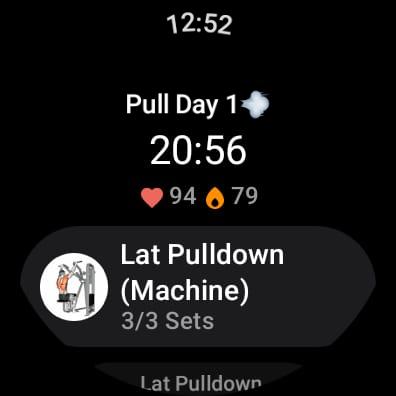
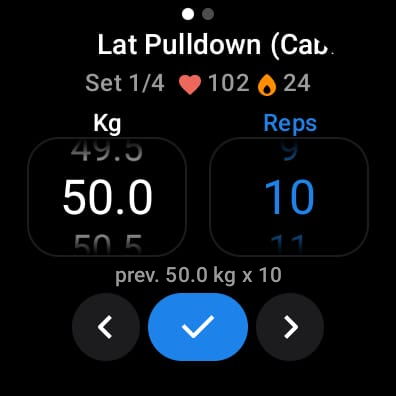
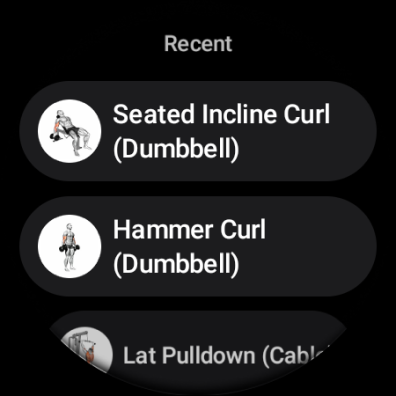
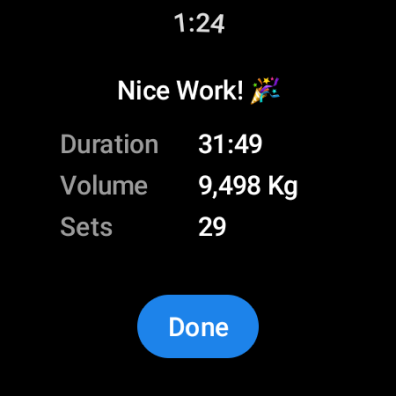
Hevy - Gym Log Workout Tracker is a comprehensive fitness application designed specifically for Android Wear users. This app allows you to log your workouts with ease, providing an intuitive interface that makes tracking your lifts straightforward and efficient. With features like the advanced routine planner, you can meticulously plan your gym sessions and stay on top of your training schedule using the integrated calendar.
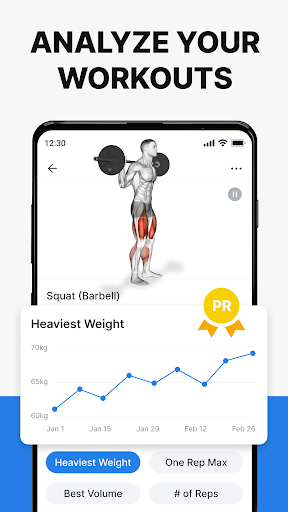
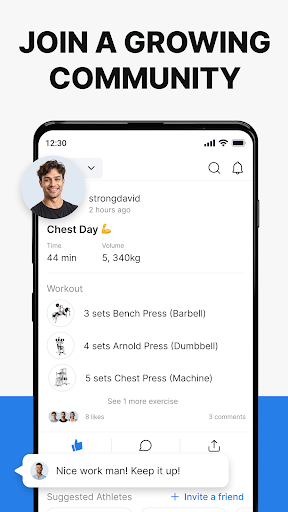
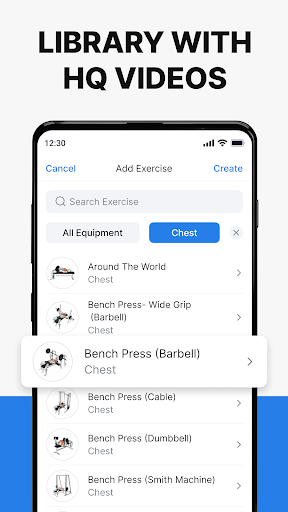
One of the standout features of Hevy is its ability to provide extensive statistics and analytics. You can analyze your gym sessions in detail with muscle group graphs, calculate your One Rep Max, and track the progression of your lifts with beautiful full-screen graphs. The app also supports creating an unlimited number of routines and copying your friends' workouts, which fosters a sense of community among athletes. Additionally, it offers hundreds of exercises with high-quality videos to help you focus on your form, making it suitable for various training types including weightlifting, powerlifting, and bodybuilding.
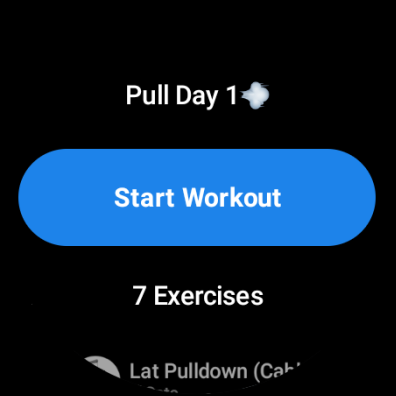
Whether you're aiming to increase your strength, lose weight, or improve overall fitness, Hevy helps you stay on track with its gym planner. Its compatibility with Wear OS watches enhances your experience by allowing you to track workouts on your watch, sync live with your phone, and monitor your heart rate during sessions. By joining Hevy, you become part of a growing community of athletes dedicated to achieving their fitness goals.
Hevy - Gym Log Workout Tracker stands out due to its rich feature set tailored for fitness enthusiasts. The app provides an intuitive and simple-to-use interface for tracking your lifts, complemented by an advanced routine planner that lets you design and log your routines effectively. The calendar feature ensures you never miss a workout by keeping you aligned with your training schedule.
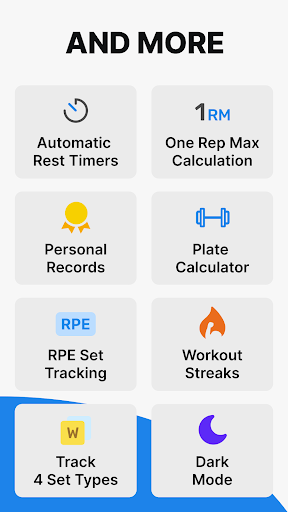
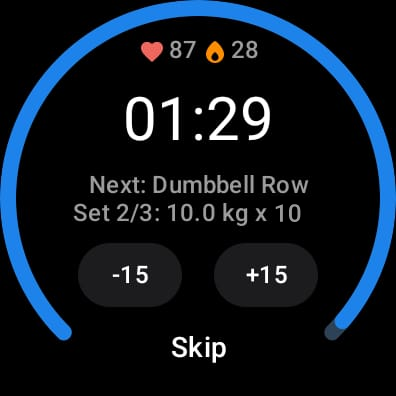
Hevy offers hundreds of exercises complete with free high-quality videos, enabling you to maintain proper form during workouts. You can follow your friends' progress, copy their routines, and even create custom exercises tailored to your needs. The app allows you to mark sets as Warmup, Normal, Drop sets, Failure, and Supersets, and customize automatic rest timers to suit your workout style. Detailed analytics are available through muscle group graphs, calculation of One Rep Max, and full-screen graphs showing volume, best weight, and total reps.
For users with Wear OS watches, Hevy extends its functionality by allowing easy tracking of workouts directly on your watch. It supports live syncing with your phone, provides helpful timers for duration exercises, and tracks your heart rate during workouts. These features collectively ensure that Hevy is not just a workout tracker but a complete fitness companion that adapts to various training regimens and personal preferences.
User-friendly interface
Extensive exercise library
Advanced analytics
Community features
Wear OS integration
Limited third-party integrations
No built-in nutrition tracker
Premium features require subscription
Occasional syncing issues
Interface can be complex for beginners

Wear Os Watch Face - Animated Snow - Sesonal for Christmas & Winter
 4.0
4.0
Precision analog watch face with 7 complications and style options
4.1
To-Do List: daily schedule planner, task organizer, to do reminder app, calendar
4.60
Bold weather Digital watchface with forecast & optional animated background
4.40
Hybrid Vibrant Health Watch Face for Wear OS
4.3
Simple, helpful messaging by Google
4.60
Back up your contacts & access them anywhere
4.30
From periods to pregnancy & perimenopause, Flo helps you track it all. Try now.
4.70
Download full tracks, listen to music offline, make unlimited playlists.
4.80
Beautiful, colorful and practical watch face. For Wear OS devices.
5.00
Digital, flexibly customizable watch face. For Wear OS 5.0, API 34+ and later.
5.00
Real-time results, stats, schedules and player profiles for all leagues
4.60
Ideal for surviving in the wasteland left after nuclear fallout
4.50
Connect to your Bluelink equipped Hyundai vehicle from your smartphone.
4.50
Fast and smart typing with Emojis, GIFs, and more
4.50
Digital watch face. For Wear OS devices.
4.40
Viewer for Wyze/Yi/Eufy/Arlo/ONVIF/RTSP/P2P IP cams w/ adv. features & DIY DVR
4.00
Christmas and New Year - Themed Watchface
4.4
Contemporary digital watch face with five complications
4.3


User Reveiws