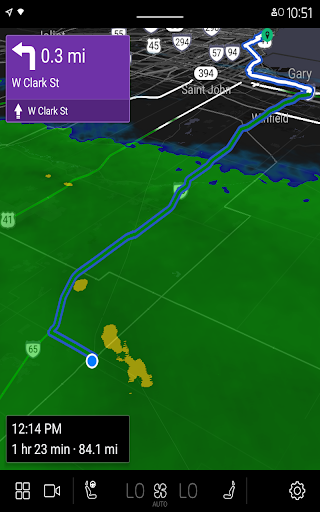
MyRadar Weather Radar

4.80

Information

Category:

Android Wear

Price:

Free

Rank:

27

Rating:

4.80

Overview

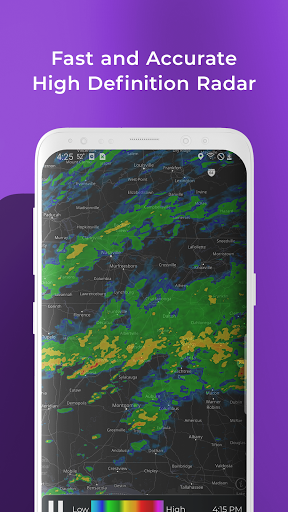
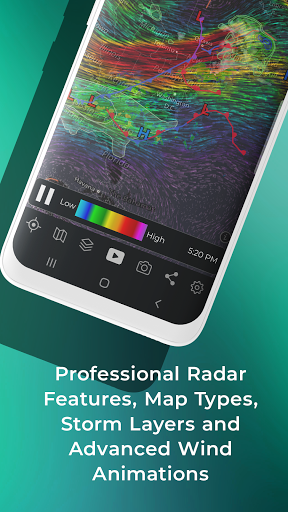
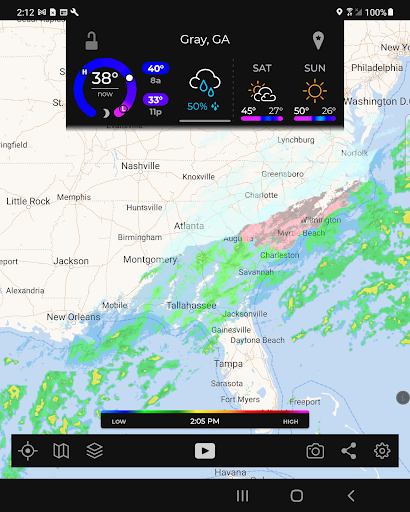
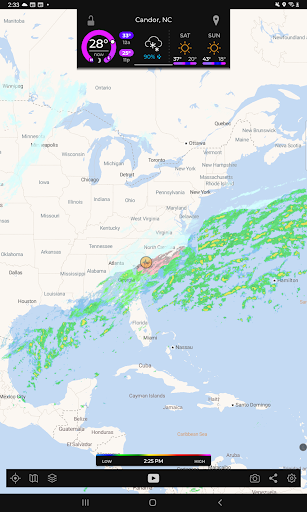
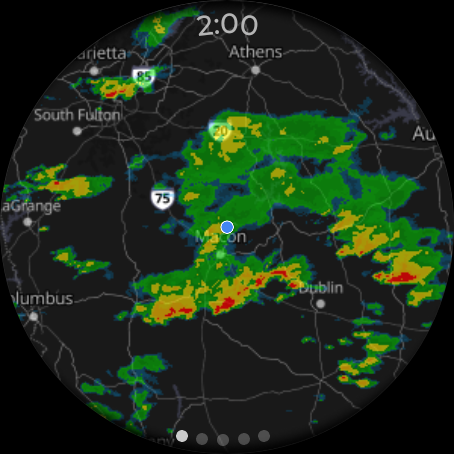
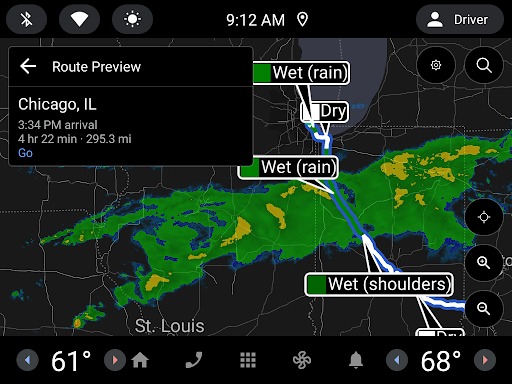
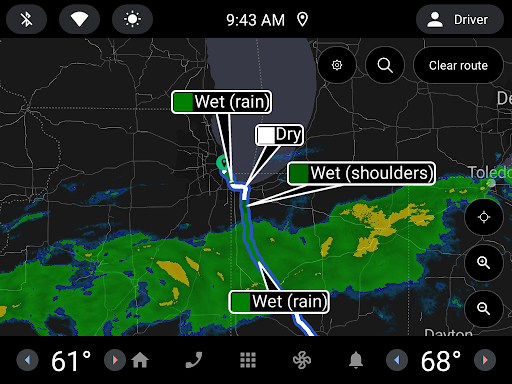
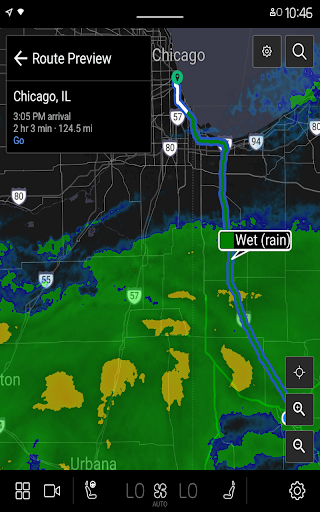
MyRadar Weather Radar is a powerful weather app designed specifically for Android Wear devices. The app's core functionality revolves around providing animated weather radar images based on your current location, allowing users to quickly assess incoming weather conditions. With radar loops of up to two hours, it offers an instant snapshot of the weather that could impact your day.

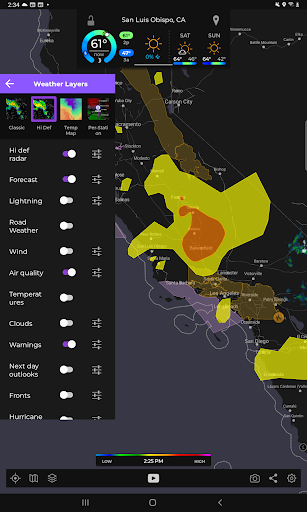
Beyond basic radar, MyRadar includes advanced data layers such as animated wind patterns, earthquake activity, hurricane tracking, and wildfire updates. These features make it especially useful for users who need real-time environmental alerts while on-the-go. Whether you're monitoring storm systems or staying updated on seismic activities, MyRadar provides valuable information tailored to both casual users and weather enthusiasts.

Features

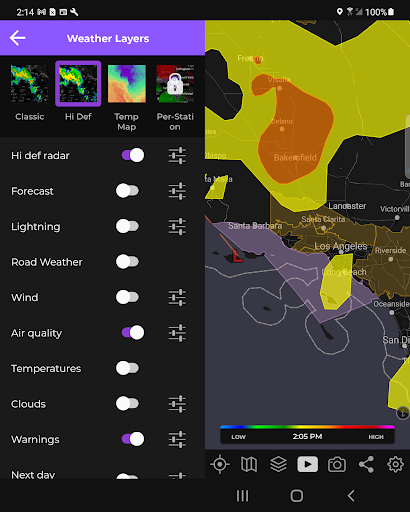
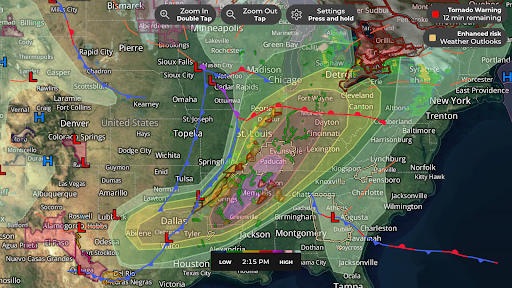
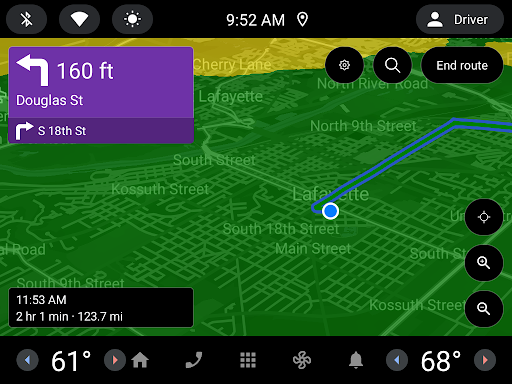
One of MyRadar's standout features is its ability to overlay various weather-related data layers on top of interactive maps. For instance, the animated winds layer visually represents surface and jetstream winds, while the frontal boundaries layer highlights high and low-pressure systems. Additionally, specialized layers like hurricane tracking and wildfire updates provide critical information during emergencies.

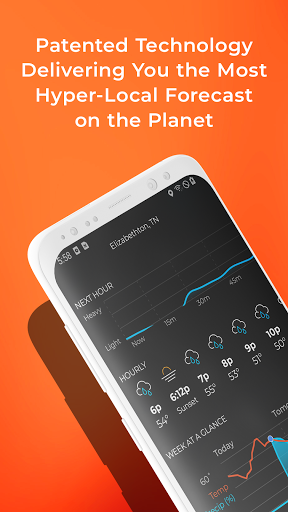
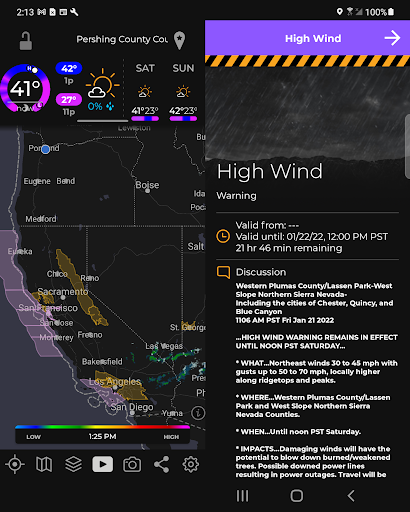
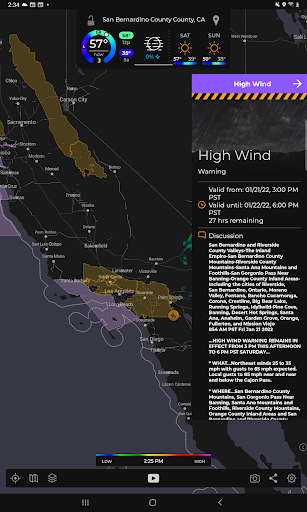
The app also excels in alert notifications. It sends advanced rain alerts using a patent-pending process that predicts hyper-local rainfall with industry-leading accuracy. Users receive alerts up to an hour in advance, complete with details on intensity and duration. Furthermore, the premium version unlocks professional radar packs and real-time hurricane tracking, offering deeper insights into storm formations and forecast probabilities.

Companion app integration

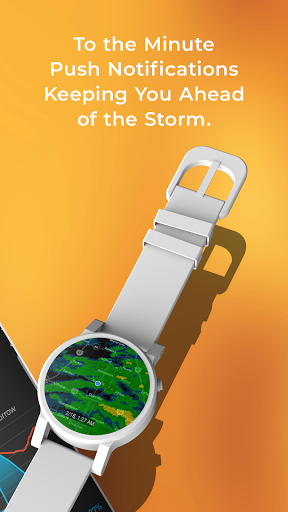
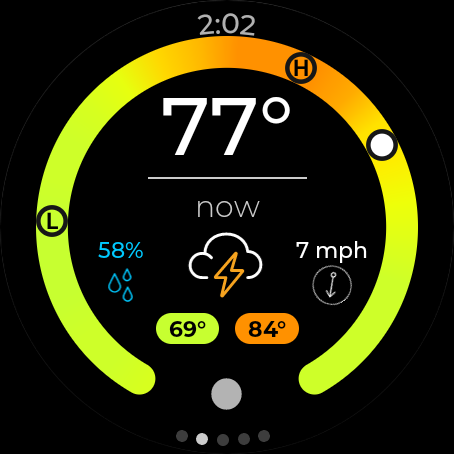
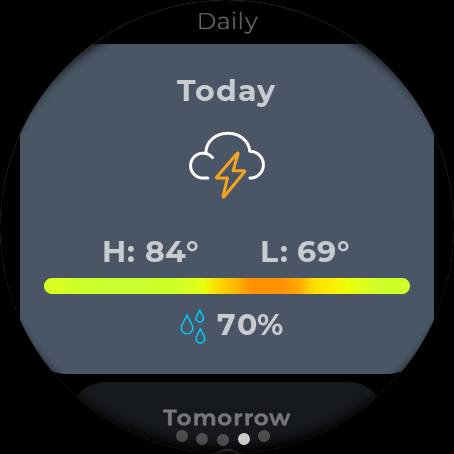
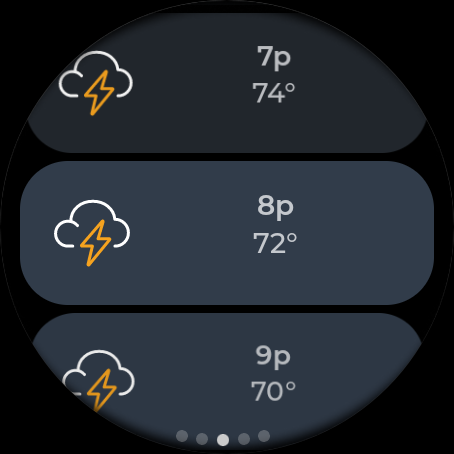
Companion app integration refers to the seamless connection and data sharing between a primary application and its wearable counterpart which ensures users receive consistent and up-to-date information across all their devices In the case of MyRadar Weather Radar this functionality is crucial for users who wish to access weather updates on their Wear OS devices without needing to reach for their smartphones The MyRadar app achieves this by providing dedicated tiles for both radar and current conditions specifically designed for smartwatches This means that whether you are jogging outdoors or attending an outdoor event you can quickly glance at your wrist to get instant weather updates The synchronization between the mobile app and the Wear OS version ensures that any preferences or alerts set in the main app are reflected on the wearable device For instance if you have configured advanced rain alerts to notify you when rain is approaching these notifications will also appear on your smartwatch This level of integration not only enhances user convenience but also ensures that critical weather information is accessible at all times regardless of whether you have your phone handy or not Furthermore the ability to view radar images and current weather conditions directly on your watch face adds a layer of practicality making it easier than ever to stay informed about changing weather patterns without interrupting your activities

Wear OS/device compatibility

Wear OS device compatibility is essential for ensuring that applications like MyRadar Weather Radar function optimally across a range of wearable devices When we discuss compatibility we refer to how well the app integrates with the operating system hardware capabilities and unique features of Wear OS devices MyRadar has been developed with careful attention to these aspects offering specialized functionalities tailored for smartwatches For example the app provides custom tiles that display radar images and current weather conditions These tiles are designed to leverage the small screen real estate of Wear OS devices effectively presenting vital information in a clear and concise manner Additionally MyRadar supports interactive features such as swipe gestures allowing users to navigate through different weather layers directly from their watch face This interaction model aligns with the intuitive controls expected on wearable technology enhancing the overall user experience Moreover the app's performance is optimized for various Wear OS devices ensuring smooth operation even on models with limited processing power Memory management and battery consumption are carefully balanced so that using MyRadar does not significantly impact the deviceu2019s performance or battery life Compatibility extends beyond mere functionality it encompasses the entire user experience from installation to daily use By ensuring broad compatibility with different Wear OS devices MyRadar allows a wide array of users to benefit from its advanced weather tracking features regardless of their specific smartwatch model This inclusivity strengthens the appu2019s appeal making it a reliable choice for anyone seeking comprehensive weather updates on their wearable device

Props

Fast and easy-to-use interface

Accurate hyper-local rain alerts

Wide range of customizable data layers

Real-time environmental alerts

Premium upgrade enhances functionality

Cons

Some features locked behind paywall

Advanced tools may overwhelm beginners

Occasional GPS location issues

Heavy battery consumption

Interface can feel cluttered

Features and Functions

What is this app and what can I use it for?

A weather app offering live radar and customizable alerts.

How do I download and install this app on my device?

Search 'MyRadar' in Google Play Store, tap Install, then Open.

How do I get started after opening the app for the first time?

Grant location access and view the default radar display.

What are the main features and capabilities of this app?

Live radar, data overlays, advanced alerts, and more.

How can I customize my experience and adjust preferences?

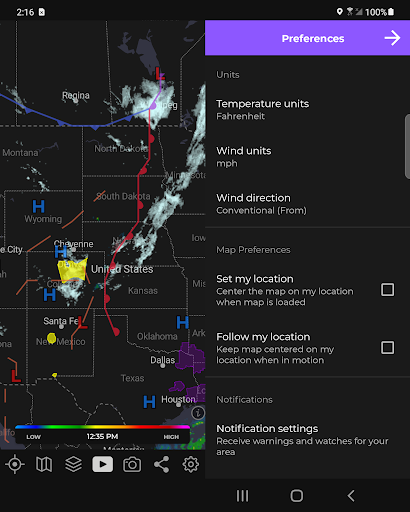
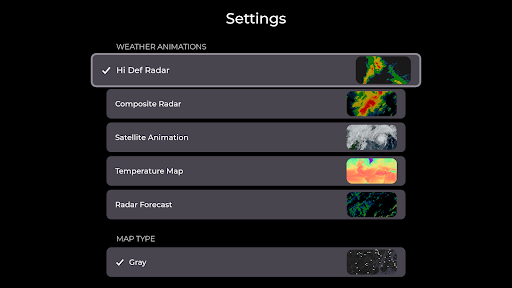
Adjust settings via the menu to customize map layers.

How do I save or bookmark my favorite content for later access?

Use Favorites feature to save preferred locations.

How can I share content with friends or on social media?

Tap Share button to post radar images on social media.

How do I access detailed information and explore more content?

Zoom/pan map or select specific radar stations for details.

What permissions does this app need and how do I manage them?

Requires location permissions; manage under Settings.

How do I check for updates and keep the app running smoothly?

Enable auto-updates in Google Play Store settings.
Show more

User Reveiws

{{ comment.reviewer_name }}
{{ comment.review_date_formatted}}
{{ comment.review_content }}
{{ tab.name }}
{{ comment.reviewer_name }}
{{ comment.review_date_formatted}}
{{ comment.review_content }}
No reviews with this rating