ReS71 - Northern Christmas

4.2

Information

Category:

Android Wear

Price:

$ 1.49

Rank:

56

Rating:

4.2

Overview

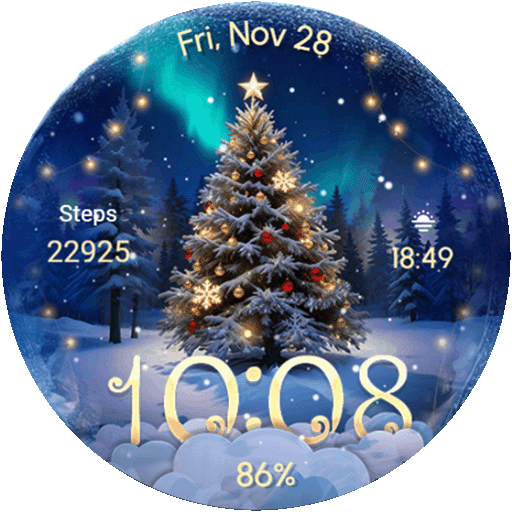
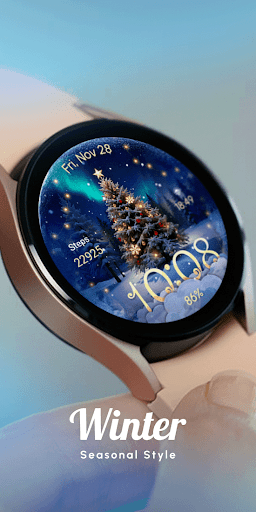
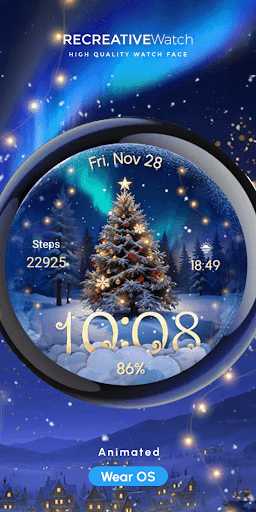
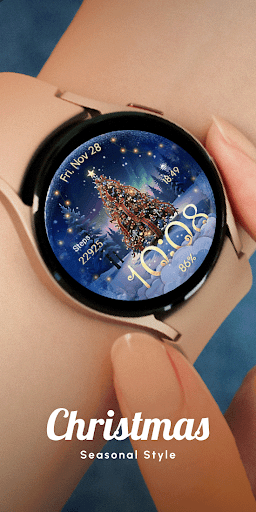
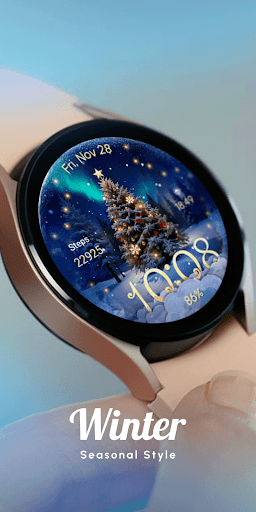
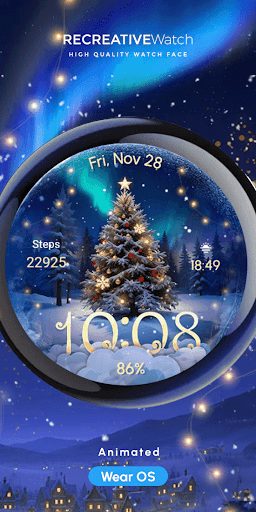
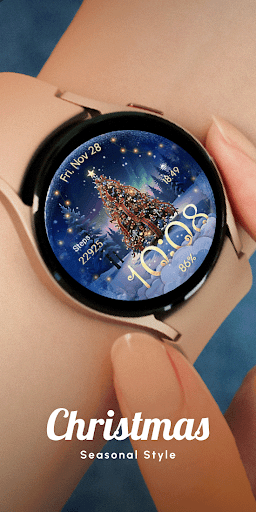
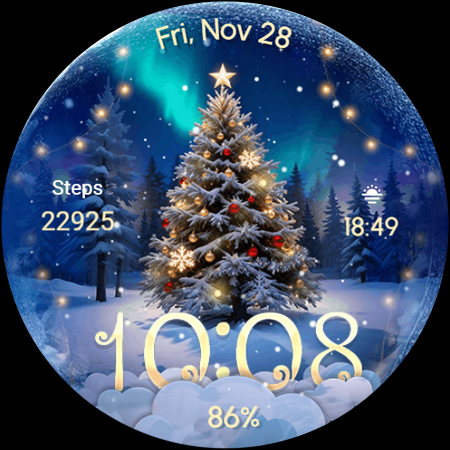
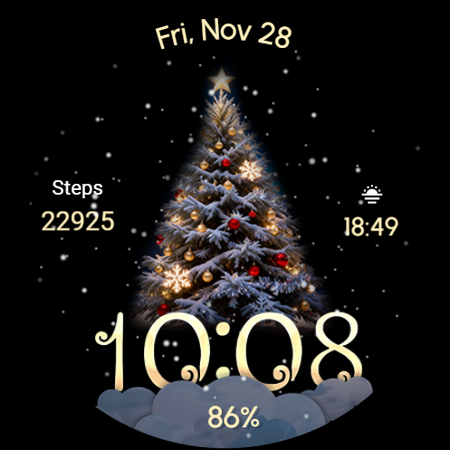
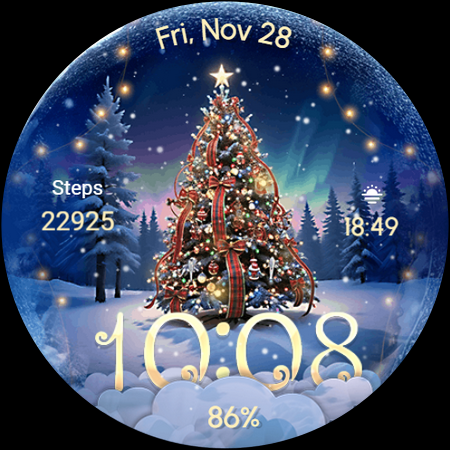
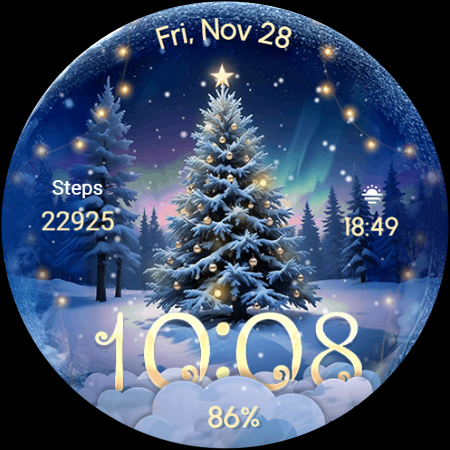
ReS71 - Northern Christmas is a captivating Wear OS watch face that brings the magic of the holiday season to your smartwatch. Featuring an enchanting Christmas tree at the North Pole, this app creates a festive atmosphere with animated holiday lights and a serene snow effect. Designed specifically for wearable devices, it offers users a unique way to celebrate the season right on their wrists.

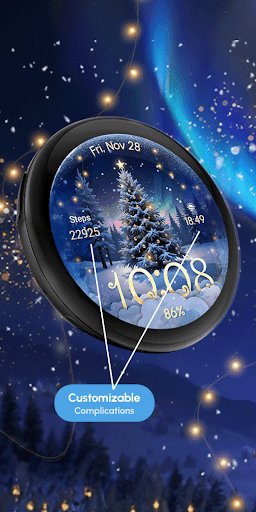
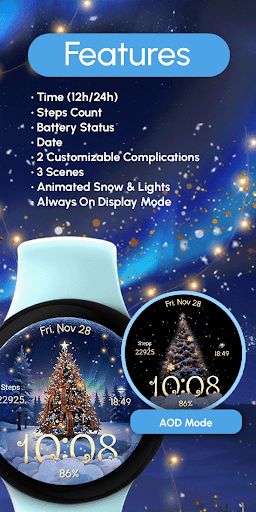
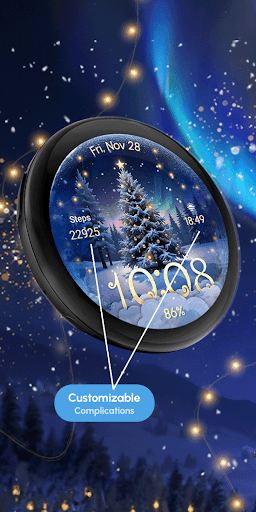
The watch face provides essential functionalities including 12/24hr digital time display, date, battery status, and two customizable complications. With three distinct scenes to choose from, users can personalize their experience while enjoying features like Always ON Display. Compatible with API level 33+ devices, including Google Pixel and Galaxy Watch series, this app ensures both functionality and festivity.

Features

ReS71 - Northern Christmas stands out with its rich feature set designed specifically for the holiday season. The watch face incorporates animated elements such as glowing holiday lights and falling snow, creating an immersive North Pole atmosphere. These animations are carefully optimized to maintain visual appeal without compromising device performance.

Functionality-wise, the app includes practical features like digital time display in both 12 and 24-hour formats, current date, battery indicator, and two fully customizable complication fields. Users can choose from three different scenes and adjust settings through an intuitive customization interface. The implementation of Always ON Display technology ensures these festive elements remain visible even when the watch is inactive.

What sets this watch face apart is its perfect balance between holiday spirit and practical usability. While maintaining the magical Christmas theme, it doesn't neglect essential smartwatch functions, making it both delightful and useful throughout the holiday season.

Companion app integration

The ReS71 - Northern Christmas watch face demonstrates exceptional companion app integration by providing users with a comprehensive and seamless experience across their Wear OS devices. This festive-themed watch face features an animated Christmas tree at the North Pole complete with glowing holiday lights and a beautiful snow effect creating a magical atmosphere on your smartwatch display. The app's compatibility extends to API level 33+ Google Pixel Galaxy Watch 4 5 6 7 and other Wear OS models ensuring that a wide range of users can enjoy this enchanting design. To enhance customization options users can touch and hold the display then tap on the Customize option to access various settings including scene selection and complication personalization. Complications themselves are highly versatile allowing for any data field to be displayed according to user preference. Furthermore the app provides practical features such as 12/24hr digital time date battery status and an Always ON Display mode which although potentially impacting battery life offers convenience and accessibility. For optimal battery performance it is recommended to disable the Always ON Display feature. Installation and troubleshooting support is readily available through an online help center and direct email assistance ensuring that users can easily resolve any issues they may encounter. By offering these extensive features and reliable support the ReS71 - Northern Christmas watch face excels in delivering a cohesive and engaging experience between the wearable device and its companion app.

Wear OS/device compatibility

ReS71 - Northern Christmas stands out in terms of Wear OS and device compatibility offering a versatile and inclusive experience for users with different smartwatch models. As a Wear OS watch face it supports API level 33+ which ensures that it is compatible with recent versions of the operating system thereby providing access to the latest features and security updates. This compatibility extends to a broad spectrum of devices including Google Pixel watches and Samsung's Galaxy Watch series from versions 4 through 7. Such wide-ranging support means that whether you own a Google Pixel smartwatch or one of Samsung's popular Galaxy Watch models you can enjoy the delightful Christmas-themed interface without concern for device limitations. The watch face itself is rich in features boasting a 12/24hr digital time display date indication battery status monitoring customizable complications three distinct scenes animated snow and lights and an Always ON Display mode. These elements collectively contribute to a dynamic and visually appealing user interface that maintains functionality while enhancing aesthetic pleasure. Additionally recognizing that some features like the Always ON Display might affect battery longevity the developers provide clear guidance on managing power consumption effectively thus empowering users to balance performance with visual engagement. With thorough instructions available via an online help center and dedicated email support for personalized assistance users are well-equipped to install customize and troubleshoot their watch faces ensuring a smooth and enjoyable experience across all supported devices.

Props

Festive Holiday Theme

Animated Snow Effects

Customizable Complications

Always ON Display

Multiple Scene Options

Cons

Battery Consumption

Limited Compatibility

No Advanced Features

Holiday Specific Design

Basic Time Display

Features and Functions

What is this app and what can I use it for?

A festive Wear OS watch face with Christmas tree animation and practical timekeeping features

How do I download and install this app on my device?

Search ReS71 in Play Store, tap Install, and follow setup instructions on your Wear OS device

How do I get started after opening the app for the first time?

Set the watch face via your watch's settings after installation completes

What are the main features and capabilities of this app?

Digital time, date, battery status, customizable complications, animated effects

How can I customize my experience and adjust preferences?

Use touch-and-hold then tap Customize to adjust scenes and complications

How do I save or bookmark my favorite content for later access?

Save preferred settings through the customization menu options

How can I share content with friends or on social media?

Share app link via messaging apps or social media platforms directly

How do I access detailed information and explore more content?

Access detailed info through the help link provided in description

What permissions does this app need and how do I manage them?

Requires basic display permissions managed through device settings

How do I check for updates and keep the app running smoothly?

Check Play Store for updates and adjust settings for optimal performance
Show more

User Reveiws

{{ comment.reviewer_name }}
{{ comment.review_date_formatted}}
{{ comment.review_content }}
{{ tab.name }}
{{ comment.reviewer_name }}
{{ comment.review_date_formatted}}
{{ comment.review_content }}
No reviews with this rating