
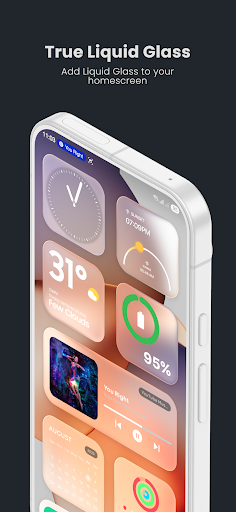
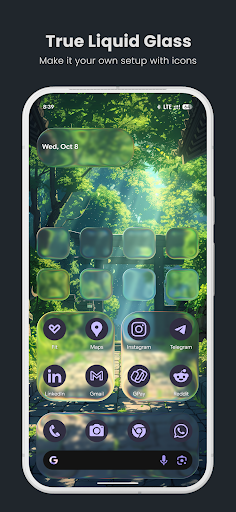
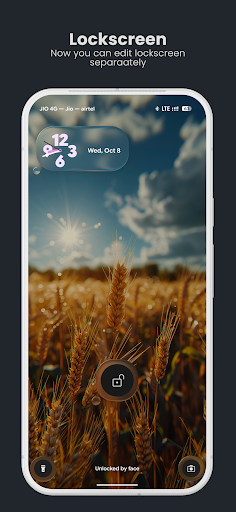
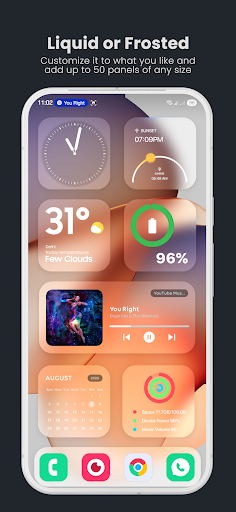

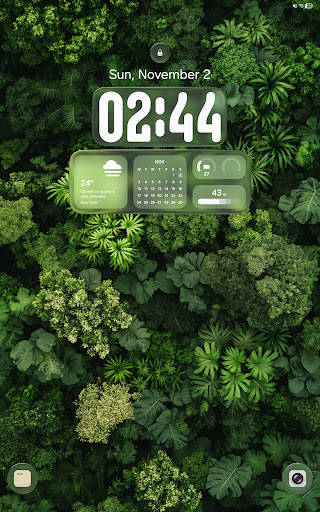
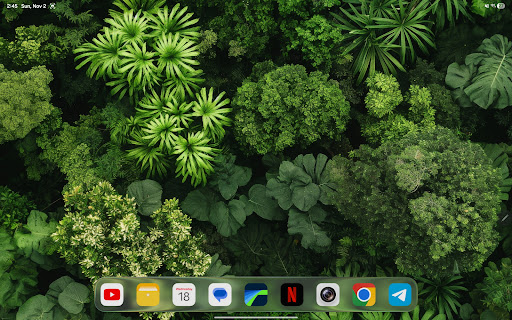
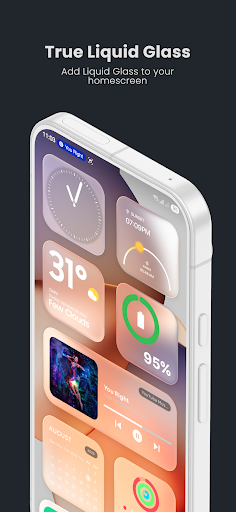
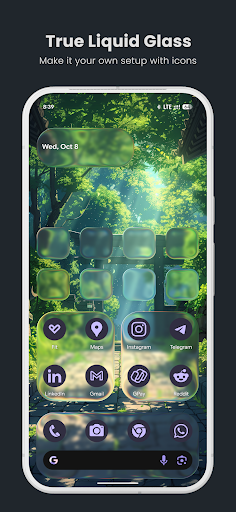
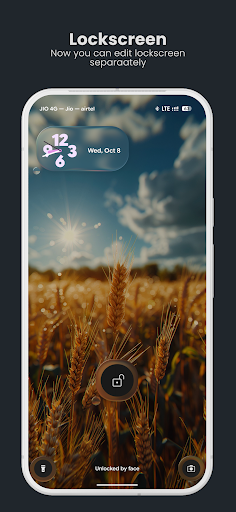


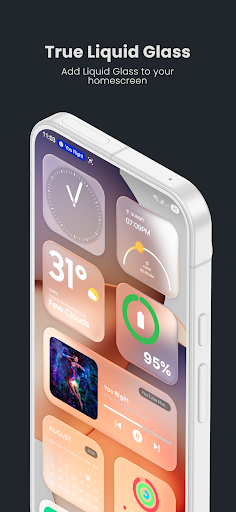
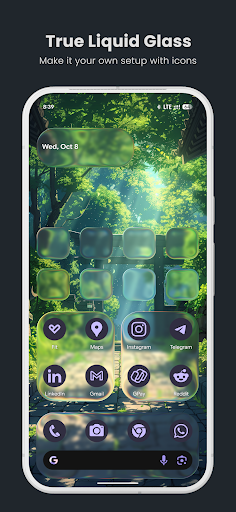
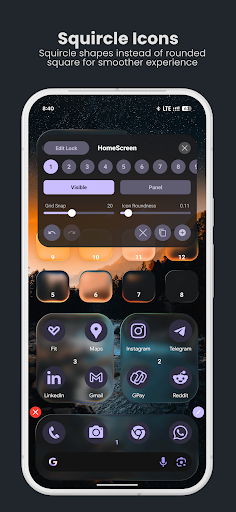
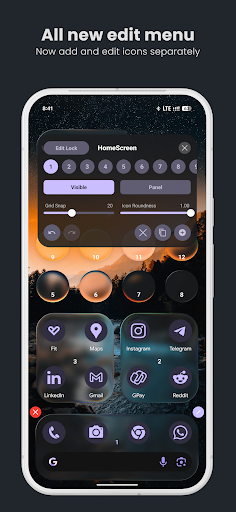
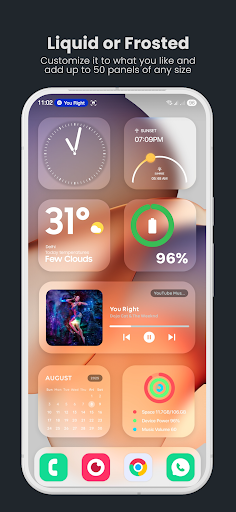
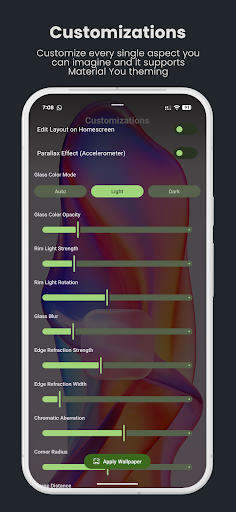
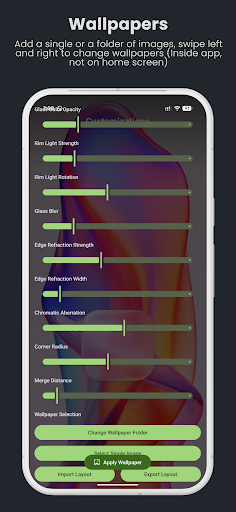
True Liquid Glass is a premium live wallpaper application that brings realistic glass effects to Android devices. This app allows users to create stunning, interactive designs for both home and lock screens with fluid animations and advanced customization options.
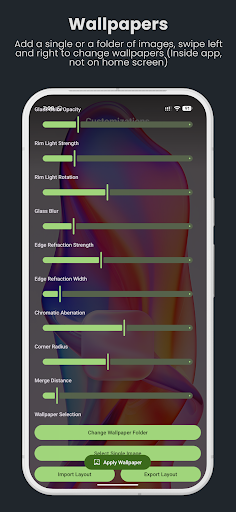
The application features a dual layout engine, enabling independent designs for each screen. Users can enjoy real-time refraction, chromatic aberration, and dynamic lighting effects that respond to device motion. The intuitive live editor provides precise control over blur intensity, roundness, tint, and other parameters.
Ideal for design enthusiasts who want to personalize their devices, True Liquid Glass offers a professional-grade customization tool that works seamlessly on both phones and tablets. The app's sophisticated features make it perfect for creating unique, visually striking wallpapers.
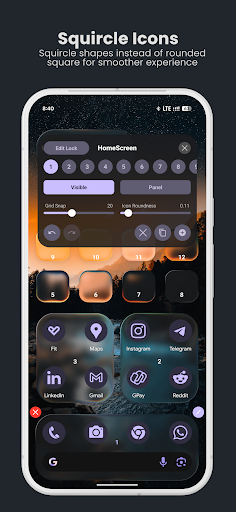
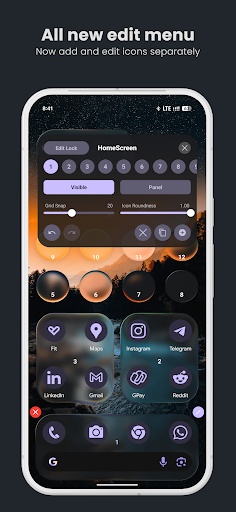
True Liquid Glass stands out with its comprehensive feature set designed for creative customization. The app includes an advanced live editor that lets users modify elements directly on their wallpaper in real time. With options to adjust blur, refraction, and corner radius, users have complete control over the visual appearance.
A key innovation is the dual layout engine that allows separate designs for home and lock screens. The app supports various customization modes including icon and panel styles, with independent settings for each screen. Users can also take advantage of the preset system to save and share their favorite configurations.
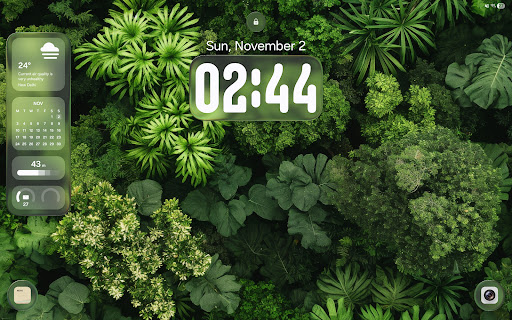
The application integrates motion-based effects such as parallax movement and dynamic lighting, creating a sense of depth and realism. These features, combined with support for image folders and automatic wallpaper cycling, provide endless creative possibilities while maintaining smooth performance across devices.
Realistic glass effects
Advanced customization
Dual layout engine
Intuitive live editor
Motion-based features
High battery usage
Complex for beginners
Device compatibility
Premium price point
Performance impact

Easy 3D drawing design maker & creator. Model designing, Sculpting. Create&paint
 4.00
4.00
Custom Character Creator & PFP Maker!
4.20
Meet the magic aı 3d photo generator and smart AI video generator app.
3.20
Convert image to JPG PNG HEIC PDF, support almost all kinds of image formats
4.70
Draw Trace image sketch by, AR art projector app, Easy to trace any image.
4.50
Get an overview over all your embroidery threads, projects and more.
4.60
Experience next-gen icons with a modern liquid glass look.
3.60
Inky runs Inkscape on Android devices and Chromebooks
2.90
Video AI: Revolutionize Your Content Creation with Advanced Video Generation
4.50
Logo Generator powered by AI: Create stunning logos effortlessly!
4.70
Draw on screen: FP sDraw is a simple and lightweight drawing app
4.70
The ultimate tool for creating animations
4.60
Castle is social media for creating and playing games!
4.60
Share the joy of painting with ibis Paint! Drawing anime and manga art.
4.50
Remove Background, Magic Eraser, Photo Enhancer, Story Templates, Collage Maker
4.30
Turning simple sketches into captivating tales filled with life and motion
3.90
Resize photos and print photos in exact size with our powerful photo printer!
3.80
Create trending AI photos & videos with powerful effects and 3D styles.
3.20
Art of Combination Wear OS Watch faces (for Wear OS 5+ devices)
3.00


User Reveiws