
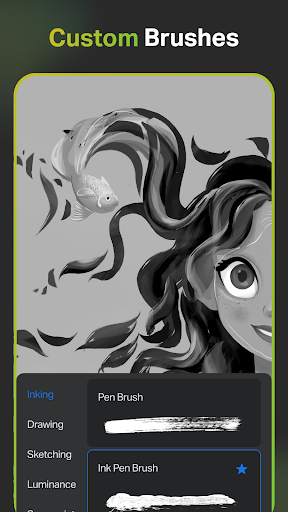

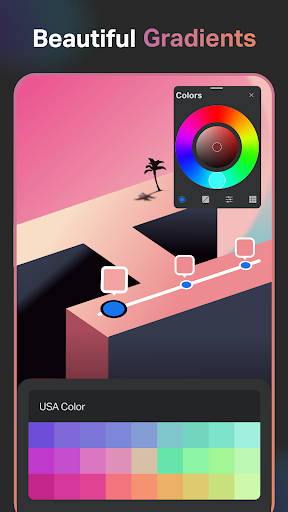
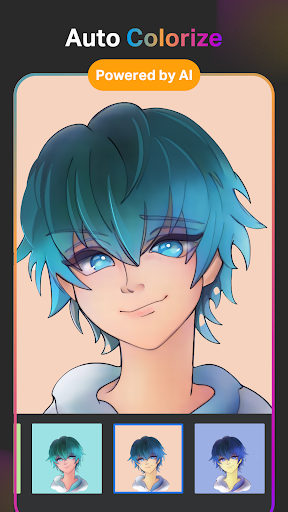
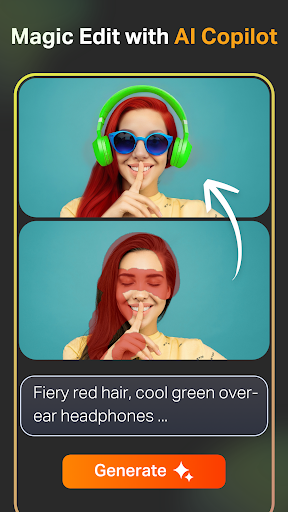


SketchPro is a premier digital art application tailored for professional artists, illustrators, and designers. This comprehensive tool offers advanced AI features alongside traditional drawing capabilities, making it an ideal choice for creating professional-grade artwork on mobile devices.
The app provides an extensive suite of creative tools including customizable brushes, AI-powered drawing assistants, and professional layer systems. Its AI tools allow users to generate artwork from text prompts, transform sketches into refined images, and manipulate colors and objects with simple commands. These features streamline the creative process while maintaining artistic control.
SketchPro's versatility makes it suitable for various professional applications, from graphic design and illustration to comic and manga creation. The combination of traditional drawing tools with cutting-edge AI technology enables artists to work more efficiently without compromising quality, making it an invaluable asset for professional creatives.
SketchPro distinguishes itself through its robust feature set designed for professional digital artists. The application includes over 20 specialized tools and functions that cater to different aspects of digital art creation. Its most notable feature is the collection of AI-powered tools that revolutionize digital art production.
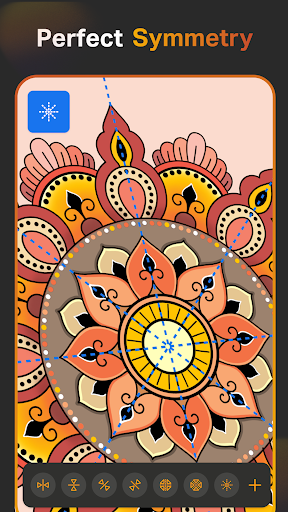
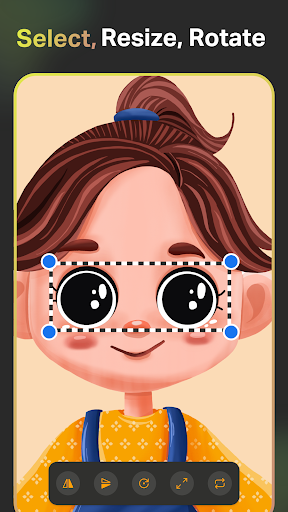
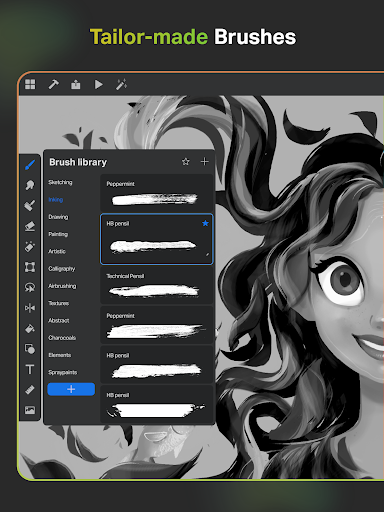
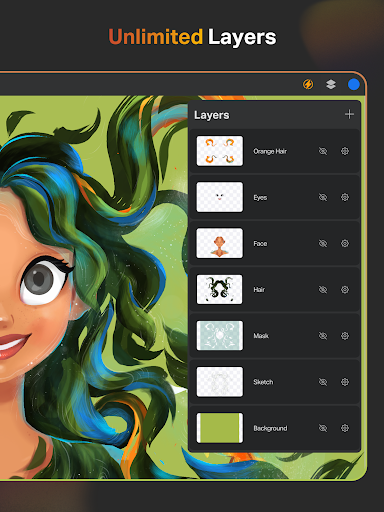
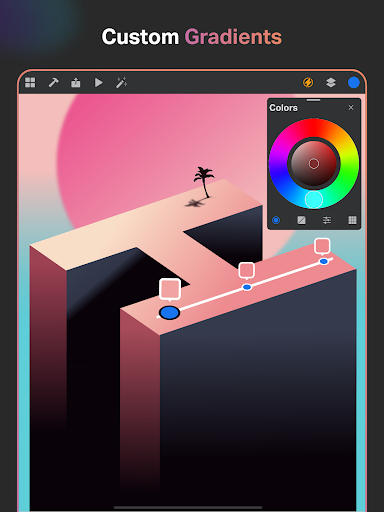
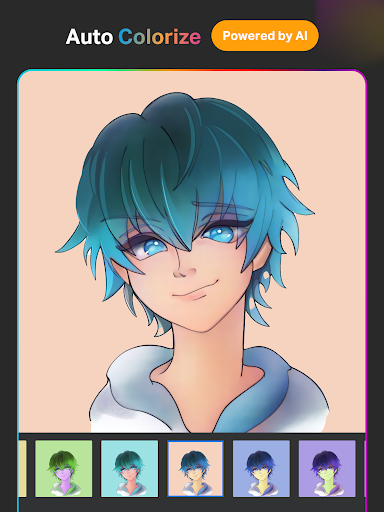
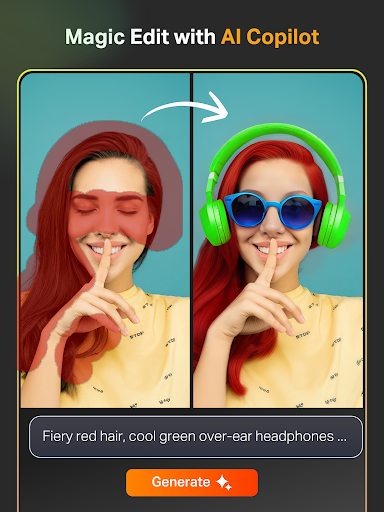
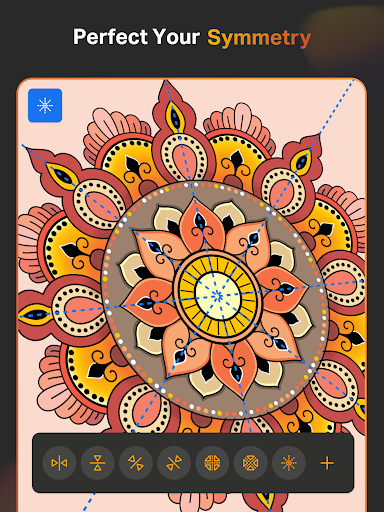
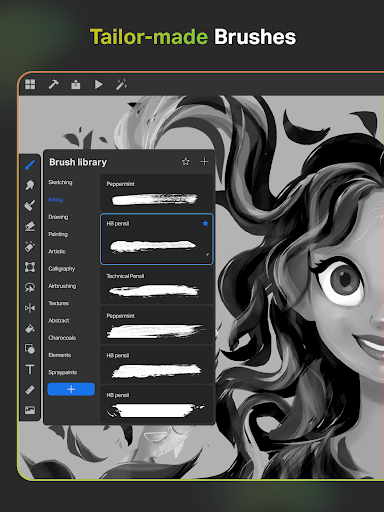
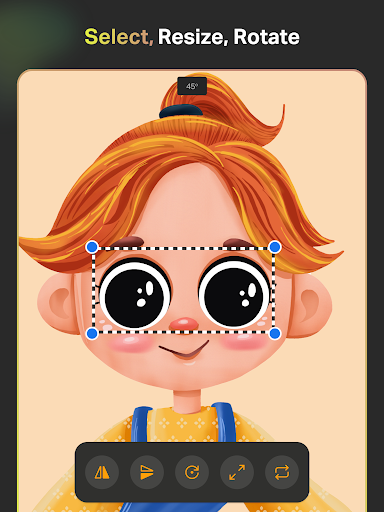
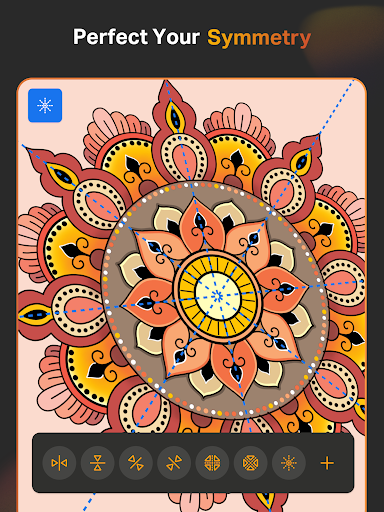
The AI toolkit comprises several innovative components: Text-to-Image generation, Sketch-to-Image conversion, Magic Edit for object manipulation, and Auto-Colorization tools. These features work alongside traditional art tools like customizable brushes, symmetry tools, and gradient options. The app also offers professional-grade layer management, text tools, and color palettes that meet industry standards.
What sets SketchPro apart is its seamless integration of AI capabilities with conventional drawing tools. This combination allows artists to maintain their unique style while benefiting from AI-assisted enhancements. The app's comprehensive feature set and professional-grade tools make it a powerful solution for both experienced digital artists and those transitioning from traditional media.
Advanced AI tools
Professional brush system
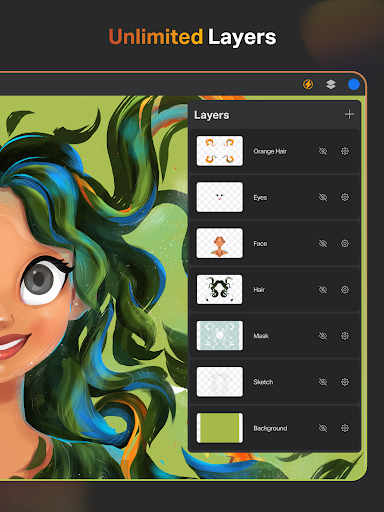
Comprehensive layer management
Extensive shape library
Cloud synchronization
Steep learning curve
High system requirements
Premium price point
Limited free features
Occasional performance issues

Trace, draw, and create art with AR - from memes to masterpieces!
 4.30
4.30
Make your phone cooler and have a fantastic experience
4.80
AI Art Generator transforms your words into AI generated art & paintings.
3.70
Turn your drawings into flipbook-style animations with simple creative tools
4.60
Image resizer to resize, crop, rotate, flip, change dpi photo or picture in bulk
4.60
A luxurious gold watch face for an elegant and refined look.
4.2
Art of Combination Wear OS Watch faces (for Wear OS 5+ devices)
3.90
Inky runs Inkscape on Android devices and Chromebooks
2.90
AI-powered photo & video creation—fast, fun, and effortless with Quick Actions
4.60
See Color, Paint Color
4.90
Passport size photo maker, create ID photo and visa photo in seconds
4.80
Draw, fidget, and spin glow art! Relax and express your creativity with a finger
4.60
Draw Trace image sketch by, AR art projector app, Easy to trace any image.
4.50
Remove Background, Magic Eraser, Photo Enhancer, Story Templates, Collage Maker
4.30
Sketch, plan, take notes and illustrate on an infinite canvas.
4.20
Create stylish invitation cards using templates for weddings, birthdays & RSVP.
4.20
Design unique, funny and adorable cat stickers that reflect your own style!
3.80
Your homescreen as an elegant glass with customized blur, lighting, and visuals.
3.70
Retouch photos. Create or edit images. Endless capabilities.
2.70


User Reveiws