
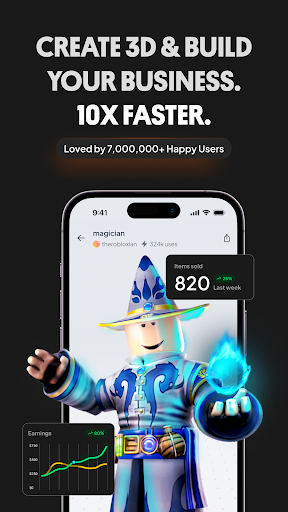
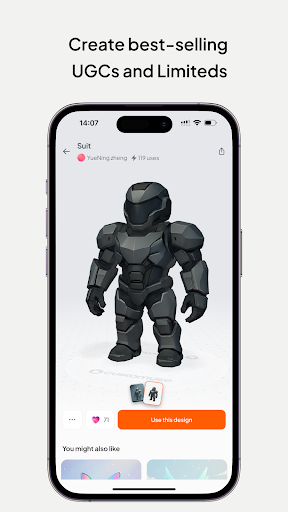
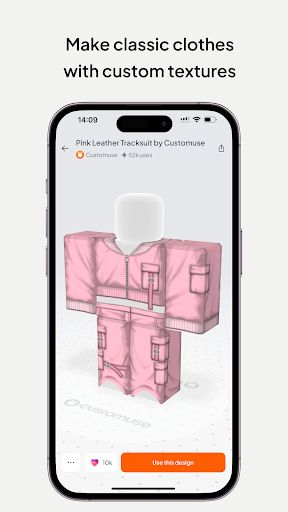
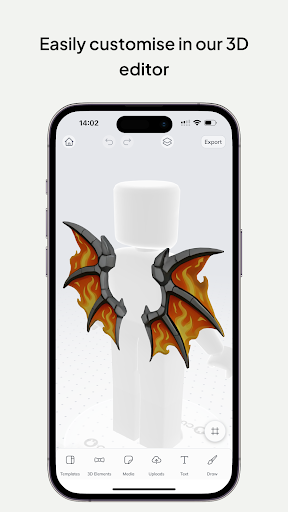
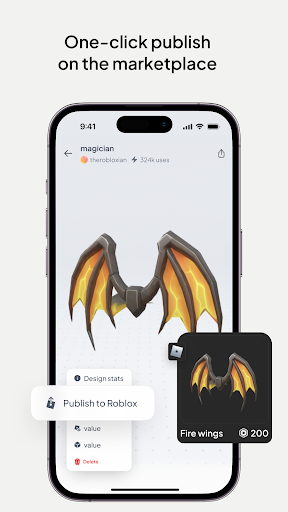

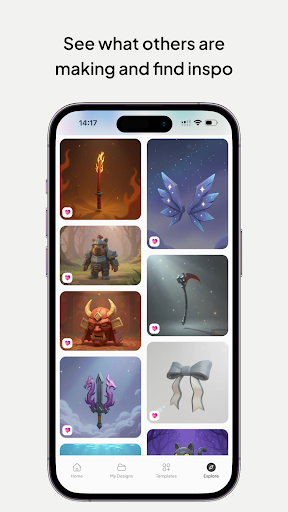
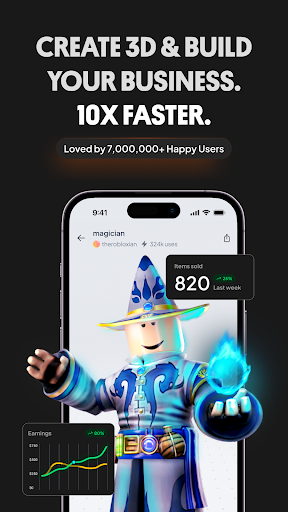
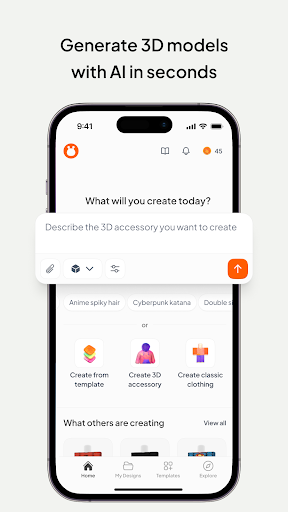

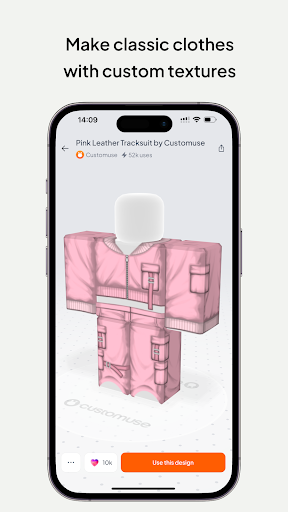
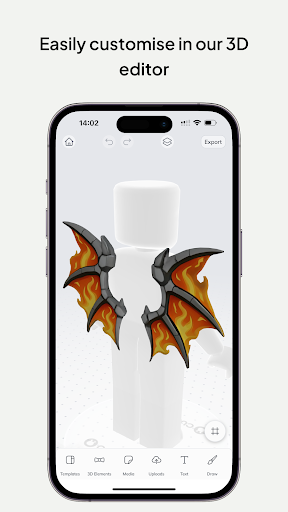
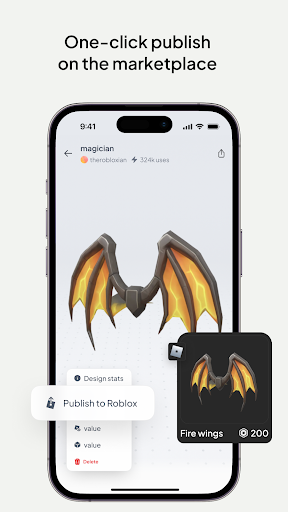
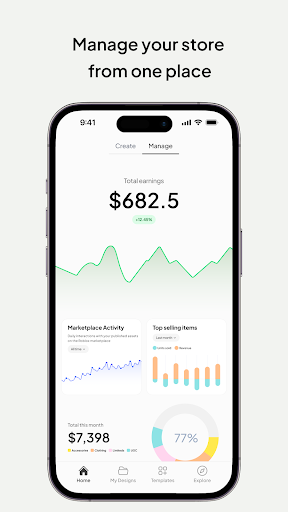
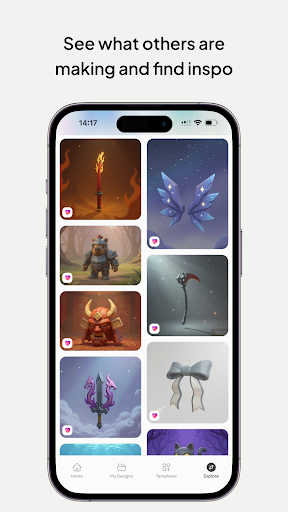
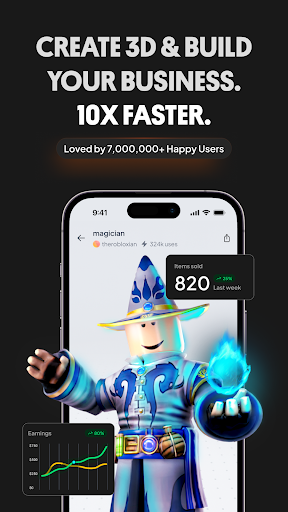
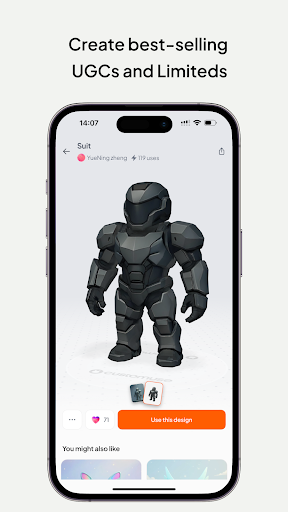
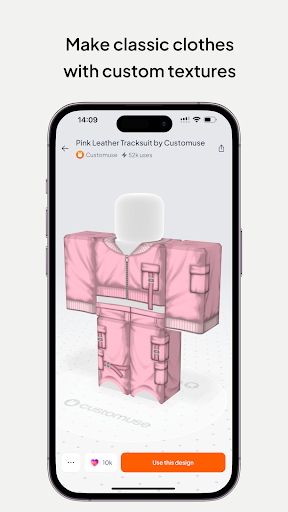
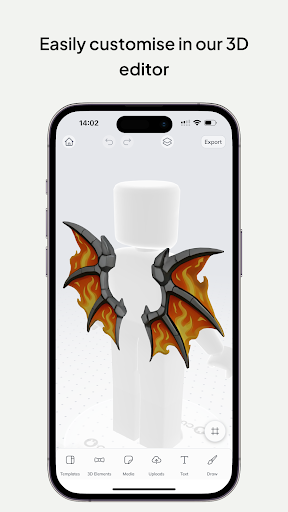
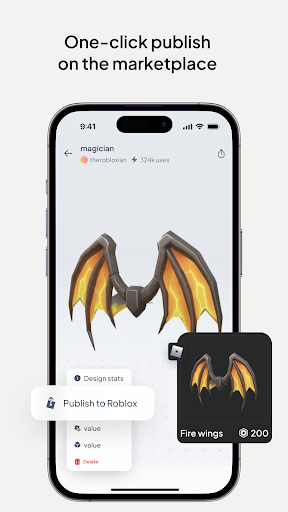
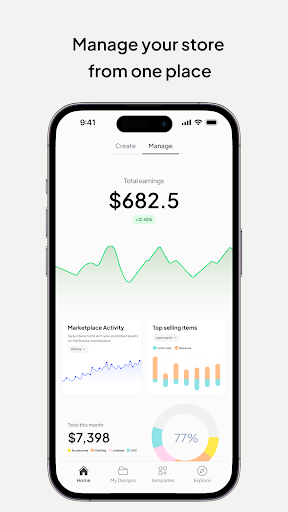
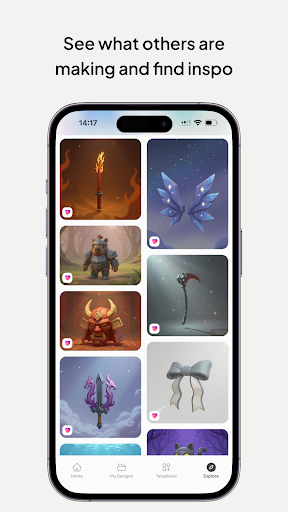
Customuse is a powerful 3D design tool tailored for creators and designers, offering an extensive suite of features to craft unique digital content. With over 2 million users, it enables the creation of custom Roblox skins, Zepeto clothes, Minecraft avatars, and AR filters for social media platforms like TikTok, Snapchat, and Instagram.
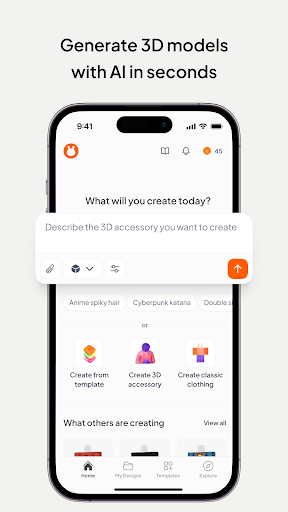
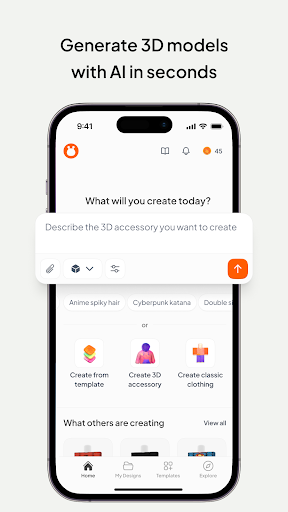
The app stands out with its AI-assisted design tools that simplify the creative process. Users can publish their designs directly to platforms such as Roblox and Minecraft, monetize their creations through marketplaces, and share their work across various social channels. Whether you're a beginner or a professional designer, Customuse provides versatile tools adaptable to all skill levels.
For aspiring fashion designers and 3D modeling enthusiasts, Customuse offers virtual try-on features, 3D clothing mockups, and dynamic AR elements. These capabilities make it an ideal platform for creating standout social media posts and exploring new design possibilities in the metaverse.
Customuse boasts an impressive array of features designed to enhance creativity and streamline the design process. The app includes specialized tools for creating Roblox skins, allowing users to either choose from thousands of templates or start from scratch. With seamless integration, designs can be published directly to Roblox Studio or the marketplace, where creators have earned over 100,000 Robux.
In addition to Roblox, Customuse supports designing Zepeto outfits and Minecraft skins. Users can customize their avatars with unique accessories and textures, then share their creations on respective platforms. The app also incorporates AI-driven tools that generate design suggestions and assist in crafting AR filters for social media, ensuring that each creation is innovative and engaging.
Furthermore, Customuse offers advanced graphic design tools for creating 3D clothing mockups and branding materials. Its cross-platform compatibility allows users to design on multiple devices, including iPhone and iPad, making it accessible anytime, anywhere. This versatility empowers creators to bring their visions to life without limitations.
User-friendly interface
Extensive template library
AI-powered design tools
Cross-platform compatibility
Monetization opportunities
Requires learning curve
Limited free features
Platform-specific restrictions
Occasional bugs
Premium subscription cost

Floor Plan Creator lets you create, edit and share floor plans.
 4.00
4.00
Digital illustration drawing & painting pad app to paint Anime and Manga art
4.50
Convert image to JPG PNG HEIC PDF, support almost all kinds of image formats
4.70
AI Art Generator transforms your words into AI generated art & paintings.
3.70
A luxurious gold watch face for an elegant and refined look.
4.0
Your homescreen as an elegant glass with customized blur, lighting, and visuals.
3.70
Art of Combination Wear OS Watch faces (for Wear OS 5+ devices)
3.90
Draw, fidget, and spin glow art! Relax and express your creativity with a finger
4.60
Draw, make movies & animate cartoons easily with our 2D animation maker app
4.40
Mobile pixel art editor. Simple. Fast. Portable.
4.80
Image resizer to resize, crop, rotate, flip, change dpi photo or picture in bulk
4.60
Kling AI is an image and video generation and editing studio powered by AI.
4.50
Beauty Camera - Selfie Camera is the ultimate beauty camera and selfie app
4.30
Customizable Outlined Fonts. Watch Face Format. Battery friendly Digital Clock.
4.20
Sketch, plan, take notes and illustrate on an infinite canvas.
4.20
Custom Character Creator & PFP Maker!
4.20
Vidu is an AI video generator made for creators and aspiring makers.
3.30
Pose and morph realistic male and female models! 3D poser app
3.00
Inky runs Inkscape on Android devices and Chromebooks
2.90


User Reveiws