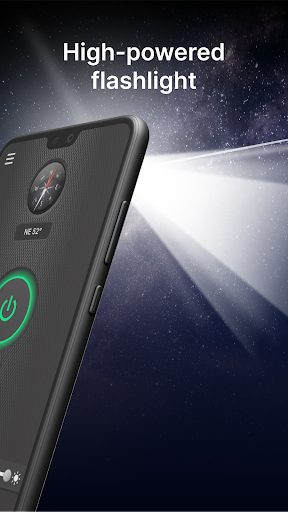
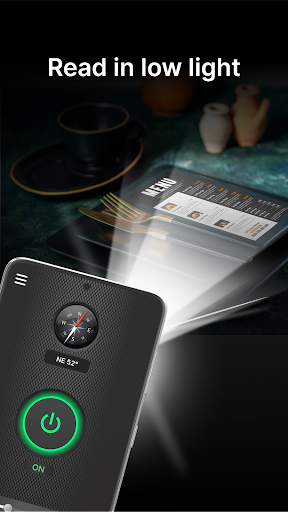

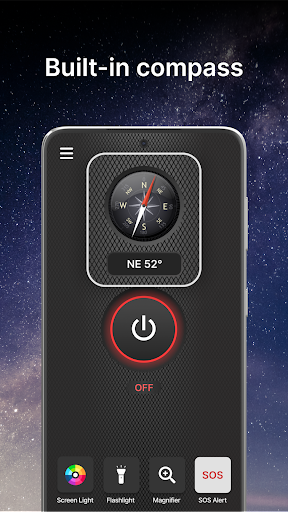

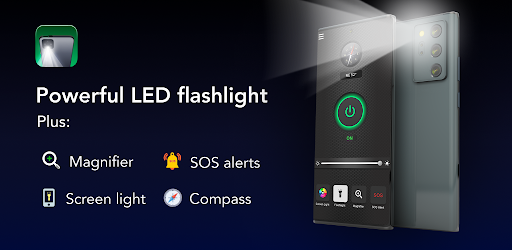
Brightest Flashlight Launcher is a versatile utility app that transforms your smartphone into a multifunctional tool. The app's core functionality revolves around providing users with instant access to a powerful flashlight, magnifying glass, and various safety features. It completely revamps the home screen layout to ensure one-swipe access to essential tools like a compass, SOS alerts, and screen light.
What sets this app apart is its ability to serve multiple purposes beyond basic illumination. Whether you're navigating dark environments, reading fine print, or need emergency assistance, this app has got you covered. Its intuitive design makes it particularly useful during power outages or outdoor adventures where quick access to light and navigation tools is crucial.
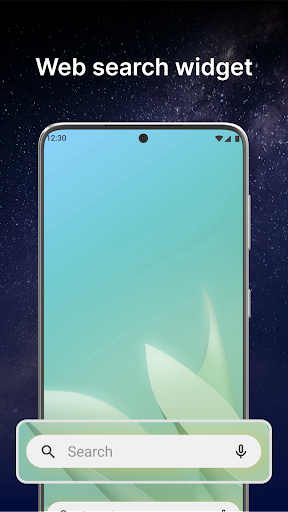
The app's value extends beyond just lighting solutions. With additional features like customizable widgets showing time and weather, themed wallpapers, and multi-touchpoint search capabilities, it enhances overall smartphone usability while maintaining its primary flashlight functionality.
Brightest Flashlight Launcher stands out with its comprehensive feature set designed for maximum utility. The app's most prominent feature is its brightest-in-class flashlight that can be activated with a single tap, making it perfect for various low-light situations. This feature alone covers everything from finding lost items to illuminating dark pathways.
Beyond basic illumination, the app includes a sophisticated magnifier function complete with adjustable zoom and built-in lighting. This combination proves invaluable when reading small text on product labels or examining objects in detail. The inclusion of a reliable compass and emergency SOS alert system further enhances its practical applications, especially in outdoor scenarios.
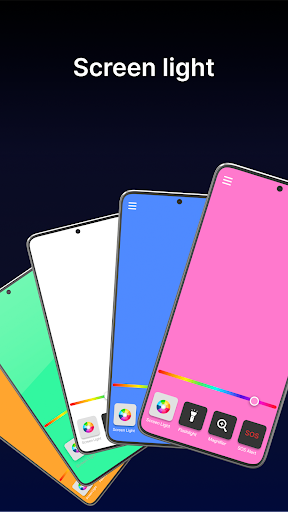
Additional noteworthy features include screen light functionality for enhanced visibility in dim environments and customizable home screen elements. Users can personalize their experience with themed wallpapers while enjoying convenient access to essential tools through dedicated home screen shortcuts and widgets displaying real-time information such as weather and time.
Instant tool access
Multifunctional utility
User-friendly interface
Customizable options
Reliable performance
Home screen changes
Feature complexity
Battery consumption
Learning curve
Non-essential extras

Just swipe the edge to do something!
 4.40
4.40
Safely recover deleted photos, videos, and files with a single easy tap.
3.70
Amateur Radio app for APRS: Track friends, exchange messages, get tactical info.
3.90
Create your own live wallpaper or check out thousands already made presets
3.90
Unleash gamepad precision for ultimate mobile gaming dominance.
3.90
Play your X-Box games remotely in 1080p with any controller and zero latency
4.60
Connect wirelessly to your computer to watch movies, browse the web, play games
5.00
Clean up large files and similar photos, fast and easy to use
4.40
fast and easy mp3 music downloader
4.80
The ultimate tool for network analysis, wifi scanning and problem detection.
4.90
Unit and currency converter with easy and simple UI.
4.80
The one-and-only remote control for PC, Mac, and Linux
4.70
HD Video player and downloader for all formats, fast & smooth 4K video playback.
4.60 4.50
4.50
Quickly switch to an encrypted DNS server on Android TV
4.50
Pro Emulator is an easy to use game console emulator for a range of consoles.
4.40
PC precision for mobile gaming: dominate with keyboard and mouse!
4.30
Clean the junk files on your device
3.40
Unlock your Essential Key. Create custom shortcuts to your favorite apps!
4.2


User Reveiws