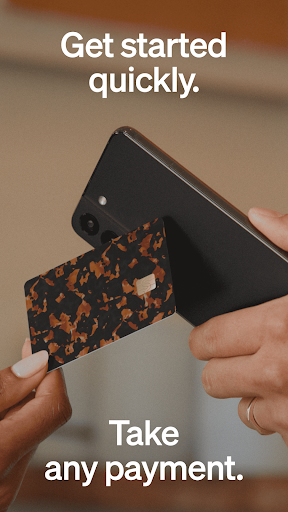
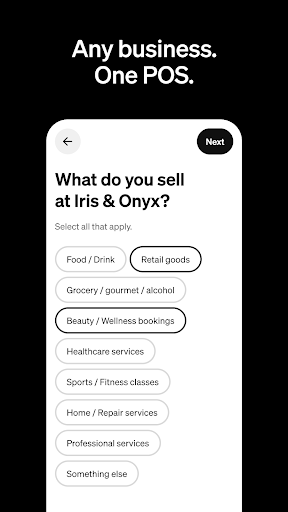

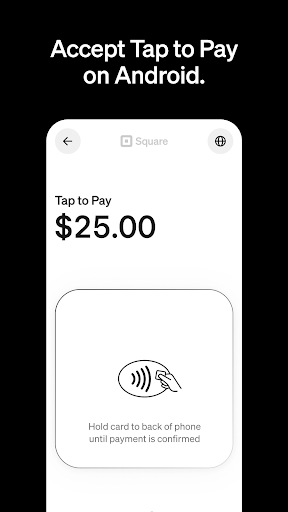

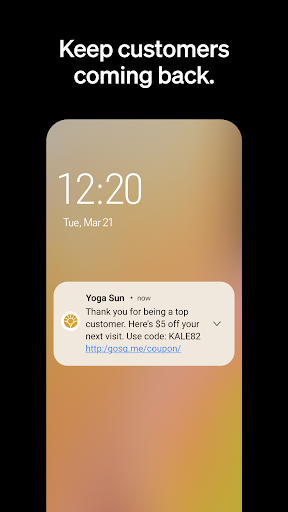
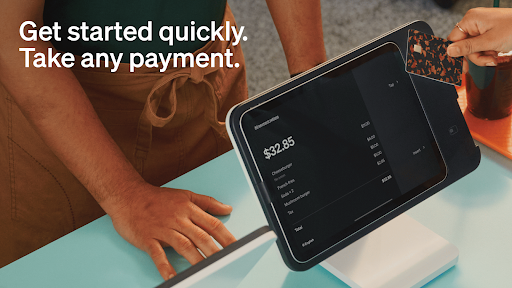
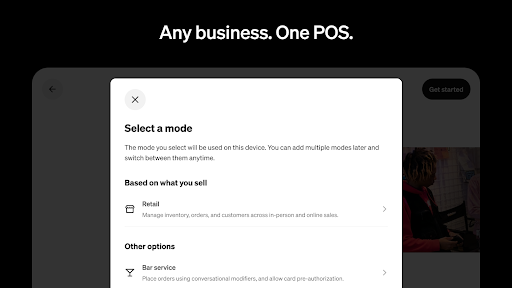
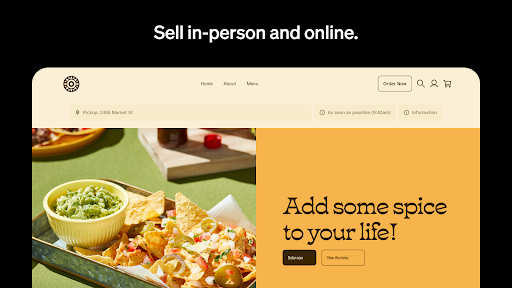
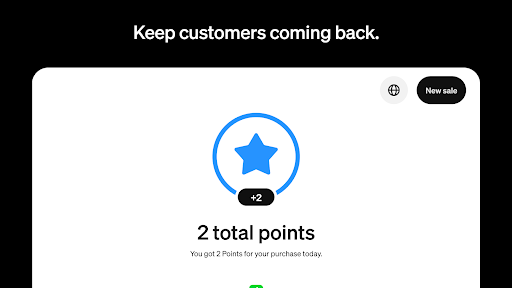
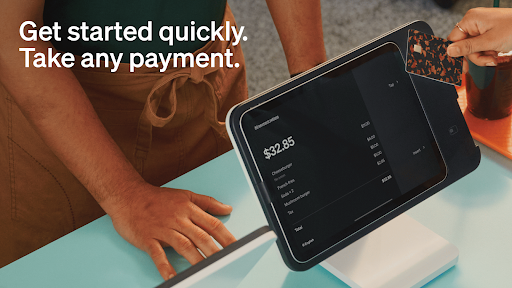
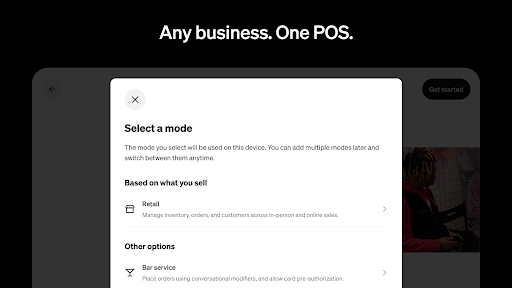
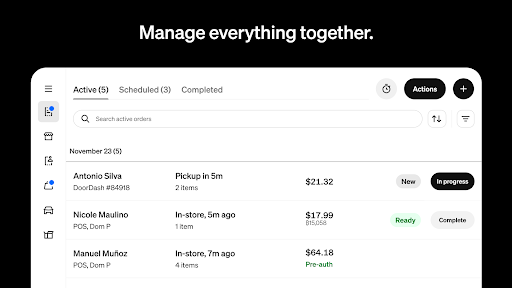
Square Point of Sale (POS) is a versatile payment processing app designed for businesses across various industries. It offers tailored modes for retail, restaurants, bookings, and services, simplifying operations while enhancing customer experiences. The app supports multiple payment methods including credit cards, digital wallets, and Cash App Pay, ensuring smooth transactions.
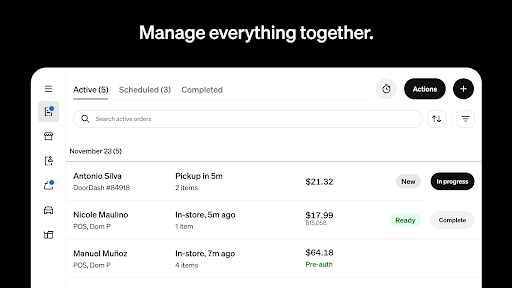
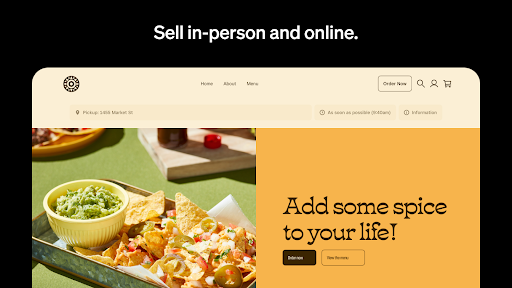
With its comprehensive features, Square POS helps businesses manage inventory, appointments, and invoices efficiently. Retailers can sync online and in-store stock, beauty businesses can reduce no-shows with reminders, and restaurants can streamline order management. Service providers benefit from professional invoicing and e-signature capabilities. This all-in-one solution empowers businesses to make informed decisions through detailed sales analytics.
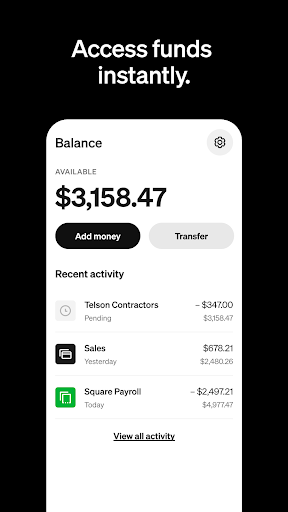
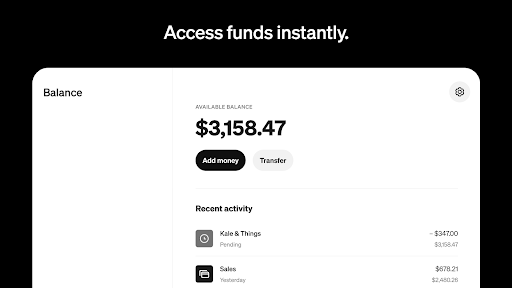
The app's offline transaction capability, instant fund transfers, and real-time reporting provide significant value to users. Whether you're a new business or switching systems, Square POS offers the tools needed to run your business effectively from day one. Its adaptability makes it suitable for businesses looking to grow and expand their operations seamlessly.
Square POS stands out with its industry-specific modes that cater to diverse business needs. Each mode comes with unique settings and functionalities. For instance, retailers receive real-time inventory updates and automated restocking alerts, while beauty businesses can manage bookings and enforce cancellation policies effortlessly.
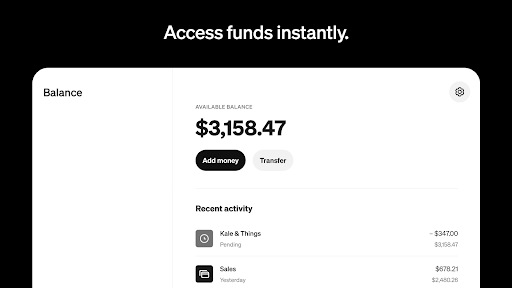
The app's payment flexibility is remarkable, allowing businesses to accept payments via credit cards, digital wallets, QR codes, and more. Its offline processing capability ensures uninterrupted service, while preset tip options enhance transaction speed. Users can instantly transfer funds or opt for standard transfers within 1-2 business days.
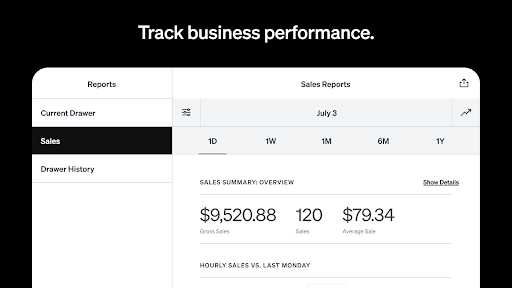
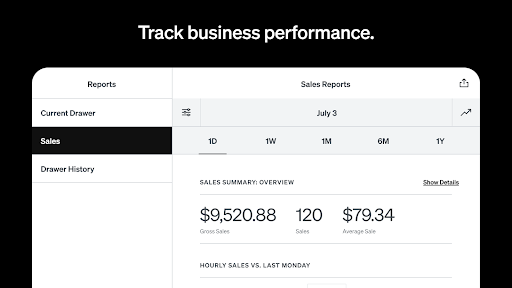
Advanced reporting features enable businesses to track daily sales, payment methods, and itemized transaction details through an intuitive dashboard. Restaurants can create menu items and modifiers quickly, while service providers can send professional invoices with attached appointment details. These robust features collectively help businesses operate more efficiently and serve customers better.
User-friendly interface
Wide payment options
Offline functionality
Real-time analytics
Industry-specific modes
Limited global availability
Transaction fees apply
Advanced features restricted
Occasional bugs reported
Steep learning curve

The revolutionary flexible staffing platform
 4.40
4.40
The Penny Puss app with DG penny finder
4.10
TurboScan turns your phone into a full-featured PDF document scanner.
4.80
Windows App allows you to connect to remote PCs and virtual apps.
3.70
Get instant construction estimates: accurate home repair & material calculator.
4.70
Start earning fast. Apply Today.
4.80
view, manage, and share every PDF file you have
3.60
Permission Guard is a security app that helps you manage app permissions.
4.80
Earn money with the driver & delivery partner app for Uber, UberEats & Postmates
4.60
Create curriculum vitae, a professional cover letter creator and resume designer
4.80
Find jobs and make money fast with JobStack.
4.60
ANDROID'S TOP MOBILE OFFICE - Word, Excel, PowerPoint and PDF at your fingertips
4.50
All-in-one Mobile solutions for employees & managers to succeed at work
4.30
Say hello to the mobile work experience built to help you thrive at work.
4.30
The All-in-One File Manager for Phone, TV, Watch, Cars, XR / VR, Chromebook
4.10
Find flexible, hourly jobs hiring near you in restaurant, retail & hospitality!
4.00
Quickly open and manage PDF files on your device.
3.80
Get your benefits on-the-go.
3.80
viewing and sharing PDFs and other files—anytime, anywhere!
4.3


User Reveiws