
Christmas Magic

5.00

Information

Category:

Android Wear

Price:

$ 1.49

Rank:

53

Rating:

5.00

Overview

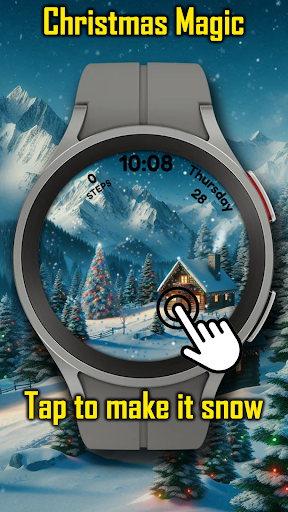
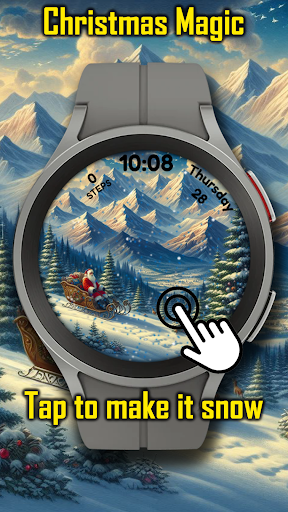
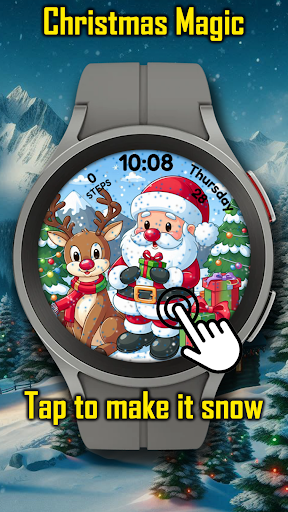
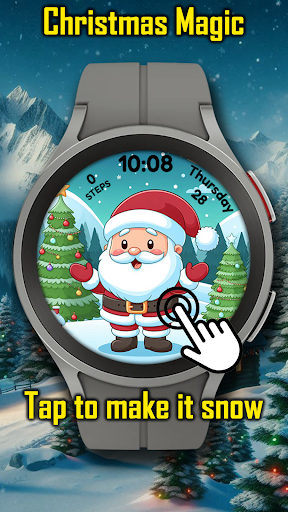
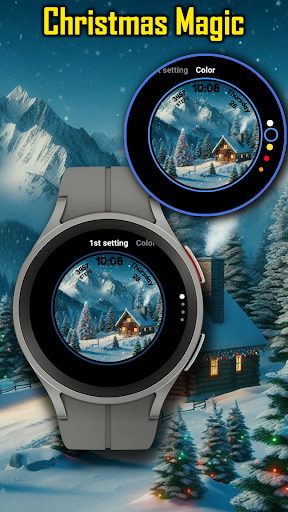
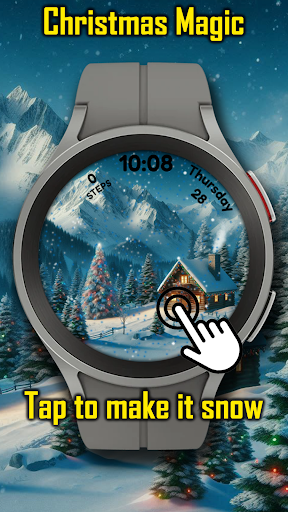
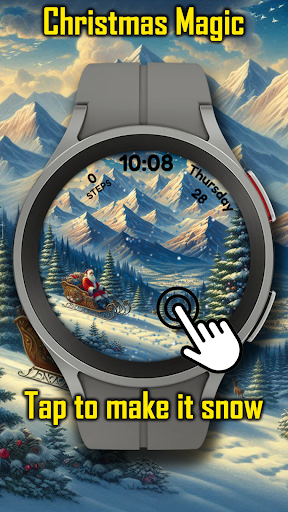
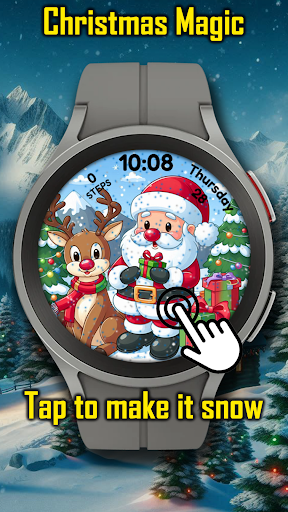
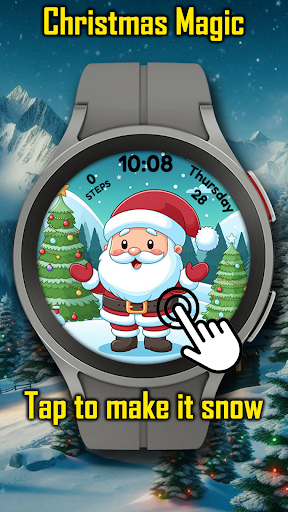
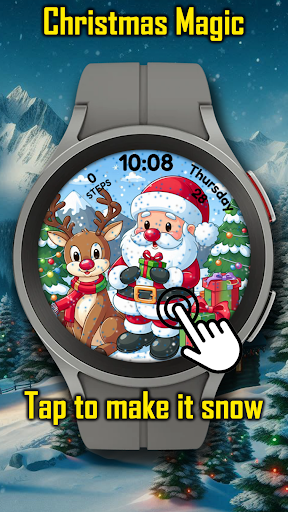
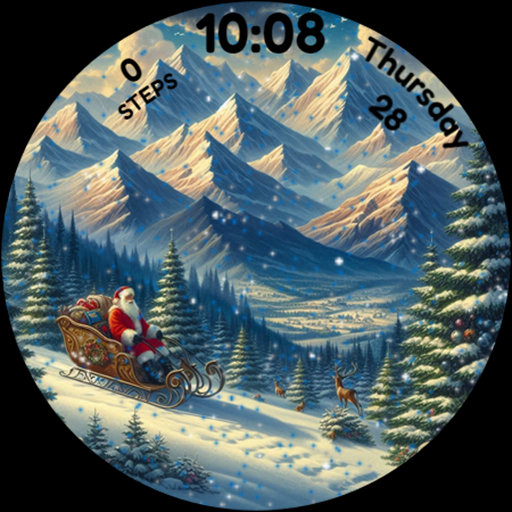
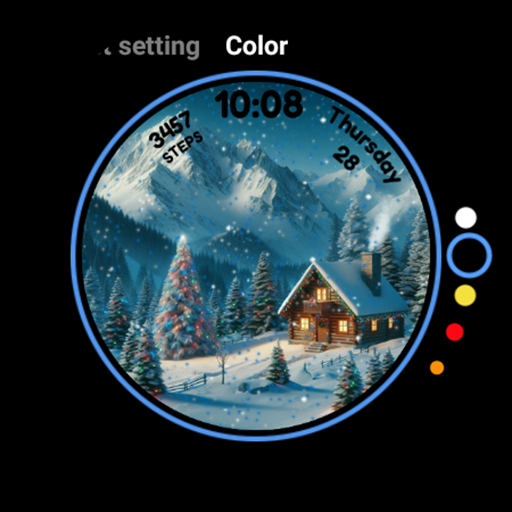
Christmas Magic is a festive watch face designed specifically for Wear OS devices. This application transforms your smartwatch into a delightful holiday display, featuring iconic Christmas elements such as Santa Claus, Christmas trees, and a snowy mountain backdrop.

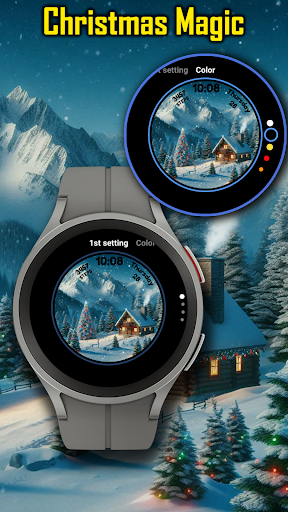
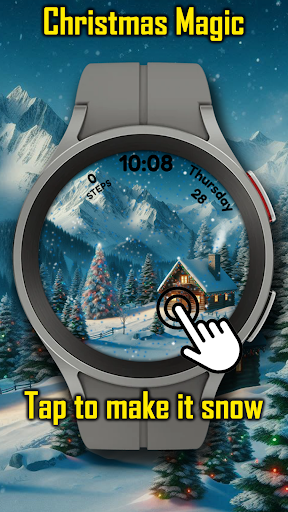
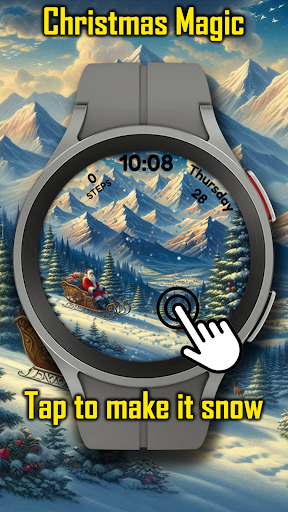
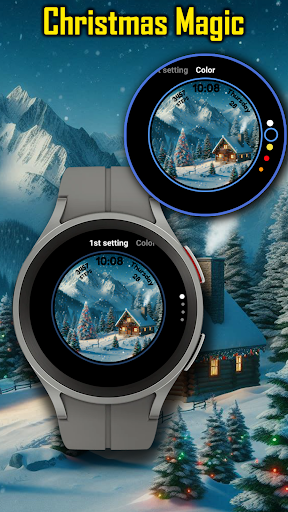
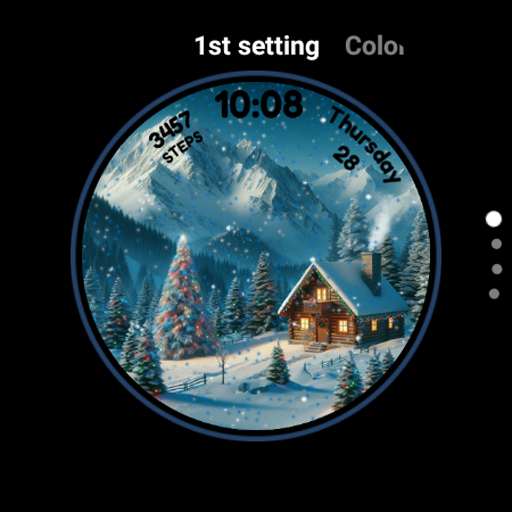
The watch face offers an animated Christmas scene complete with snowfall effects that users can interact with by tapping to make it snow. With customizable colors and an Always-On Display (AOD) mode, this app ensures your device not only celebrates the season in style but also maintains functionality.

Perfect for those who love the holiday spirit, Christmas Magic keeps the joy of Christmas alive on your wrist throughout the season, making every glance at your watch a magical experience.

Features

Christmas Magic brings a unique set of features tailored for the holiday enthusiast. The app showcases animated Christmas scenes with interactive snowfall, allowing users to engage with their watch face simply by tapping it to create a snowing effect.

Customization is key during the holidays, and this app provides options to adjust colors to match your festive style. Whether you prefer traditional red and green or a more modern palette, Christmas Magic accommodates your preferences.

Additionally, the AOD mode ensures that even when your watch is in low-power mode, the holiday cheer continues without draining your battery excessively. These features combine to offer a personalized and enchanting holiday experience right on your Wear OS smartwatch.

Companion app integration

The Christmas Magic Watch Face for Wear OS offers a seamless companion app integration experience that enhances the overall functionality and user engagement. Companion app integration refers to the ability of a smartwatch application to connect with a smartphone app to provide users with an extended set of features and a more comprehensive user interface. This is particularly important for users who want to customize their watch face or access additional settings not available directly on the wearable device. The Christmas Magic Watch Face allows users to personalize their holiday-themed experience by providing options to adjust colors and animations through its companion app. This level of customization ensures that each user can tailor the appearance of their watch face to match their unique style and preferences during the festive season. By tapping into the companion app's capabilities, users can also receive updates or new content, ensuring that their watch face remains fresh and exciting throughout the holiday period. The synchronization between the smartphone app and the watch face happens in real-time, which means any changes made in the companion app are immediately reflected on the wearable. This creates a dynamic and engaging user experience that keeps the magic of Christmas alive every time they glance at their smartwatch.

Wear OS/device compatibility

Compatibility with various Wear OS devices and versions is crucial for a versatile and accessible smartwatch application like the Christmas Magic Watch Face. Wear OS by Google serves as the underlying operating system that powers numerous smartwatches from different manufacturers, making it essential for any watch face to support a wide range of devices and OS iterations. The Christmas Magic Watch Face excels in this area by ensuring broad compatibility across multiple Wear OS-powered smartwatches, allowing users with different devices to enjoy the festive spirit it brings. This compatibility extends to supporting the latest Wear OS features while maintaining performance on older versions, thus catering to a diverse user base. Users can be confident that whether they have a newer model or an older Wear OS device, they will be able to install and run this delightful watch face without issues. Furthermore, the application takes advantage of specific Wear OS functionalities such as Always-On Display (AOD) mode, which shows a dimmed version of the watch face even when the watch is not in active use. This feature ensures that the Christmas cheer is visible at all times, preserving battery life while still offering a touch of holiday magic. The developers have also taken care to optimize the watch face for various screen sizes and resolutions, guaranteeing that the intricate details of Santa Claus, Christmas trees, and snowy mountains appear crisp and vibrant on every compatible device. This attention to detail in terms of compatibility demonstrates the developer's commitment to delivering a high-quality product that works reliably across the entire spectrum of Wear OS devices.

Props

Festive design

Interactive animations

Customizable colors

AOD support

Holiday-themed

Cons

Limited to Wear OS

Seasonal only

Battery consumption

Simple functionality

No year-round appeal

Features and Functions

What is this app and what can I use it for?

A festive Wear OS watch face with Christmas themes and interactive snowfall.

How do I download and install this app on my device?

Search 'Christmas Magic' on Google Play Store and install it on your Wear OS device.

How do I get started after opening the app for the first time?

Tap to customize colors and explore interactive snowfall features immediately.

What are the main features and capabilities of this app?

Animated Christmas scenes, customizable colors, and AOD mode for Wear OS.

How can I customize my experience and adjust preferences?

Adjust color settings via tap interactions to personalize your watch face.

How do I save or bookmark my favorite content for later access?

Not applicable for watch faces; no bookmarking feature available.

How can I share content with friends or on social media?

Share your experience by showing the watch face directly to friends.

How do I access detailed information and explore more content?

Explore customization options through tap gestures on your watch face.

What permissions does this app need and how do I manage them?

Requires standard watch face permissions; manage them in device settings.

How do I check for updates and keep the app running smoothly?

Check Google Play Store for updates to ensure smooth operation.
Show more

User Reveiws

{{ comment.reviewer_name }}
{{ comment.review_date_formatted}}
{{ comment.review_content }}
{{ tab.name }}
{{ comment.reviewer_name }}
{{ comment.review_date_formatted}}
{{ comment.review_content }}
No reviews with this rating