Ultimate Alexa Voice Assistant

3.70

Information

Category:

Android Wear

Price:

Free

Rank:

132

Rating:

3.70

Overview

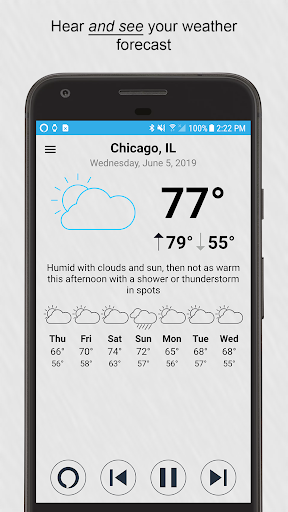
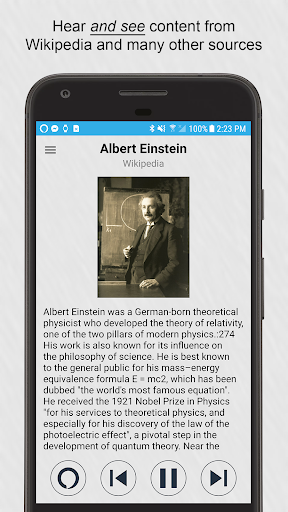
Ultimate Alexa Voice Assistant is a comprehensive voice assistant application that integrates Amazon Alexa's voice service, offering users an interactive experience through voice commands. It stands out as the pioneering app on Google Play to incorporate Alexa’s Display Card technology, akin to the Amazon Echo Show. This feature allows users to both hear and visually access weather forecasts, to-do lists, shopping lists, news headlines, Wikipedia entries, and more.

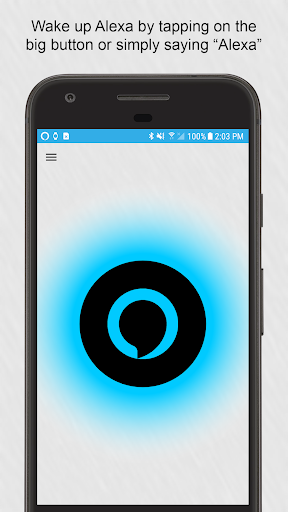
The app caters to both smartphones and Wear OS watches, ensuring versatility across devices. For devices without speakers, such as certain watches, the connected phone's speaker facilitates communication. Users can activate Alexa by saying the wake word, tapping a button, or via the Google Assistant with a specific command. The Pro version offers enhanced features like shaking the phone or using a Samsung Bixby button to invoke Alexa.

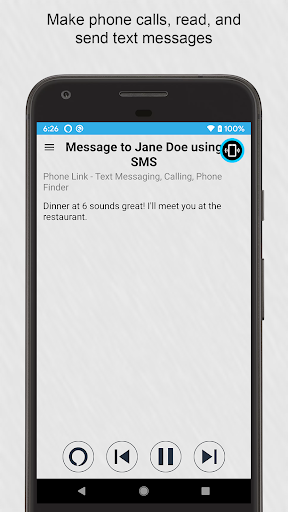
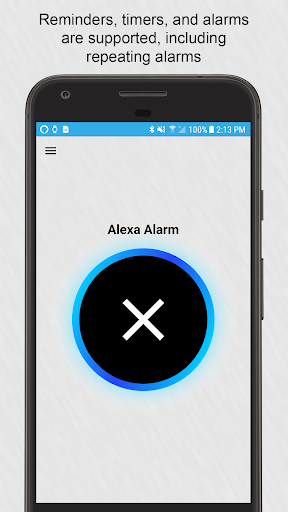
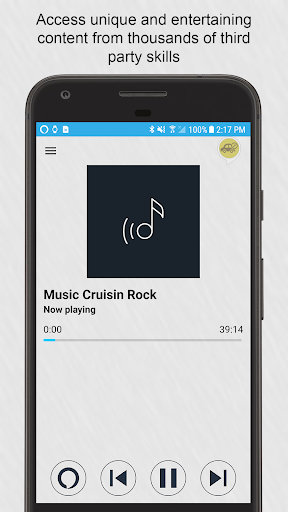
This app empowers users with control over its listening functionality and provides options for different Alexa voices. It supports a myriad of Alexa features permitted by Amazon, ranging from making calls, sending messages, playing music, setting reminders, controlling smart home devices, accessing local information, and engaging with thousands of third-party skills.

Features

Ultimate Alexa Voice Assistant boasts an array of sophisticated features designed to enhance user interaction and convenience. One of its hallmark features is the support for Alexa’s Display Card technology, enabling users to receive visual feedback alongside voice responses for various queries and commands.

The app provides versatile activation methods including voice wake words, touch buttons, notifications, widgets, and even integration with the Google Assistant for seamless invocation. With the Pro version upgrade, users gain access to intuitive triggers like shaking the device or utilizing a Samsung Bixby button to summon Alexa, thus catering to personalized preferences and device capabilities.

Functionality spans across diverse domains such as telephony, messaging, media playback, reminders, smart home management, information retrieval, and entertainment. Despite some limitations in music playback due to Amazon's restrictions, Ultimate Alexa ensures extensive utility through its compatibility with numerous third-party skills and services, making it an indispensable tool for Alexa users.

Companion app integration

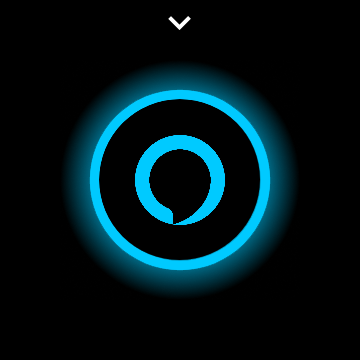
Companion app integration refers to the seamless connection and data sharing between a mobile application and its wearable counterpart. For Ultimate Alexa Voice Assistant this means that users can enjoy a consistent experience whether they are interacting with the app on their phone or their Wear OS watch. The importance of this feature lies in providing users with the flexibility to access Alexa's functionalities regardless of the device they are using at any given moment. On the phone users can activate Alexa through various methods including saying the wake word tapping the big button in the app using the notification area or even via the Google Assistant by saying OK Google Start Ultimate Alexa. For Wear OS watches the interaction is simplified to just tapping the big button on the watch face and speaking. This ensures that users have quick and easy access to Alexa without needing to take out their phones. The app also supports Display Card technology allowing users to not only hear but also see responses for things like weather forecasts news headlines and more right on their devices. Additionally the companion app integration extends to features such as making calls sending texts controlling smart home devices accessing local information and enjoying music playback. By upgrading to the Pro version users can further enhance this integration with features like shaking the phone to wake Alexa or using the Bixby button on Samsung devices to summon Alexa. This level of integration ensures that users have full control over when and how the app listens and responds to commands making it a versatile tool for managing daily tasks staying informed and controlling smart devices all from the convenience of either their phone or Wear OS watch.

Wear OS/device compatibility

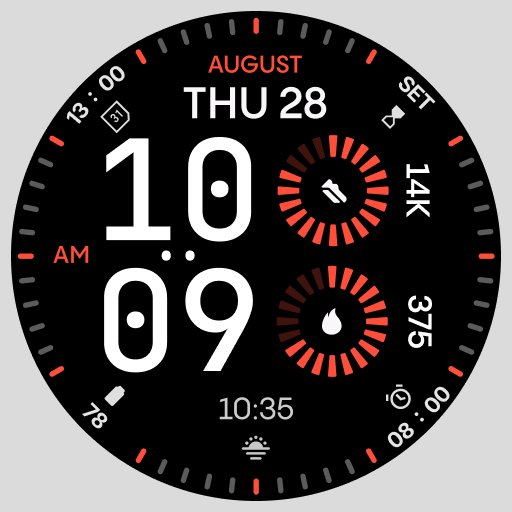
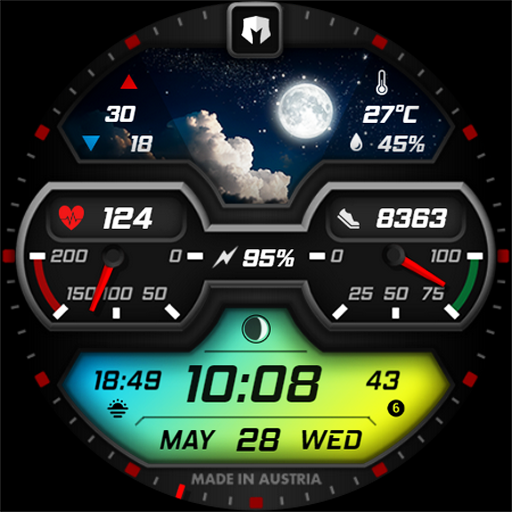
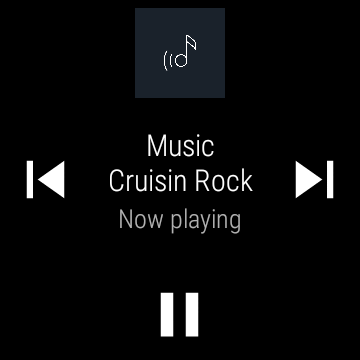
Wear OS device compatibility is crucial for applications aiming to provide a unified user experience across different form factors. For Ultimate Alexa Voice Assistant ensuring broad compatibility with Wear OS devices means that users can rely on consistent performance and functionality whether they are using a smartphone or a smartwatch. This compatibility encompasses both hardware and software aspects guaranteeing that the app runs smoothly on various Wear OS devices with different screen sizes processors and memory configurations. The importance of this feature is evident in the way it allows users to interact with Alexa simply by tapping the big button on their Wear OS watch and starting to talk. If the watch lacks a speaker the connected phone's speaker is automatically used ensuring uninterrupted communication. Furthermore the app includes a Wear OS tile which facilitates quick access and immediate voice command execution directly from the watch face. This seamless integration extends to supporting every Alexa feature that Amazon permits including making calls sending texts playing music setting reminders and alarms controlling smart home devices and accessing local information among others. Users also have the option to choose from several different Alexa voices tailoring the experience to their preference. The app's compatibility is further enhanced by its use of an accessibility service which enables certain optional features. For instance when replacing the Bixby assistant with Ultimate Alexa the service detects the Bixby app in the foreground and launches the latter to take its place. This ensures that users can enjoy a smooth transition between different assistants based on their needs. Overall the emphasis on Wear OS device compatibility ensures that Ultimate Alexa remains a reliable and versatile assistant catering to users' diverse needs across multiple devices.

Props

User-friendly interface

Versatile activation options

Comprehensive feature set

Supports Alexa Display Cards

Wide device compatibility

Cons

Limited music services

Pro version costs extra

Calling limited by region

Bixby replacement complex

Requires Phone Link app

Features and Functions

What is this app and what can I use it for?

A voice assistant app using Alexa with display cards and wide features.

How do I download and install this app on my device?

Search 'Ultimate Alexa' on Google Play, tap Install, and open after download.

How do I get started after opening the app for the first time?

Grant necessary permissions and say 'Alexa' or tap the button to start.

What are the main features and capabilities of this app?

Voice commands, display cards, smart home control, messaging, and more.

How can I customize my experience and adjust preferences?

Adjust settings in-app for voice preferences and listening modes.

How do I save or bookmark my favorite content for later access?

Use Alexa commands to create reminders or lists for future reference.

How can I share content with friends or on social media?

Say 'Share this with John' or similar commands to share content.

How do I access detailed information and explore more content?

Ask Alexa for details or browse skills for extended functionalities.

What permissions does this app need and how do I manage them?

The app needs mic access; manage permissions in device settings.

How do I check for updates and keep the app running smoothly?

Enable auto-updates in Google Play or manually check for updates.
Show more

User Reveiws

{{ comment.reviewer_name }}
{{ comment.review_date_formatted}}
{{ comment.review_content }}
{{ tab.name }}
{{ comment.reviewer_name }}
{{ comment.review_date_formatted}}
{{ comment.review_content }}
No reviews with this rating