
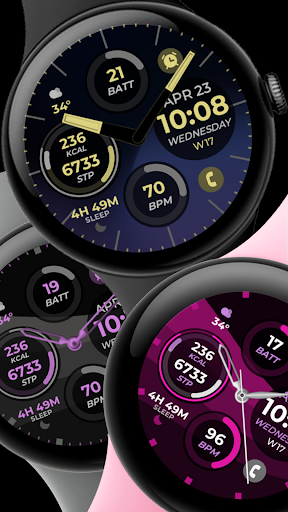
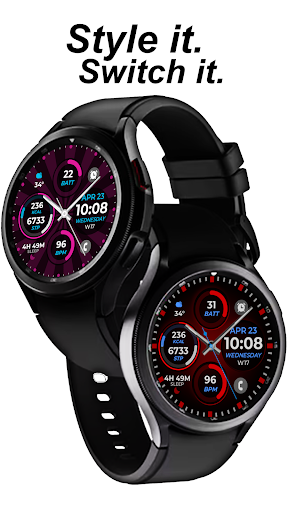
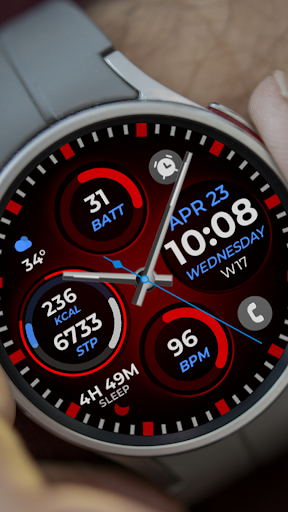
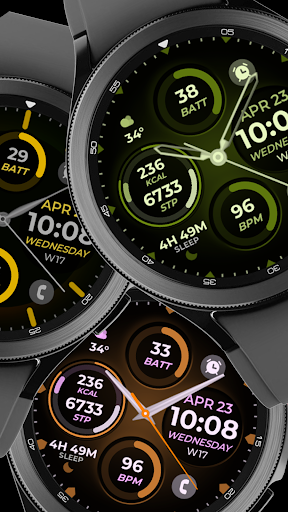


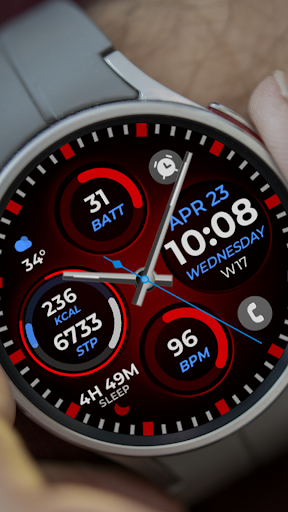

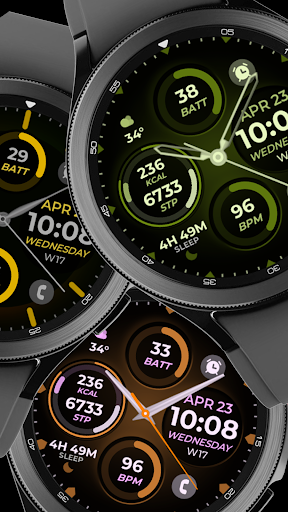
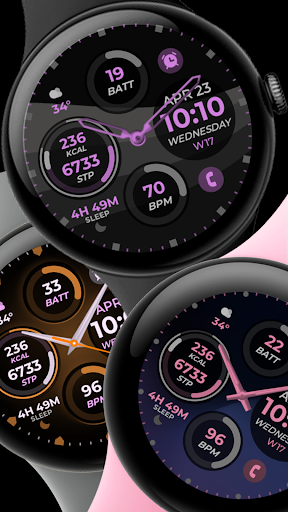
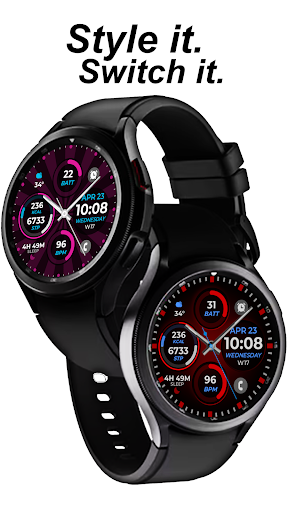
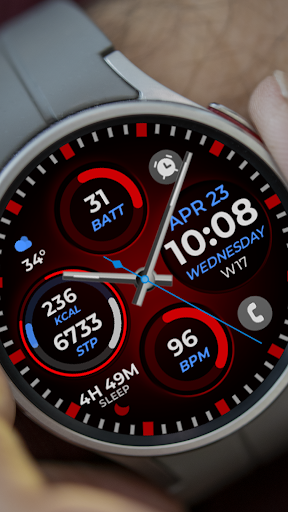
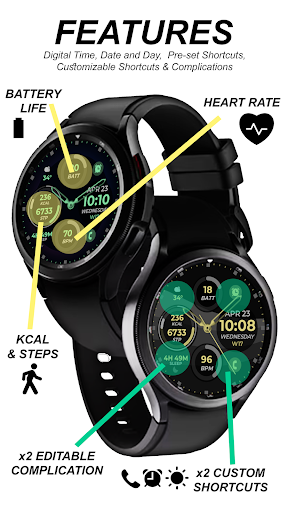
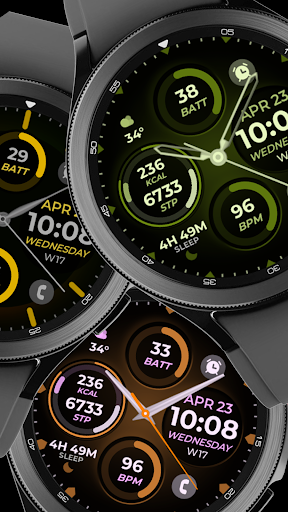
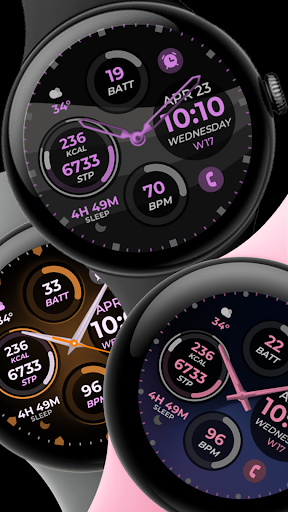
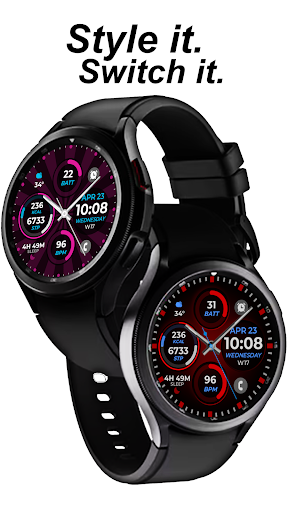

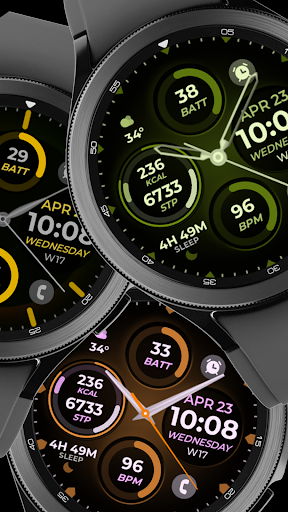
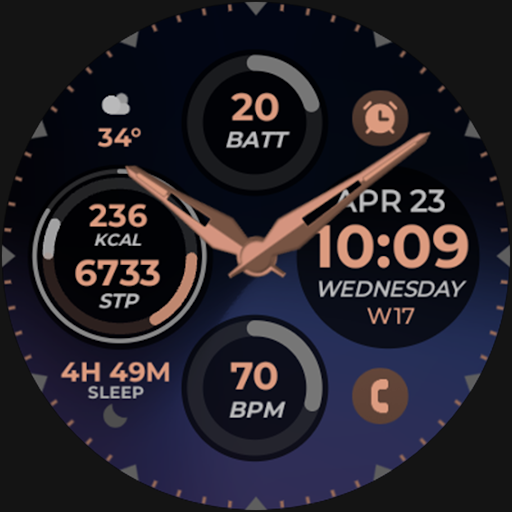
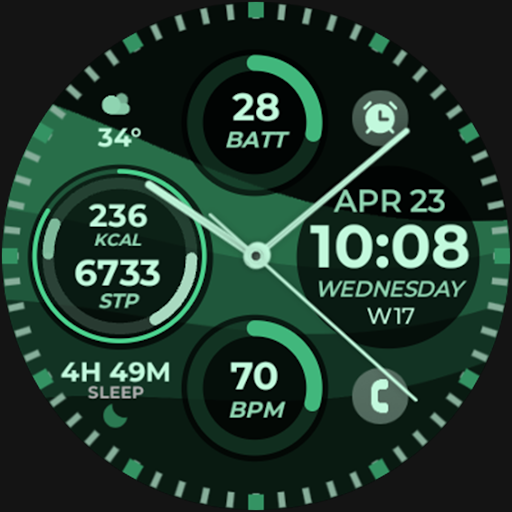
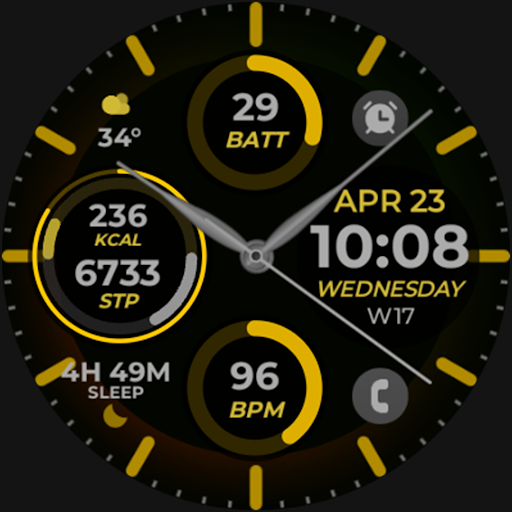
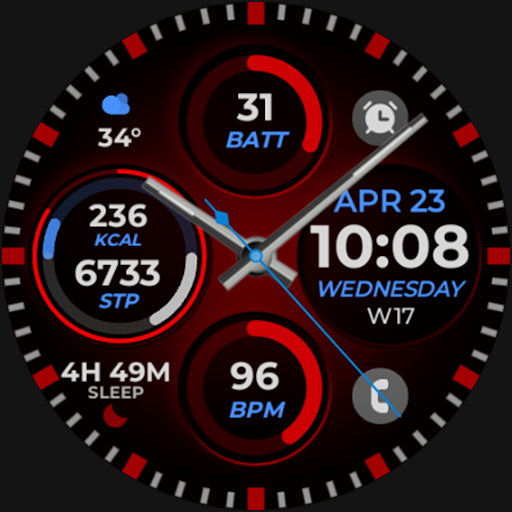
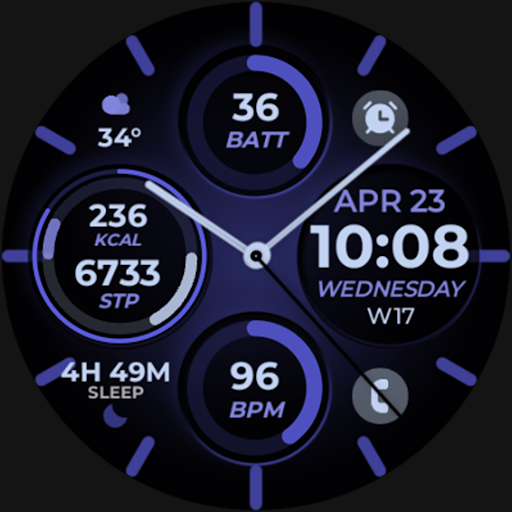
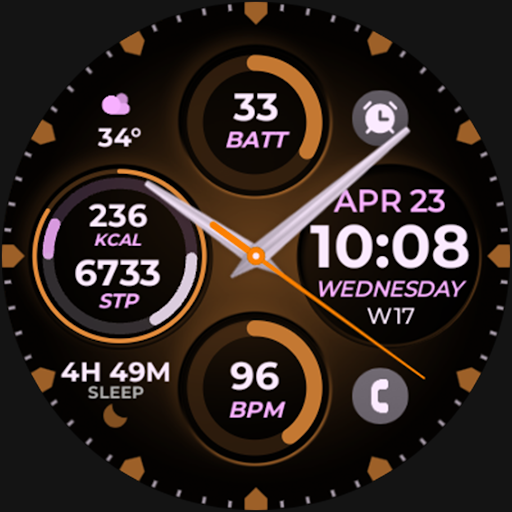


Vibrant Fit Hybrid is a feature-rich watch face app designed specifically for Wear OS devices, particularly Samsung Galaxy Watch 4. This application offers users a customizable and visually appealing interface that enhances their smartwatch experience.
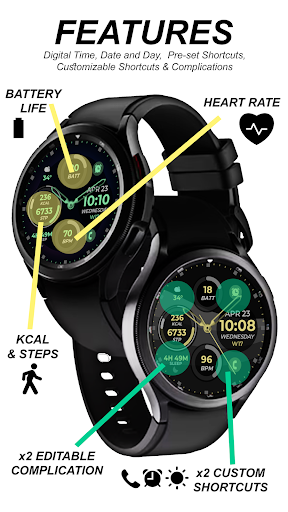
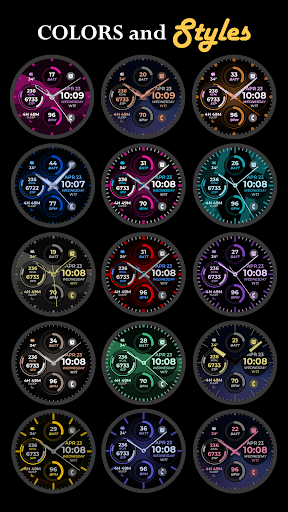
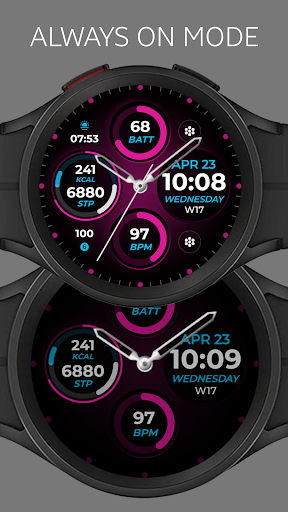
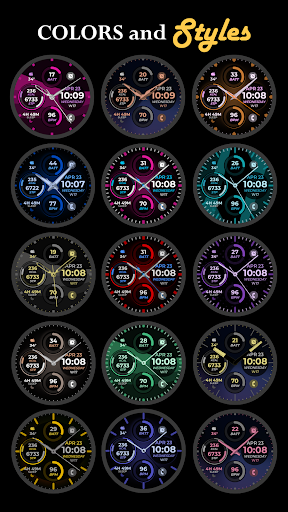
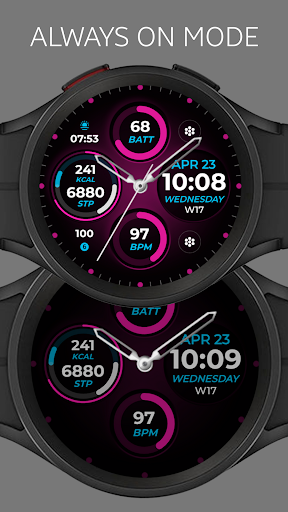
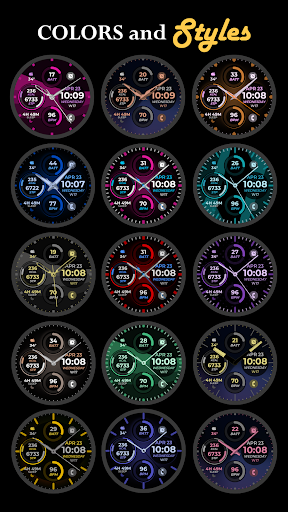
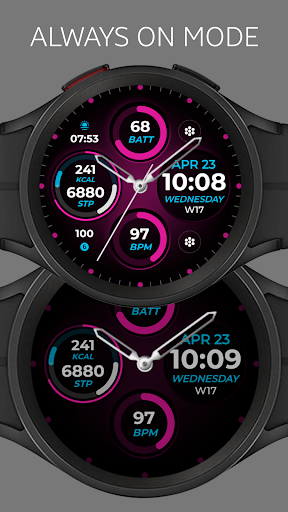
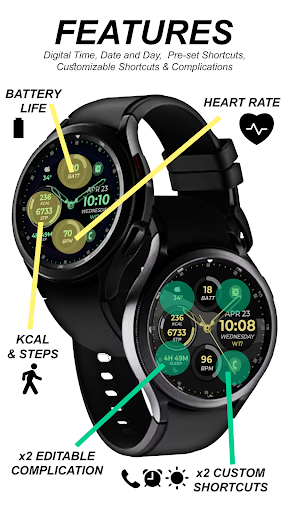
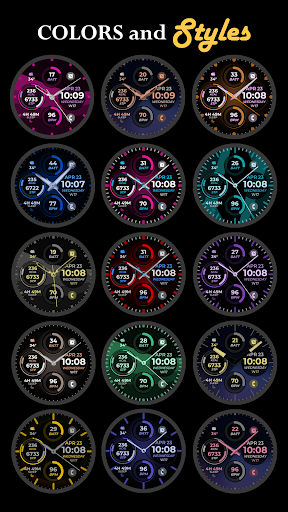
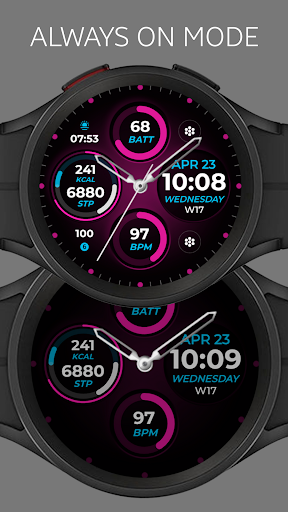
The app provides essential timekeeping functions through its digital and analog clock options, complete with date display and Always-On Display (AOD) capabilities. Users can personalize their watch faces with custom color palettes, watch hands, and index styles, creating a unique look that suits their preferences. Additionally, the app supports both preset and custom app shortcuts and complications, allowing quick access to frequently used features and information.
Whether you're looking to match your personal style or optimize your smartwatch's functionality, Vibrant Fit Hybrid offers a versatile solution that caters to various user needs.
Vibrant Fit Hybrid stands out with its comprehensive set of customization options and practical features. The app includes both digital and analog clock displays, ensuring users can choose their preferred timekeeping method. The inclusion of an Always-On Display (AOD) means that important information remains visible even when the watch is not actively in use.
One of the key highlights is the ability to customize the watch face extensively. Users can select from a variety of color palettes, watch hands, and index styles, providing countless combinations to create a personalized appearance. Furthermore, the app supports both preset and custom app shortcuts and complications, enabling users to tailor their watch faces to include quick access to their most-used apps and features.
These features collectively enhance the user experience by offering both aesthetic customization and functional utility, making Vibrant Fit Hybrid a standout choice among watch face apps.
User-friendly interface
Extensive customization
Always-On Display
Quick access shortcuts
Regular updates
Limited device compatibility
Occasional installation issues
Premium features locked
Learning curve for new users
Battery consumption concerns

MyNISSAN® lets you remotely control your car from your phone.*
 4.50
4.50
Embrace the festive spirit with our Christmas Countdown watchface for Wear OS
4.10
Deck out your Wear OS Watch face with a beautifully decorated pine wreath!
4.50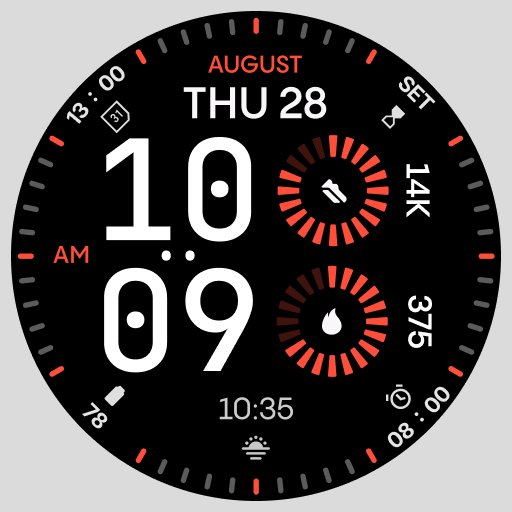
Stunning modern digital watch face with 7 complications and strong contrast
4.5
Simple Analog-Digital Watchface For Wear OS 3.0 and Up Smartwatches
4.2
Watch face designed for Thanksgiving Day. 7 Background Styles included.
3.20
Animated video-game inspired “secret agent” simulation, right on your wrist!
4.20
Hybrid watch face for Wear OS with customizable complications by Matteo Dini MD
4.70
Simple, helpful messaging by Google
4.60
The Chevron App allows you to pay for fuel from the comfort of your car!
4.80
The most customizable minimal watch face. For Wear OS 5.0, API 34+ and later
4.70
Monitor health with the stress test and pulse checker in the heart rate app.
4.60
A realistic hybrid watch face with many customization options.
4.60
Connect to your Bluelink equipped Hyundai vehicle from your smartphone.
4.50
Locate your family members by GPS phone location tracker everywhere and anytime
4.30
A customizable Christmas watch face for Wear OS with a countdown.
4.20
Daily Weather forecast with 15 weather images for Day & Night plus Big Bold time
4.10
A watch face that fuses motorsport precision with contemporary smartwatch design
4.3
Fitness interactive virtual pet super fighter boy watch face
4.1


User Reveiws