
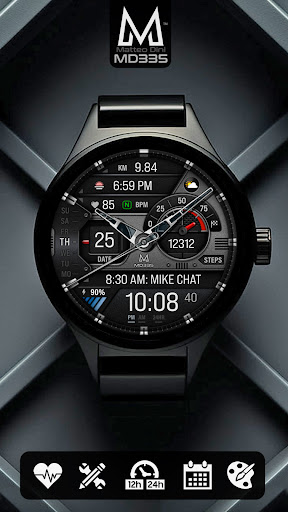
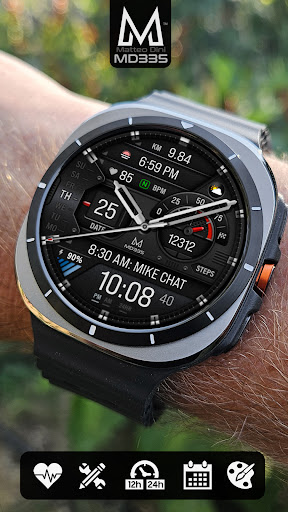
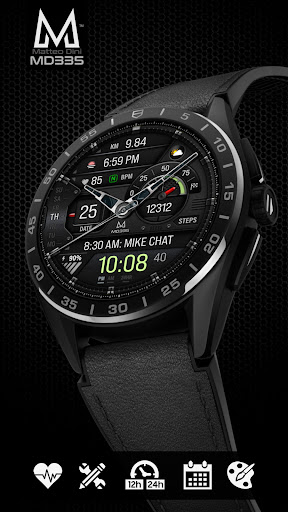
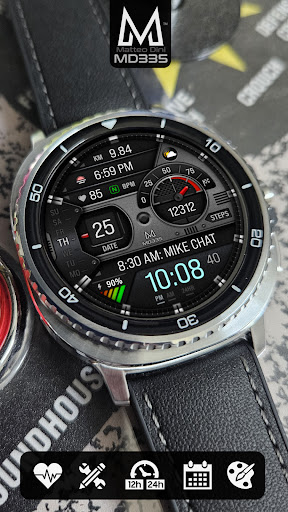
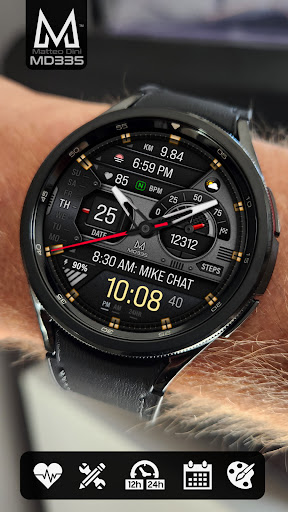
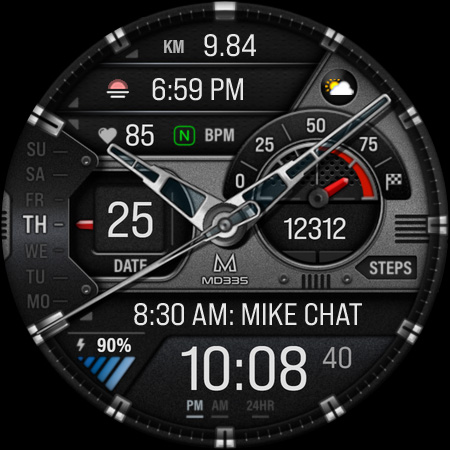
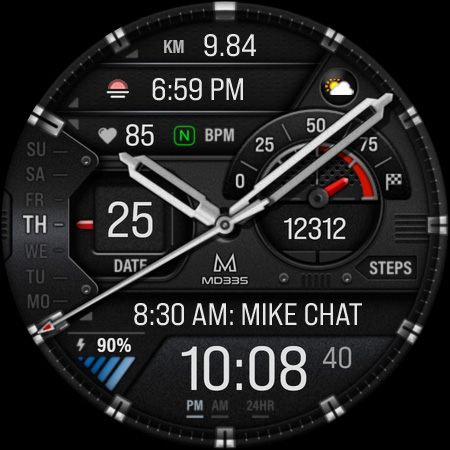

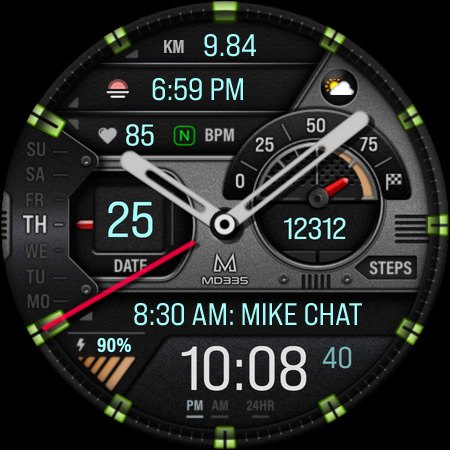
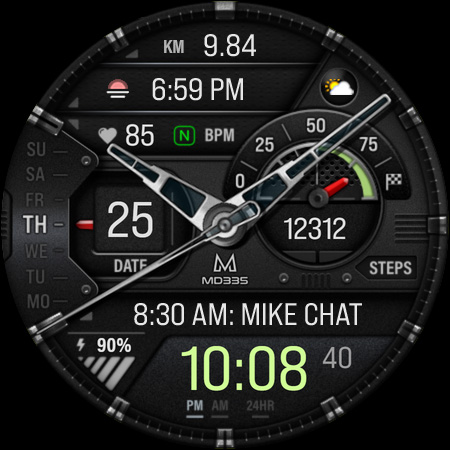
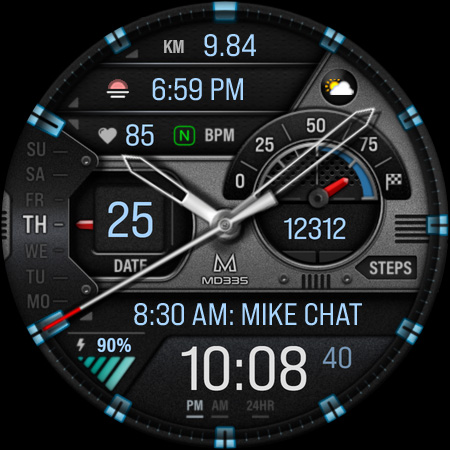
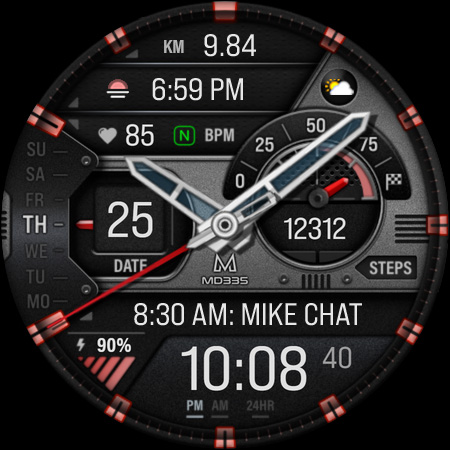
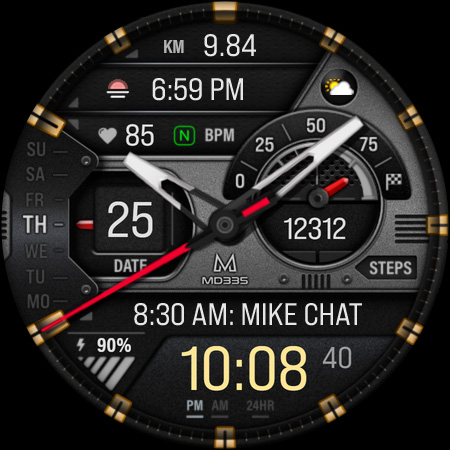
MD335 Hybrid watch face is a feature-rich, customizable watch face designed for Wear OS devices. It supports all Wear OS devices with API Level 33+ and offers users the ability to personalize their watch faces extensively.
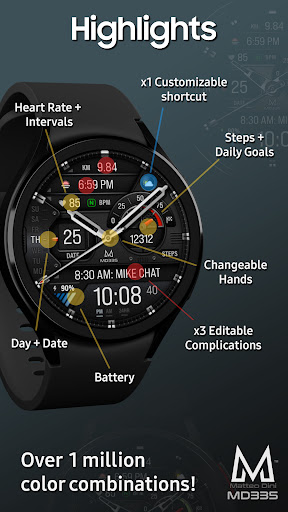
The watch face includes 4 preset app shortcuts, 1 customizable shortcut, and 3 customizable complications where users can display preferred data such as weather, barometer readings, distance walked, calories burned, UV index, and chance of rain. With options like 12/24hr time formats based on phone settings, hybrid design with hideable hands, date, day, battery status, heart rate monitoring, steps tracking, and more, it provides a comprehensive user experience.
This application is ideal for Galaxy Watch users who want a personalized and functional watch face that works seamlessly across various Wear OS devices.
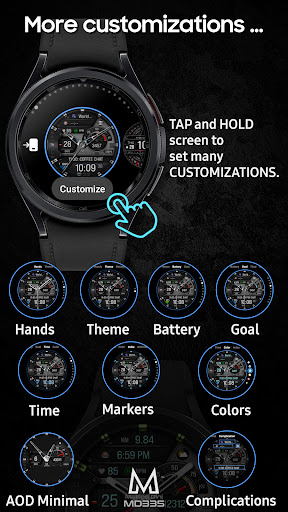
MD335 Hybrid watch face stands out with its extensive customization capabilities. Users can customize the watch face directly on their watch, thanks to Samsung's current limitations with complex watch faces in the Samsung Wearable app.
Key features include 12/24hr time format based on phone settings, hybrid design with hideable hands, date, day, battery status, heart rate intervals, 4 preset app shortcuts (Calendar, Battery, Measure Heart Rate, Set alarms), 1 customizable shortcut, 3 customizable complications, step tracking with daily goals, changeable hands, theme switching between dark and light modes, and adjustable colors for time, battery level, goal level, markers, and general colors.
Additionally, the minimal and full Always-On Display (AOD) ensures that essential information is always accessible at a glance, enhancing user convenience and device usability.
Highly customizable
Wide compatibility
Comprehensive health tracking
User-friendly interface
Regular updates
Complex setup process
Limited customer support
Preset app dependency
Performance issues on older devices
Occasional bugs

Christmas watch face. For Wear OS devices.
 4.30
4.30
Rose gold watch face with festive lights & customizable features.
4.60
Monitor health with the stress test and pulse checker in the heart rate app.
4.60
The Chevron App allows you to pay for fuel from the comfort of your car!
4.80
Retro digital watch face with customizable colors and a unique lighting effect
4.60
A digital watch face that celebrates Christmas.
4.00
Your local weather forecast, storm tracker, radar maps & live weather news
3.40
Want to take charge of your health? Let Google Fit help you reach your goals.
3.50
Spam call blocker and caller ID for automatic call protection!
4.40
Period, ovulation & pregnancy tracker. Fertility insights & menstrual calendar.
4.90
Hyperlocal rain alerts by MyRadar using patent-pending technology, radar & more
4.80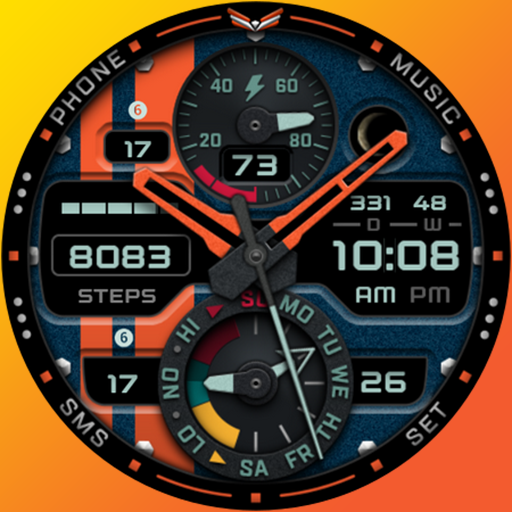
A modern premium sporty hybrid watch face for Wear OS by Ballozi
4.70
Real-time results, stats, schedules and player profiles for all leagues
4.60
Bold weather Digital watchface with forecast & optional animated background
4.40
Let's celebrate Thanksgiving - Wear Os watch face
4.20
Daily Weather forecast with 15 weather images for Day & Night plus Big Bold time
4.10
Structured watch face with seven complications and modular UI elements
3.90
Get helpful reminders, take progress photos and find answers to your questions.
3.90
an Analog Watch Face for winter season with freeze winter background for Wear OS
4.0


User Reveiws