
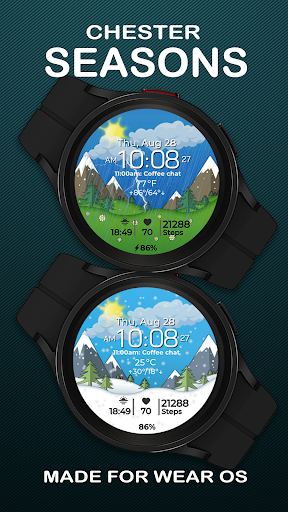
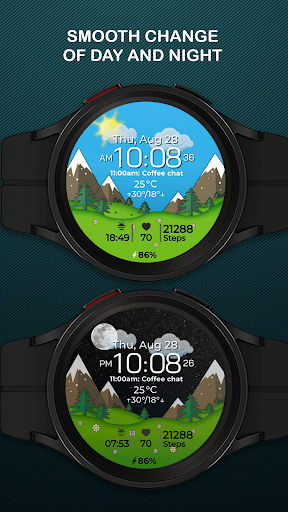
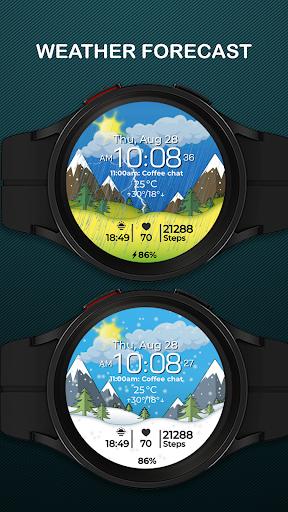
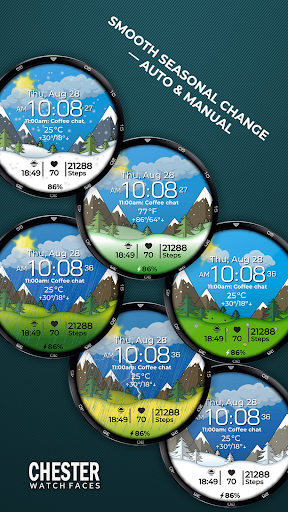
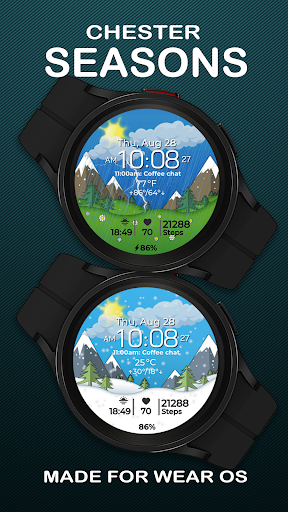
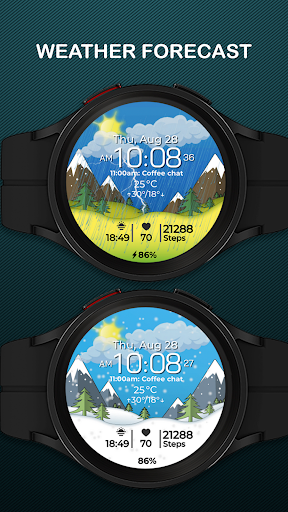
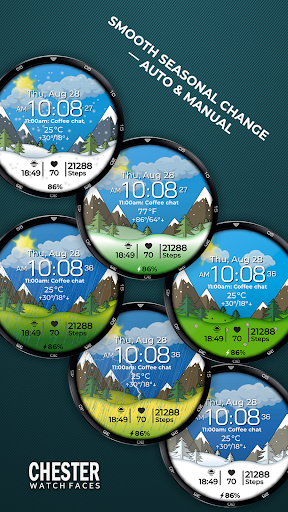

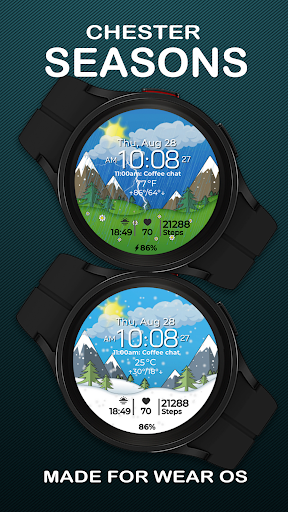

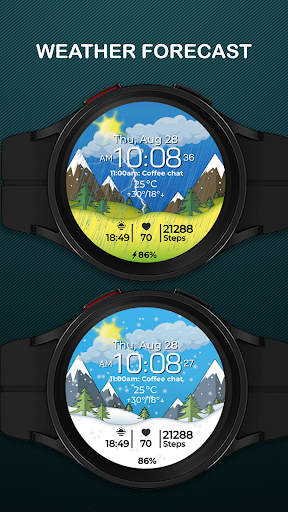
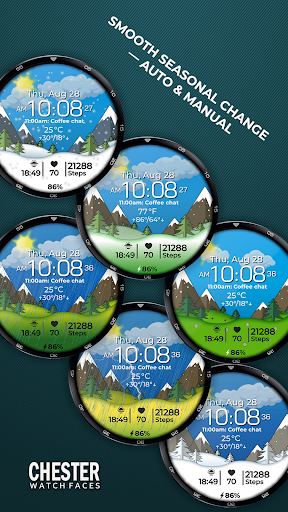
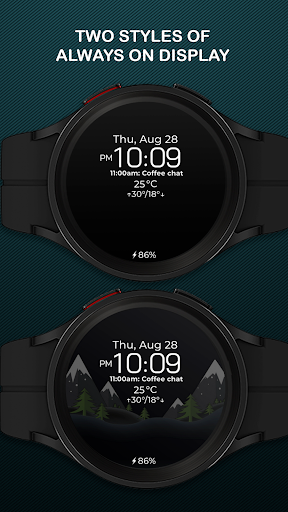
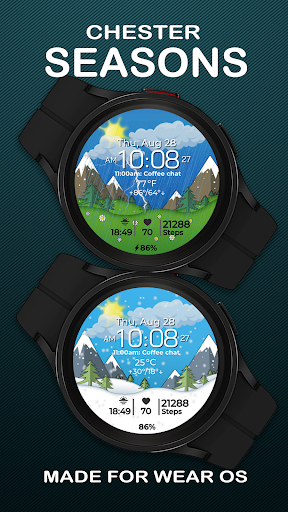
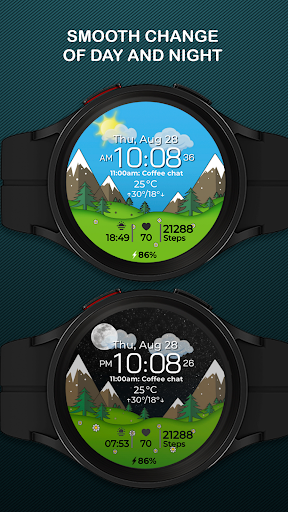

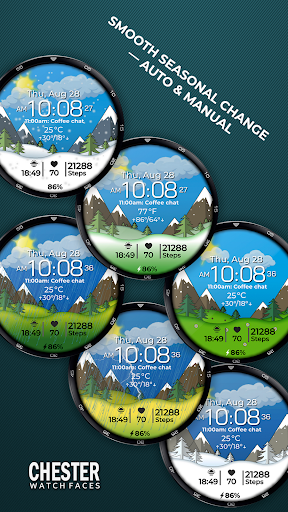
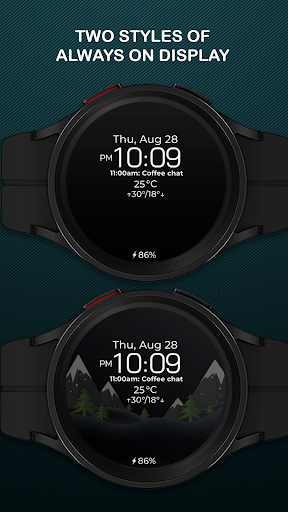
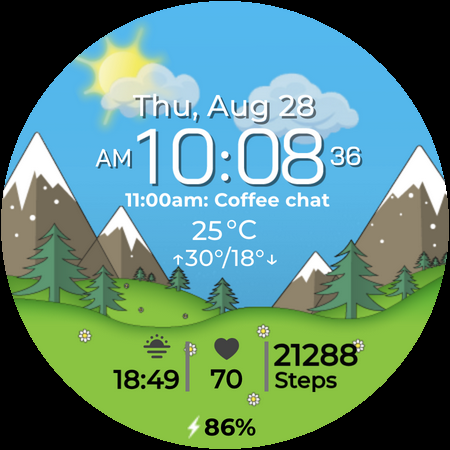
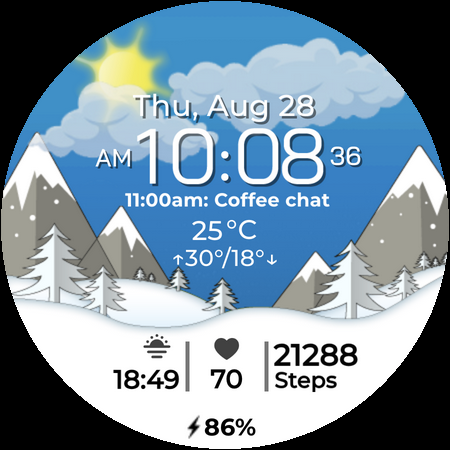
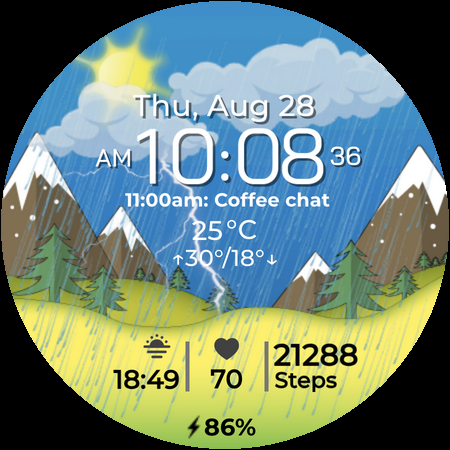
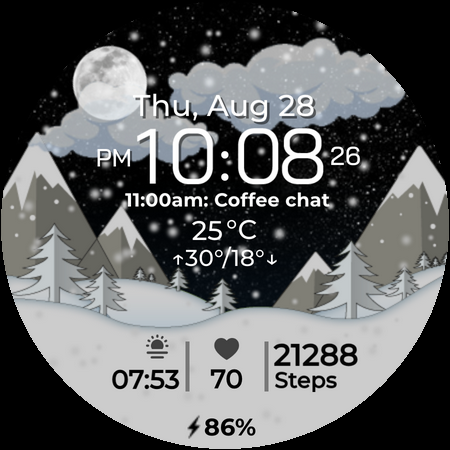
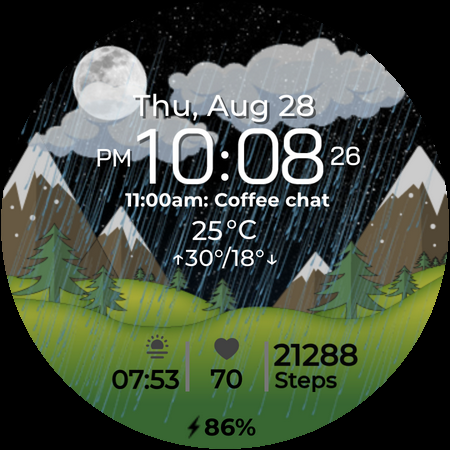
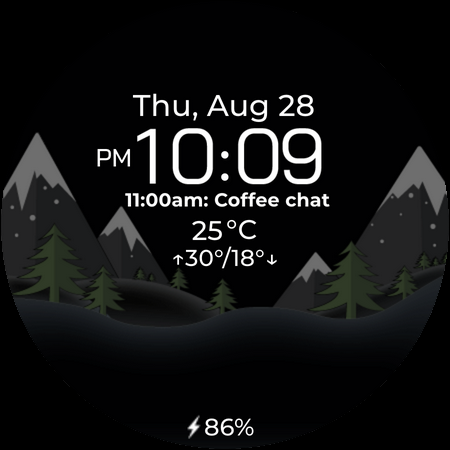
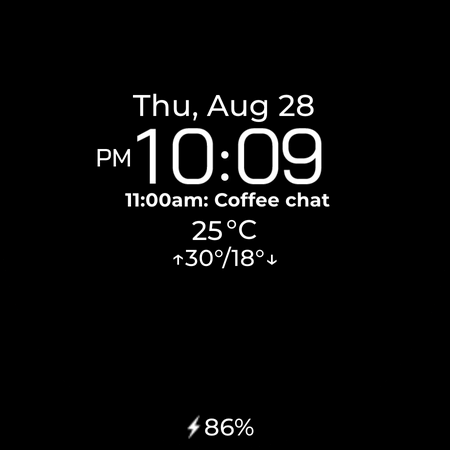
Chester Seasons is a dynamic and stylish watch face for Wear OS devices, designed to bring both functionality and aesthetics to your smartwatch. This app stands out with its beautiful seasonal animations and customizable features that adapt to your lifestyle.
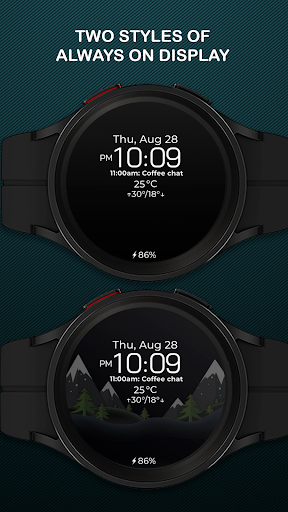
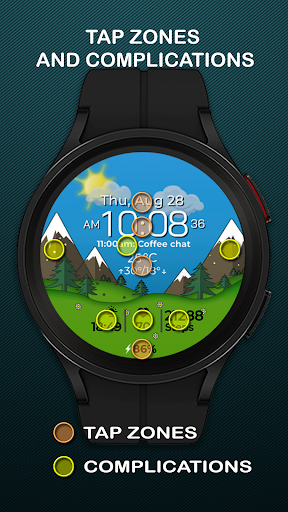
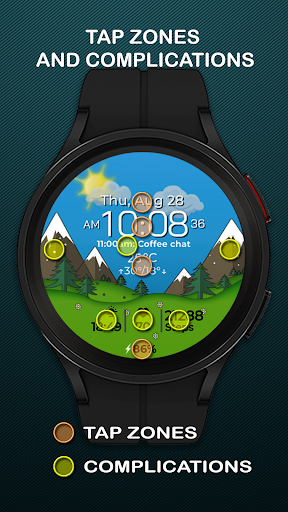
The watch face displays essential information such as time, date, weather, and battery level while offering interactive elements like quick access zones and complications. With compatibility across Wear OS API 30+ devices, Chester Seasons transforms your smartwatch into a personalized accessory that evolves with the seasons.
Chester Seasons offers an impressive range of features that cater to both practicality and personal style. The app provides a customizable time display along with date, day, and weather information, ensuring you stay informed throughout the day.
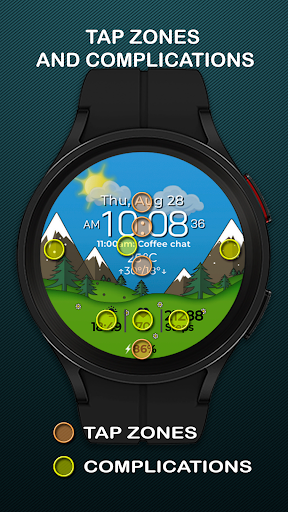
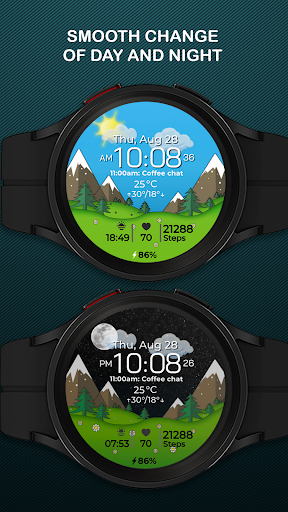
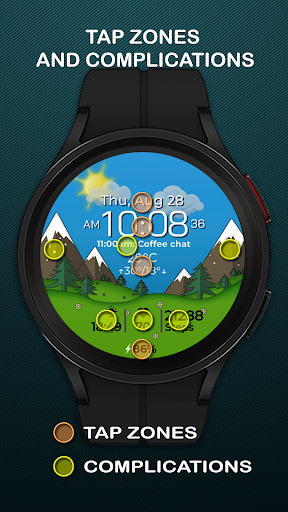
One of the standout features is the smooth seasonal and day-night transitions, creating a visually captivating experience on your wrist. Users can choose from four complications to display their preferred information and access three quick-access zones for apps and workouts. The interactive tap zones add another layer of functionality.
While the app supports both Celsius and Fahrenheit temperature displays, it's important to note that certain advanced features are only available on Wear OS API 34+. This ensures optimal performance across various devices while maintaining core functionality on older versions.
Stylish design
Customizable features
Interactive elements
Seasonal animations
Wide device support
Limited on older OS
No rectangular support
Weather feature restricted
Manual settings limited
Premium feel but not free

Diet tracker for weight loss - track calories, food and macros. Simple and easy!
 4.70
4.70
Calming & relaxing sounds for sleeping and stress relief. Stay focused all day!
4.20
Christmas Theme Watch Face for Wear Os
5.00
Rose gold watch face with festive lights & customizable features.
4.60
Funny animated watch face for Thanksgiving
4.0
Retro digital watch face with customizable colors and a unique lighting effect
4.60
Fast and smart typing with Emojis, GIFs, and more
4.50
Simple, helpful messaging by Google
4.60
Spam call blocker and caller ID for automatic call protection!
4.40
Period, ovulation & pregnancy tracker. Fertility insights & menstrual calendar.
4.90
Kia Access makes getting your vehicle information easier than ever
4.60
Ideal for surviving in the wasteland left after nuclear fallout
4.50
Bold weather Digital watchface with forecast & optional animated background
4.40
The ultimate destination for kids ages 3-8 to explore the Marvel Universe!
4.30
The #1 source of faces for your smartwatch!
4.00
Get helpful reminders, take progress photos and find answers to your questions.
3.90
Authentic military-tactical design with ZULU time! Realistic and functional!
3.80
Analog watch face with 8 complications and expedition styling
4.3
Hybrid Vibrant Health Watch Face for Wear OS
4.3


User Reveiws