
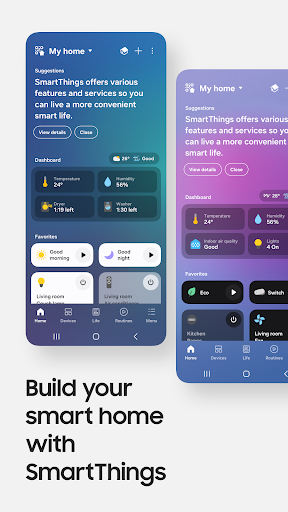
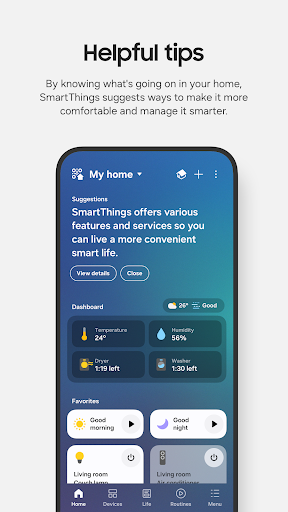
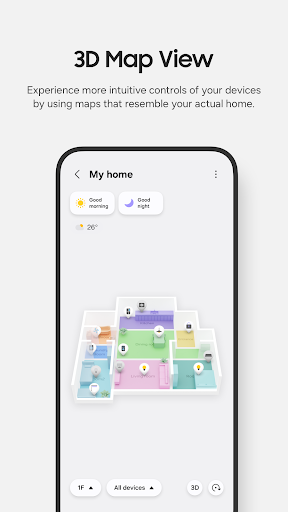
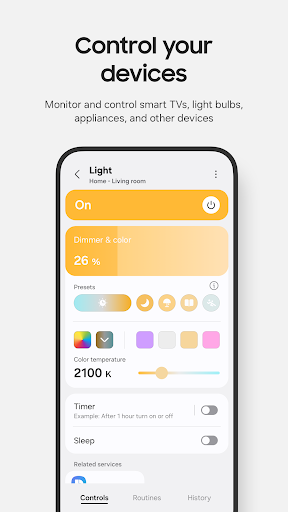
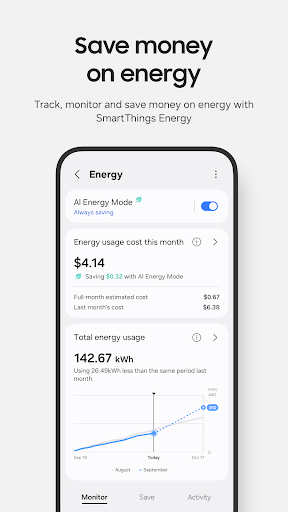
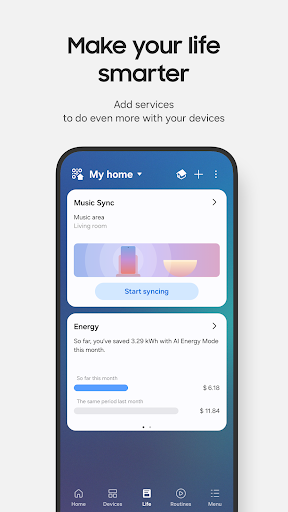

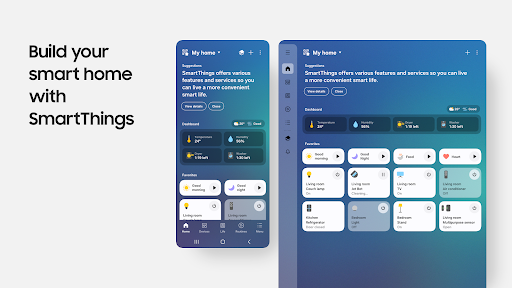

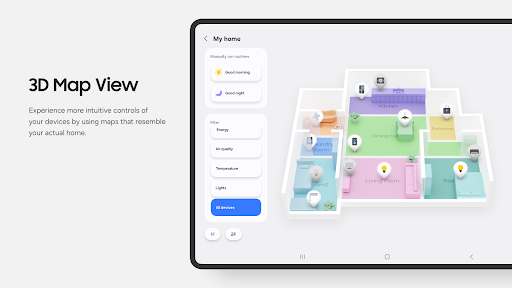
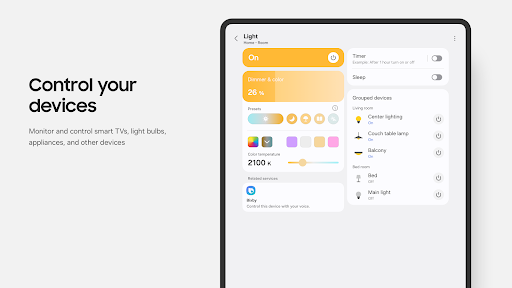
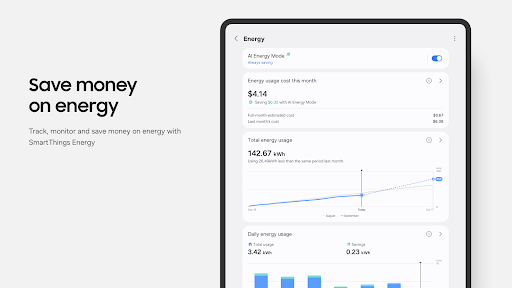
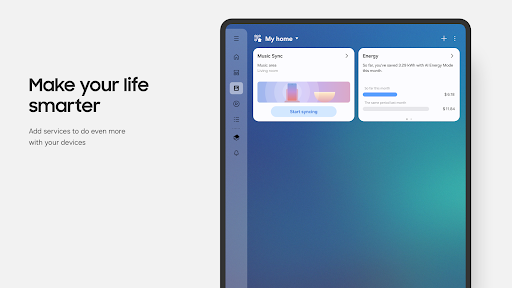


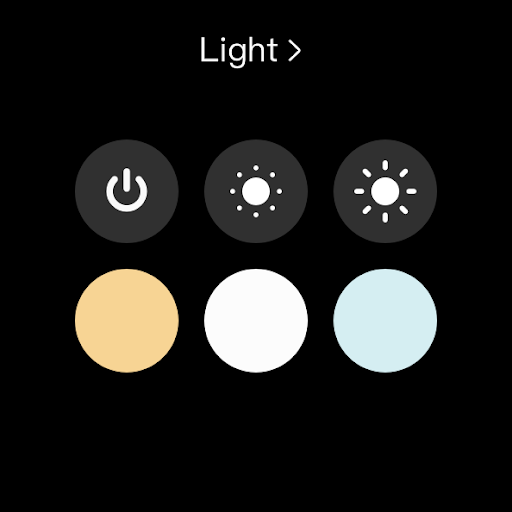
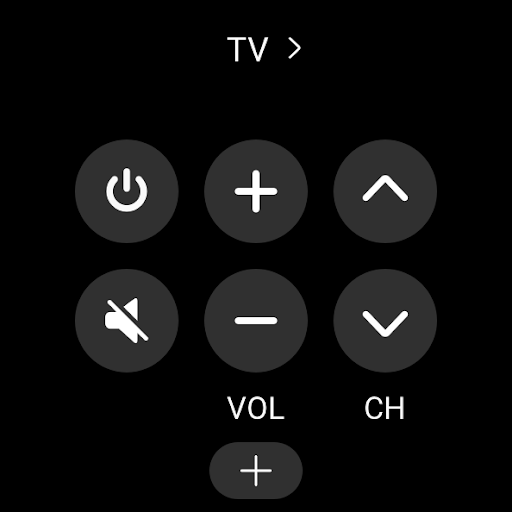
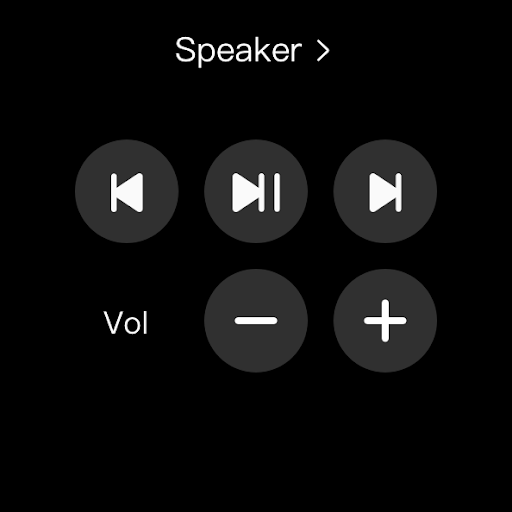

SmartThings is a comprehensive smart home management application designed specifically for Android Wear users. This app allows you to seamlessly connect and control all your smart home devices from a single platform, including Samsung Smart TVs, smart appliances, and third-party brands like Ring, Nest, and Philips Hue.
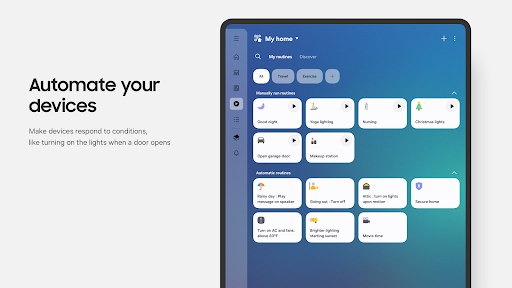
The application's core functionality lies in its ability to monitor and manage multiple smart devices remotely. You can create automated routines based on time, weather conditions, or device status, ensuring your home operates efficiently even when you're away. The integration with voice assistants such as Alexa, Bixby, and Google Assistant adds another layer of convenience to your smart home experience.
Whether you're at work or on vacation, SmartThings provides peace of mind by allowing you to check in on your home and receive real-time status updates through automated notifications. The app also supports shared access, enabling multiple users to control the connected devices, making it ideal for family use.
SmartThings stands out with its extensive compatibility across hundreds of smart home brands, offering unparalleled versatility in managing various smart devices. The app's intuitive interface allows users to effortlessly control their smart home ecosystem, including setting up automated routines that run in the background.
One of the key features is its robust notification system that keeps users informed about their device statuses. Through the app, you can build customized routines that trigger actions based on specific conditions, such as turning on lights when you arrive home or adjusting the thermostat based on the weather forecast.
Additionally, SmartThings offers advanced functionalities for Android Wear users, providing quick access to routine execution and device control directly from their smartwatches. By adding SmartThings complications to the watch face, users can conveniently enter the app's services without needing to navigate through multiple screens.
User-friendly interface
Extensive device compatibility
Remote home monitoring
Voice assistant integration
Customizable automation routines
Limited non-Samsung support
Some features region-restricted
Requires sufficient memory
Optional permissions needed
Potential connectivity issues

Walking app for weight loss: walk & step tracker, pedometer, indoor treadmill
 4.60
4.60
Digital, flexibly customizable watch face. For Wear OS 5.0, API 34+ and later.
5.00
3 Complications. All shadow on/off. 30 Themes color palette...
4.4
Hyperlocal rain alerts by MyRadar using patent-pending technology, radar & more
4.80
Nutrition, Macro tracker: Food, fitness & healthy diet tracking for weight loss
4.60
Locate your family members by GPS phone location tracker everywhere and anytime
4.30
Funny animated watch face for Thanksgiving
4.4
Your local weather forecast, storm tracker, radar maps & live weather news
3.40
Track airplanes and follow flights with our real-time flight tracker
4.50
Period, ovulation & pregnancy tracker. Fertility insights & menstrual calendar.
4.90
Current temperature, weather hourly, weather radar by the weather forecast app
4.40
Animated video-game inspired “secret agent” simulation, right on your wrist!
4.20
Your music, your playlists, and more—offline and unlimited.
4.20
Viewer for Wyze/Yi/Eufy/Arlo/ONVIF/RTSP/P2P IP cams w/ adv. features & DIY DVR
4.00
Structured watch face with seven complications and modular UI elements
3.90
Authentic military-tactical design with ZULU time! Realistic and functional!
3.80
Simple Analog-Digital Watchface For Wear OS 3.0 and Up Smartwatches
4.4
Sleek, highly customizable watch face inspired by Galaxy Watch Circle Dashboard.
4.4
Minimalistic design modern digital watch face.
4.5


User Reveiws