
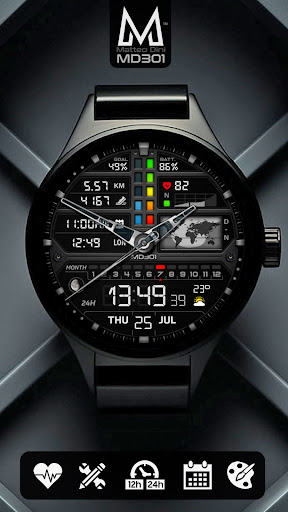
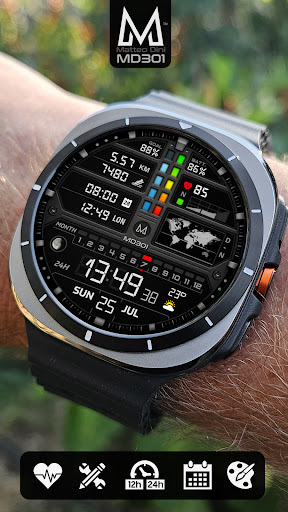
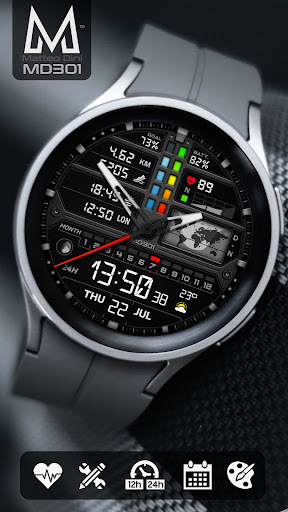
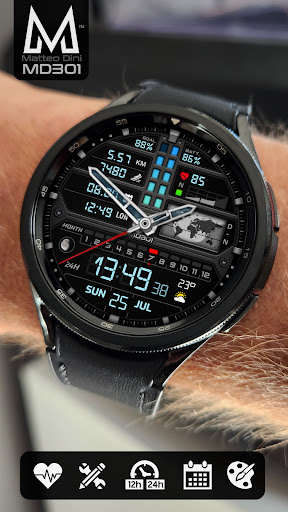
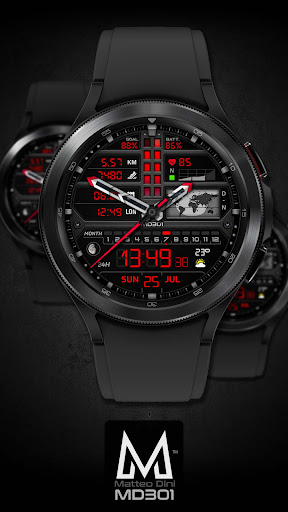
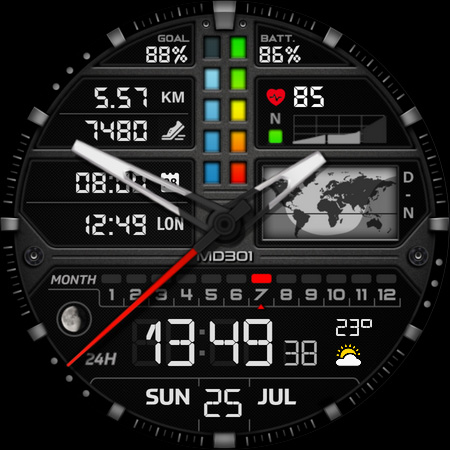
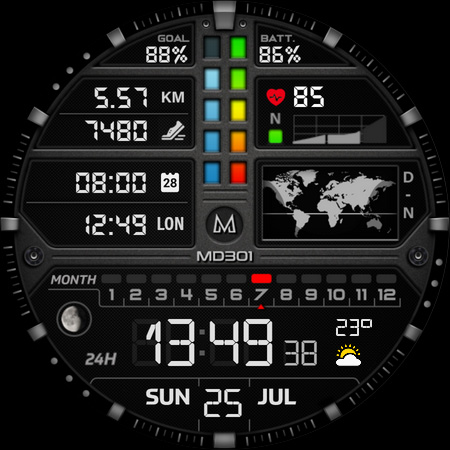
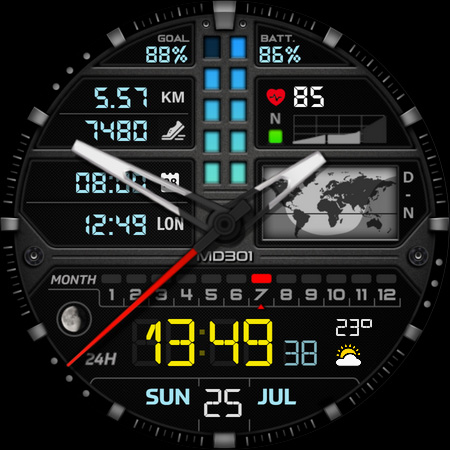

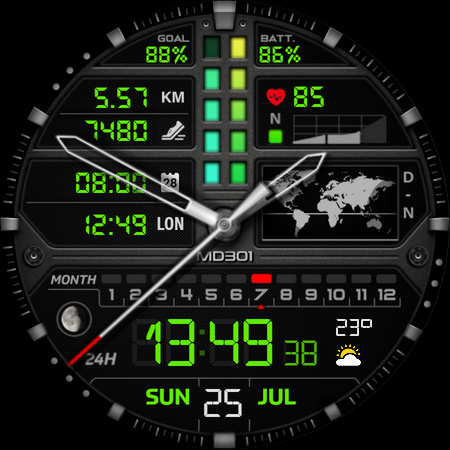
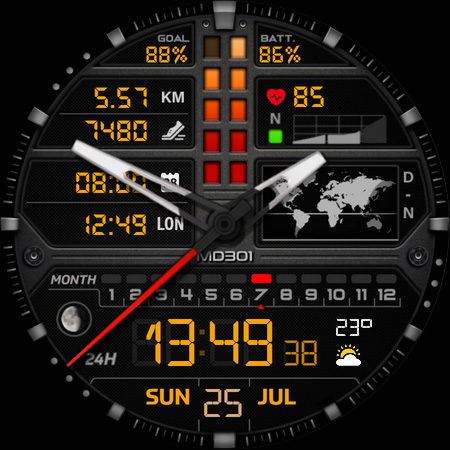
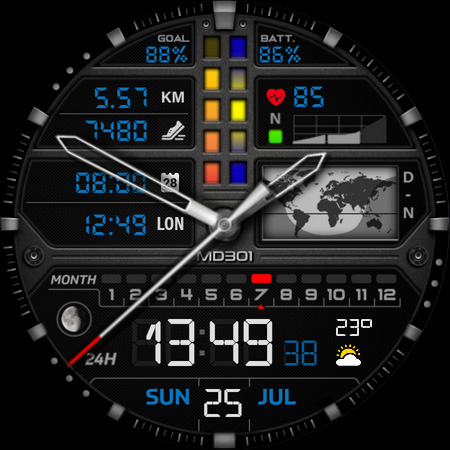
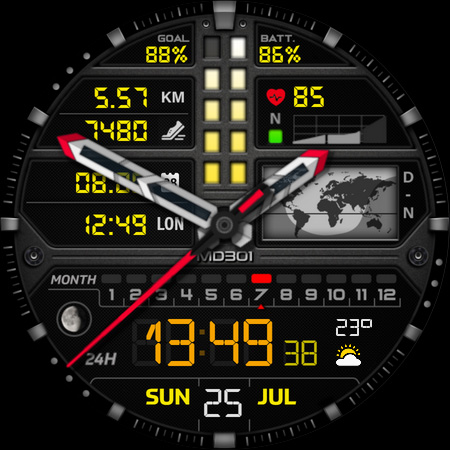
MD301 Hybrid watch face offers a versatile and customizable experience for Wear OS users. It features a unique combination of digital and analog elements, including time display, date, moon phase, world map, and health metrics like heart rate and step tracking.
The watch face supports advanced customization with 3 preset app shortcuts, 3 customizable shortcuts, and 4 complications that can display various data types such as weather and distance. Designed for Galaxy Watch and other Wear OS devices, it ensures compatibility with API Level 33+.
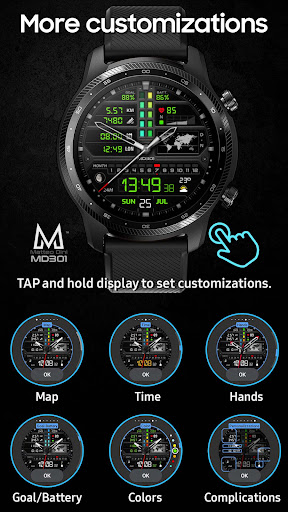
Users can personalize their watch face directly on the device, thanks to the intuitive tap-and-hold customization feature. This makes MD301 ideal for those seeking both functionality and style in their smartwatch experience.
MD301 Hybrid stands out with its comprehensive feature set tailored for smartwatch enthusiasts. The watch face includes digital and analog time displays, a day and night world map, battery status, and health metrics like heart rate and step goals.
Customization is at the core of this watch face. Users can configure 3 preset app shortcuts (Calendar, Battery, Measure HR), 3 customizable shortcuts, and 4 complications. These complications support various data types, including weather, time zones, and more.
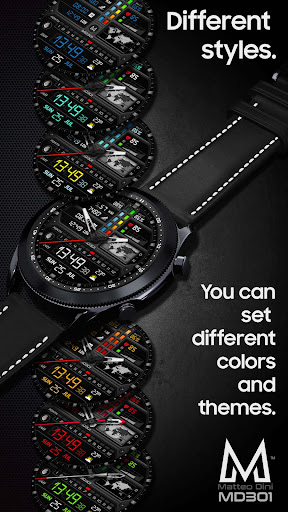
Additional features include an Always-On Display with changeable colors, movable hands, and general color adjustments. With support for Wear OS 4 and newer versions, this watch face delivers a seamless experience across Samsung Galaxy Watch 4-8, Ultra, and Pixel Watch devices.
Highly customizable
Rich feature set
Wide device compatibility
Intuitive controls
Always-On Display
Complex setup process
Limited Samsung editor support
Preset shortcut limitations
Battery consumption concerns
Additional complications needed

A customizable Christmas watch face for Wear OS with a countdown.
 4.20
4.20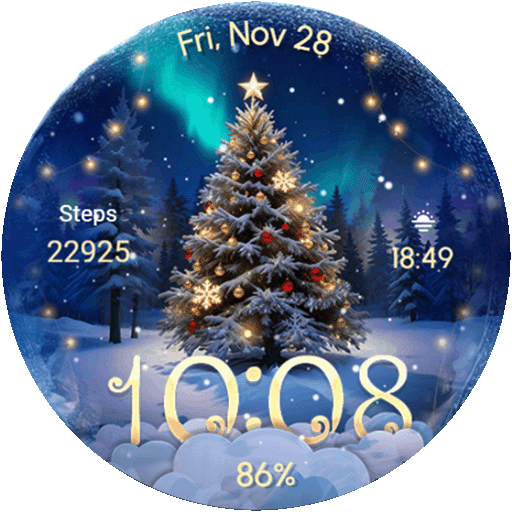
Wear Os Watch Face - Animated Snow Effect & Christmas Lights
4.5
Reliable phone calls with spam protection, caller ID and more helpful features
4.40
Get helpful reminders, take progress photos and find answers to your questions.
3.90
Professional weather radar and more
3.90
Minimalistic design modern digital watch face.
4.5
Hyper-Realistic Airplane Dashboard Watch Face With 10 Skins and Custom AOD
4.00
Your local weather forecast, storm tracker, radar maps & live weather news
3.40
Fitbit is dedicated to helping people lead healthier, more active lives.
4.10
Diet tracker for weight loss - track calories, food and macros. Simple and easy!
4.70
MyNISSAN® lets you remotely control your car from your phone.*
4.50
Fast and smart typing with Emojis, GIFs, and more
4.50
A white realistic classic analog watch face with many customization options.
4.40
"PER27 Galaxy Digital" is a digital Wear OS watch face designed by PERSONA
4.10
Wear Os Watch Face - Animated Snow Effect & Magic Spark - 6 Scenes
4.10
sleep, alarm, snoring, stress, healing, focus, sound therapy, circadian rhythm
4.10
Authentic military-tactical design with ZULU time! Realistic and functional!
3.80
A full-featured Amazon Alexa voice assistant that can show you things.
3.70
Hybrid Vibrant Health Watch Face for Wear OS
4.0


User Reveiws