
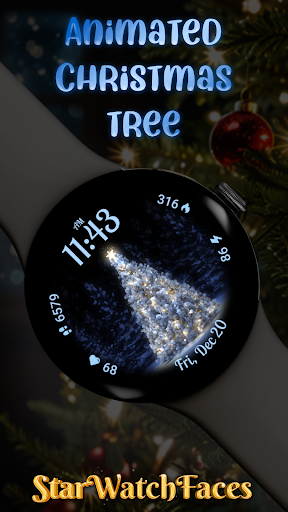
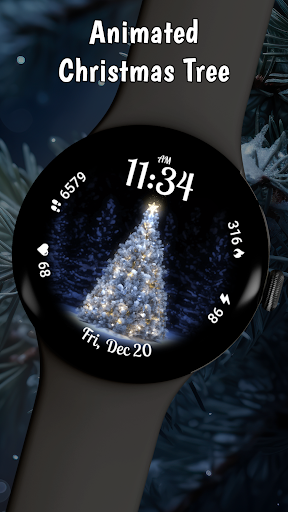
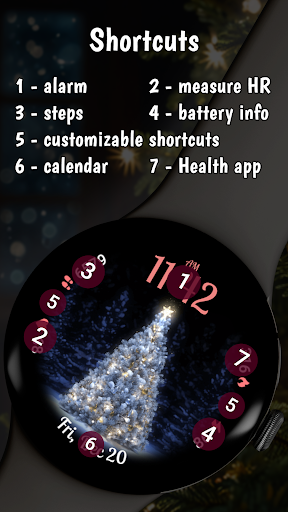
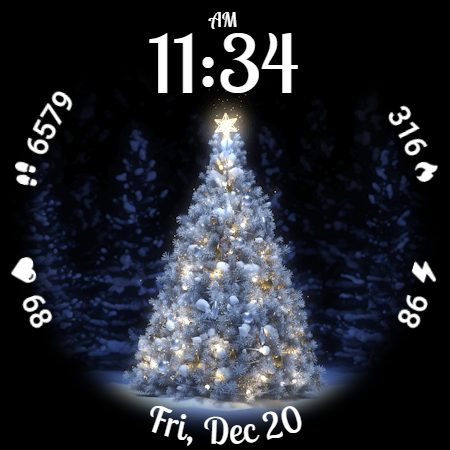
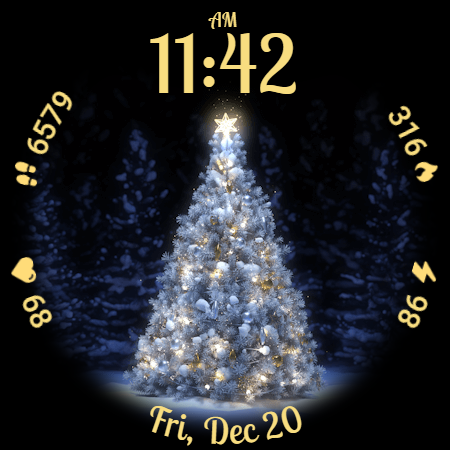
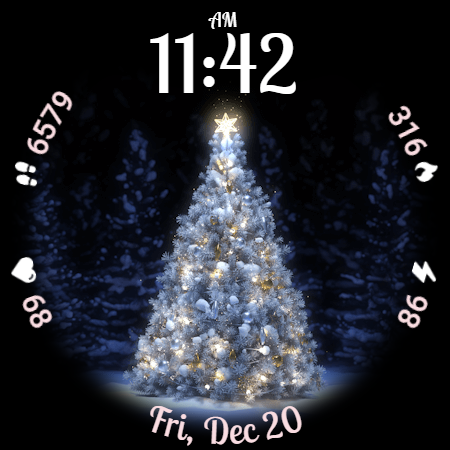
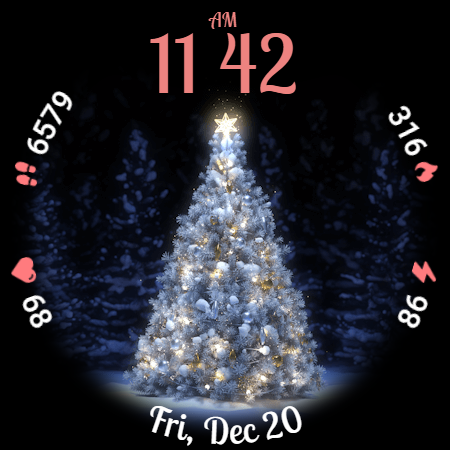
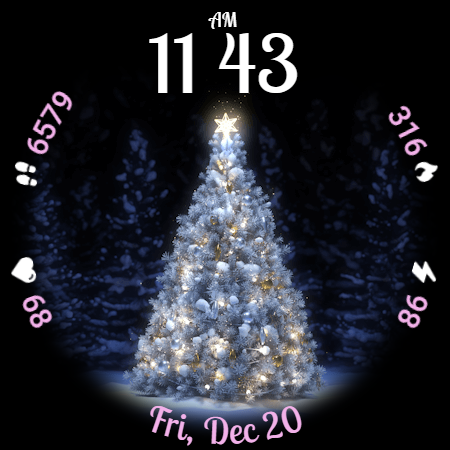
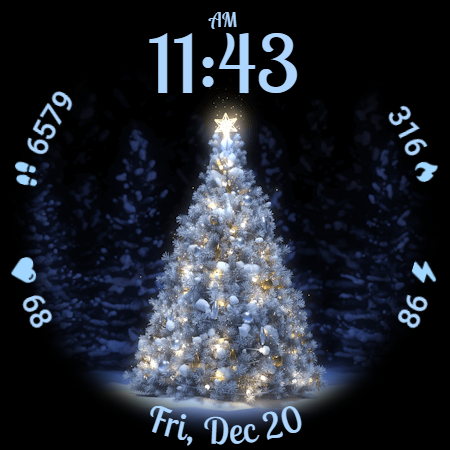
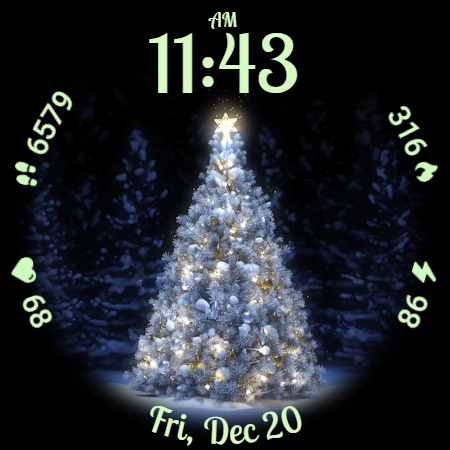
Animated Christmas Tree is a festive watch face designed to bring holiday cheer to your smartwatch. This application transforms your wearable device into a delightful Christmas accessory, featuring a beautifully animated Christmas tree at its center. The design is not only visually appealing but also functional, offering users essential statistics like steps taken, heart rate, and calories burned.
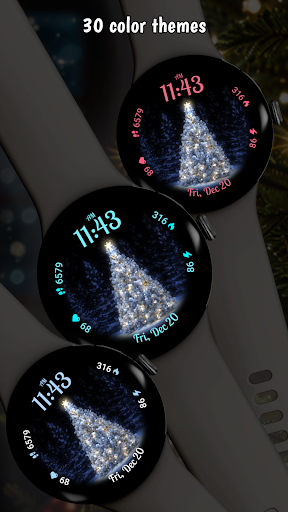
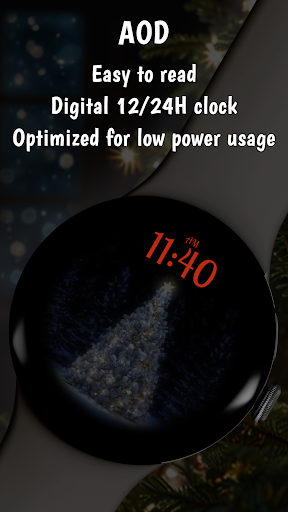
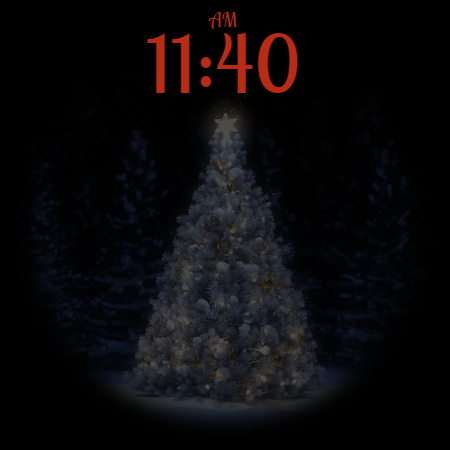
The watch face supports both 12-hour and 24-hour digital clock formats with a charming custom font, making it versatile for various preferences. With 30 color themes available, users can customize their watch face to match their unique style. Optimized for battery efficiency, the Always-On Display (AOD) mode ensures that the magic of the holidays remains without draining your battery. Perfect for the winter season, this app brings joy and festivity right to your wrist.
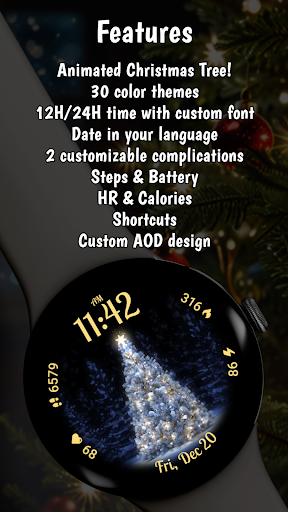
Animated Christmas Tree offers an array of features that enhance the user experience during the holiday season. One standout feature is the mesmerizing animation of the Christmas tree, which glows with festive lights, creating a magical atmosphere on your smartwatch. Users can choose from 30 different color themes, allowing them to personalize their watch face according to their mood or style.
Functionality meets festivity with comprehensive stats displays such as steps, heart rate, calories, and battery information. The localized date display automatically adjusts to the language settings of your device, ensuring convenience and ease of use. Additionally, the time format can be customized between 12-hour and 24-hour digital clocks, each presented in a charming custom font. The Always-On Display (AOD) mode is optimized for battery savings while maintaining the aesthetic appeal of the watch face.
Festive Design
Customizable Themes
Battery Efficient
Comprehensive Stats
User-Friendly Interface
Limited to Wear OS
No Analog Clock Option
Holiday-Specific Theme
Premium Features Locked
Requires Companion App

Embrace the holiday spirit with this magical animated watch face!
 4.40
4.40
Easy Voice Recorder is your everyday companion to record important moments.
4.70
Fitness interactive virtual pet super fighter boy watch face
4.1
Ideal for surviving in the wasteland left after nuclear fallout
4.50
Gym & home workout plans with strength training, exercise tracking, HIIT & more.
4.60
Minimalistic design modern digital watch face.
4.1
Animated video-game inspired “secret agent” simulation, right on your wrist!
4.20
Premium hybrid watch face with many customizations for Wear OS devices.
4.40
Track airplanes and follow flights with our real-time flight tracker
4.50
Your second brain for organizing your life: to-do, calendar, reminder.
4.70
Current temperature, weather hourly, weather radar by the weather forecast app
4.40
Digital watch face with big numbers and many customization for Wear OS devices
4.40
Embrace the festive spirit with our Christmas Countdown watchface for Wear OS
4.10
The #1 source of faces for your smartwatch!
4.00
Authentic military-tactical design with ZULU time! Realistic and functional!
3.80
Watch face designed for Thanksgiving Day. 7 Background Styles included.
3.20
Christmas and New Year - Themed Watchface
4.2
Stunning modern digital watch face with 7 complications and strong contrast
4.0
Funny animated watch face for Thanksgiving
4.2


User Reveiws