
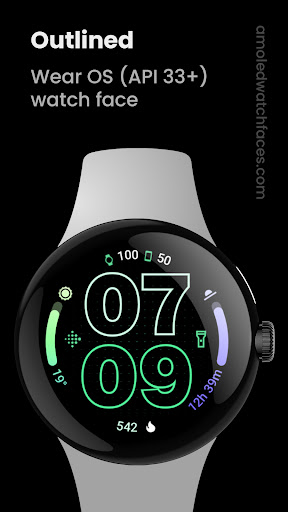
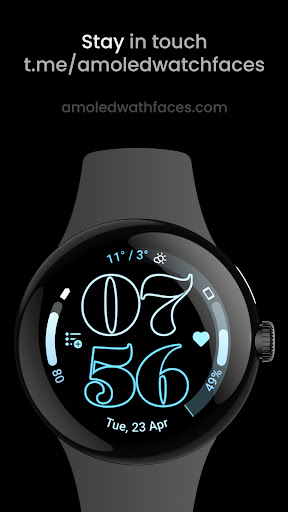
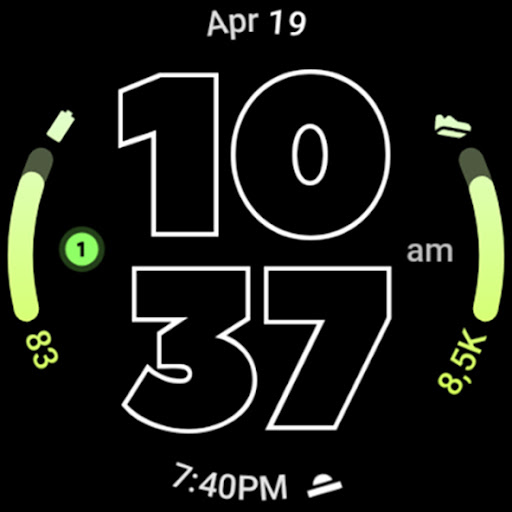
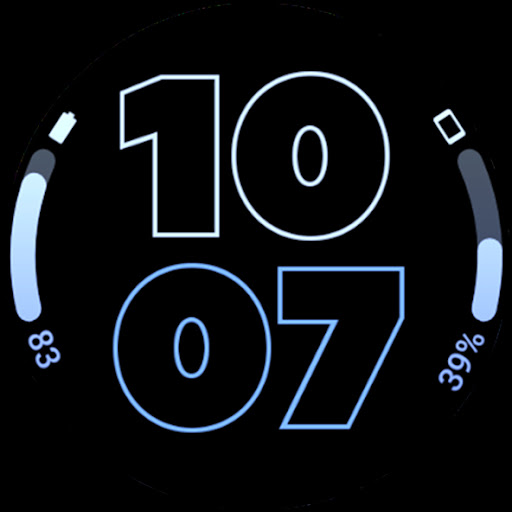

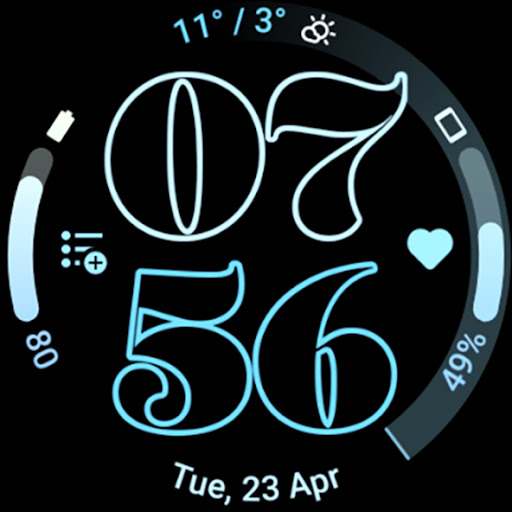
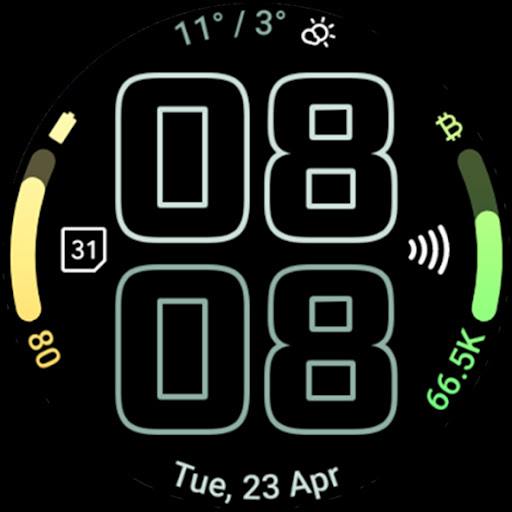
Outlined Watch Face is a premium wearable application designed exclusively for Wear OS 4+ devices, offering users an elegant and customizable watch face experience. This app leverages the Watch Face Format to deliver a sophisticated design featuring two gradient arc complication slots and support for combined watch/phone battery complications. With its unique outlined digital clock fonts, true black background, and battery-friendly optimization, it ensures both aesthetic appeal and practical functionality.
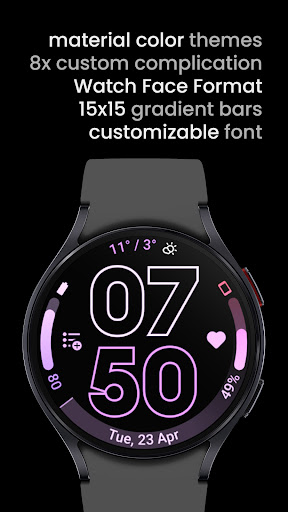
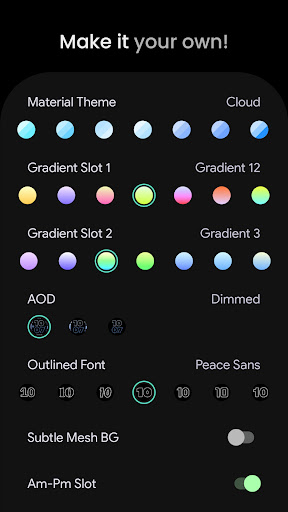
The watch face stands out with its high-resolution design and unique material color themes, ensuring full compatibility with devices like Pixel Watch 2 and Galaxy Watch6. Users can personalize their experience by customizing progress bar gradients, selecting from different AOD styles, and enabling features like burn-in protection and wave-styled seconds indicators. These extensive customization options allow users to create a truly personal and daily companion device that suits their individual preferences.
Outlined Watch Face offers an impressive array of features that cater to both aesthetics and functionality. The app includes two gradient arc complication slots and supports combined watch/phone battery complications, providing users with essential information at a glance. Its unique outlined digital clock fonts, available in multiple styles, offer a distinctive look while maintaining readability. The true black background not only enhances the visual appeal but also contributes to battery efficiency, making it an ideal choice for AMOLED displays.
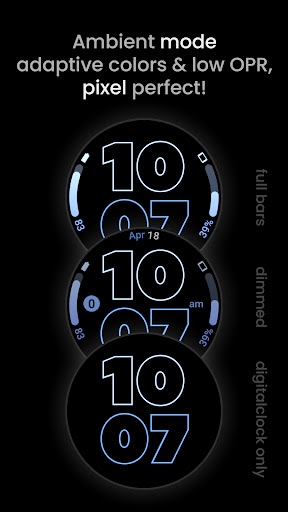
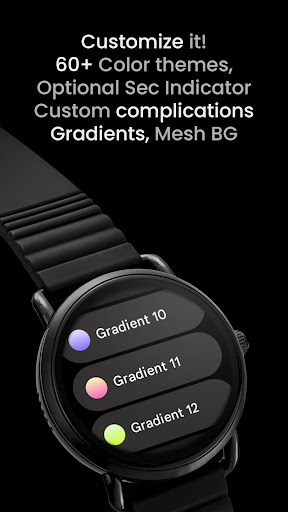
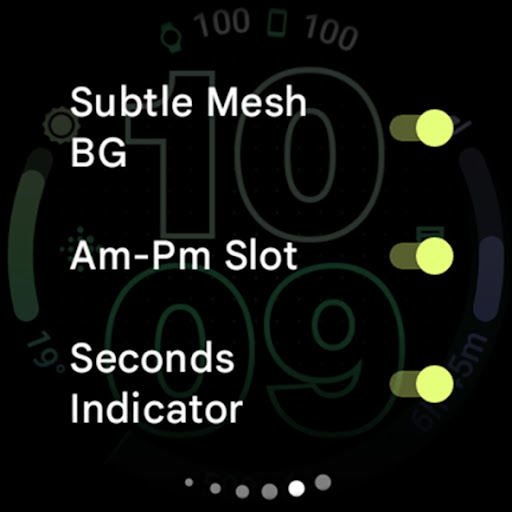
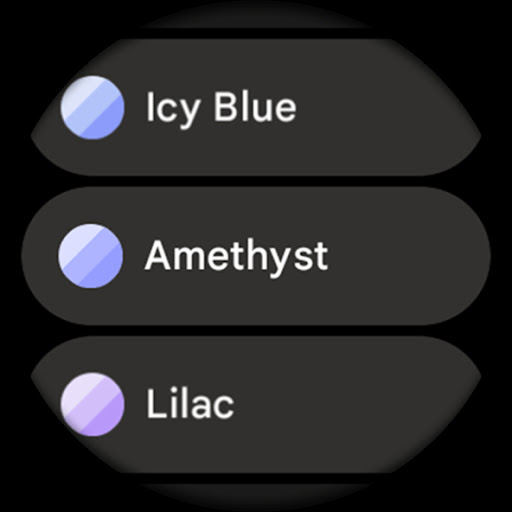
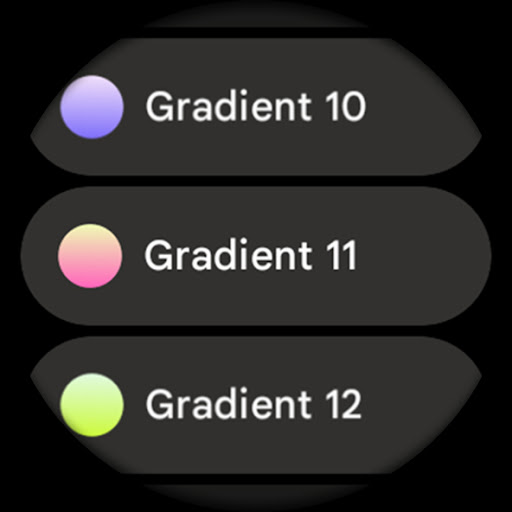
One of the standout features is the ability to customize each progress bar gradient individually when using ranged value complications. This level of personalization extends to various settings, including three AOD styles where users can choose to display only the digital clock and offload processing to MCU for additional battery savings. Additional features include burn-in protection, optional wave-styled seconds indicators, and different configuration options such as Material Themes (60+ variations), Gradient Slot selections, and Tint Icon toggles. These comprehensive customization capabilities ensure that users can tailor their watch face to their exact preferences.
User-friendly interface
Highly customizable
Battery efficient
Modern design
Wide device compatibility
Not suitable for rectangular watches
Wear OS 4+ only
Premium cost
Complex for beginners
Limited official support channels
Art of Combination Wear OS Watch faces
 4.2
4.2
Digital Drawing: Draw & Paint
4.10
Art of Combination Wear OS Watch Faces
4.1
Passport size photo maker, create ID photo and visa photo in seconds
4.80
Nano Banana AI Image Generator, Anime Filter, AI Portrait, AI Photo Generator
4.30
Art of Combination Wear OS Watch Faces
3.30
Get an overview over all your embroidery threads, projects and more.
4.60
Everything you need to create hand drawn animation, anywhere you go!
4.40
Create amazing pictures and unleash your creative genius with AR Drawing Sketch
4.40
Mobile pixel art editor. Simple. Fast. Portable.
4.80
Photo editor for art, avatars, filters & fun transformations.
4.60
Draw, fidget, and spin glow art! Relax and express your creativity with a finger
4.60
Create and Design Custom Logos in Seconds with AI-Powered Tools!
4.40
Unleash Your Creativity with Draw Cartoon - AR Drawing App
4.10
Unleash the artist in you with our AR drawing and tracing tool for photo drawing
4.10
Get creative and make art with your Sesame Friends!
4.00
Design your dream room with AI. Get decor ideas & plan home interiors
3.90
Resize photos and print photos in exact size with our powerful photo printer!
3.80
Art of Combination Wear OS Watch faces
4.0


User Reveiws