
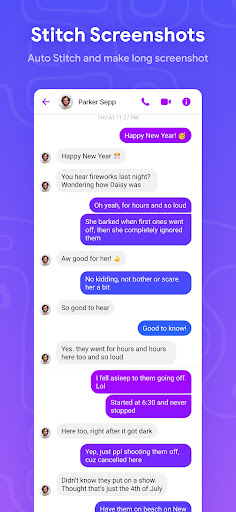
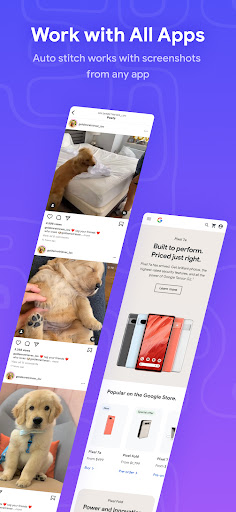
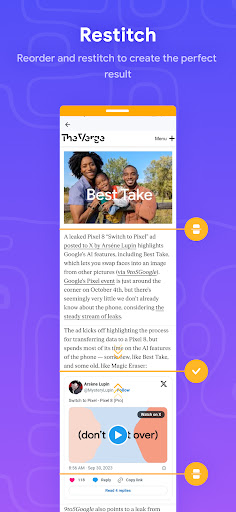
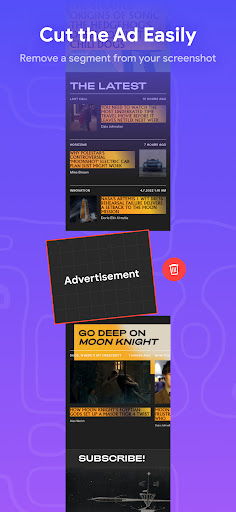
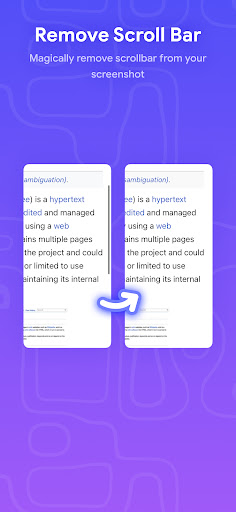
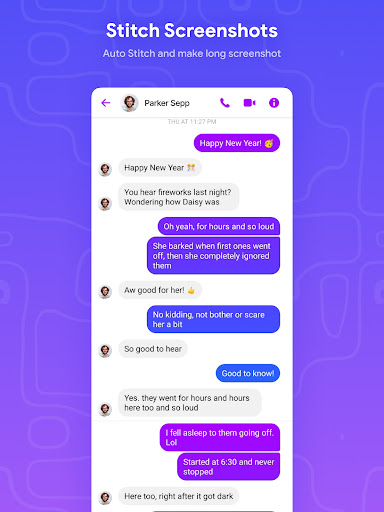

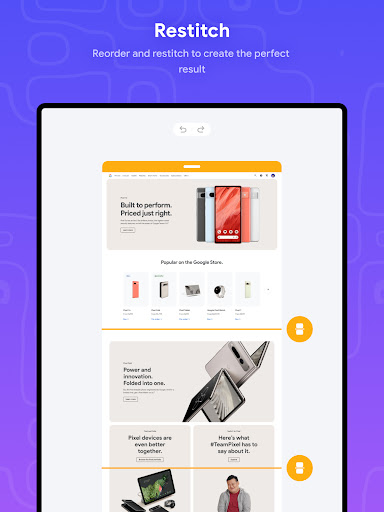
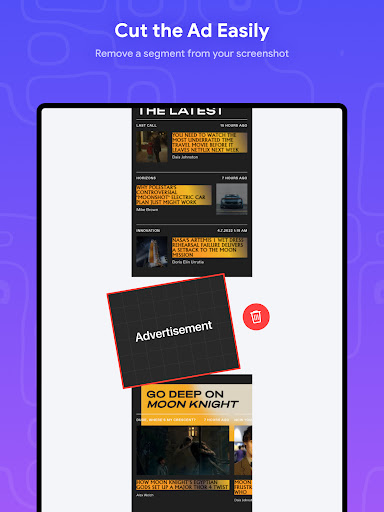
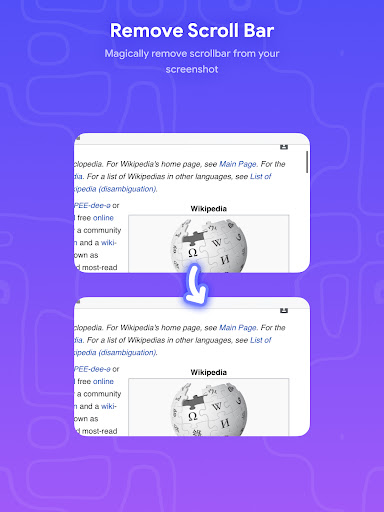
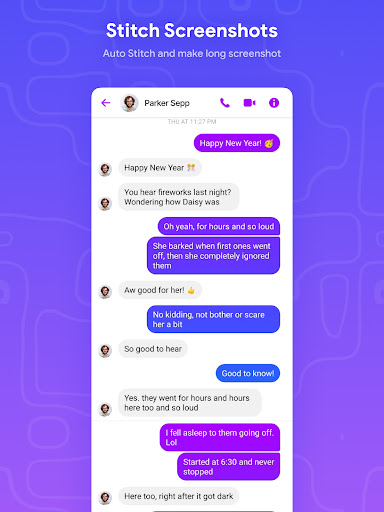
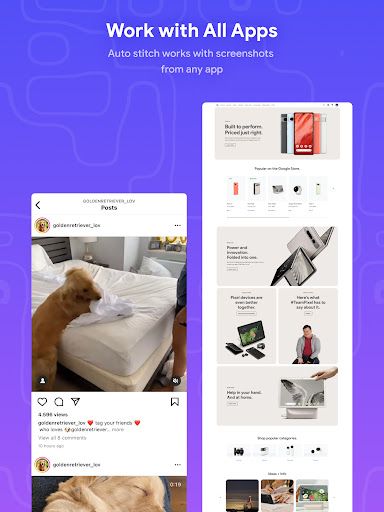
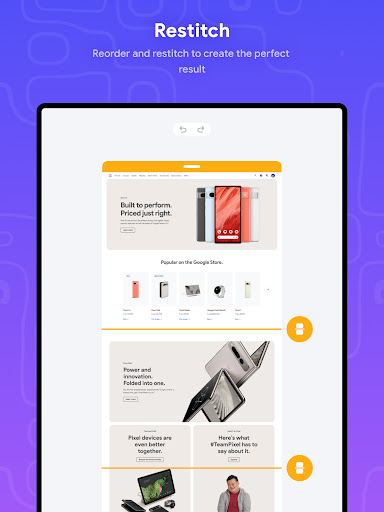
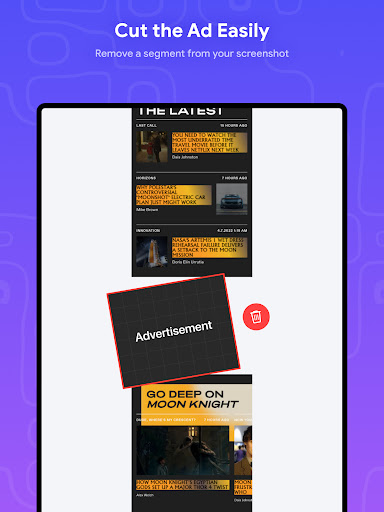
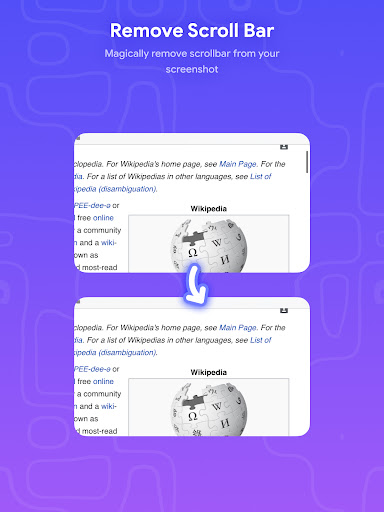
Stitch Photos is an innovative photo stitching app designed for both casual users and photography enthusiasts. With its AI-powered technology, the app can automatically recognize and stitch screenshots or long website captures both vertically and horizontally. Whether you want to create flawless panoramas, document scans, or capture majestic landscapes, Stitch Photos ensures that no detail is missed. The app offers a seamless experience when it comes to stitching long screenshots or entire websites, allowing users to effortlessly create a perfect image in one touch.
The application's high-resolution saving feature ensures that your final stitched images maintain excellent quality. Its user-friendly interface provides a hassle-free photo stitching experience, making it accessible even for beginners. Whether you're looking to tell a story through your images or need to compile professional-quality documents, Stitch Photos delivers a smooth, glitch-free experience for all your photo stitching needs.
Stitch Photos stands out with its advanced features tailored for seamless photo stitching. One of its core capabilities is the automatic stitching of photos both vertically and horizontally, which is powered by sophisticated AI technology. This ensures that whether you are working with long screenshots or panoramic landscape shots, the app will align and merge them flawlessly. Additionally, the app supports high-resolution saving, preserving the quality of your images even after extensive editing.
Another notable feature is its ability to handle long website captures with ease. Users no longer need to take multiple shots and struggle with alignment; Stitch Photos simplifies this process into a single, effortless action. The intuitive user interface enhances the overall experience, offering tools that are easy to navigate and utilize. With options to share your creations directly via social media, Stitch Photos not only meets technical demands but also facilitates creative expression and sharing.
User-friendly interface
AI-powered stitching
High-resolution output
Seamless panorama creation
Social media integration
Limited customization options
Occasional glitches in complex tasks
Requires good lighting conditions
No batch processing feature
Subscription fees for premium features

AI generated images & photos, turn your words into drawing, painting & pictures.
 4.30
4.30
Art of Combination Wear OS Watch faces (for Wear OS 5+ devices)
3.00
Create trending AI photos & videos with powerful effects and 3D styles.
3.20
See Color, Paint Color
4.90
Make your phone cooler and have a fantastic experience
4.80
Create stunning video, photo & magic from text with FlixAI GPT video generator.
3.10
Draw Trace image sketch by, AR art projector app, Easy to trace any image.
4.50
Bring One UI 8.5 Icons to life -elegant dark icons with a modern, premium touch.
4.30
Unleash your inner artist! Sketchar: AR Drawing for Limitless Creativity
4.40
Draw on screen: FP sDraw is a simple and lightweight drawing app
4.70
Your AI soulmate — meaningful chats, and unique emotional moments
4.70
Turn your drawings into flipbook-style animations with simple creative tools
4.60
Create Logos, Tattoos, AI Art & more with our AI Photo Generator & Design Editor
4.20
Unleash Your Creativity with Draw Cartoon - AR Drawing App
4.10
Easy 3D drawing design maker & creator. Model designing, Sculpting. Create&paint
4.00
AI Art Generator transforms your words into AI generated art & paintings.
3.70
Premium version of Shimeji-ee app with no ads & no limit active shimeji
4.4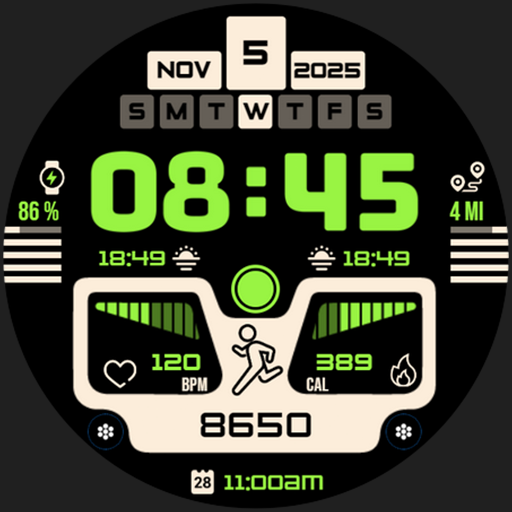
Download now for a stylish and functional timepiece
4.2
Art of Combination Wear OS Watch faces
4.5


User Reveiws