
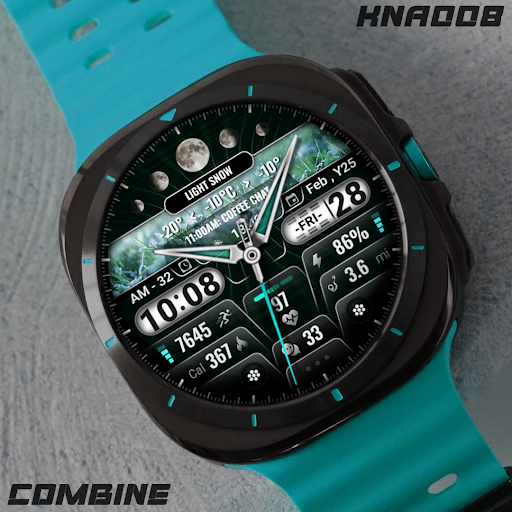
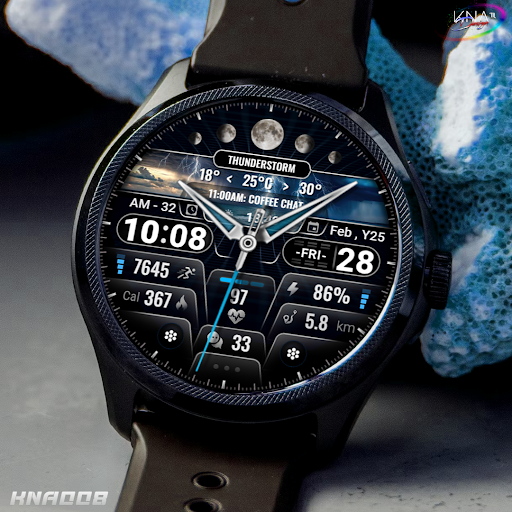
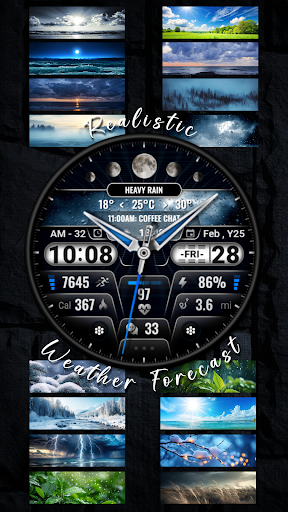
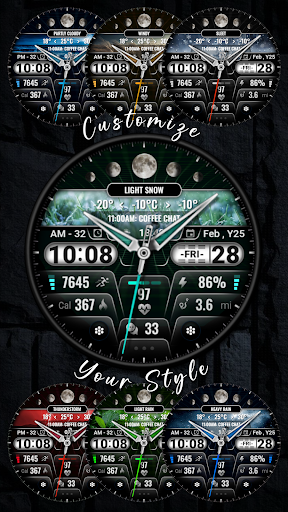
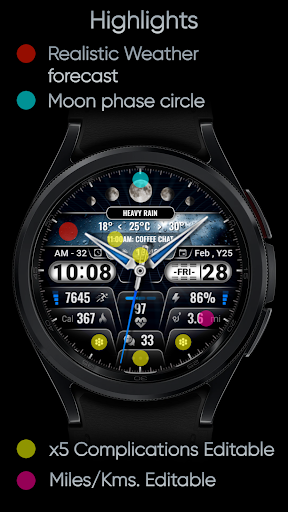
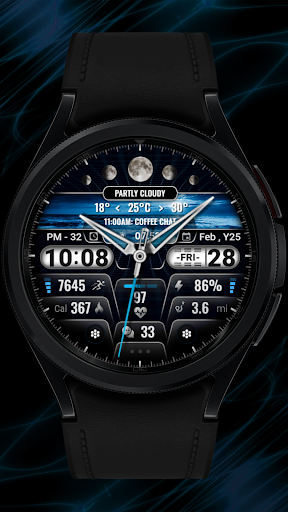
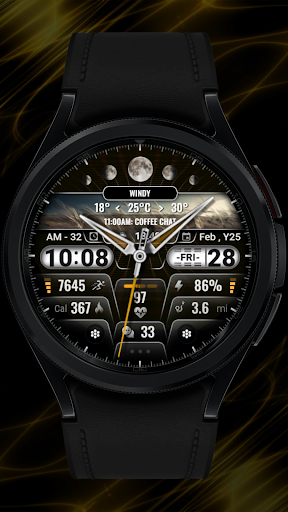
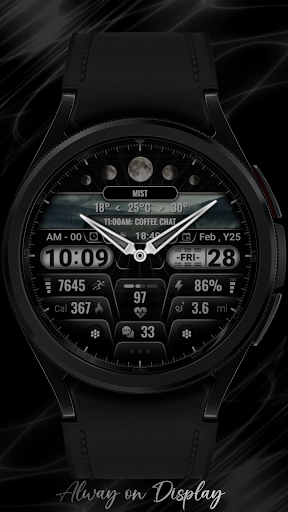
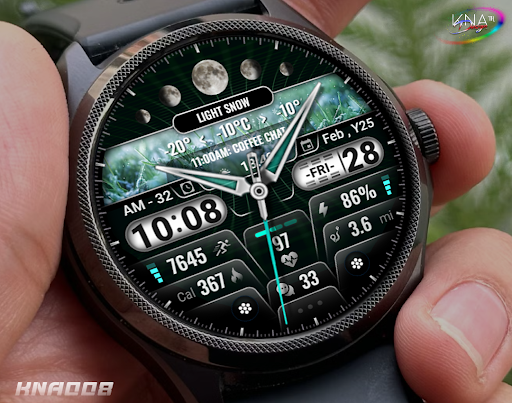
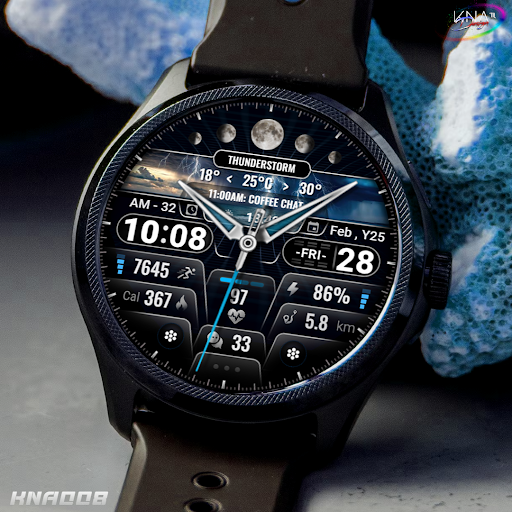
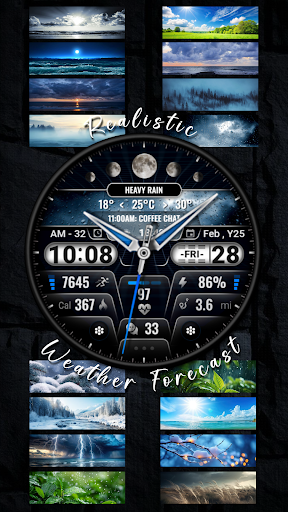
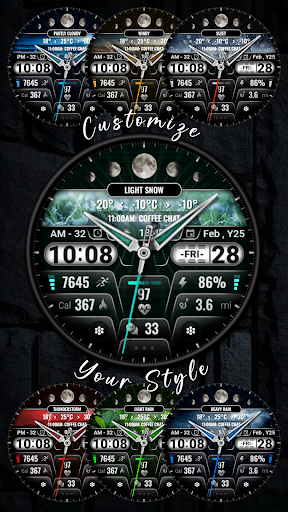
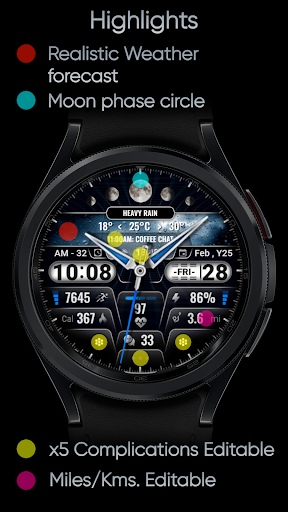
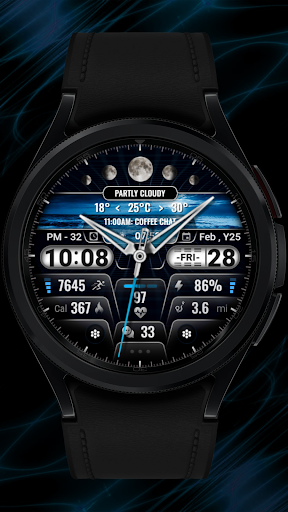
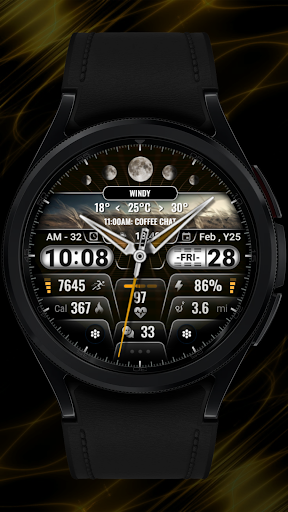
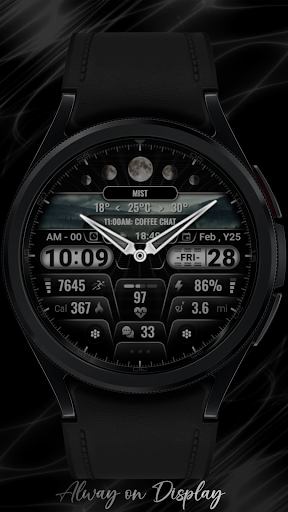
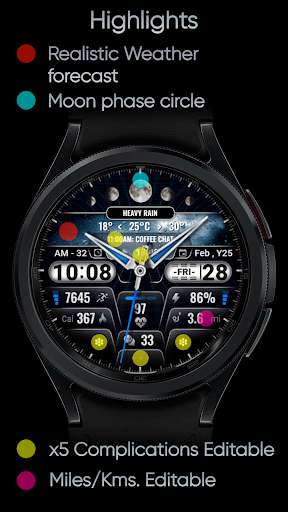
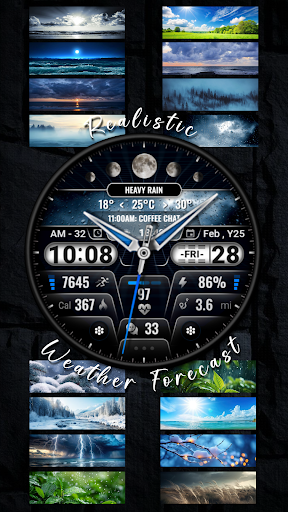
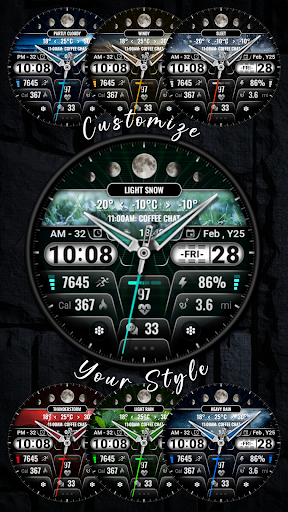
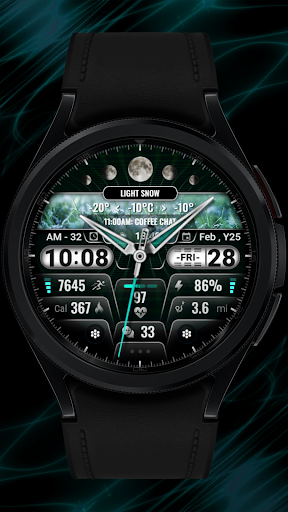
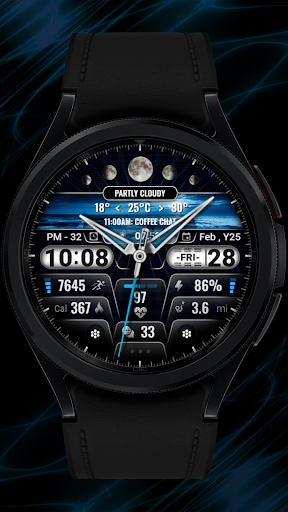
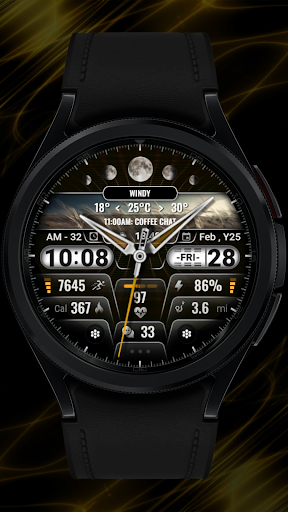

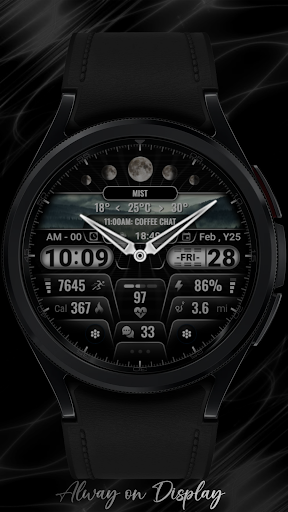
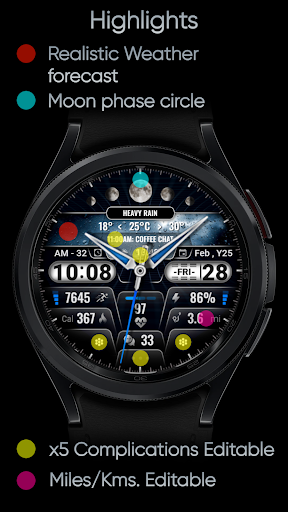


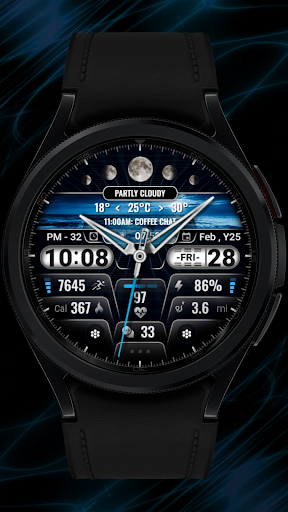
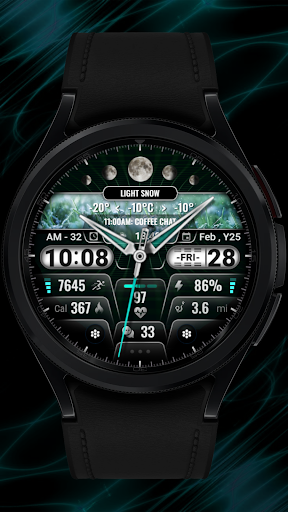
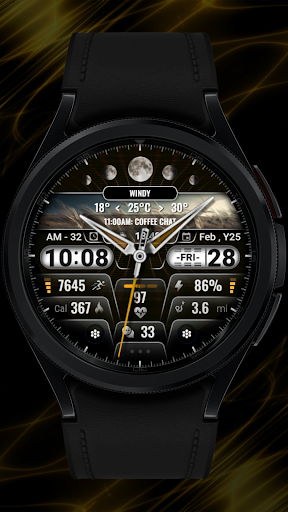
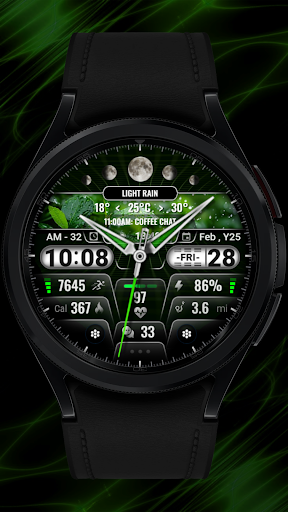


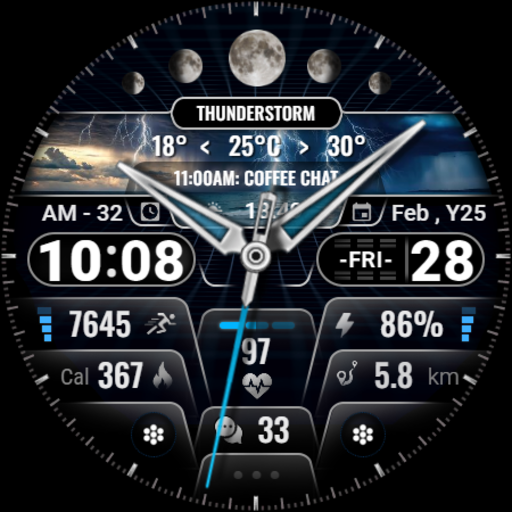
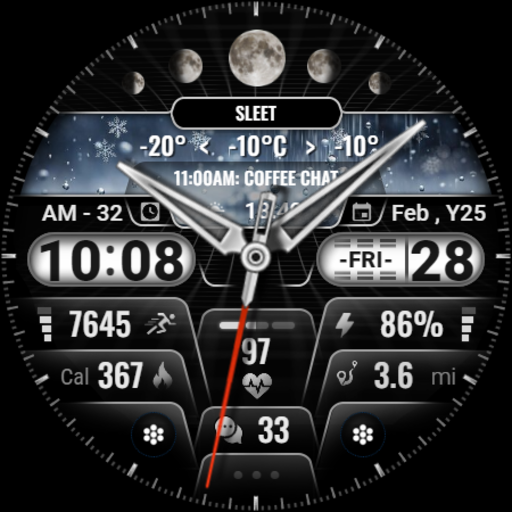

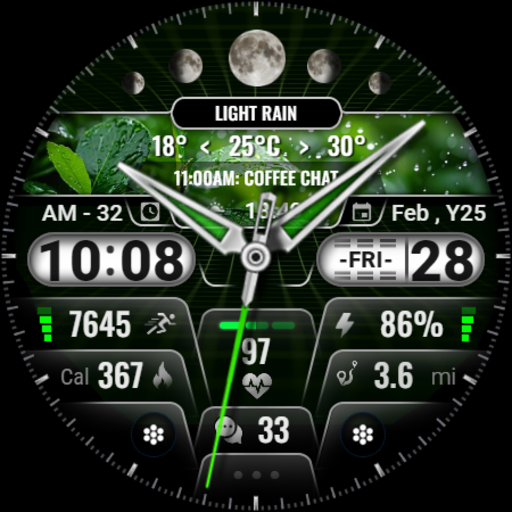
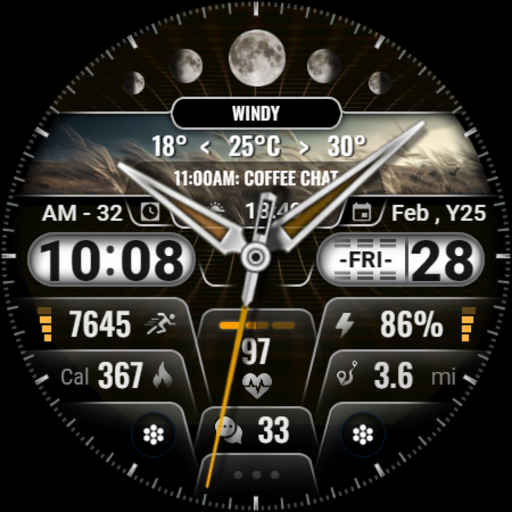
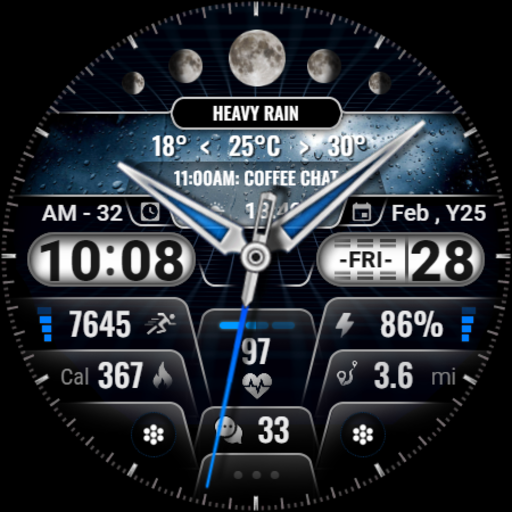
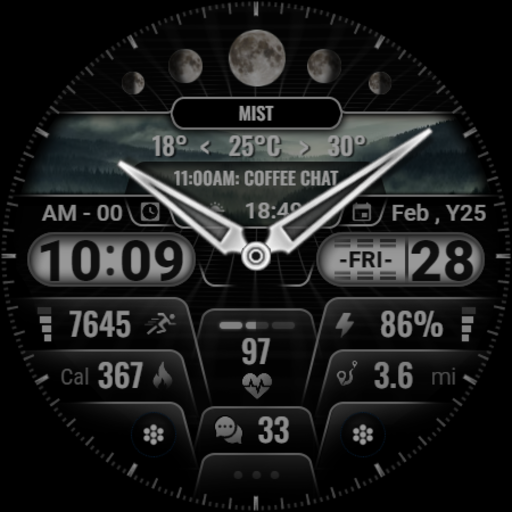
[KNA008] COMBINE is a feature-rich watch face designed specifically for Wear OS devices, offering users an array of customizable complications. This application transforms your smartwatch into a personalized timepiece with hybrid styles and realistic weather forecasts.
With support for both 12 and 24-hour time formats, the watch face displays essential information such as date, day of the week, month, moon phase, and includes up to five editable complications. Users can choose from nine colors and ten styles to match their personal preferences. The app also tracks health and activity metrics like steps count, heart rate, and calories burned.
This versatile watch face is ideal for individuals seeking both functionality and style on their Wear OS smartwatch, ensuring they have quick access to important information at a glance while maintaining an aesthetic appeal.
The [KNA008] COMBINE watch face stands out with its extensive customization options. It supports hybrid time display styles and offers realistic weather forecasting, making it both practical and visually appealing. The interface is highly adaptable, allowing users to modify complications to show various data types.
Among its features are date and time displays, moon phase indicators, and up to five complications that can be edited to show different metrics such as steps taken, heart rate, battery level, upcoming events, unread messages, sunrise and sunset times, calorie calculations, and distance tracking in miles or kilometers.
Customization is intuitive; users simply touch and hold the display then tap on the customize option to personalize their watch face. With compatibility across Wear OS 5+ devices, this app ensures a tailored experience that enhances both the utility and appearance of your smartwatch.
Highly customizable
Realistic weather forecast
Multiple color options
Health metrics tracking
User-friendly interface
Limited device compatibility
Some features not available on all watches
Requires latest Android version
No automatic application post-install
Potential complexity for new users

Customizable Outlined Fonts. Watch Face Format. Battery friendly Digital Clock.
 4.20
4.20
Floor Plan Creator lets you create, edit and share floor plans.
4.00
Custom Character Creator & PFP Maker!
4.20
Digital illustration drawing & painting pad app to paint Anime and Manga art
4.50
800+ Drawing, Painting Lessons App to Practice, Sketch & Paint Art.
4.30
Your AI soulmate — meaningful chats, and unique emotional moments
4.70
Powerful home decoration & house design that allows you to design dream home.
3.80
Share the joy of painting with ibis Paint! Drawing anime and manga art.
4.50
Create cute cat emojis & PFPs! Fun, custom avatars for cat lovers.
3.70
Passport size photo maker, create ID photo and visa photo in seconds
4.80
Draw on screen: FP sDraw is a simple and lightweight drawing app
4.70
Draw Trace image sketch by, AR art projector app, Easy to trace any image.
4.50
Trace, draw, and create art with AR - from memes to masterpieces!
4.30
Beauty Camera - Selfie Camera is the ultimate beauty camera and selfie app
4.30
Sketch, plan, take notes and illustrate on an infinite canvas.
4.20
Get creative and make art with your Sesame Friends!
4.00
Sketch, trace and master AR drawing with awesome anime art!
3.30
Inky runs Inkscape on Android devices and Chromebooks
2.90
Transform photos into amazing monochrome dither art with professional algorithms
4.0


User Reveiws