PhotoSync Bundle Add-On

4.60

Information

Category:

Photography

Price:

$ 5.99

Rank:

6

Rating:

4.60

Overview

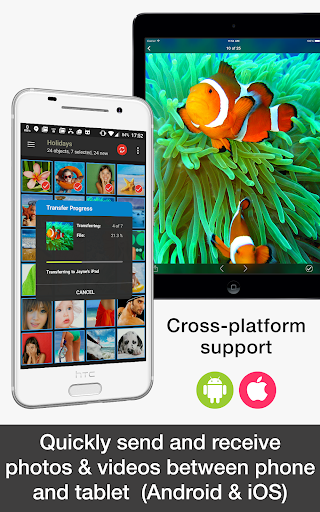
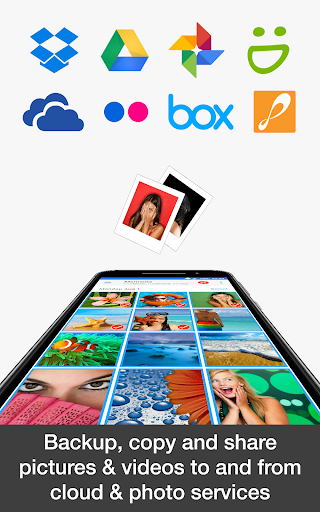
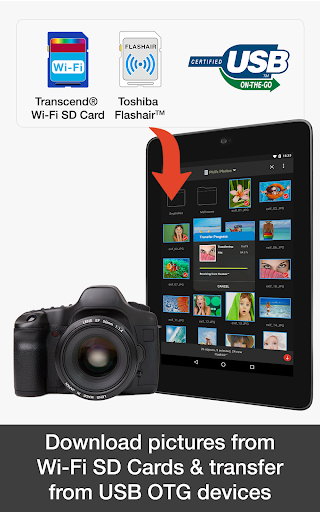
PhotoSync Bundle Add-On is an advanced activation license that enhances the free version of PhotoSync, a leading cross-platform solution for wireless photo and video management. This add-on enables users to seamlessly transfer, backup, and share multimedia content between Android devices, iOS, Windows, Mac, NAS, cloud services, and more.

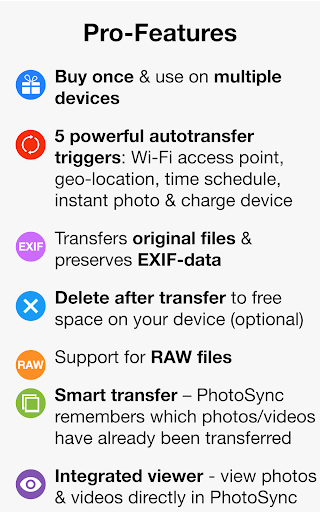
With over 10,000 positive reviews and millions of successful transfers, PhotoSync stands out for its reliability, security, and continuous updates over its decade-long market presence. The bundle saves users 20% compared to purchasing individual add-ons and includes autotransfer, NAS, and cloud capabilities while removing ads, making it an excellent value for users seeking comprehensive media management.

Features

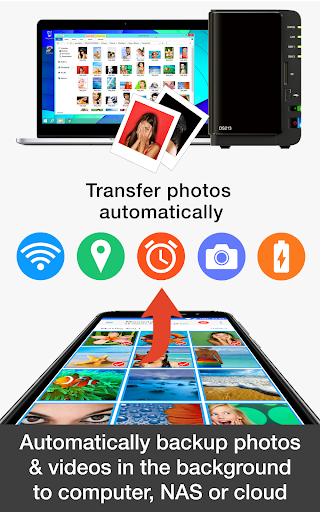
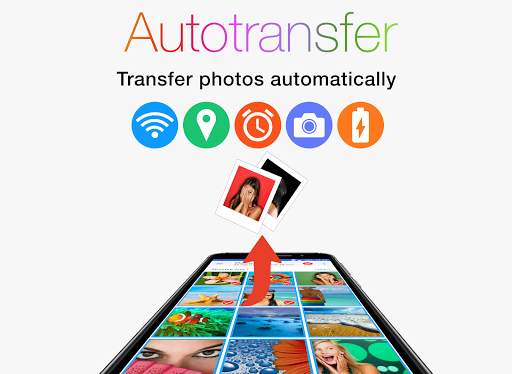
The PhotoSync Bundle Add-On brings powerful features to enhance your photo management experience. It incorporates three major add-ons: Autotransfer, NAS, and Cloud. The Autotransfer feature allows automatic backups and sharing of photos and videos based on triggers like Wi-Fi connection, geolocation, or device charging.

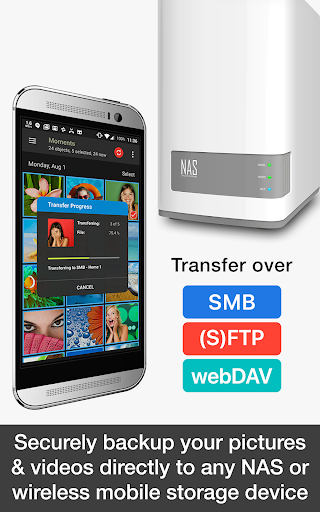
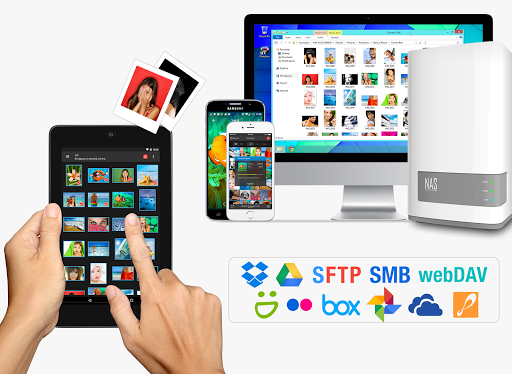
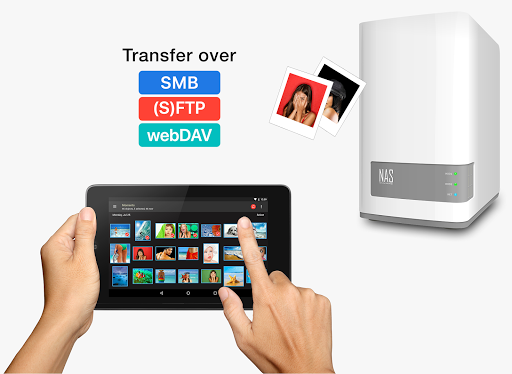
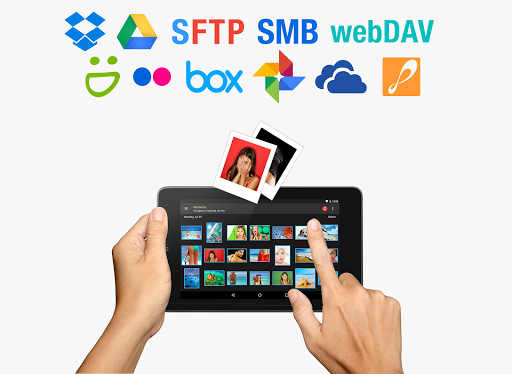
The NAS Add-On supports secure backups to network-attached storage, remote servers, or personal clouds using protocols like SMB, (S)FTP, and WebDAV. It also integrates with popular NAS brands such as Synology, QNAP, and Western Digital. Meanwhile, the Cloud Add-On facilitates uploads and downloads to and from major cloud services like Google Drive, Dropbox, and OneDrive, ensuring your media is accessible anywhere.

These features collectively provide users with total control over their media, enabling customizable, reliable, and secure transfers across multiple platforms and devices.

Real-Time Capture & Preview

Real-time capture and preview functionality in photography applications ensures that users can see exactly what the camera is capturing at any given moment allowing for immediate adjustments to settings such as exposure focus and framing. This feature is crucial for achieving desired photographic outcomes especially in dynamic environments where lighting and subject positions may change rapidly. PhotoSync Bundle Add-On enhances this experience by integrating advanced real-time capture capabilities with its comprehensive suite of photo management tools. The application supports instant transfer of images and videos from an Android device to various destinations including computers NAS devices and cloud services. This seamless connection allows photographers to view their captures on larger screens almost instantly after taking them which is particularly beneficial for professional assignments where quick review and client approvals are necessary. Furthermore the ability to wirelessly transfer files to different platforms without manual intervention streamlines the workflow making it more efficient and less prone to errors. Users benefit from having a reliable backup system in place which reduces the risk of losing valuable shots due to device malfunctions or accidental deletions. Additionally the inclusion of automatic uploads triggered by specific events like connecting to a Wi-Fi network or reaching a certain location ensures that no important moments are missed. Overall PhotoSync's real-time capture and preview features combined with its robust autotransfer options provide a powerful solution for both amateur and professional photographers looking to optimize their shooting and post-processing routines.

AI Beauty & Enhancement Naturalness

AI beauty and enhancement features in photography apps aim to improve the aesthetic quality of images while maintaining a natural look. These tools leverage artificial intelligence algorithms to analyze and modify photos in ways that enhance facial features skin tones and overall composition without appearing overly processed or unnatural. PhotoSync Bundle Add-On incorporates sophisticated AI-driven enhancements that cater to users seeking subtle yet effective improvements in their photographs. By utilizing advanced machine learning techniques the application can intelligently adjust elements such as brightness contrast and color balance to create visually appealing results. One notable aspect of PhotoSyncu2019s approach is its emphasis on preserving authenticity; rather than applying heavy filters or drastic alterations the software focuses on refining details in a way that complements the original image. For instance when editing portraits the app might smooth out minor imperfections or even out skin tones but avoids creating an artificial plasticky appearance often associated with excessive digital manipulation. Moreover the integration of these AI-powered enhancements within the broader context of PhotoSyncu2019s extensive file management ecosystem adds significant value for users. After capturing and enhancing images they can be effortlessly transferred to multiple destinations including local storage cloud services and social media platforms. This streamlined process not only saves time but also encourages experimentation with different styles and effects knowing that high-quality backups are readily available. In summary PhotoSync offers a balanced blend of AI-driven beautification tools alongside practical organizational features ensuring that users can achieve polished professional-looking photos without sacrificing the genuine essence of their subjects.

Props

Comprehensive feature set

Reliable and secure transfers

Wide compatibility with devices

Cost-effective bundle pricing

Regular software updates

Cons

Requires separate app installation

Some features may be complex for beginners

Limited offline functionality

Premium cost for full access

Dependent on network connectivity

Features and Functions

What is this app and what can I use it for?

A photography tool for wireless media transfer and backup

How do I download and install this app on my device?

Download from Google Play Store and follow installation prompts

How do I get started after opening the app for the first time?

Open the app, grant necessary permissions, and explore main menu

What are the main features and capabilities of this app?

Autotransfer, NAS, and Cloud add-ons for versatile media management

How can I customize my experience and adjust preferences?

Adjust settings via the preferences menu for a tailored experience

How do I save or bookmark my favorite content for later access?

Use bookmarking options to save favorite photos and videos

How can I share content with friends or on social media?

Share media directly through supported apps or social platforms

How do I access detailed information and explore more content?

Access detailed info in settings and explore all features

What permissions does this app need and how do I manage them?

App needs storage and network permissions managed in settings

How do I check for updates and keep the app running smoothly?

Check Google Play Store for updates and enable auto-updates
Show more

User Reveiws

{{ comment.reviewer_name }}
{{ comment.review_date_formatted}}
{{ comment.review_content }}
{{ tab.name }}
{{ comment.reviewer_name }}
{{ comment.review_date_formatted}}
{{ comment.review_content }}
No reviews with this rating