
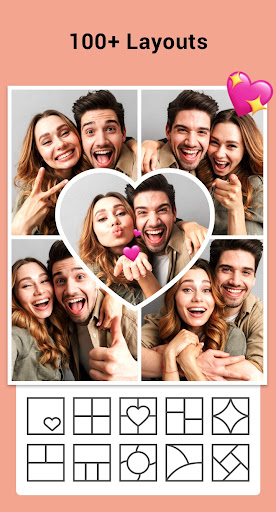
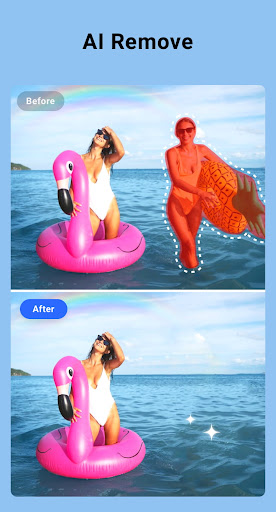
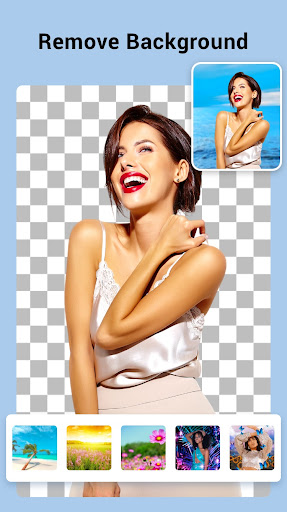
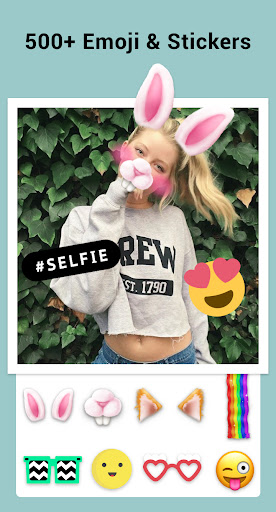
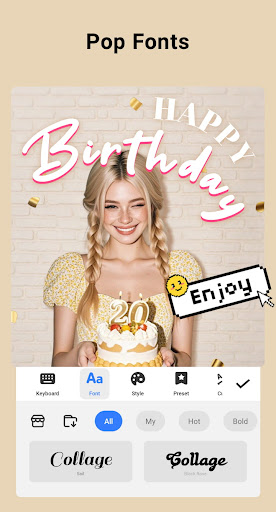
Collage Maker is a versatile photo collage and editing application designed for creative enthusiasts. The app allows users to instantly transform multiple photos into stunning collages by selecting from over 100 layouts, backgrounds, stickers, fonts, and more. With its AI Photo Enhancer feature, users can also convert low-quality or damaged images into high-definition masterpieces with just one tap.
Beyond basic collage creation, the app offers advanced tools such as photo cropping, filters, text overlays, doodles, and stylish frames tailored for various occasions. Whether you're designing Instagram posts, YouTube thumbnails, or scrapbook-style stories, Collage Maker provides all necessary features in an easy-to-use interface. Its multi-fit functionality ensures compatibility with different social media platforms by offering customizable aspect ratios and Insta square formats.
This app is ideal for photographers, social media influencers, and casual users who want to enhance their visual storytelling. By combining powerful editing capabilities with creative design options, Collage Maker empowers users to produce professional-quality content that stands out on any platform.
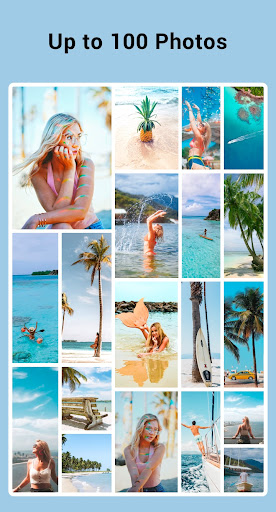
Collage Maker distinguishes itself through its comprehensive suite of creative tools and user-friendly functionalities. One standout feature is the ability to combine up to 100 photos into a single collage, complete with customizable layouts, borders, and backgrounds. This flexibility enables users to create unique designs ranging from grid-based arrangements to freeform compositions, catering to both structured and experimental styles.
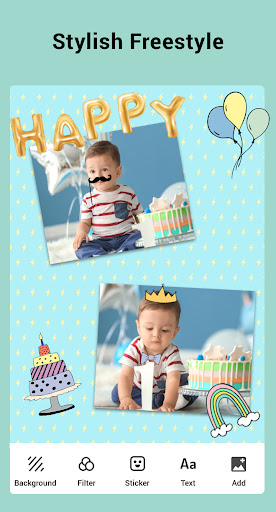
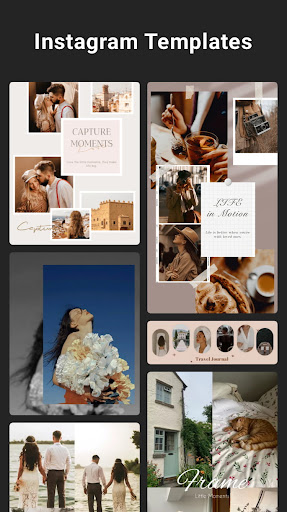
The app's editing toolkit includes essential functions like cropping, filtering, text addition, and doodling, alongside specialized options such as blurred backgrounds for Instagram-optimized posts. Additionally, the Freestyle mode lets users build scrapbook-like creations using full-screen backgrounds, stickers, and doodles, while Story Templates provide over 100 stylized designs inspired by film, magazines, and ripped paper aesthetics. These features collectively ensure that every project reflects the creator's personal touch.
Another key advantage is the Multi-fit functionality, which supports various aspect ratios (1:1, 4:5, 9:16) and batch processing for up to 10 photos at once. Combined with the AI Photo Enhancer, these capabilities make Collage Maker not only a robust design tool but also a reliable solution for improving image quality. Overall, the app's innovative features and adaptability set it apart in the photography category.
User-friendly interface
Extensive customization options
AI-powered photo enhancement
Versatile layout choices
Social media optimization
Occasional ads in free version
Advanced tools may overwhelm beginners
Limited offline functionality
Storage-intensive operations
Premium features require subscription

Remote control of the phone camera from your Wear OS smartwatch
 3.70
3.70
How would you look like with a differently shaped nose, chin or lips?
3.90
All-in-One Editor & AI Photo Enhancer, Beautify & Retouch, Collage, Cartoonify
4.20
Cut and paste photo editor & eraser to customize photos easy and swap faces fun
4.50
Be your best in every shot! Fix, edit and retouch your face in selfies & photos.
3.70
Automatically backup your photos and videos to computer, NAS and Cloud services
4.60
Movie camera, supports pro recording settings for filming. Try it and be amazed!
4.50
Transform Photos: Edit, Beautify and Craft Memories & Make Collages!
4.10
Unblur, enhance & restore photos with powerful AI photo enhancer tools.
4.60
Pro version: AR sun/moon tracker for any date. Tool for photographers & planners
4.90
Gallery show photo, video, slideshow, is perfect 3D effect private photo albums.
4.80
Photo editor: AI filters, photo enhancer, pic collage maker, AI art generator.
4.80
Android Native system HD camera app. Never been so simple and faster.
4.70
Your personal guide to the sun and moon. Plan ahead, visualize and predict!
4.70
Viewfinder, Light meter, Reciprocity failure time, DOF & Bellows Extension
4.60
Discover & download millions of art for The Frame TV or Hisense CanvasTV
4.60
Shooting photos and records video easily and efficient with professional Camera
4.30
Photo editor: face & body editor, beauty cam, filters and quality enhancer.
4.00
Over 800 film simulation recipes for Fujifilm. Black Friday Offer!
4.5


User Reveiws