
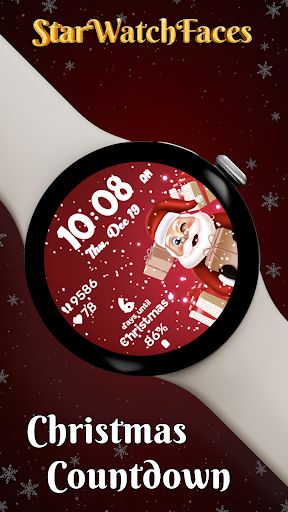

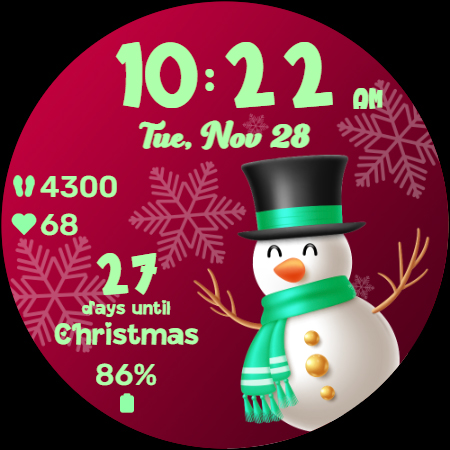

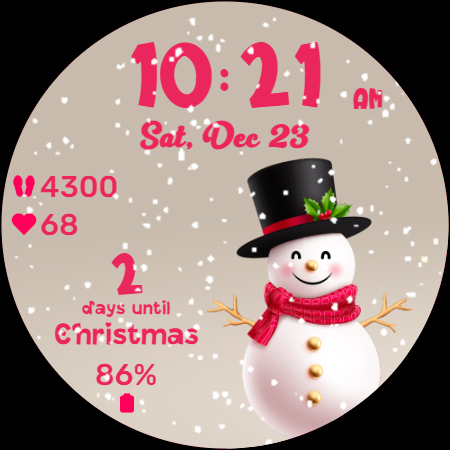
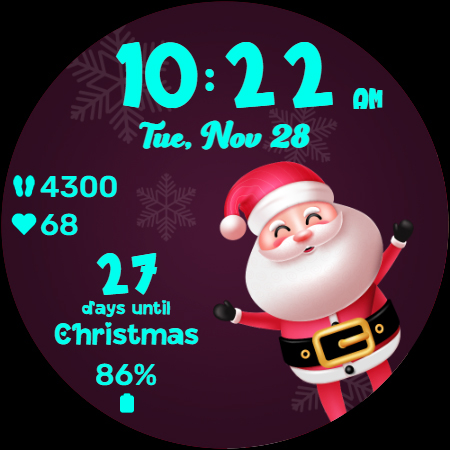
Christmas Countdown is a festive watchface for Wear OS devices, designed to bring holiday cheer directly to your wrist. This unique app combines the excitement of the Christmas season with advanced customization features, creating an engaging and personalized experience. Users can enjoy a delightful countdown to Christmas Day while personalizing their watchface with various themes and characters.
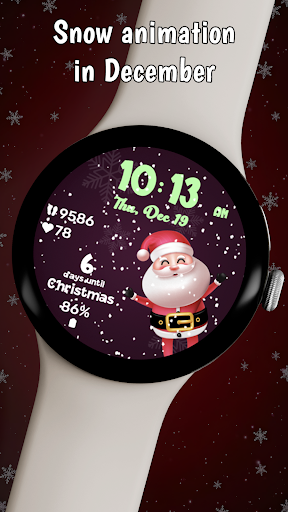
The watchface offers enchanting background images featuring classic holiday characters, a magical snow animation effect that activates in December, and 30 color themes for complete personalization. Beyond its seasonal features, the app maintains practical functionality with health statistics display and customizable shortcuts, making it both festive and functional.
Ideal for those who want to keep their holiday spirit alive while staying connected to their daily activities, Christmas Countdown creates a perfect balance between festivity and utility. Whether you're tracking your fitness goals or simply enjoying the holiday atmosphere, this watchface keeps you immersed in the Christmas spirit throughout the season.
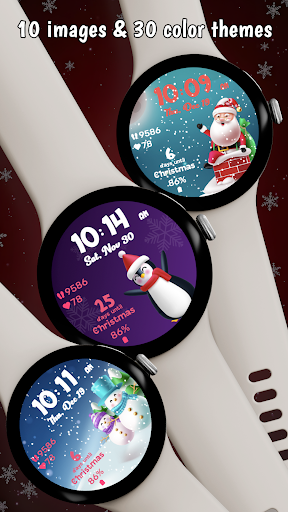
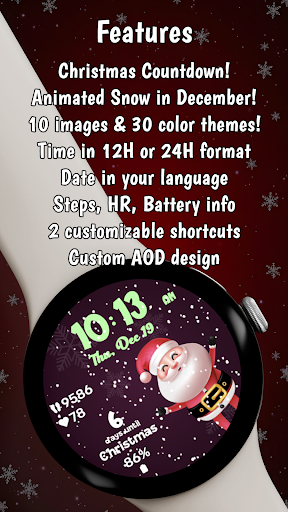
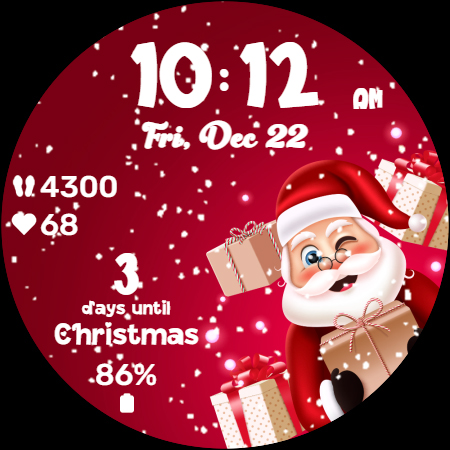
Christmas Countdown stands out with its comprehensive feature set tailored for the holiday season. The watchface showcases a collection of 10 beautifully designed background images, each featuring charming Christmas characters that create a festive atmosphere on your wearable device. These visual elements are complemented by a realistic snow animation that automatically activates during December, enhancing the holiday experience.
Customization is at the core of this application's functionality. With 30 different color themes available, users can personalize every aspect of their watchface including time, date, and statistics displays. The main attraction is the Christmas Countdown feature itself, which provides a daily reminder of the approaching holiday season, building anticipation with each passing day.
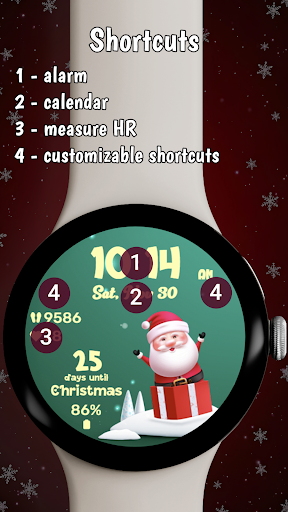
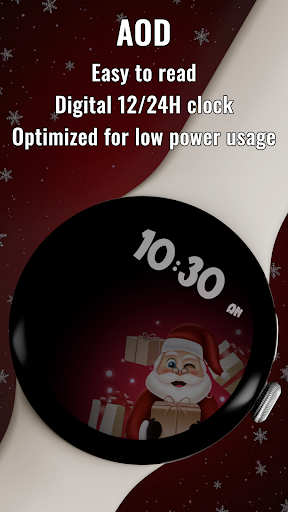
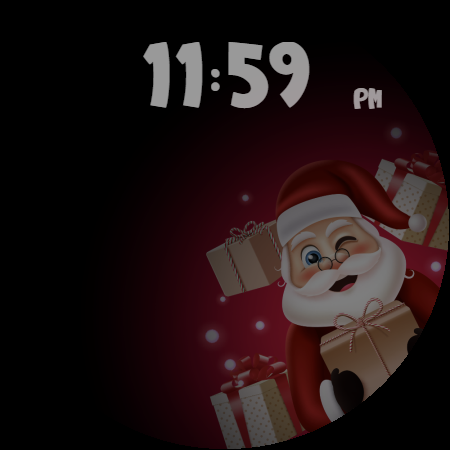
Beyond its seasonal charm, the watchface maintains practical utility. It displays essential health metrics such as heart rate and step count, while offering two customizable shortcuts for quick access to frequently used applications. The always-on display mode ensures minimal power consumption while maintaining visibility of time and selected themes, making it both beautiful and battery-efficient.
Festive holiday theme
Highly customizable
Practical health features
Beautiful animations
Energy-efficient design
Limited to Wear OS
Seasonal focus only
Premium purchase required
Complex customization
Animation time-limited

Calming & relaxing sounds for sleeping and stress relief. Stay focused all day!
 4.20
4.20
Christmas watch face. For Wear OS devices.
4.30
Be an elegant and classy secret agent, with this carefully detailed watch face
4.70
sleep, alarm, snoring, stress, healing, focus, sound therapy, circadian rhythm
4.10
To-Do List: daily schedule planner, task organizer, to do reminder app, calendar
4.60
The #1 source of faces for your smartwatch!
4.00
Real-time results, stats, schedules and player profiles for all leagues
4.60
Professional weather radar and more
3.90
Track your active life in one place and share the journey with friends.
4.40
Easy Voice Recorder is your everyday companion to record important moments.
4.70
The most customizable hybrid watch face. For Wear OS 5.0, API 34+ and later
4.70
Bold weather Digital watchface with forecast & optional animated background
4.40
Bold, Modern Hybrid Watch Face for Wear OS. 10 Colors, Rich Info Display.
4.30
A customizable Christmas watch face for Wear OS with a countdown.
4.20
Connect, create, and collaborate with Gmail, part of Google Workspace.
4.10
Want to take charge of your health? Let Google Fit help you reach your goals.
3.50
Wear Os Watch Face - Animated Snow - Sesonal for Christmas & Winter
4.4
Artistic Digital Watchface
4.2
Minimalistic design modern digital watch face.
4.1


User Reveiws