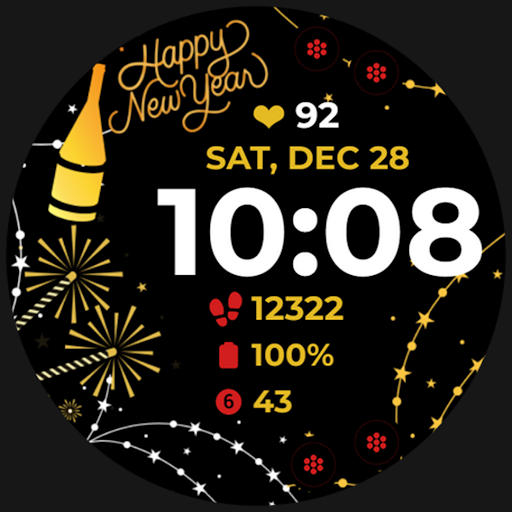
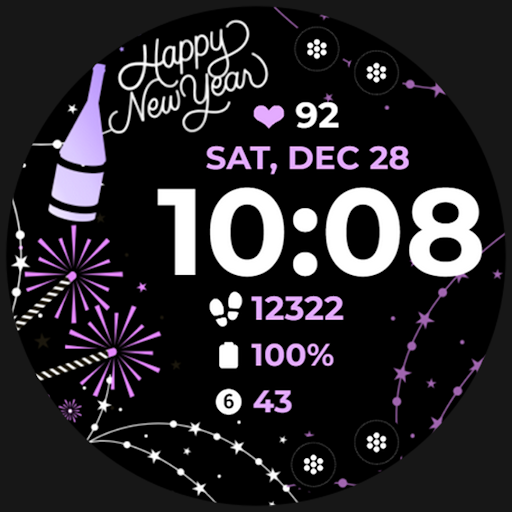
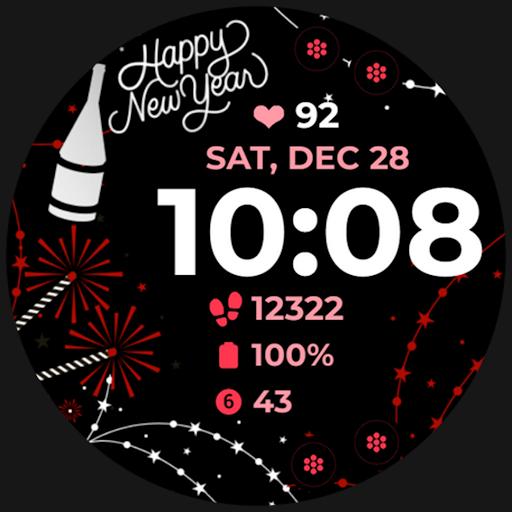
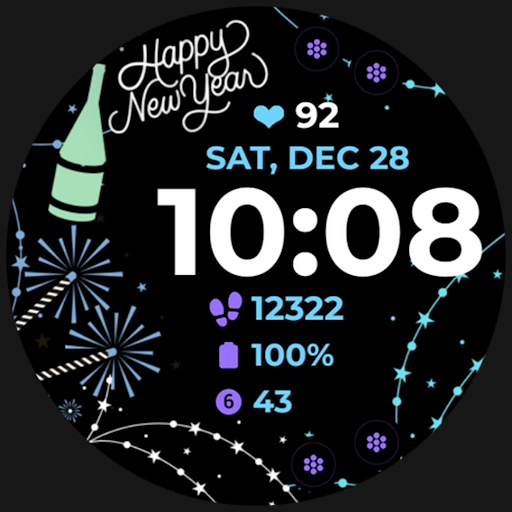
Holiday Art

4.0

Information

Category:

Android Wear

Price:

$ 0.99

Rank:

31

Rating:

4.0

Overview

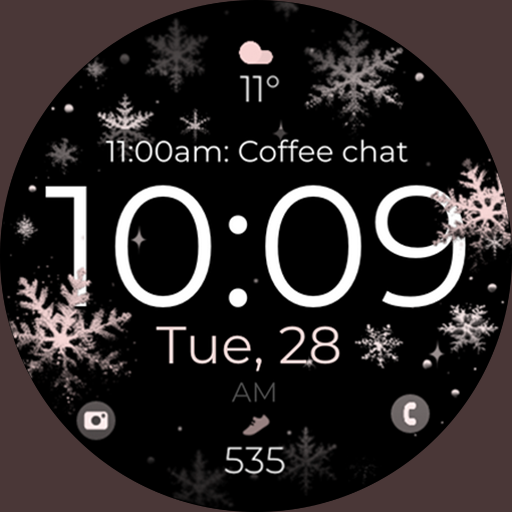
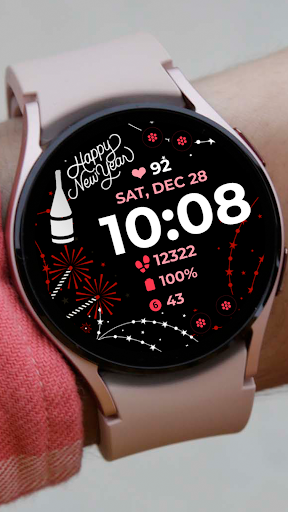
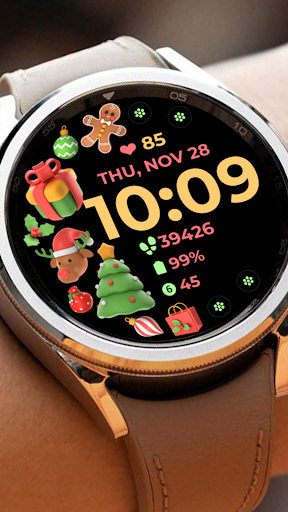
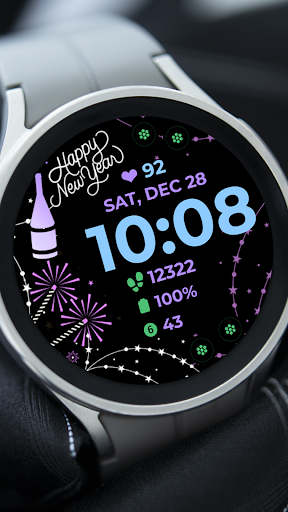
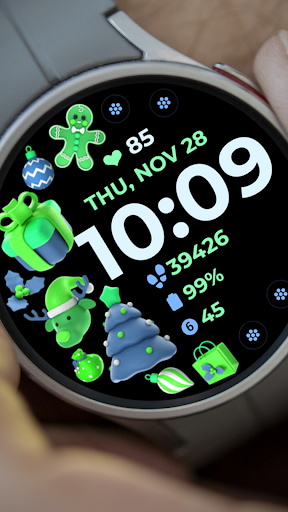
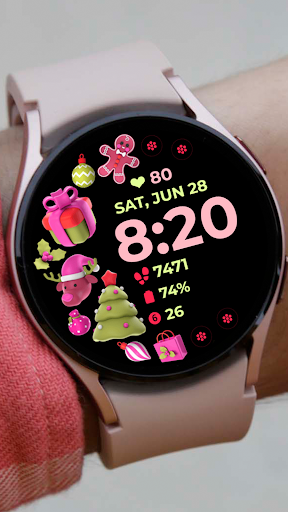
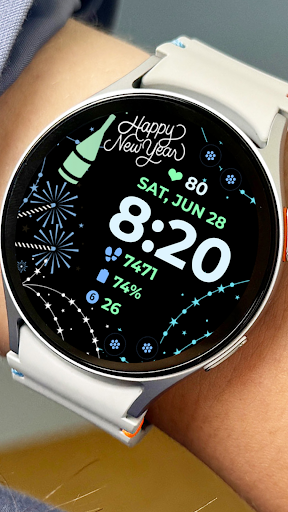
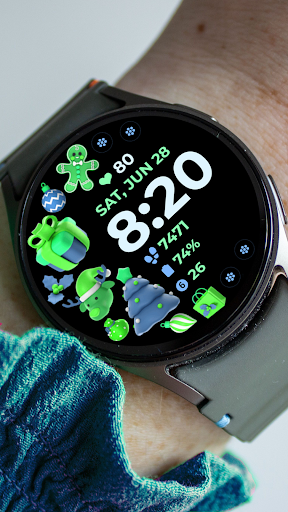
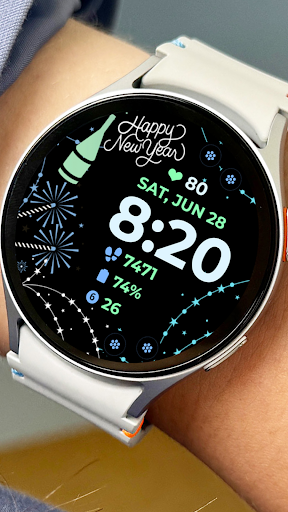
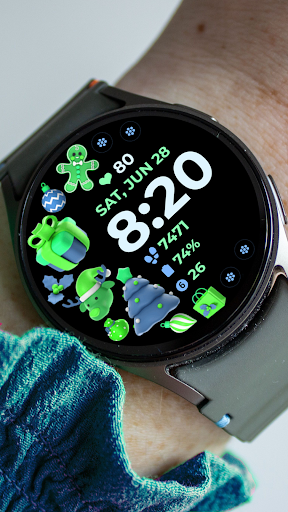
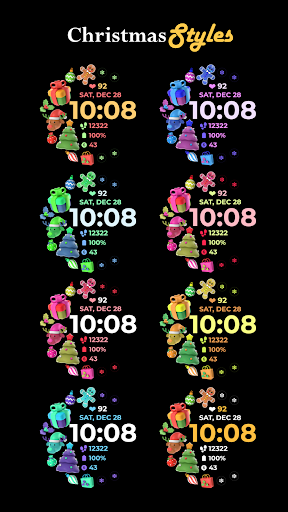
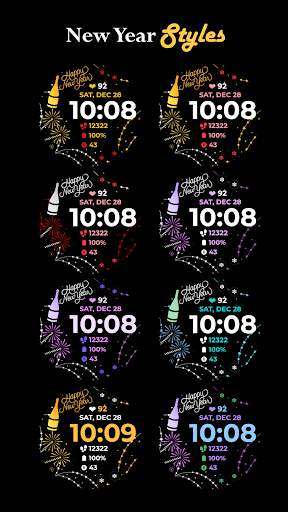
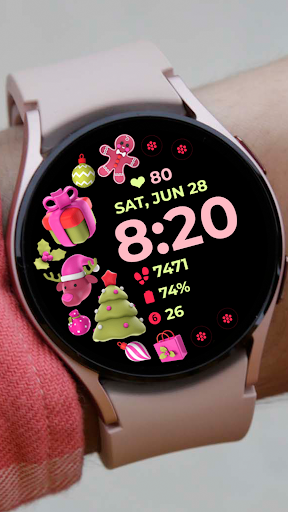
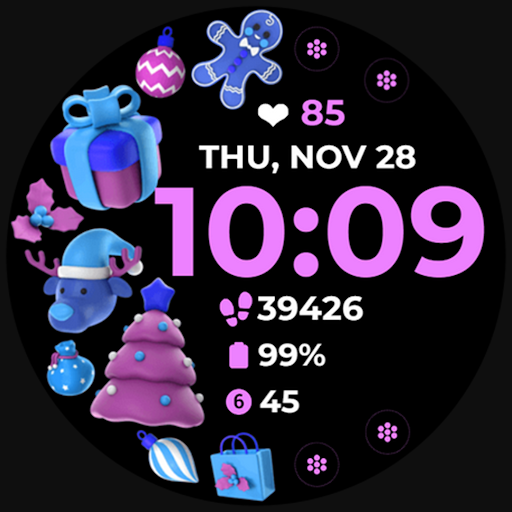
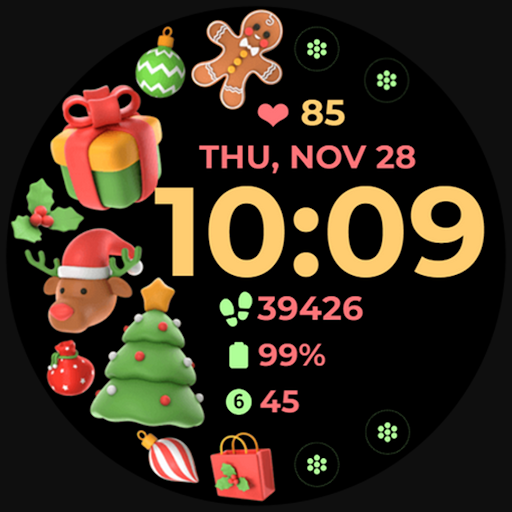
Holiday Art is a feature-rich watch face app designed specifically for Wear OS devices like Samsung Galaxy Watch 4. Developed using Samsung's "Watch Face Studio" tool, this application offers users a customizable and visually appealing interface for their smartwatches.

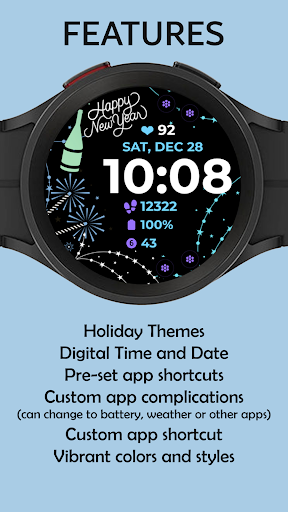
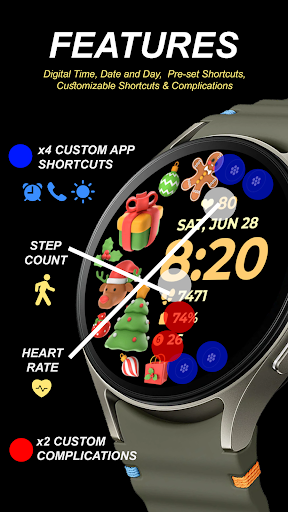
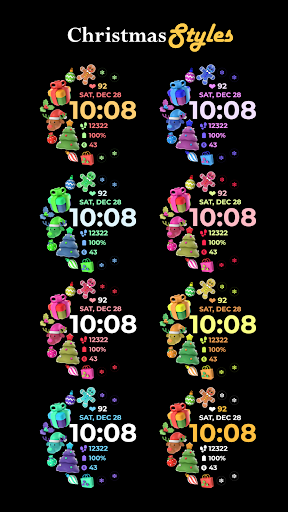
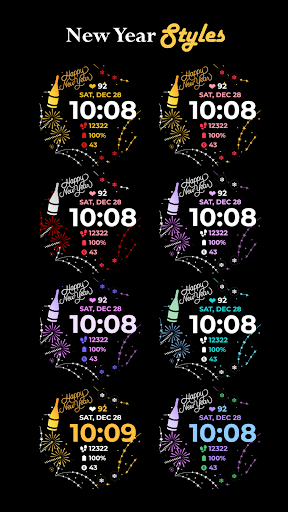
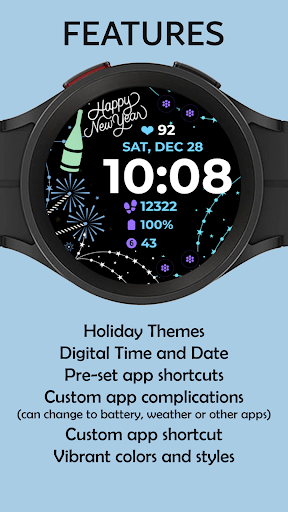
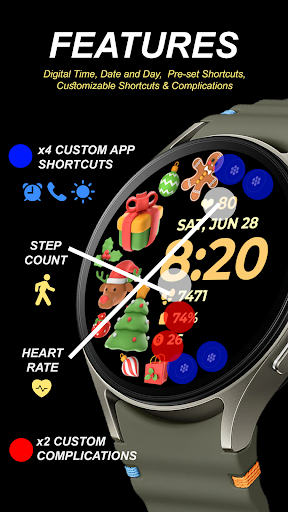
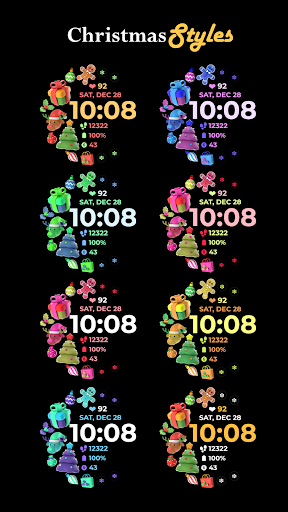
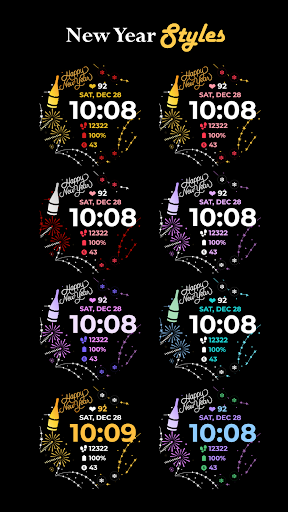
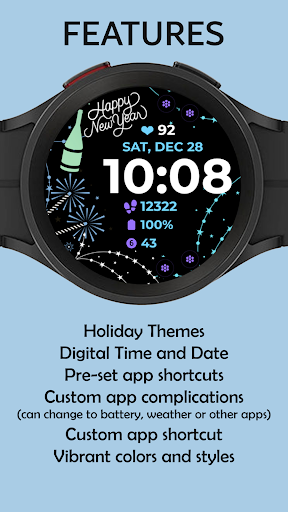
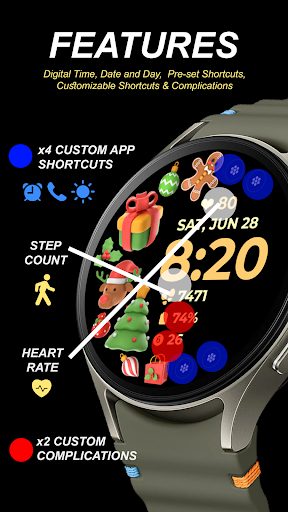
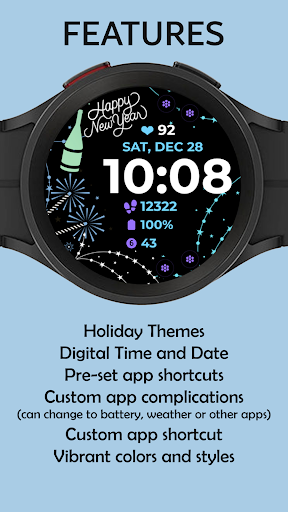
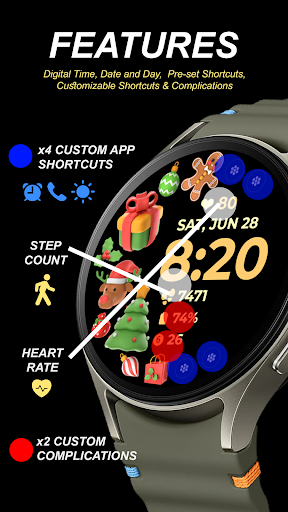
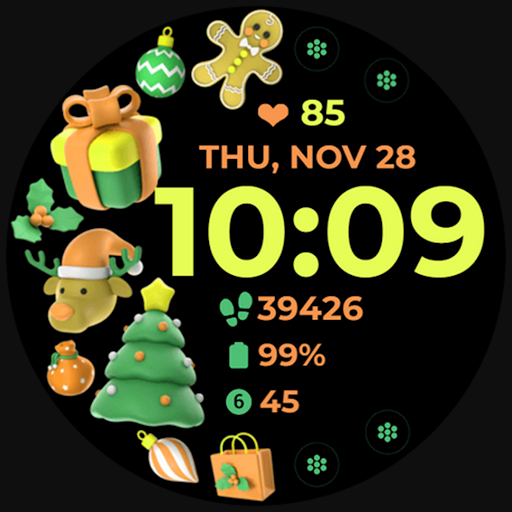
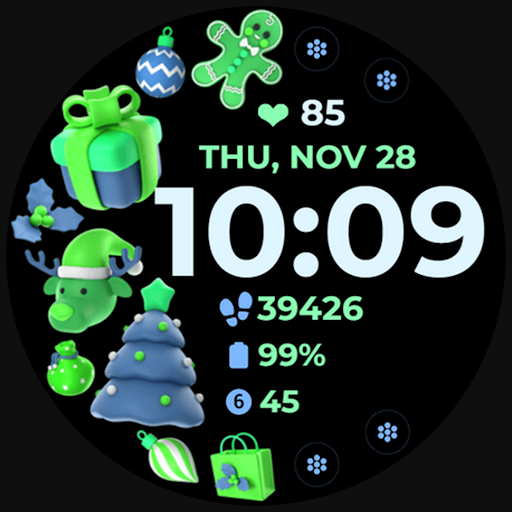
The app includes essential features such as digital clock display, date and day information, always-on display (AOD) functionality, and preset app shortcuts. Users can also enjoy advanced customization options including changeable styles, color palettes, and customizable app shortcuts & complications.

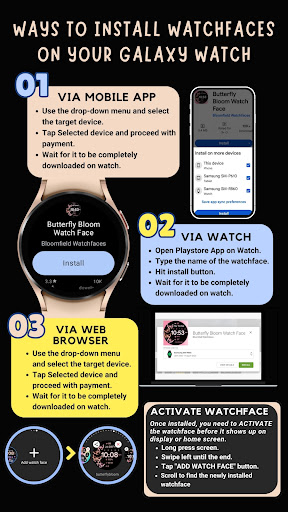
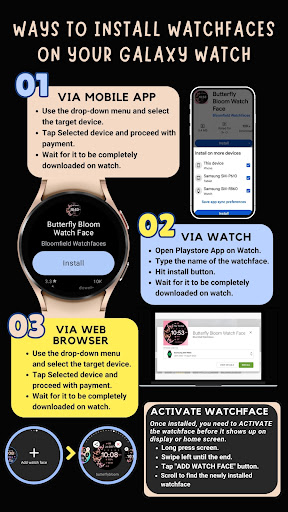
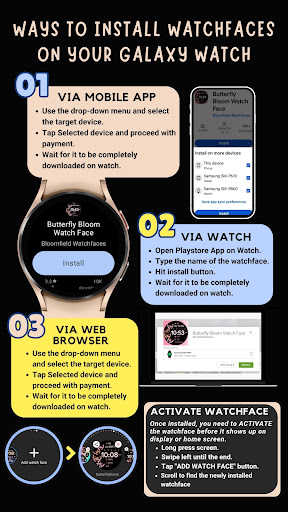
This watch face is particularly useful for users who want to personalize their smartwatch experience while maintaining important timekeeping functions. The app ensures seamless installation when the watch is properly connected to a phone using the same Wi-Fi network and Google account.

Features

Holiday Art stands out with its comprehensive set of features tailored for smartwatch users. The app provides a digital clock interface complemented by date and day displays, ensuring users always have access to crucial time information.

One of the key highlights is the always-on display (AOD) feature, allowing users to view time and other important details without activating the screen. The app also includes preset app shortcuts for quick access to frequently used functions.

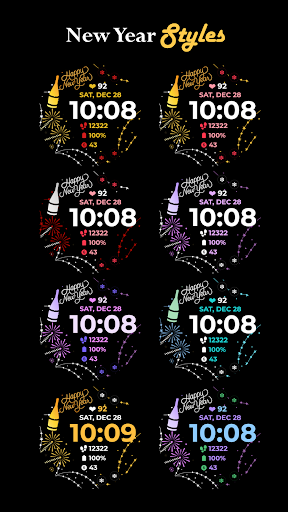
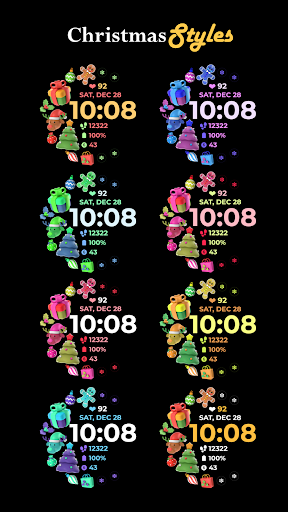
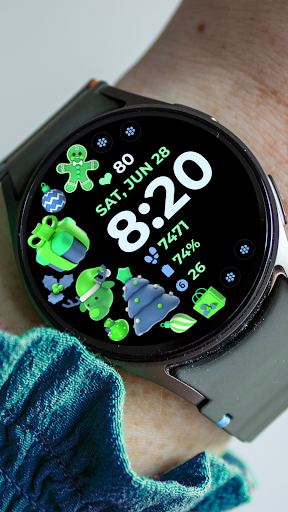
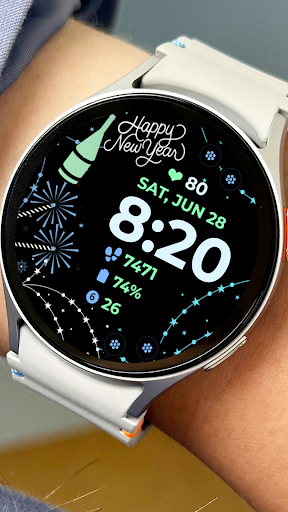
For those seeking personalization, Holiday Art offers customizable app shortcuts and complications. Users can modify styles and color palettes to match their preferences, creating a truly unique watch face that reflects their personal style while maintaining optimal functionality.

Companion app integration

Companion app integration refers to the seamless connection and data sharing between a wearable device and its corresponding mobile application. This feature is crucial for Android Wear apps like Holiday Art as it ensures that watch faces can be easily managed and customized through the companion app on the user's smartphone. The Holiday Art watch face demonstrates excellent companion app integration by providing users with clear installation instructions and ensuring that all necessary permissions are granted for optimal functionality. The app requires users to maintain a strong connection between their watch and phone using the same Wi-Fi network and to log in to their Google account on the watch for seamless installation. Once installed the watch face offers features such as digital clock date and day display always-on display AOD preset app shortcuts customizable app shortcuts and complications and changeable styles and color palettes. These features are made possible through the companion app which acts as a bridge allowing users to access and modify settings directly from their smartphones. Users benefit greatly from this integration as it simplifies the management of their watch faces and allows them to take full advantage of the available customization options enhancing their overall wearable experience.

Wear OS/device compatibility

Wear OS and device compatibility ensures that an application functions correctly across various devices running the Wear OS operating system. For Holiday Art this compatibility is vital as it guarantees that the watch face will work seamlessly on supported devices such as the Samsung Galaxy Watch 4. Developed using Samsung's Watch Face Studio tool the Holiday Art watch face is specifically designed for devices based on the new Wear OS Google One UI Samsung operating system ensuring broad compatibility with the latest wearable technology. The app takes full advantage of the features offered by Wear OS including digital clock display date and day information always-on display AOD functionality preset app shortcuts customizable app shortcuts and complications and changeable styles and color palettes. By focusing on compatibility the developers have created a product that not only meets the technical requirements of different devices but also enhances user satisfaction by delivering a consistent and reliable performance. Users can expect a smooth installation process provided they follow the detailed instructions which include maintaining a strong connection between the watch and phone logging into their Google account on the watch and waiting for the transfer notification. With this level of compatibility users can enjoy a diverse range of features tailored to their specific device without worrying about potential technical issues making Holiday Art a valuable addition to any Wear OS device.

Props

User-friendly interface

Customizable design

Always-on display

Quick access shortcuts

Seamless installation

Cons

Limited device compatibility

Requires strong Wi-Fi connection

Google account login needed

Potential installation delays

Refund period too short

Features and Functions

What is this app and what can I use it for?

A customizable watch face app for Wear OS devices with digital clock and AOD features

How do I download and install this app on my device?

Search 'Holiday Art' in Google Play Store on your smartwatch and tap install

How do I get started after opening the app for the first time?

Ensure watch is connected to Wi-Fi and Google account, then wait for automatic installation

What are the main features and capabilities of this app?

Digital clock, date display, always-on mode, customizable shortcuts and complications

How can I customize my experience and adjust preferences?

Change styles and color palettes through the watch face settings menu

How do I save or bookmark my favorite content for later access?

Add favorite watch faces by tapping and holding display, then swiping to '+' option

How can I share content with friends or on social media?

Share app link via messaging apps or social media platforms directly from store

How do I access detailed information and explore more content?

View detailed features in app description or visit developer's full collection page

What permissions does this app need and how do I manage them?

Needs permissions for installation and customization, manageable in app settings

How do I check for updates and keep the app running smoothly?

Check updates automatically through Google Play Store or manually in app settings
Show more

User Reveiws

{{ comment.reviewer_name }}
{{ comment.review_date_formatted}}
{{ comment.review_content }}
{{ tab.name }}
{{ comment.reviewer_name }}
{{ comment.review_date_formatted}}
{{ comment.review_content }}
No reviews with this rating