
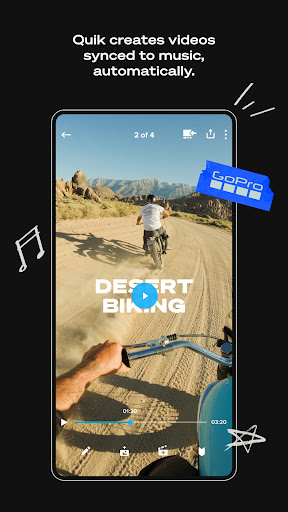
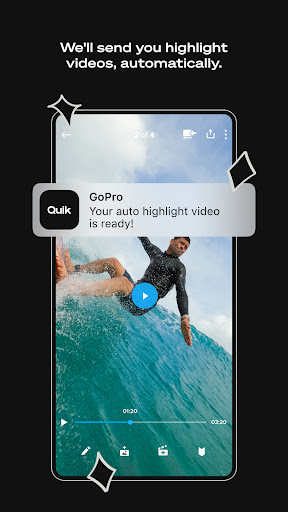
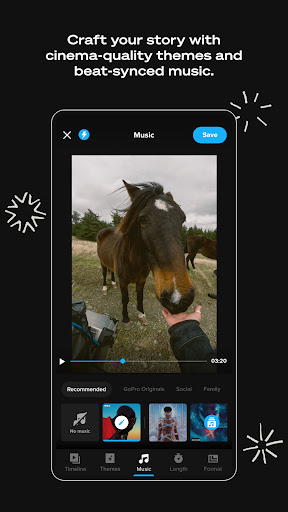
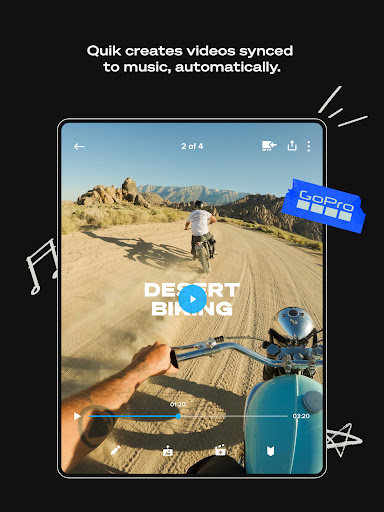
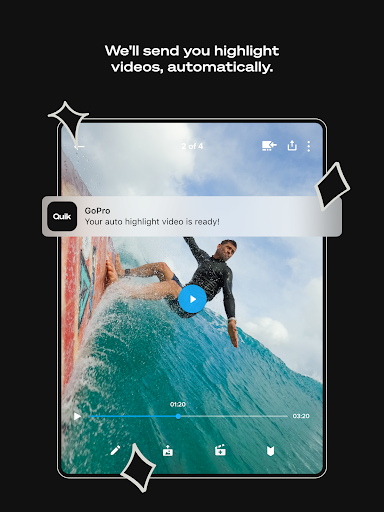
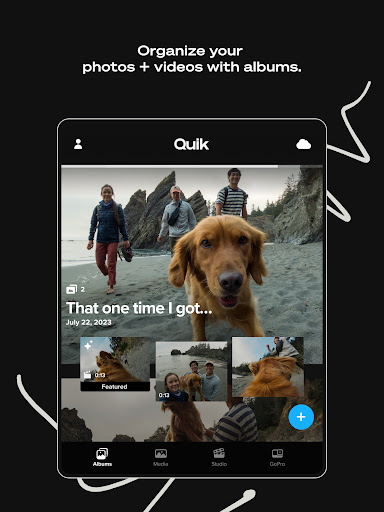
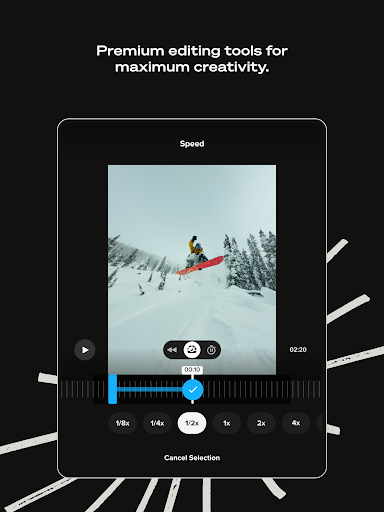
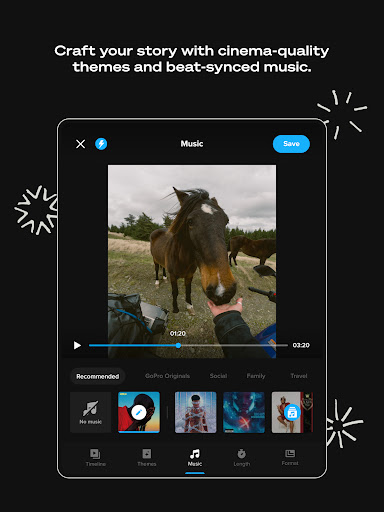
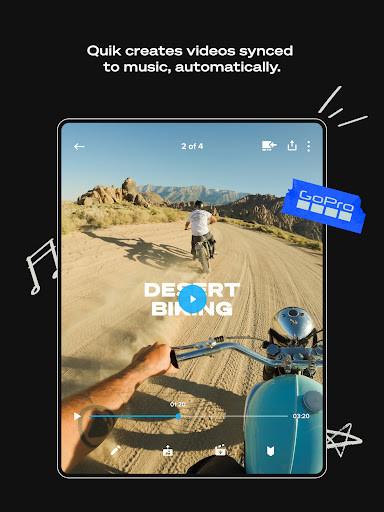
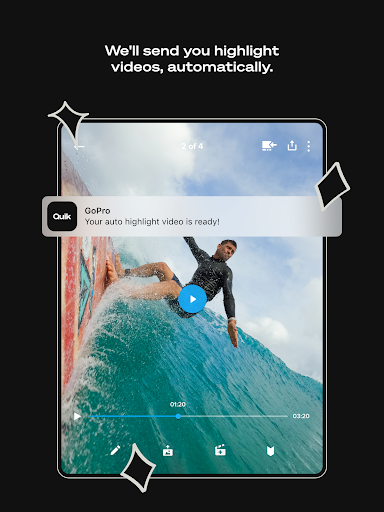
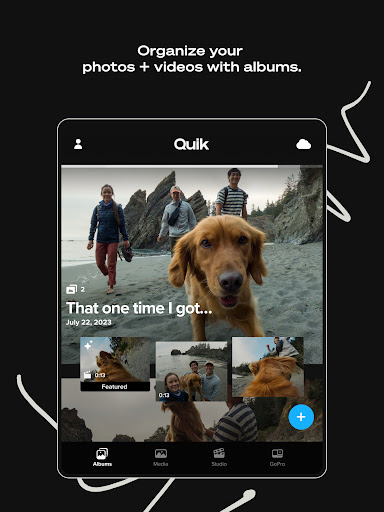
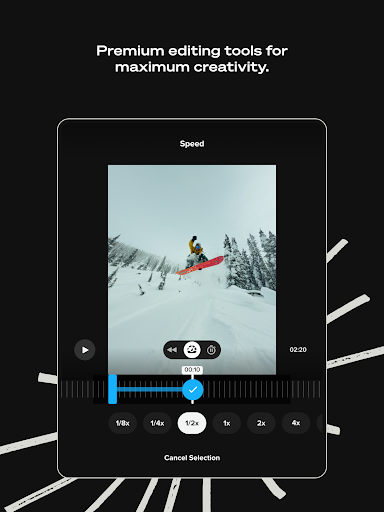
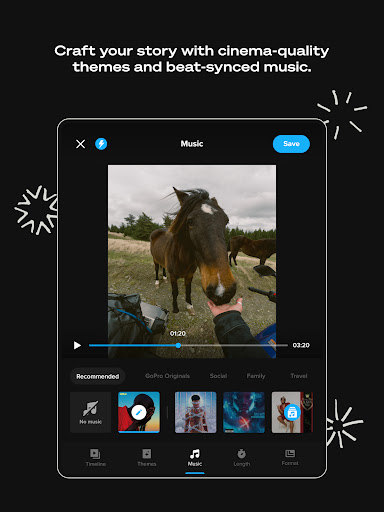
GoPro Quik is a powerful video editing application designed to simplify the process of creating professional-quality videos. The app's standout feature is its automatic highlight video generation, which intelligently selects your best shots, adds music synchronization, transitions, and creates a polished, shareable video with minimal effort. This makes it an ideal tool for content creators who want to produce engaging videos without spending hours on manual editing.
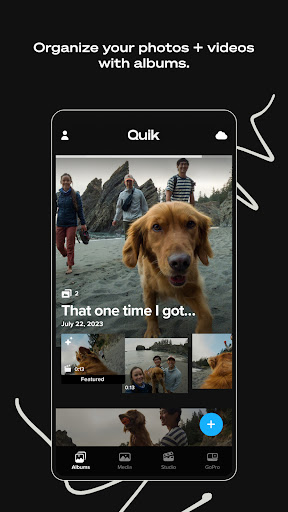
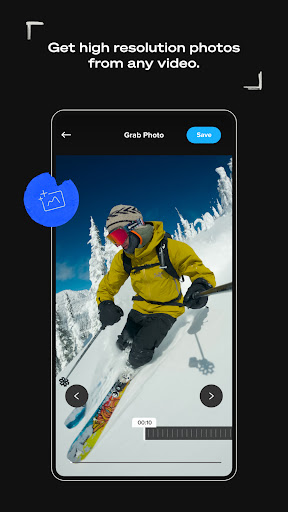
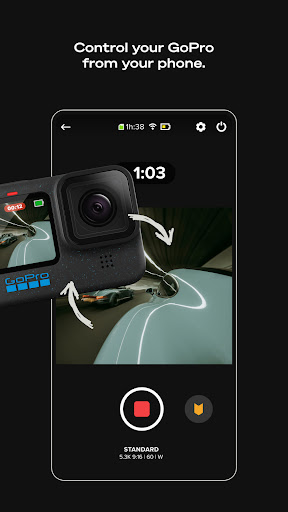
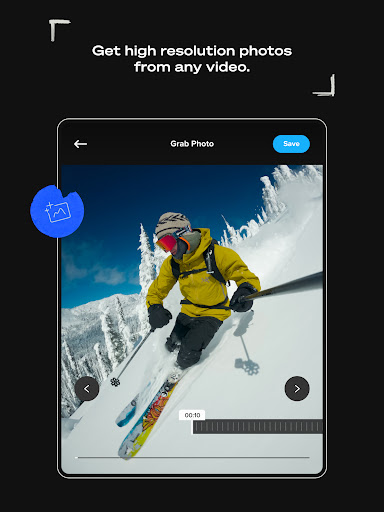
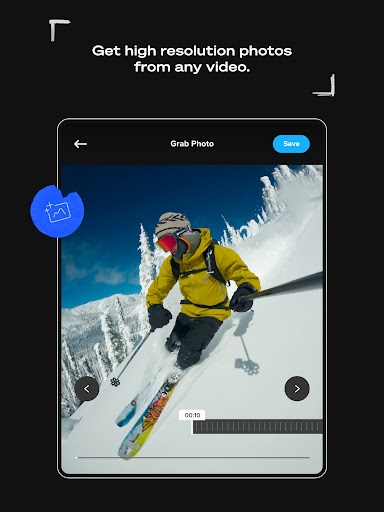
In addition to its editing capabilities, GoPro Quik offers unlimited cloud storage with 100% quality retention for GoPro footage and up to 500GB for other camera footage through its Premium or Premium+ subscription plans. The app also supports cross-device syncing, allowing users to access their media library from any device. With advanced tools like beat sync, frame grab, themes, filters, and text overlays, users can take full creative control over their edits while enjoying seamless integration with GoPro cameras.
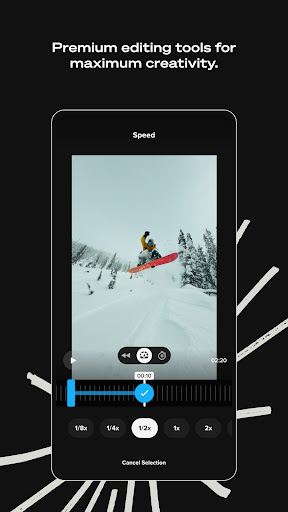
GoPro Quik stands out in the Video Players & Editors category due to its comprehensive suite of premium editing tools. One of its key features is Automatic Edits, where the app intelligently identifies the best moments from your footage, syncs them to music beats, and applies smooth transitions to create captivating videos automatically. For those seeking more customization, the app provides advanced options such as color adjustments, trimming, stickers, and cinematic themes that elevate the storytelling experience.
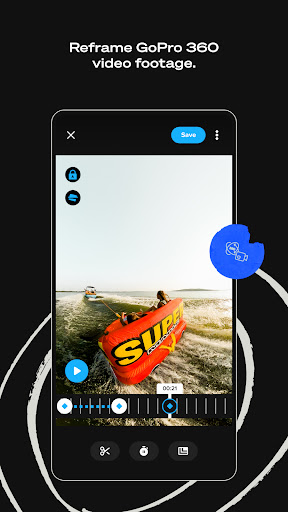
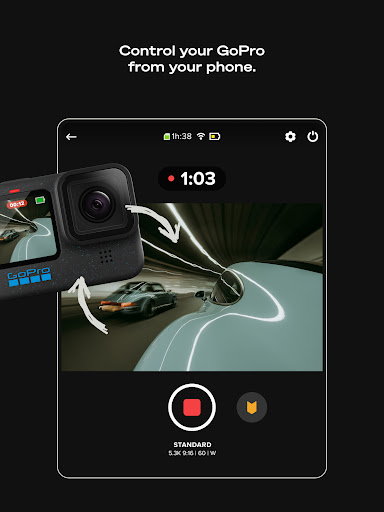
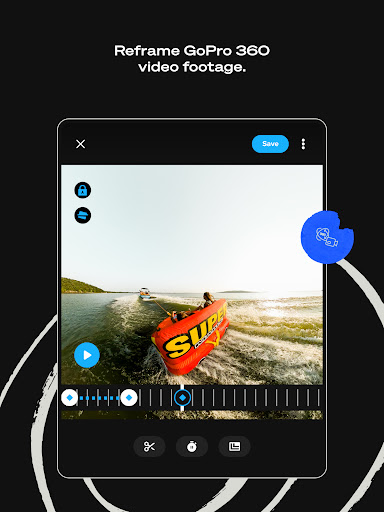
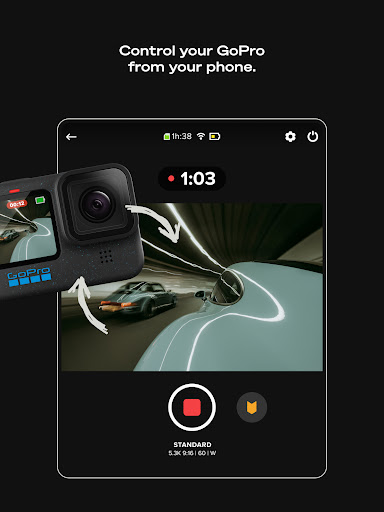
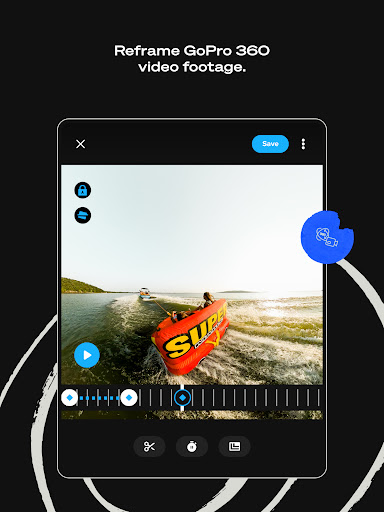
Another notable feature is its robust cloud integration. With a Premium or Premium+ subscription, users gain access to unlimited cloud storage at full resolution for all GoPro footage and significant storage for non-GoPro content. The Auto Upload functionality ensures that all imported media is backed up instantly and synchronized across devices, enabling effortless content management. Additionally, GoPro camera owners benefit from specialized features like Auto Detection, Preview Shots, and Reframe, which transforms 360-degree footage into traditional video formats with cinematic transitions.
User-friendly interface
Automatic video editing
Unlimited cloud storage
Premium editing tools
Cross-device syncing
Paid subscription required
Limited free storage
Advanced features complex
GoPro-centric design
Occasional sync issues

Video player, file manager for all formats, 4K/HD media player supports subtitle
 4.30
4.30
Fast, private downloading, video saving, social media
4.50
Create & edit videos with AI
4.30
HD video maker with no watermark, no ads & vlog maker with music, PIP, text
4.50
1)AirPlay/DLNA Mirroring/Streaming, up to 4 connections; 2)Samba/NAS/DMS Player.
4.00
All in one multi protocols stream receiver for AirPlay, Cast and DLNA.
3.60
Browser for Fire TV to stream webvideos, online movies, livestreams in HD
4.40
Create, Publish & Maximize
4.70
Capture the moment and Cut
3.40
#1 Torrent App on Android ** No Ads Ever + Battery Saver **
4.80
Seamlessly connect and control your smart devices, anytime, anywhere with ease.
4.60
Video Player - Unlimited features, 30 days money back guarantee.
4.60
Fast video downloader & private browser. Save HD clips to watch offline.
4.40
Full HD Video mp3 Player, MP4 player play 1080p, File manager, Video Downloader
4.40
Livestream, news, & gaming content. Watch, chat, and upload. Join Rumble today!
3.80
Connect EasyCap or UVC devices for recording and broadcast video/audio stream
3.60
Download videos easily & play them all in one smart, powerful video manager.
3.40
Client application for NextPVR software
3.00
Video player with powerful streaming playback and various convenient features.
2.10


User Reveiws