
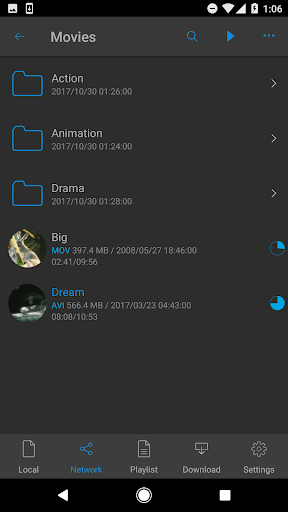

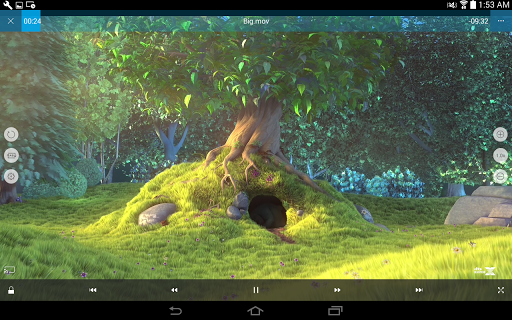
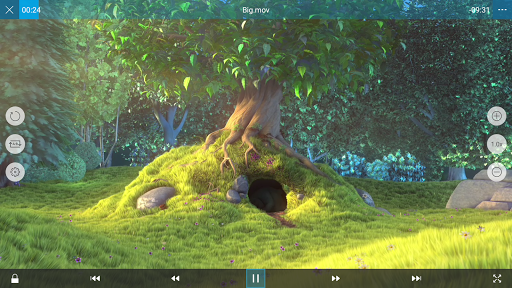
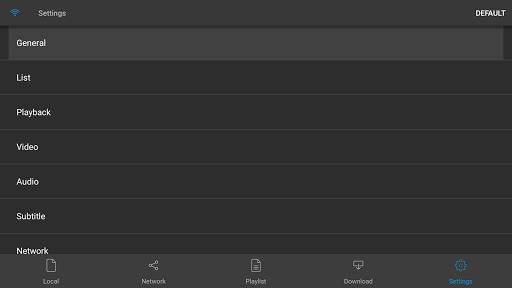
nPlayer is a versatile video player designed for mobile devices, eliminating the need to convert video files into MP4 format. It supports an extensive range of video formats and codecs, allowing seamless playback without prior file conversion.
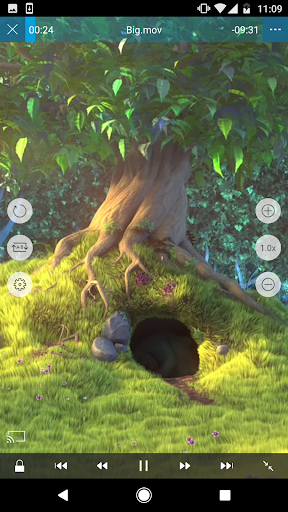
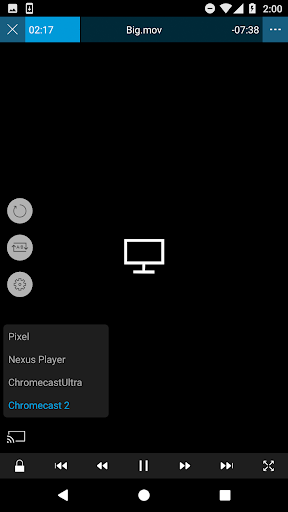
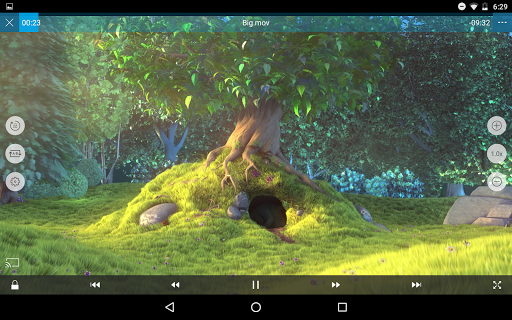
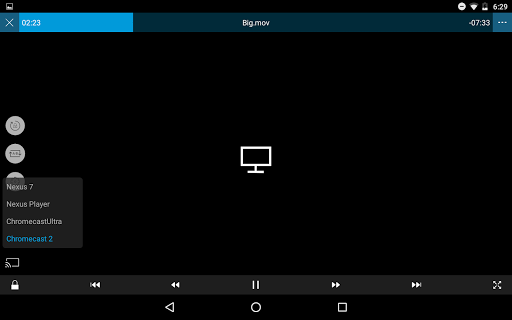
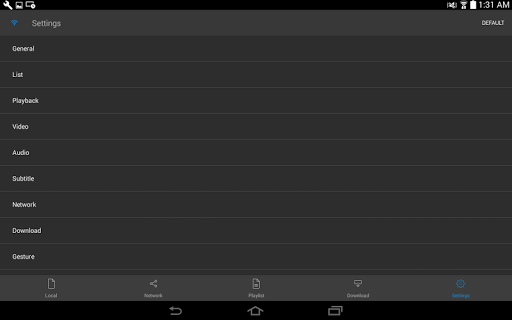
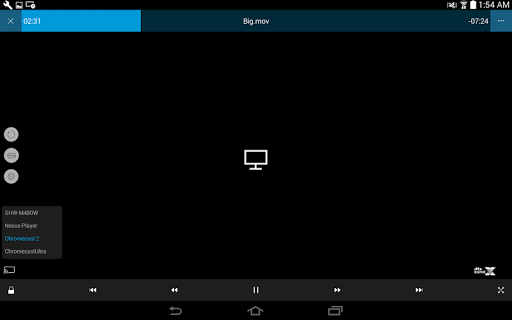
With intuitive touch controls, users can easily adjust playback settings, navigate subtitles, and customize subtitle appearance. The app also offers advanced features such as pop-up play, casting to Smart TVs, and HDMI output, enhancing the multimedia experience on the go.
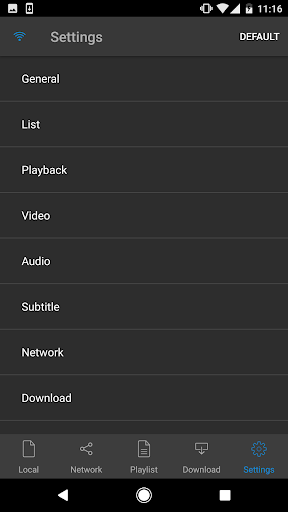
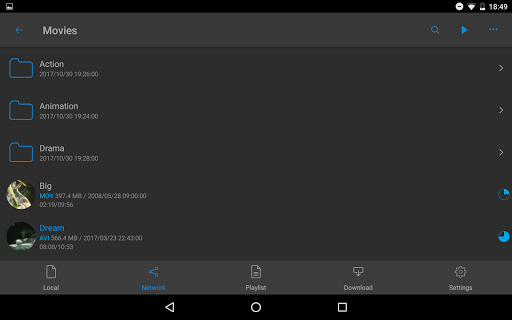
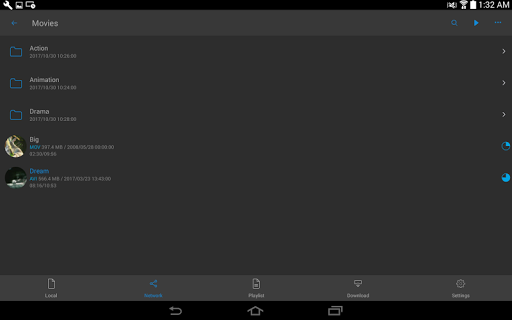
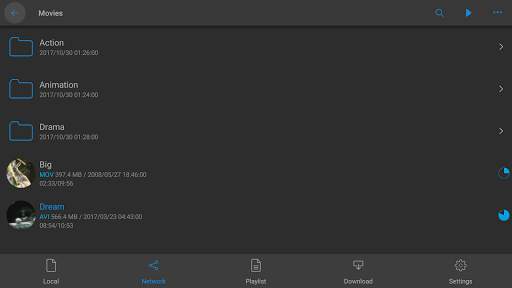
nPlayer stands out with its comprehensive feature set tailored for media enthusiasts. It supports device file playback and management, enabling users to organize their media library efficiently. Download functionality ensures content is available offline.
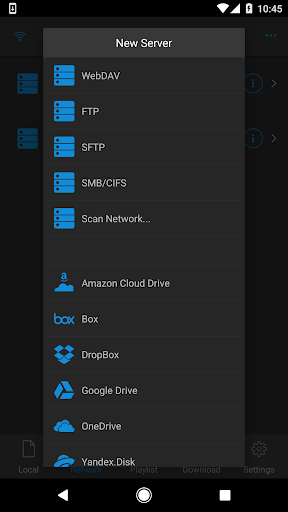
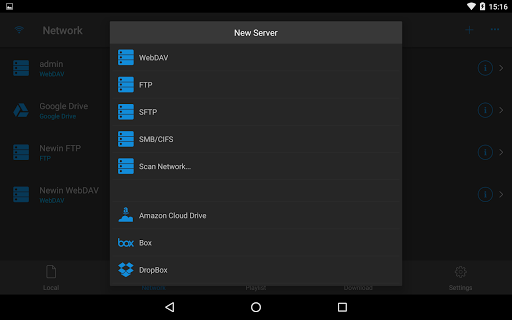
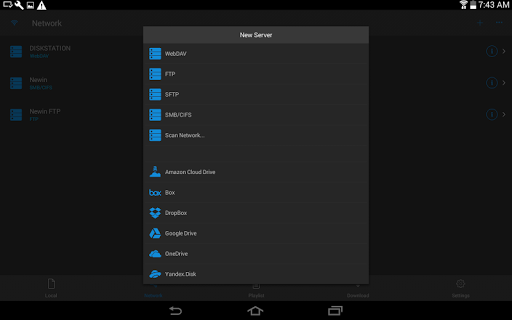
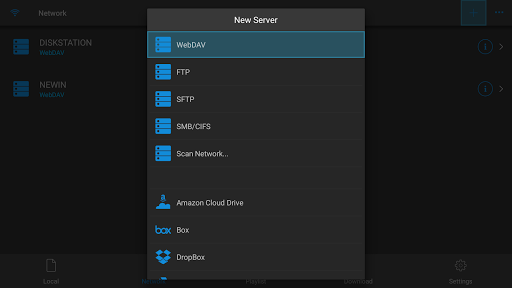
The app provides official support for DTS audio codec (DTS HD) and multi-track audio, delivering high-quality sound. Users can enjoy embedded and external subtitles with full styling options, powered by SAMI(SMI) tag and SSA/ASS support. Integration with cloud services like Amazon Cloud Drive and Google Drive extends media accessibility.
User-friendly interface
Wide format compatibility
Advanced subtitle support
Cloud service integration
High-quality audio options
Premium version required
Complex for beginners
Limited free features
Occasional bugs
Heavy on resources

Online Videos Player
 3.90
3.90
A Quick and Pro Video Editor
4.70
Tik & Story Saver-Download ALL social media videos, photos & reels no watermark.
4.80
Fast video downloader & private browser. Save HD clips to watch offline.
4.40
Stream high quality video from your camera over NDI protocol
4.3
Live TV, anywhere in your home
3.80
KMPlayer Plus (Divx Codec) officially support Divx codec.
4.30
Turn your phone into a wireless camera!
4.20
Flud is a simple and beautiful BitTorrent client for Android.
4.80
A Simple app to download Video & Music from the Internet.
4.70
Find, download, and play torrents with the official BitTorrent® Pro app
4.70
Screen recorder with audio to take live videos & Screenshot in high quality!
4.70
Cast Videos from Web Browser, IPTV to Roku, Chromecast, DLNA, Smart TV +more
4.60
Watch a large amount of high-definition short drama content
4.60
Fast & easy HD video downloader for all formats, support 4K playback & download.
4.60
Capture images & record videos for USB Camera, Webcam, Microscopes, Endoscopes
3.80
All in one multi protocols stream receiver for AirPlay, Cast and DLNA.
3.60
A full editing room to accompany your Insta360 cameras and handheld gimbals.
3.30
The smartest M3U IPTV Player your playlists have ever seen.
4.0


User Reveiws