
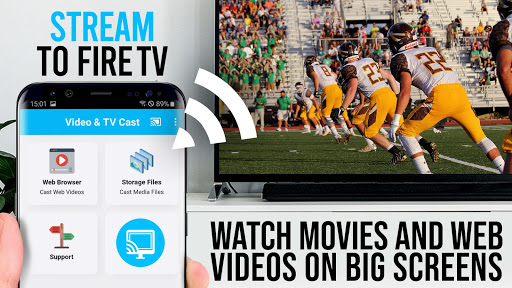
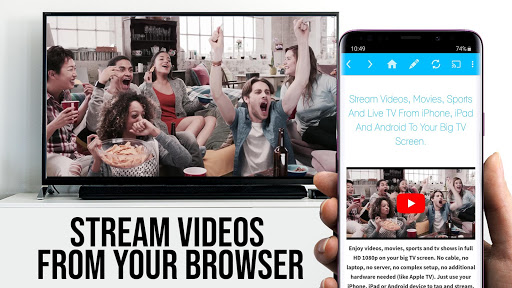
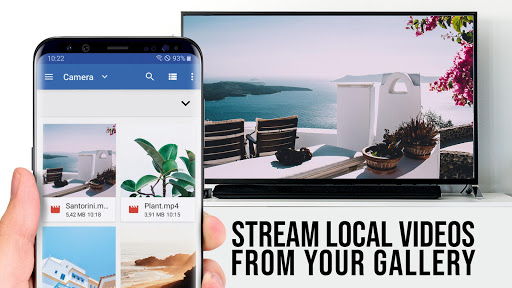
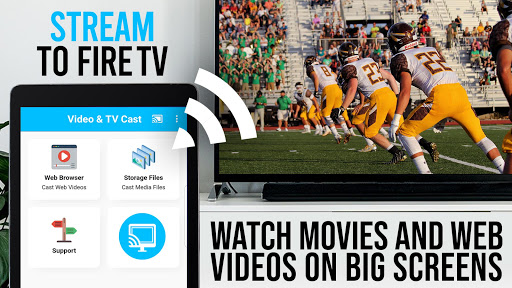
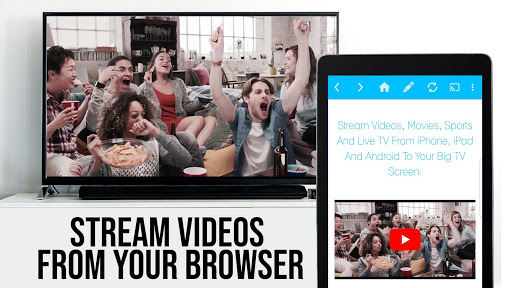

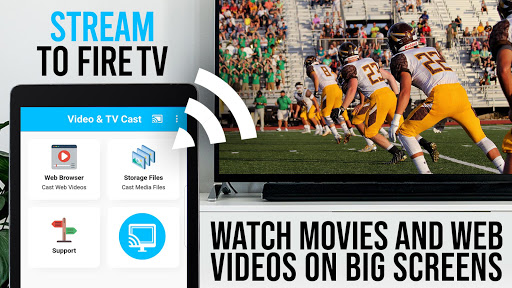
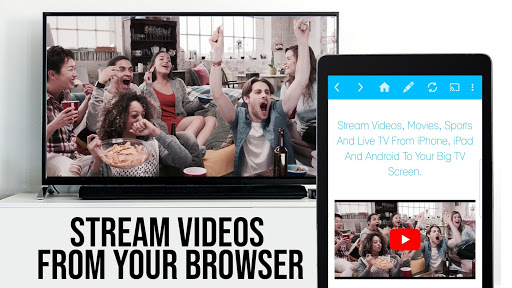
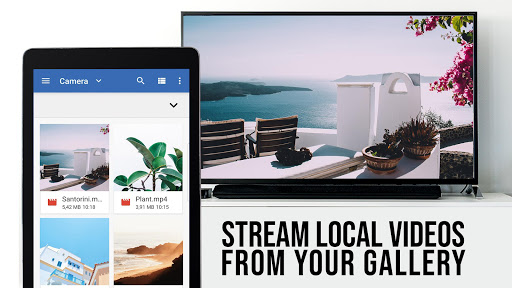
TV Cast Pro for Fire TV is the premier web video streaming solution designed specifically for Amazon Fire TV and Fire TV Stick users. This application enables seamless streaming of web videos, online movies, livestreams, and live TV shows directly to your largest screen without the need for a complex media server setup. Supporting formats like MP4, M3U8, HLS livestreams, and Full HD content over HTTPS, it ensures broad compatibility and high-quality playback.
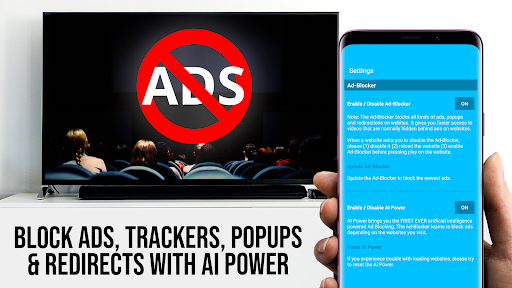
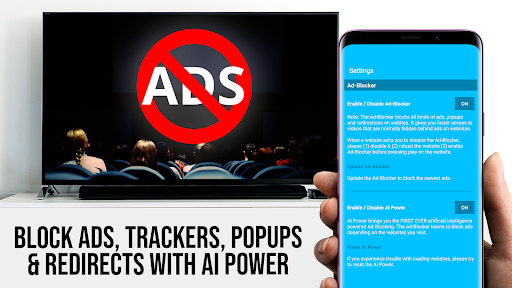
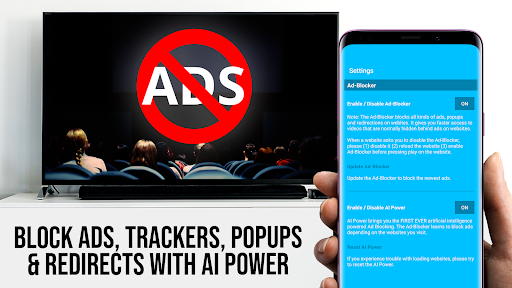
The app's standout feature is its ability to browse the web and cast any video with a single tap, displaying discovered videos below the browser interface for easy access. It also offers advanced functionalities in its PRO version, including an Ad-Blocker, remote Playbar for enhanced video control, bookmarks management, desktop mode, and customizable homepage settings. These features collectively provide an optimized viewing experience tailored for home entertainment systems.
Whether you're looking to stream content from popular websites or lesser-known sources, TV Cast Pro for Fire TV bridges the gap between internet content and your living room TV. Its intuitive design and comprehensive feature set make it an essential tool for anyone seeking to elevate their streaming capabilities on Amazon Fire TV devices.
TV Cast Pro for Fire TV distinguishes itself through a suite of powerful features crafted to enhance user experience. The cornerstone of this app is its effortless casting capability, allowing users to browse the web and send videos to their Fire TV with minimal effort. Once a video is detected, it appears below the browser, ready for immediate casting, thus streamlining the process of finding and playing content.
In addition to basic functionality, the PRO edition unlocks a range of premium features. The Remote Playbar provides sophisticated video controls such as scrubbing, forward, rewind, play, pause, and stop, all synchronized across multiple devices. An integrated Ad-Blocker removes ads and popups from most websites, ensuring uninterrupted viewing. Users can also manage bookmarks efficiently, switch to Desktop Mode for accessing full desktop sites, and personalize their homepage for quicker access to preferred content.
These features not only simplify the technical aspects of streaming but also enrich the overall user experience by offering greater customization and control. By focusing on usability and performance, TV Cast Pro for Fire TV sets a new standard for streaming applications on Amazon Fire TV platforms.
User-friendly interface
Wide format support
Advanced video controls
Effective ad-blocking
Customizable settings
No DRM video support
Limited to Fire TV
Occasional connectivity issues
Requires video pre-play
Basic edition limitations

IPTV-Smarters Player Pro M3U - Watch Live Stream TV Channels with Chromecast
 4.00
4.00
?100% FREE! Download & save videos? safely in this app. All formats supported.
4.60
Search & download videos from net with all video downloader, auto-detect & safe.
4.60
Create photo video with music & template. AI video maker for stunning slideshow.
4.60
Video player with powerful streaming playback and various convenient features.
2.10
This app is an emulator of some specific IPTV boxes
3.50
Screen recorder with audio to take live videos & Screenshot in high quality!
4.70
Enjoy your favorite videos and channels with the official YouTube app.
3.90
Make videos you’re proud to share with Edits, a video editor for creators.
4.70
Play ALL formats in 4K & HD. Video downloader, MP3 player, Chromecast & more.
4.80
AI Video Editor with Music, Filter, Slideshow, Effect, Merge & Trim Video.
4.80
High-Quality USB Camera Viewer & HDMI Display
4.70
Watch a large amount of high-definition short drama content
4.60
Add date and time watermark to photos and videos
4.50
Fast & Private HD Video Downloader with Built-in Proxy Browser and Video Player.
4.50
Viddo: Generate Action Figure, AI Anime, AI kiss, AI hug Video from image & text
4.40
Video player, file manager for all formats, 4K/HD media player supports subtitle
4.30
Movie maker & video editing app with AI effects and green screen
4.30
Powerful HD video player with support for all formats & subtitles.
4.0


User Reveiws