
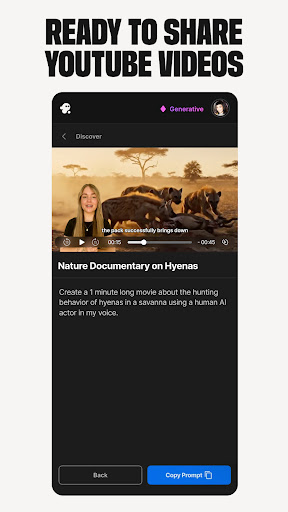
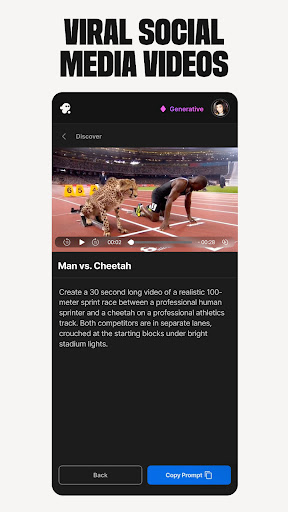
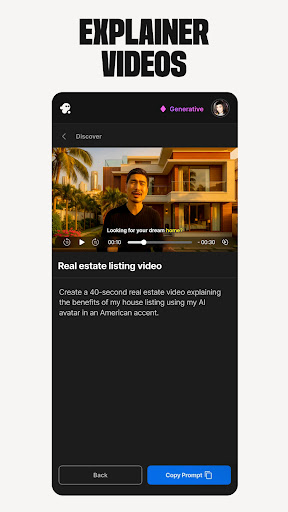
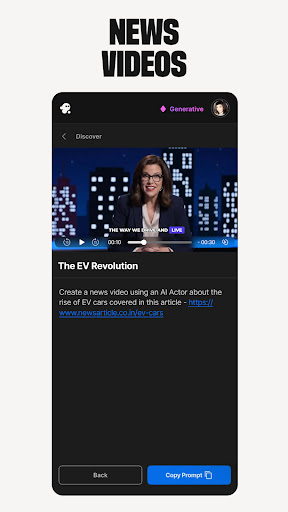
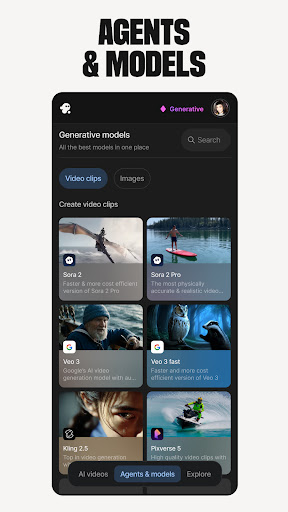
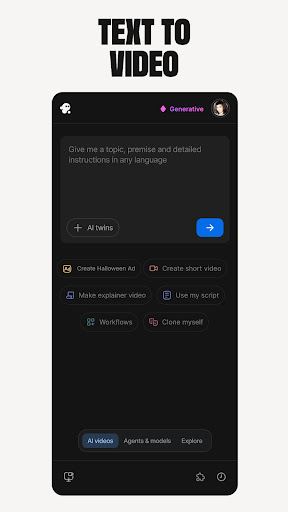
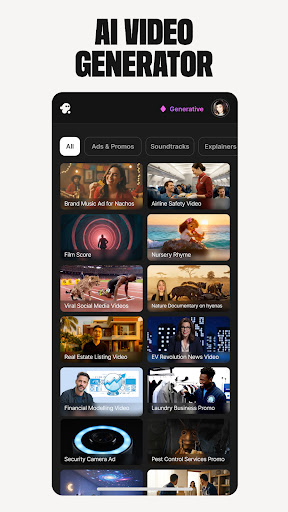
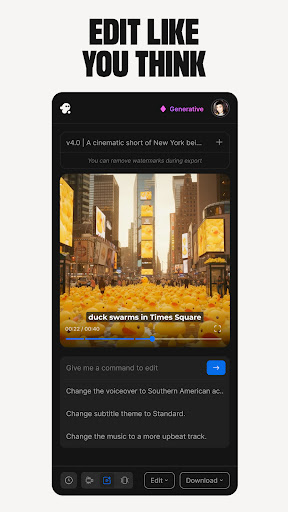
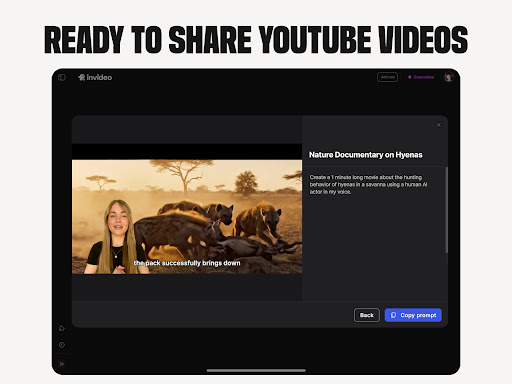
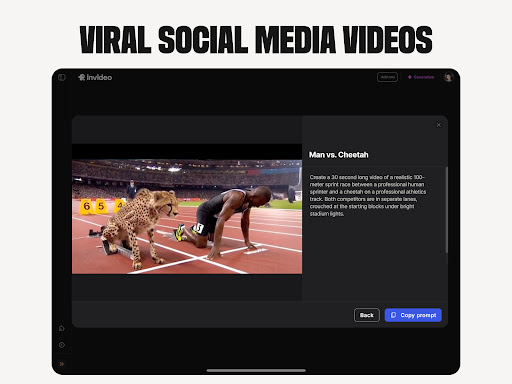
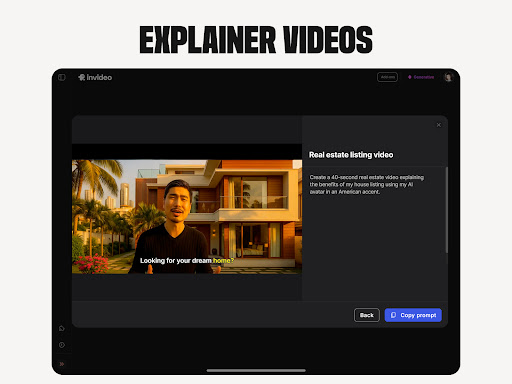

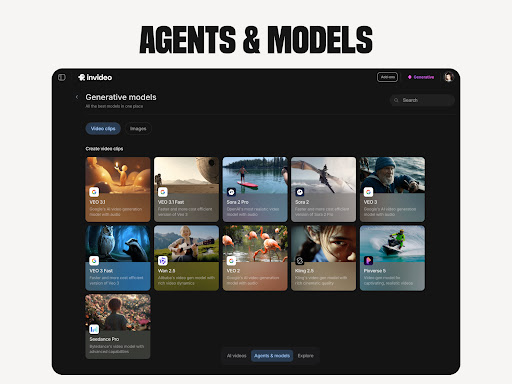
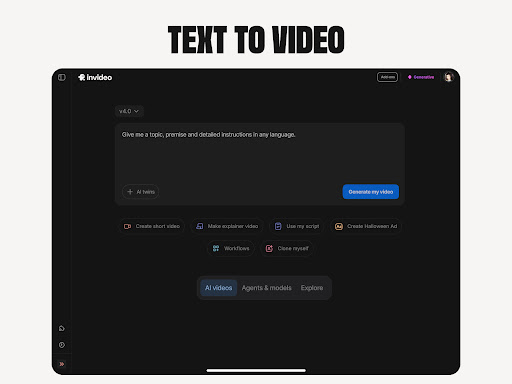
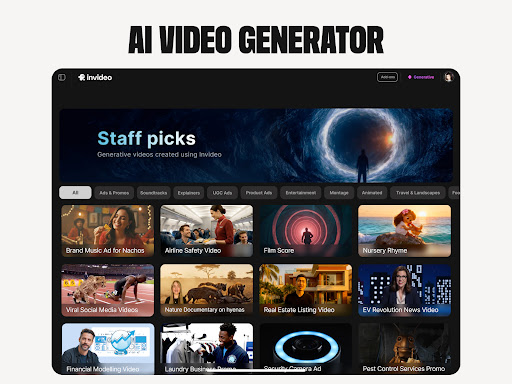
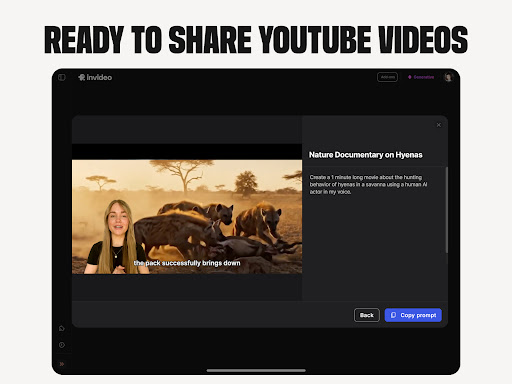
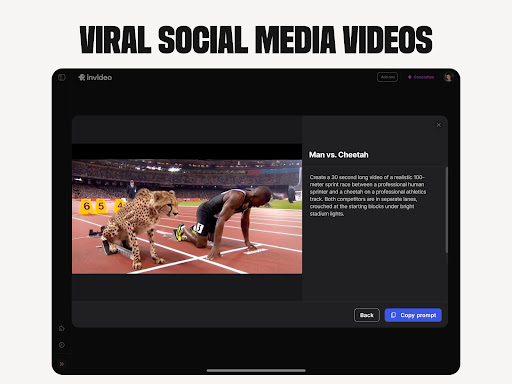
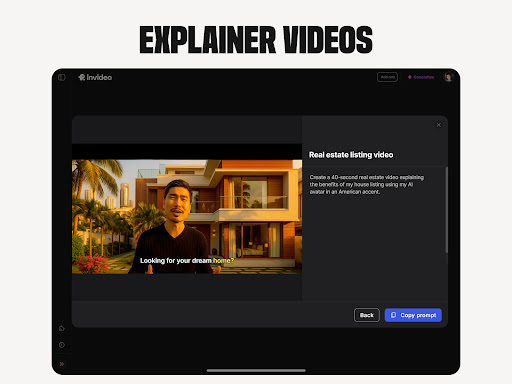
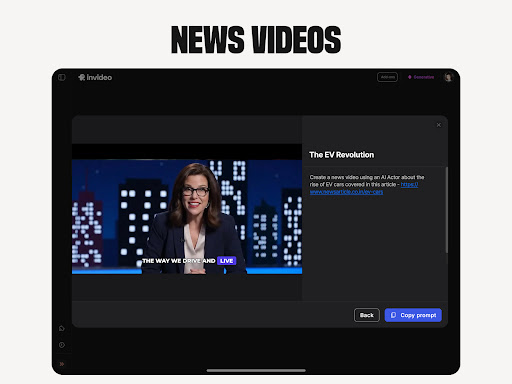
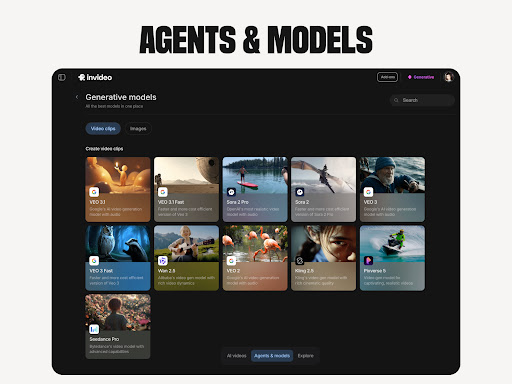
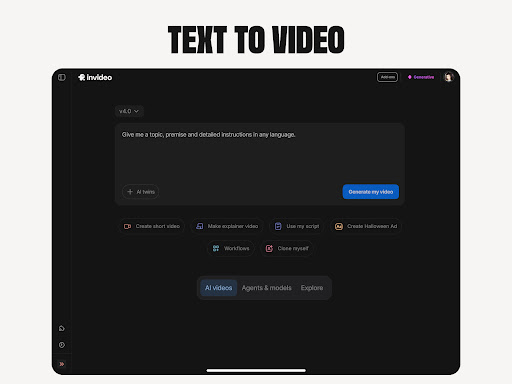
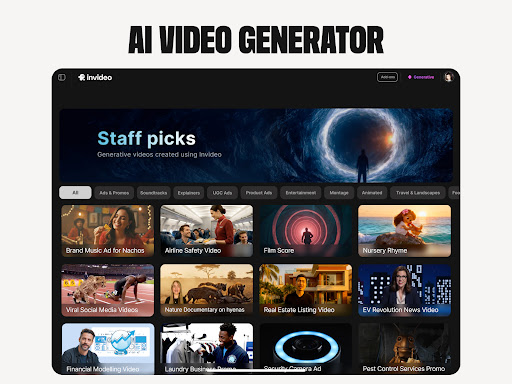
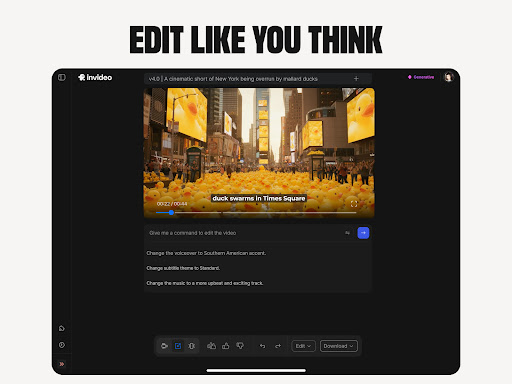
Invideo AI is a revolutionary video creation platform that empowers users to produce professional-quality videos using artificial intelligence. The app offers a comprehensive suite of tools for creating various types of AI-generated videos, including explainers, promos, ads, and full-length films.
With support for over 50 languages, Invideo AI enables users to generate complete video content with scripts, captions, voiceovers, music, and effects. Its standout features include AI avatars, voice cloning, image-to-video conversion, and virtual product try-ons, making it suitable for both beginners and experienced creators.
This versatile application proves particularly valuable for businesses looking to create engaging marketing materials or e-commerce stores seeking to showcase products through dynamic video presentations.
Invideo AI distinguishes itself through its extensive feature set designed to streamline video creation. The platform's AI video generator allows users to create complete video projects from simple text prompts, while the AI movie maker supports full-length film production in diverse creative styles.
The application's AI avatar technology enables users to create digital twins for consistent training and promotional videos. Additionally, its AI voice cloning and text-to-video capabilities facilitate multilingual content creation without requiring complex production setups or studio time.
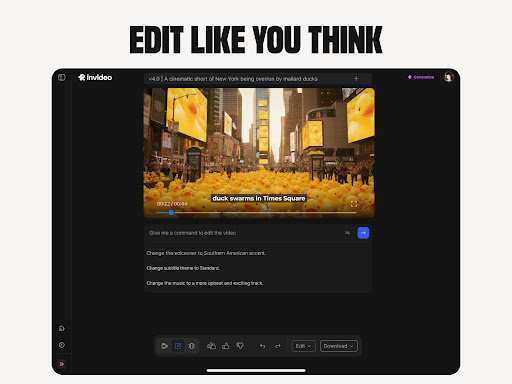
For marketers, the UGC video tools provide realistic testimonial and spokesperson clips without the need for physical product demonstrations or actor coordination. The AI-powered editing features further enhance workflow efficiency by allowing users to make modifications through simple text commands.
User-friendly interface
Multi-language support
Comprehensive feature set
Time-saving automation
Versatile content options
Subscription costs may be high
Learning curve for beginners
Limited advanced editing
Occasional rendering issues
Internet connection required

Auto video maker with music & exclusive filters. Video editing made simple.
 4.50
4.50
Connect 2 UVC devices for recording and broadcast video/audio stream
3.90
AirMirror is Receiver for Screen Mirroring and Casting from Apple Devices.
3.60
An easy-to-use and all-round screen recorder with audio
4.80
Play and download HD videos from all sources — fast, simple, and all-in-one.
4.1
AI Video Editor:AI Music, Text to Video,Text to Speech,Auto Caption,Video Effect
4.00
Video Downloader, Multiple Resolution Options, Video Player
4.50
Manage your IPTV live channels and VOD playlists (no playlist included)
3.80
VLC for Android is the best open source video and music player, fast and easy!
4.10
Pro video editor app for Instagram, edit video with song, AI, effect & slowmo.
4.80
All in one HD video downloader & player for multiple formats with full privacy
4.70
HD Video player all format, HD Videos, Cast & Subtitle. No annoying ads.
4.60
Video Player - Unlimited features, 30 days money back guarantee.
4.60
Create photo video with music & template. AI video maker for stunning slideshow.
4.60
Support 1000+ Video Format, Subtitle Download, mp3 & Background Play, Cast On TV
4.60
Fast & easy HD video downloader for all formats, support 4K playback & download.
4.60
HD video maker with no watermark, no ads & vlog maker with music, PIP, text
4.50
Fast video downloader & private browser. Save HD clips to watch offline.
4.40
Powerful HD video player with support for all formats & subtitles.
4.0


User Reveiws