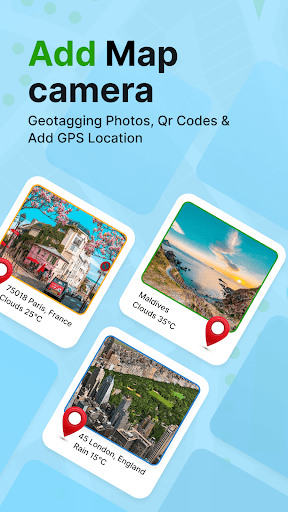
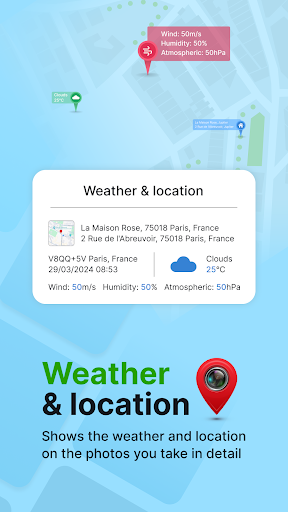
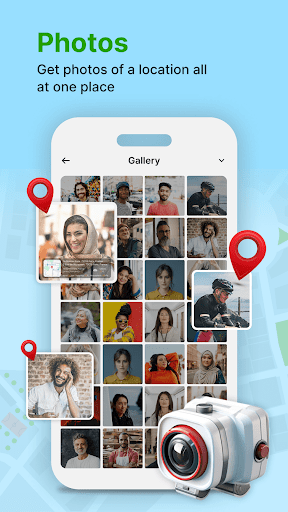
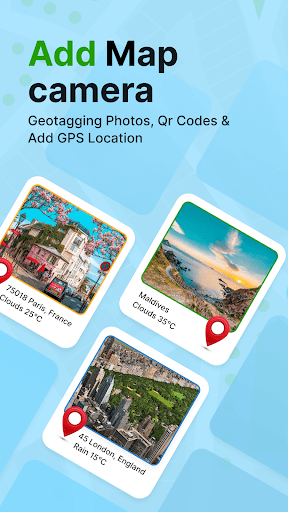
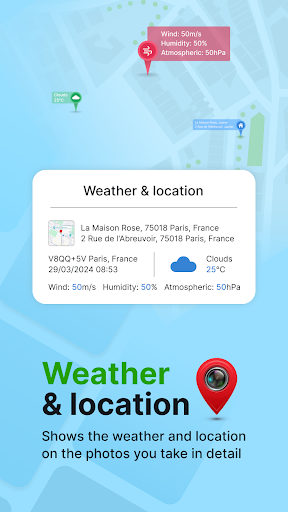
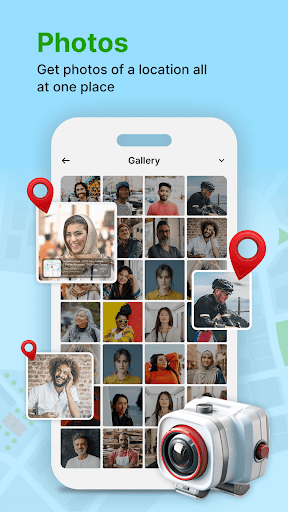
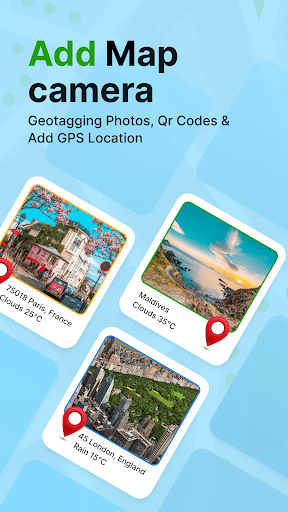
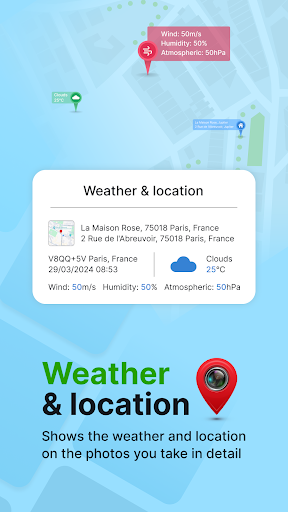

GPS Geotag Photos & Camera Map is a powerful photography app designed to enhance your photo-taking experience by embedding precise location data into your images. The app automatically adds GPS coordinates, altitude, and address information directly into the metadata of your photos, making it easy to track where and when each photo was taken.
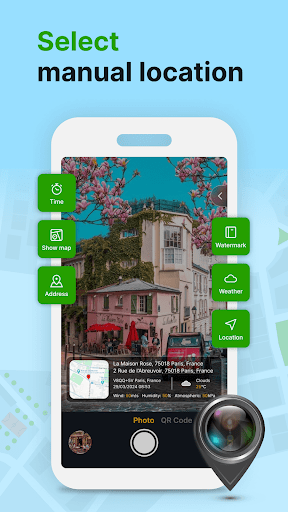
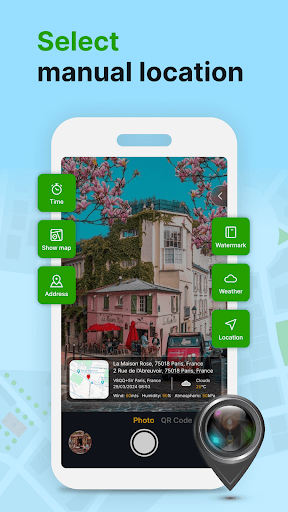
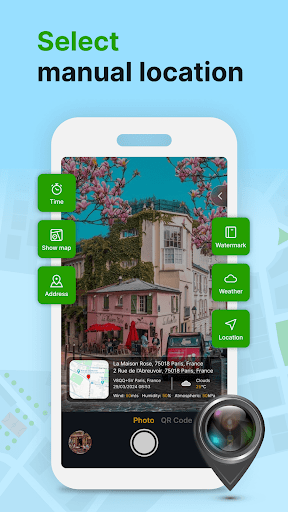
In addition to geotagging, the app offers advanced customization options. Users can add timestamps, weather details, and even short location descriptions to their photos. With support for manual adjustments of latitude and longitude, this app ensures accurate location tagging even in areas with weak GPS signals. Whether you're a traveler, photographer, or simply someone who values organizing their memories, this app provides a seamless way to enrich your photo library with valuable contextual information.
One of the standout features of GPS Geotag Photos & Camera Map is its ability to automatically embed GPS data into photos. This includes not only geographic coordinates but also altitude, address, and weather conditions at the time of capture. The app supports live map integration, allowing users to view their geotagged photos on an interactive map.
Customization is another key aspect of this app. Users can personalize the appearance of location stamps by adjusting font styles, sizes, colors, and positions. For those who require precision, the app allows manual input of latitude and longitude. Additional features include a built-in QR code scanner for quick access to location-based services and the ability to share geotagged photos effortlessly with friends and family.
The app's intuitive interface makes it accessible to both casual users and professionals. Its fast processing ensures that photos are stamped with location data almost instantly, without compromising image quality. These features collectively make GPS Geotag Photos & Camera Map an essential tool for anyone looking to preserve the context of their photographic memories.
User-friendly interface
Accurate geotagging
Customizable location stamps
Live map integration
Weather data inclusion
Requires constant GPS
Drains battery quickly
Limited offline functionality
Occasional crashes
Ads in free version

Shooting photos and records video easily and efficient with professional Camera
 4.30
4.30
Photobooth mini FULL app will allow you to add more fun to your parties
4.00
How old age camera Gender Swap App Face Shape Hairstyle App Hair Styler App fun!
4.00
Professional photography on your mobile phone
4.20
See your baby AI baby face generator AI baby maker Face generator babymaker fun!
4.70
AI Photo Editor with 100+ Filters, Effects! Remove BG, Retouch & Photo Enhancer.
4.80
Your personal guide to the sun and moon. Plan ahead, visualize and predict!
4.70
Enhance, upscale, and transform your images — on your device, without limits
4.70
Unlock the full potential of your DJI drone with Litchi
4.50
AI photo enhancer with Sora 2! Enhance, descratch, and colorize your old photos.
4.50
Edit like a pro with Hypic. Apply filters, AI effects, & magic touch.
4.40
Future baby face generator: AI kids generator, kid face! What my baby look like?
4.40
Create AI Photos, Improve and restore quality of blurry, old or damaged pics.
4.20
The #1 app for B&W film developing featuring an advanced darkroom timer.
4.10
Pet Camera
3.70
Application for remote controlling DSLR
3.00
Long exposure camera with computational photography
2.60
Remote control the phone camera shutter from your smartwatch and take a picture
1.60
HD Photo gallery and photo manager to edit, hide private photos, videos & albums
4.3


User Reveiws