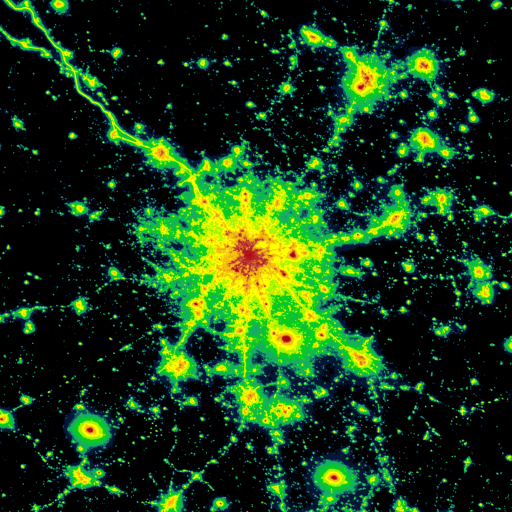
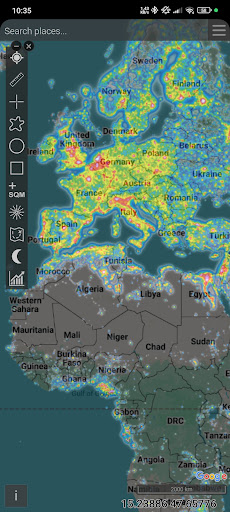
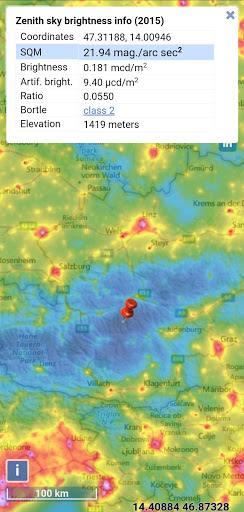

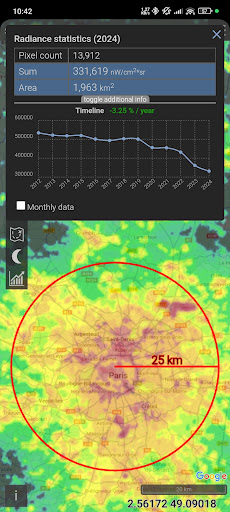
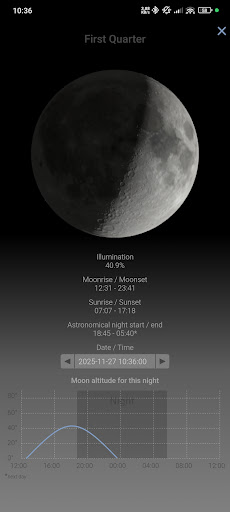
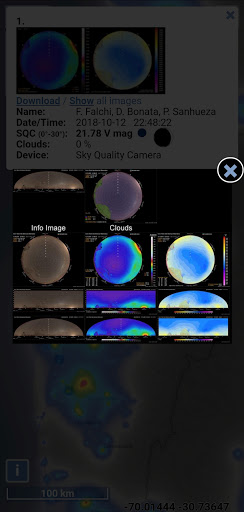
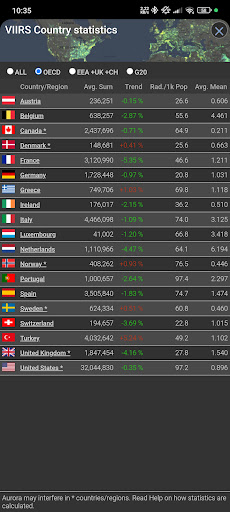
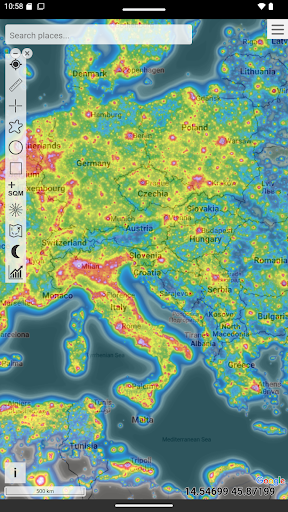
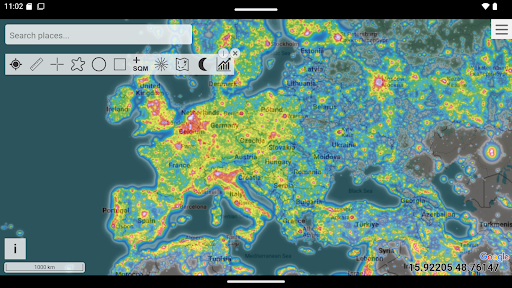
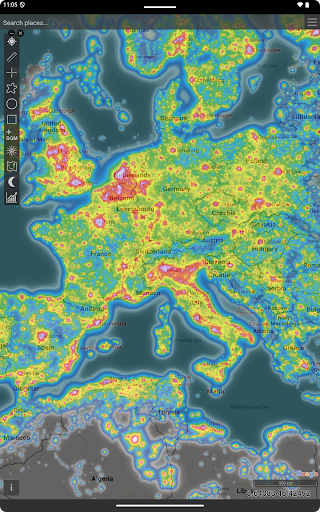
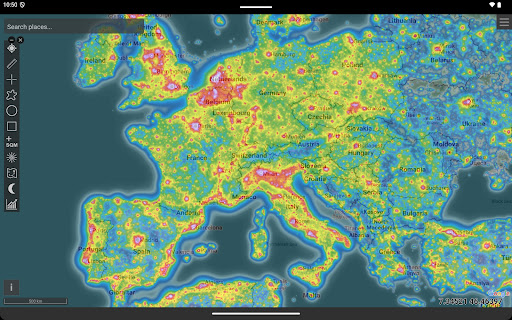
Light Pollution Map is a specialized navigation tool designed for astronomers, astrophotographers, and stargazers. It combines high-resolution VIIRS satellite data with an interactive global map to help users locate the darkest areas nearby. The app provides accurate sky brightness measurements and supports various mapping tools like moon info, brightness simulation, and aurora prediction.
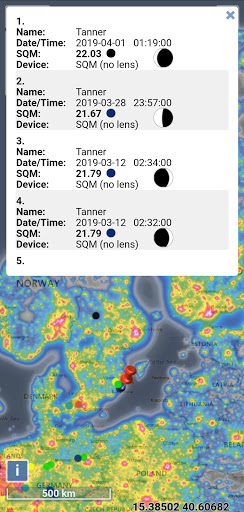
This application is particularly useful for planning dark-sky trips or astrophotography sessions. With its detailed light pollution datasets and additional layers such as clouds and user-submitted SQM, it ensures users can make informed decisions about optimal observation spots. The offline-friendly feature makes it accessible even in remote areas without internet connectivity.
The true value of Light Pollution Map lies in its ability to deliver precise night-time light data while respecting user privacy. Its clean design and focus on accuracy make it an indispensable tool for both hobbyists and professionals who need reliable information about light pollution levels.
One of the standout features of Light Pollution Map is its use of NASA VIIRS Day/Night Band data, which ensures maximum accuracy in evaluating artificial sky glow. This scientific dataset is trusted by research institutions and environmental agencies worldwide, making the app highly reliable for professional use.
The app offers various practical tools such as MPSAS and Bortle scale estimation, point/area info, and historical VIIRS data comparison. These features allow users to not only find dark sky locations but also track how light pollution changes over time. Additional layers like aurora prediction and cloud coverage enhance the overall functionality, providing a comprehensive view of environmental conditions.
Another notable aspect is the app's intuitive interface with smooth controls and fullscreen mode. The clean, privacy-respecting design ensures there are no ads or tracking, offering a seamless user experience focused purely on delivering accurate light pollution data.
User-friendly interface
Highly accurate data
Offline functionality
No ads or tracking
Comprehensive mapping tools
Paid application
Requires initial learning
Limited to light pollution
No social features
Occasional updates needed

The fastest and most convenient way to pay for parking on our lots.
 4.40
4.40
Turn your Android device into a real off-road GPS using off-line topo maps!
4.40
Navigate with your watch and keep the phone in your pocket!
4.60
Find EV & Tesla charging stations with PlugShare
4.70
Number locator, real connection map
4.10
Get route map navigation with 3D satellite view, and live earth camera streaming
3.70
Gas Station & Fuel Rewards Points
3.70
Simple & easy to use a compass app. Get accurate directions.
4.20
GPS phone tracker, family locator, secure location sharing app
4.20
Find AI powered cameras, ALPRs, and other surveillance infrastructure near you
4.70
Offline maps & GPS for hiking, travel, fieldwork & outdoor adventures
4.70
GPX Viewer PRO shows tracks, routes and waypoints from gpx and kml files.
4.60
Find trails, organize your locations and navigate with offline maps.
4.60
Track friends in real-time and explore worldwide live cameras.
4.60
Navigate MTA, NJ Transit, MBTA, SEPTA, BART, MARTA, CTA & 900+ cities
4.60
CamSam PLUS - The speed and red light camera warning system!
4.40
Route schedules, maps, and real-time tracking of MTA buses in New York City.
4.20
Use GPS Maps and GPS Voice Navigation to find your way and get directions
4.10
Your guide to the recreational opportunities of the Bureau of Land Management!
3.40


User Reveiws