
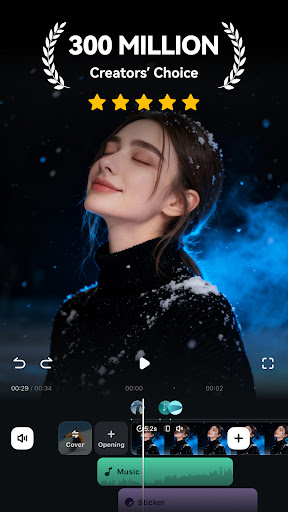
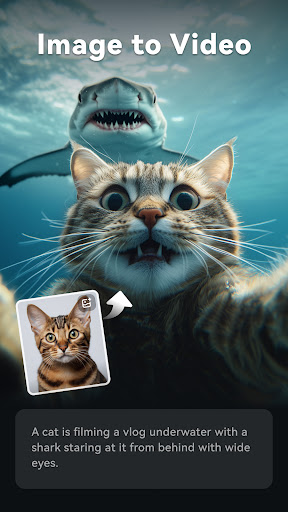
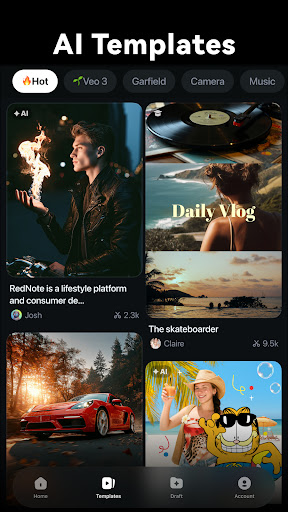
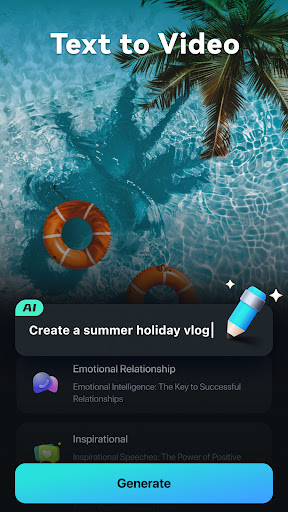
Filmora is an AI-powered video editor tailored for social media creators, offering a balance between professional-grade tools and user-friendly basic apps. It enables users to transform clips, photos, or scripts into engaging videos suitable for platforms like TikTok, Reels, and YouTube without prior editing experience.
The app boasts powerful AI features such as Image to Video, Dynamic Captions, Text to Video, AI Remover, AI Auto Cut, AI Beats, VideoGen, and Text to Speech. These innovative tools allow users to create dynamic content effortlessly, from generating videos from images or text prompts to removing unwanted elements and syncing video highlights with music beats.
Whether you're a beginner looking for stunning templates and easy-to-use editing tools or a professional seeking advanced features like keyframe animation, speed curves, PIP, masking, and smart tracking, Filmora caters to all levels of expertise. With subscription options ranging from Android Pro to All Platform Pro, users can access unlimited features and paid materials across multiple devices.
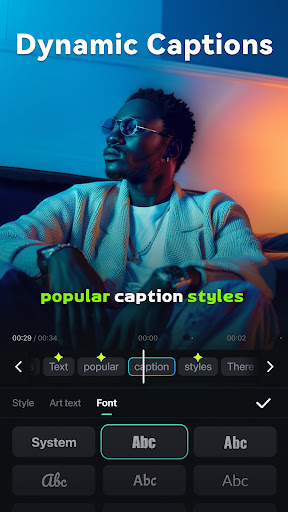
Filmora stands out with its array of AI-powered features designed to simplify and enhance the video editing process. The Image to Video feature allows users to bring their photos to life by simply inputting creative ideas, while Dynamic Captions automatically convert speech to text, creating engaging word-by-word captions.
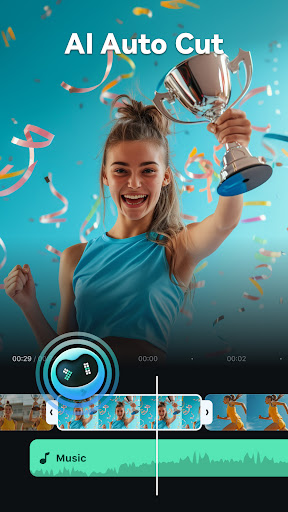
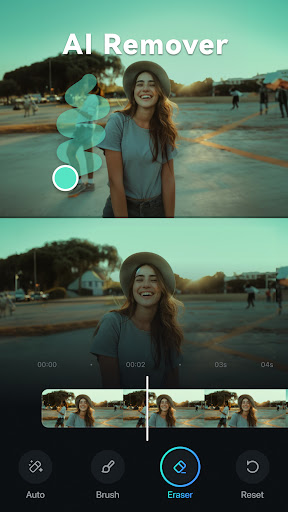
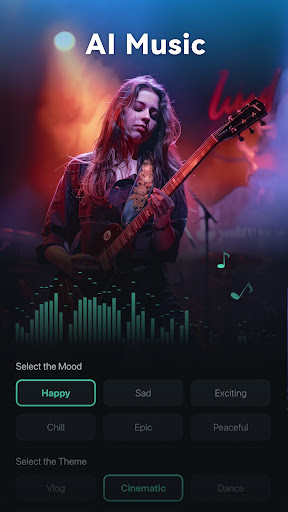
Text to Video functionality lets users visualize their concepts through simple prompts, making it easy to create AI-generated movies. Additionally, the AI Remover tool helps in effortlessly erasing unwanted elements from videos, and AI Auto Cut stitches highlight moments into cinematic narratives. AI Beats ensures that video highlights are seamlessly synced with rhythmic music, enhancing the overall impact.
For beginners, Filmora offers user-friendly tools including stunning templates, trimming, splitting, merging capabilities, and royalty-free music libraries. Professionals benefit from advanced features like keyframe animations, customizable speed curves, PIP, masking, and smart tracking, allowing for complex edits and creative freedom. Subscription plans provide access to all these features and paid materials, ensuring a comprehensive editing experience.
AI-powered editing
User-friendly interface
Advanced features
Cross-platform support
Professional templates
Paid subscription
Internet required
Learning curve
Limited free features
Occasional bugs

A full editing room to accompany your Insta360 cameras and handheld gimbals.
 3.30
3.30
Save photos and videos from social apps in one tap.
3.60
HD video & music player - All format support with floating & PIP mode!
3.80
Fast video downloader & private browser. Save HD clips to watch offline.
4.40
All format media Player, no need video converter any more!
4.00
Video player with powerful streaming playback and various convenient features.
2.10
Download videos easily & play them all in one smart, powerful video manager.
3.40
GENRAL PRO - General Pro is the best video player that fully supports all formats.
4.70
IPTV Player - Watch live TV from m3m & m3u8 playlist, stream IPTV on mobile
3.30
An easy-to-use and all-round screen recorder with audio
4.80
#1 Torrent App on Android ** No Ads Ever + Battery Saver **
4.80
AI Video Editor with Music, Filter, Slideshow, Effect, Merge & Trim Video.
4.80
Download videos and play them offline
4.70
Watch IPTV on your Android device
4.60
Video Downloader is an utility that can save videos and music from web sites
4.20
Video player with 4K & 1080P support, popup play, background play and subtitle.
4.20
All in one multi protocols stream receiver for AirPlay, Cast and DLNA.
3.60
Client application for NextPVR software
3.00
You can play SWF format file!
2.50


User Reveiws