
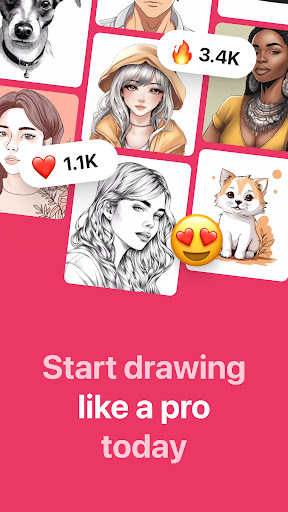
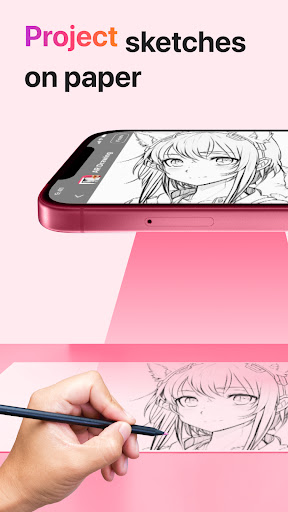
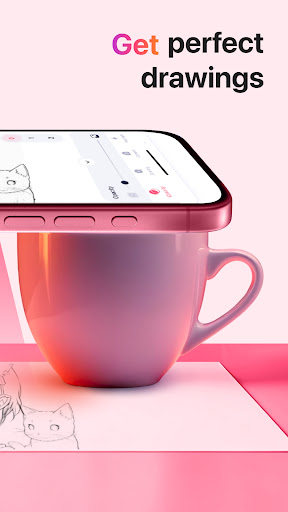
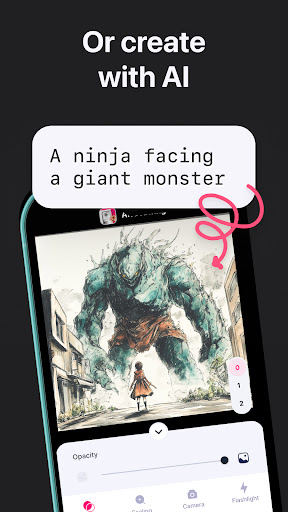
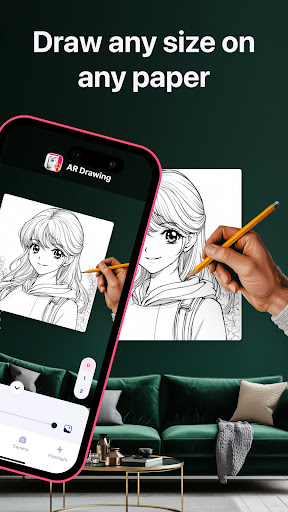
AR Drawing: Sketch & Paint is an innovative mobile application that utilizes augmented reality technology to assist users in learning how to draw and create impressive artworks. The app projects images onto paper or any surface, allowing users to trace and color them with ease. Whether you're a novice looking to learn drawing basics or an experienced artist wanting to refine your skills, this app caters to all levels.
The core functionality includes using your phone's camera for projecting images, offering a wide range of tracing templates from animals to anime. Additionally, it features a built-in flashlight for better visibility, video recording of the drawing process, and a gallery to save and showcase your creations. AR Drawing transforms the traditional sketching experience into a dynamic and interactive art form.
This app is particularly useful for those who prefer hands-on learning and seek inspiration through guided practice. By providing step-by-step guidance and creative freedom, AR Drawing empowers users to unleash their artistic potential and produce professional-quality drawings within days.
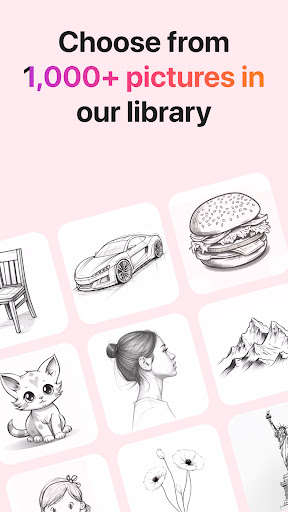
AR Drawing stands out with its diverse and practical features tailored for artists of all skill levels. One of the key highlights is the extensive collection of tracing templates covering various categories such as Animals, Cars, Nature, Food, and Anime. This variety ensures that users can explore different subjects while honing their drawing techniques.
In addition to the rich template library, the app offers a built-in flashlight feature, enhancing visibility during nighttime or low-light conditions. Users can also record videos of their drawing and painting sessions, capturing every stroke and color choice. This feature not only serves as a valuable learning tool but also allows artists to share their creative journey with others.
Another notable aspect is the ability to save drawings in a personal gallery and share finished pieces directly with friends or on social media platforms. These functionalities foster a sense of community among users and encourage continuous improvement through feedback and interaction.
User-friendly interface
Wide range of templates
Built-in flashlight
Video recording option
Gallery saving feature
Limited free content
Occasional ads
Premium subscription required
High storage usage
Device compatibility issues

Create sweet, cool and unique couple avatars easily, in just a few steps!
 3.40
3.40
Remove Background, Magic Eraser, Photo Enhancer, Story Templates, Collage Maker
4.30
Passport size photo maker, create ID photo and visa photo in seconds
4.80
Convert image to JPG PNG HEIC PDF, support almost all kinds of image formats
4.70
Draw beautiful mandala's very easily
4.60
Create stunning video, photo & magic from text with FlixAI GPT video generator.
3.10
Image resizer to resize, crop, rotate, flip, change dpi photo or picture in bulk
4.60
Get an overview over all your embroidery threads, projects and more.
4.60
AI-powered photo & video creation—fast, fun, and effortless with Quick Actions
4.60
See Color, Paint Color
4.90
Mobile pixel art editor. Simple. Fast. Portable.
4.80
Photo stitcher for automatically screenshot stitching into a long screenshot
4.70
Digital, Abstract, Classic - all types of color wheels in one app!
4.60
Castle is social media for creating and playing games!
4.60
Draw Trace image sketch by, AR art projector app, Easy to trace any image.
4.50
Apply cartoon, caricature, and portrait effects to make your photos stand out!
3.60
Experience next-gen icons with a modern liquid glass look.
3.60
AI Assistant, powered by ChatGPT GPT-4 & GPT-4o. Your intelligent companion.
3.50
Premium version of Shimeji-ee app with no ads & no limit active shimeji
4.0


User Reveiws