
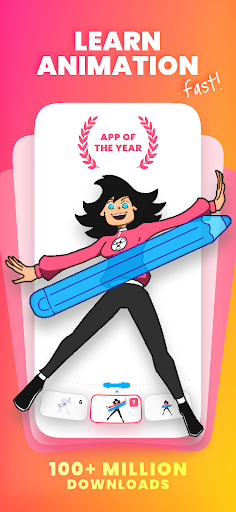
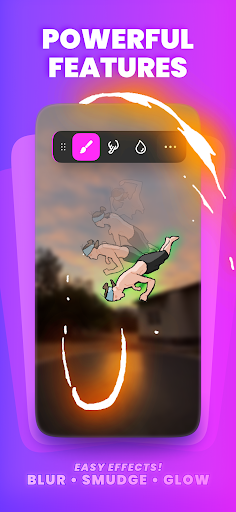
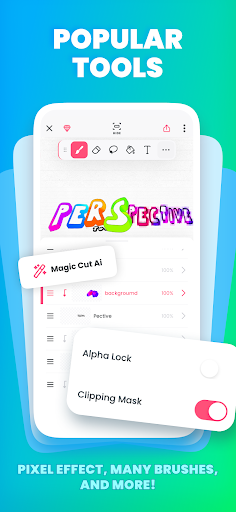
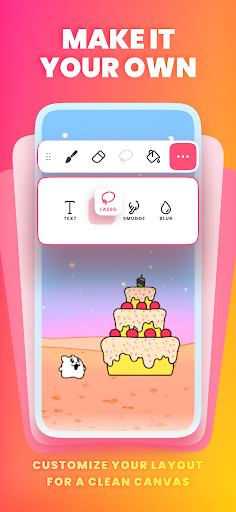

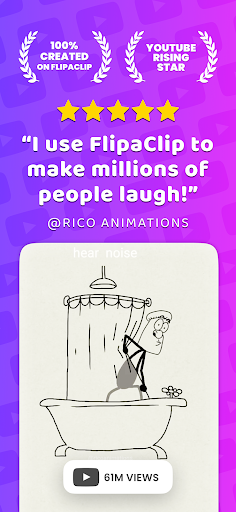
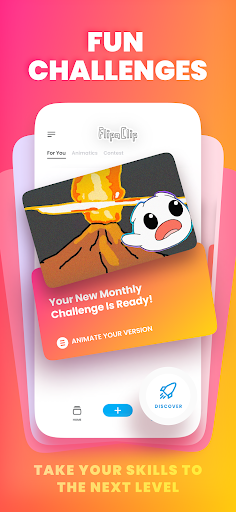

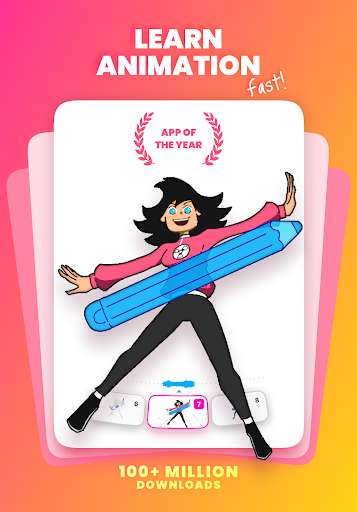
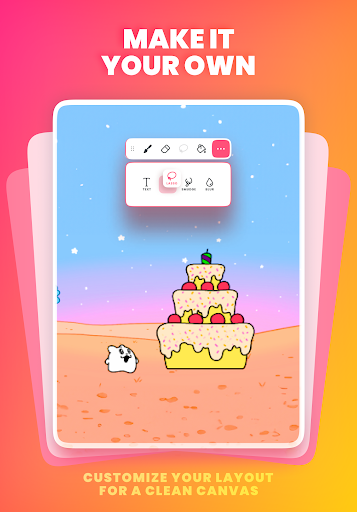

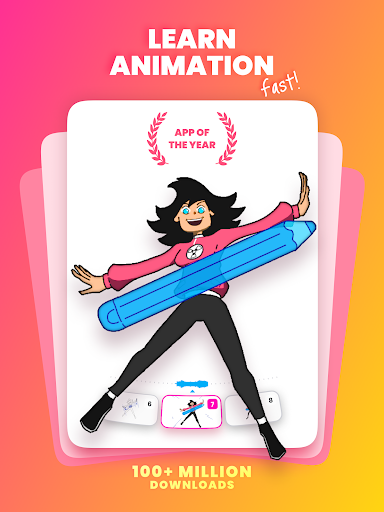
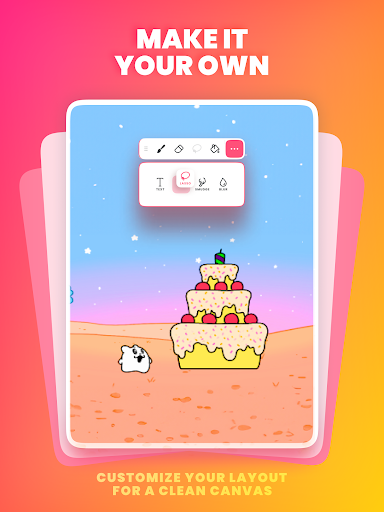

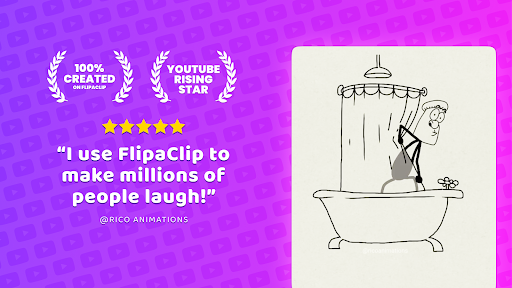
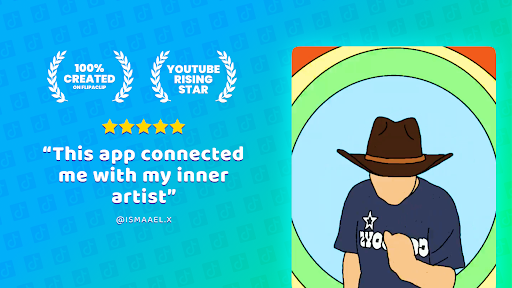

FlipaClip is a premier 2D animation app designed for artists and creators who want to bring their drawings to life. This ultimate cartoon drawing app allows users to draw, animate, and create short animated movies and flipbooks with ease. Whether you're an aspiring animator or a professional storyboard artist, FlipaClip offers the tools needed to create frame-by-frame animations that feel alive.
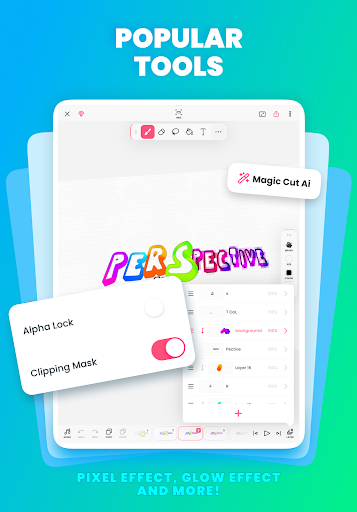
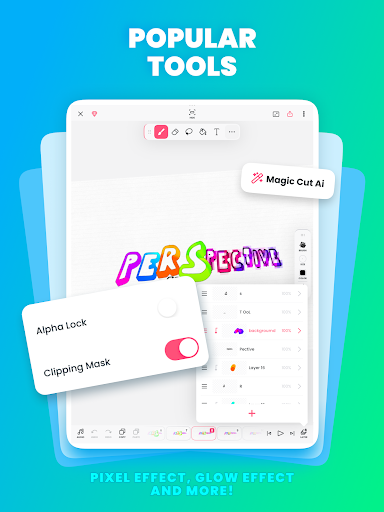
The app combines the simplicity of a flipbook animation with professional-grade animation editor tools. It supports pressure-sensitive stylus options like Samsung S Pen and SonarPen, making drawing precise and natural. With features such as onion skinning, up to 10 layers, and AI-powered tools like Magic Cut, FlipaClip stands out as an intuitive and powerful tool for both beginners and pros.
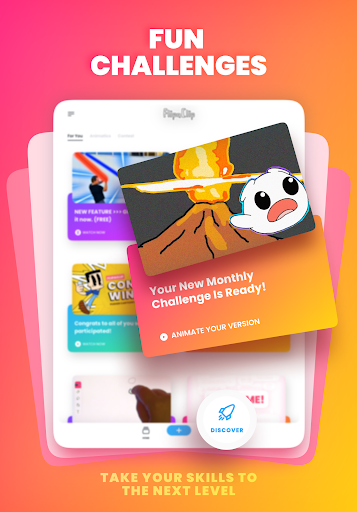
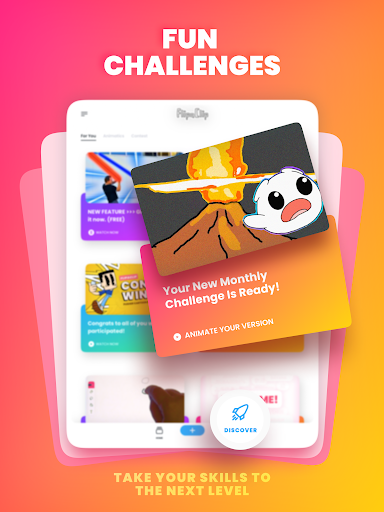
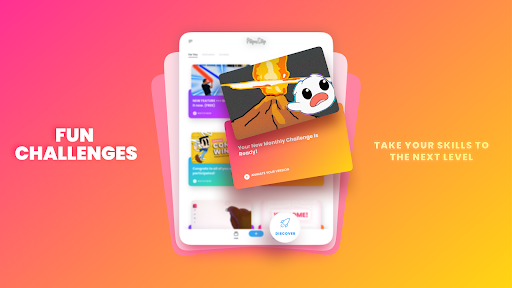
Join a community of over 80 million users who use FlipaClip every month. Participate in weekly animation challenges and seasonal contests, and share your creations on social media platforms using #MadeWithFlipaClip. FlipaClip is not just an app; it's a creative journey that helps you master the art of animation and cartoon creation.
FlipaClip offers a comprehensive suite of features tailored for both novice and experienced animators. The app includes a frame-by-frame animation timeline for total control, onion skin tools for smooth transitions, and support for up to 10 layers (with 3 free). These features ensure that every detail of your animation can be meticulously crafted.
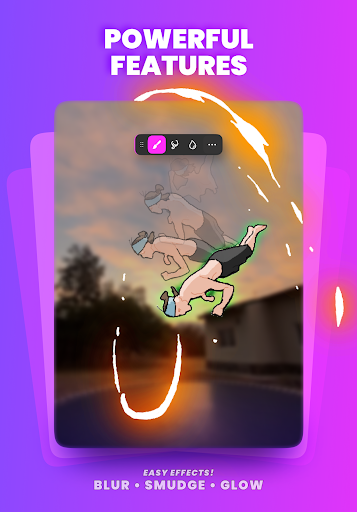
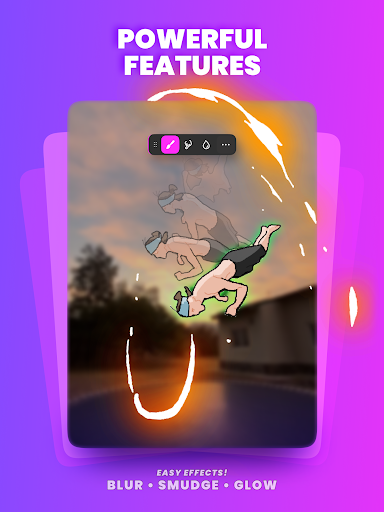
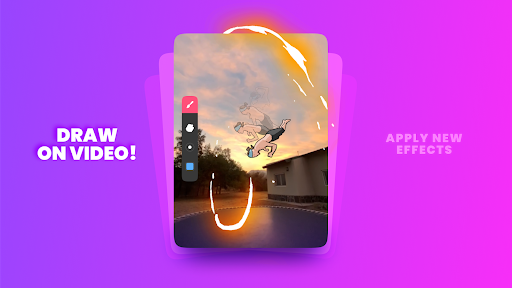
In addition to its robust drawing tools, FlipaClip provides innovative functionalities such as Glow effect and blending modes, import options for photos or videos to create rotoscope animations, and export capabilities in MP4, GIF, or PNG sequences with transparency. The new AI-powered Magic Cut tool allows users to instantly slice images and objects from frames, enhancing the creative process.
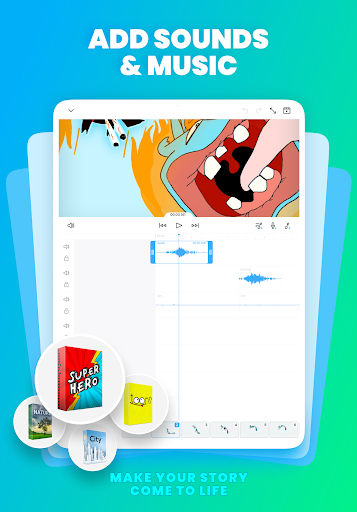
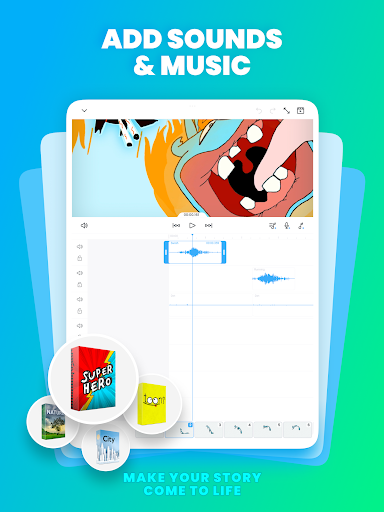
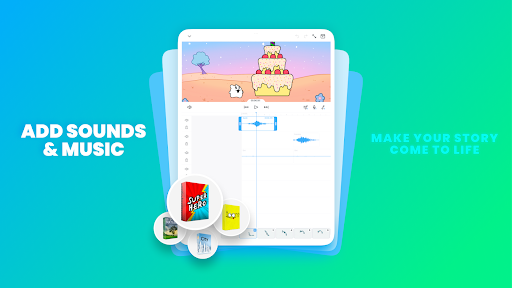
Audio integration is seamless with FlipaClip, allowing animations to come alive with sound. Users can add up to 6 free audio tracks, import custom sound effects or songs, and sync every beat perfectly with the animation timeline. This feature makes FlipaClip perfect for YouTubers, TikTok creators, and influencers looking to enhance their content with professional-quality animations.
User-friendly interface
Powerful drawing tools
Active community support
AI-powered features
Versatile export options
Limited free layers
Premium features cost
Steep learning curve
Occasional bugs
Heavy on resources
Meet the magic aı 3d photo generator and smart AI video generator app.
 3.20
3.20
Digital Drawing: Draw & Paint
4.10
Art of Combination Wear OS Watch faces
4.0
Passport size photo maker, create ID photo and visa photo in seconds
4.80
AI Art Generator transforms your words into AI generated art & paintings.
3.70
Nano Banana AI Image Generator, Anime Filter, AI Portrait, AI Photo Generator
4.30
Painting, drawing, & sketching
4.50
Experience next-gen icons with a modern liquid glass look.
3.60
Beauty Camera - Selfie Camera is the ultimate beauty camera and selfie app
4.30
Mobile pixel art editor. Simple. Fast. Portable.
4.80
Draw beautiful mandala's very easily
4.60
Unleash your drawing and painting potential
4.50
Share the joy of painting with ibis Paint! Drawing anime and manga art.
4.50
Video AI: Revolutionize Your Content Creation with Advanced Video Generation
4.50
Create sweet, cool and unique couple avatars easily, in just a few steps!
3.40
Art of Combination Wear OS Watch Faces
3.30
Premium version of Shimeji-ee app with no ads & no limit active shimeji
4.4
Your Essential Color Theory Guide: Red, Yellow, Blue (RYB)
4.5
A luxurious gold watch face for an elegant and refined look.
4.1


User Reveiws