
AIreel

4.40

Information

Category:

Art & Design

Price:

Free

Rank:

42

Rating:

4.40

Overview

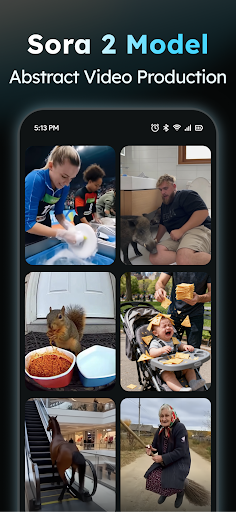
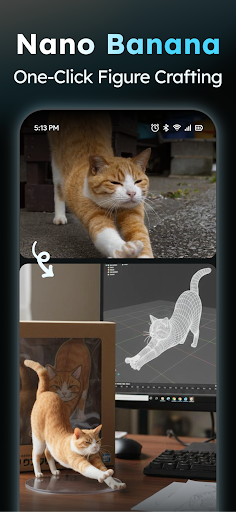
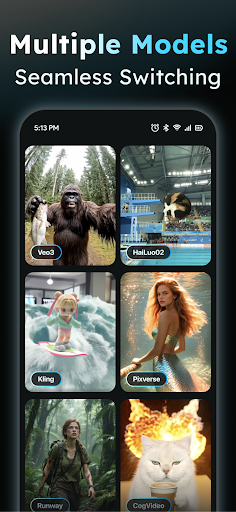
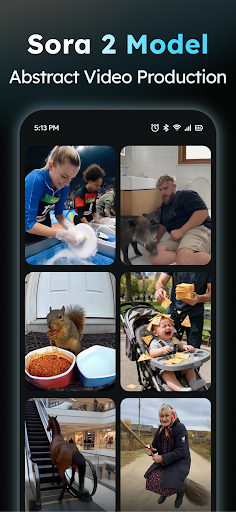
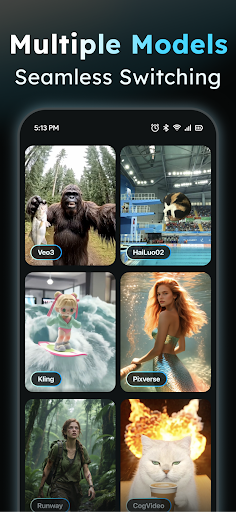
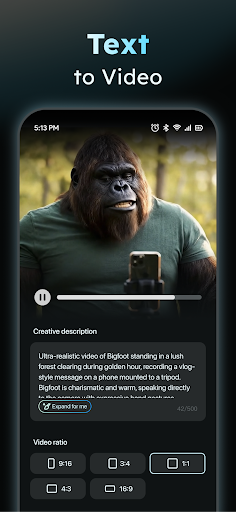
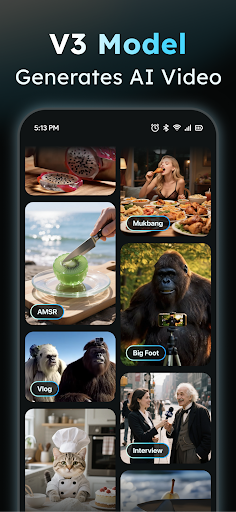
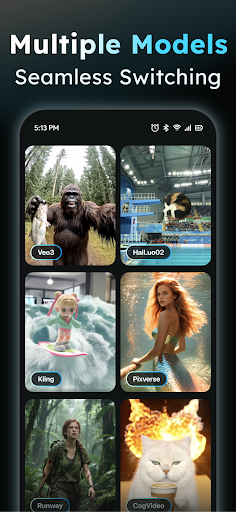
AIreel is an advanced AI-powered video creation tool designed for the Art & Design category, enabling users to produce professional-quality viral videos with minimal effort. The app integrates cutting-edge AI models like veo3, hailluo, and runway to power its dual engines for both Text-to-Video and Image-to-Video generation.

With features such as auto-generated scenes, music integration, and support for real-person, anime, and pet videos, AIreel caters to a wide range of creative needs. Whether you're a social media content creator or a professional designer, this app provides the tools to create cinematic content with zero prior experience while offering fast rendering speeds and privacy-focused local processing.

Features

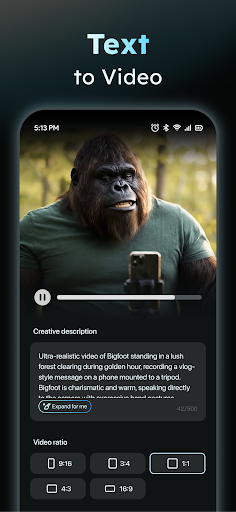
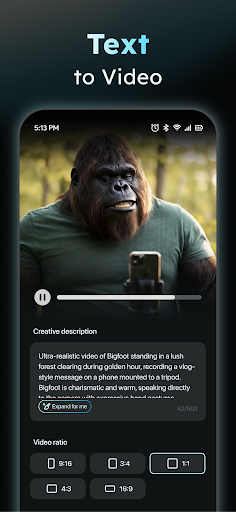
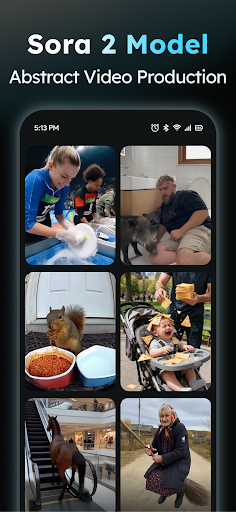
AIreel stands out in the Art & Design space with its innovative features tailored for efficient and creative video production. The AI Video Generator allows users to input any text, automatically adding relevant scenes and background music to produce engaging short videos ready for social media platforms.

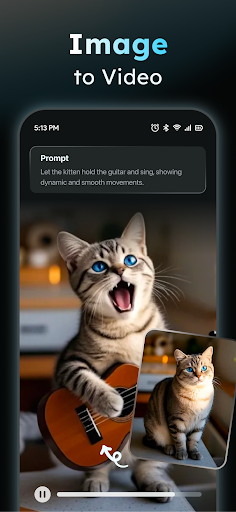
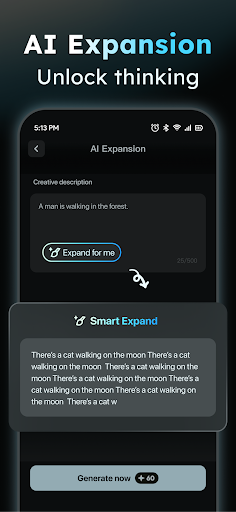
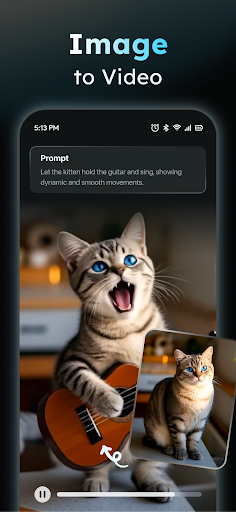
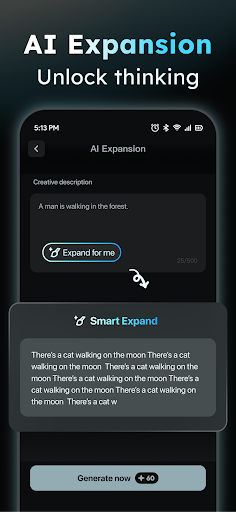
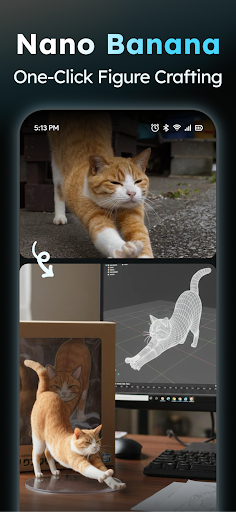
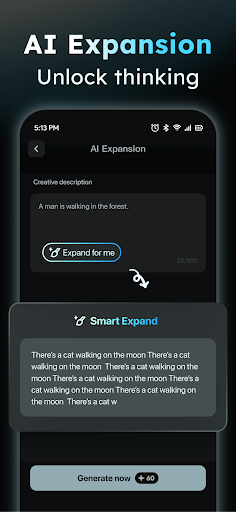
In addition to text-based creations, the Photo to Video AI supports JPG and PNG formats, transforming static images into dynamic moving visuals. This feature works seamlessly with various styles, including real-person portraits, anime characters, and pet photos. The app also includes a Prompt Assistant that simplifies the process of turning ideas into professional prompts, making AI video creation accessible even to beginners.

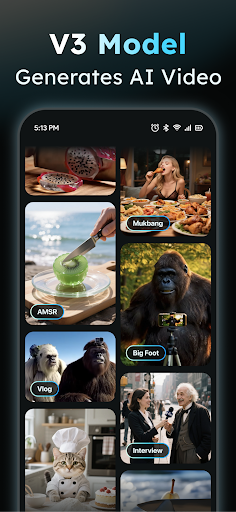
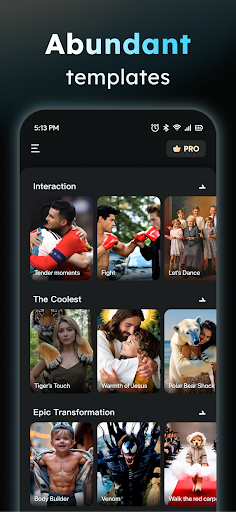
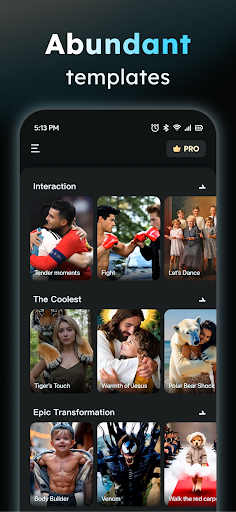
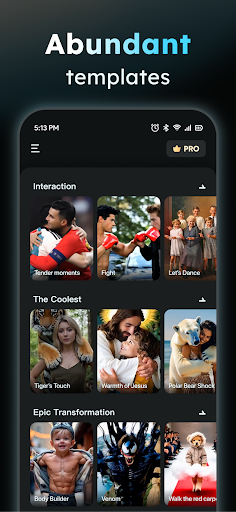
Furthermore, AIreel offers a Social Template Hub with daily updates of trending TikTok, Reels, and Short video templates, ensuring users stay ahead of content trends. Export options are versatile, supporting multiple aspect ratios like 9:16, 16:9, and 1:1 to fit all major platforms.

Creative tool completeness

Creative tool completeness refers to the range and depth of features provided by an application that enable users to fully realize their artistic visions. For AIReel, this is a crucial aspect as it positions itself as a comprehensive video creation platform powered by artificial intelligence. The app offers a dual-engine system for both Text-to-Video and Image-to-Video generation, integrating advanced AI models like veo3, hailluo, and runway. This allows users with no prior experience in video production to create cinematic content effortlessly. Key features such as the AI Video Generator simplify the process of transforming text into engaging short videos complete with automatically added scenes and music. Additionally, the Photo to Video AI feature supports various image formats and subjects including real-person, anime, and pets, turning static images into dynamic visual stories. The inclusion of a Prompt Assistant lowers the barrier to entry for users unfamiliar with AI technologies by helping them craft professional-grade prompts from simple ideas. Furthermore, the Social Template Hub provides daily updates of trending templates suitable for platforms like TikTok, Reels, and Shorts. Export options are versatile, accommodating different aspect ratios required by various social media platforms. These comprehensive creative tools collectively ensure that users have everything they need to produce high-quality, platform-ready content without requiring extensive technical knowledge or experience in video editing.

Canvas/format flexibility

Canvas and format flexibility is essential for any creative application as it determines how adaptable the platform is to different project requirements and user preferences. AIReel excels in this area by providing users with the ability to export videos in multiple aspect ratios including 9:16, 16:9, and 1:1, catering to the specifications of all major social media platforms. This flexibility ensures that creators can seamlessly tailor their content for different audiences and channels without being constrained by fixed dimensions. Beyond just format adaptability, AIReel's underlying technology demonstrates significant versatility. Its dual-mode AI generator supports both photo and text inputs, functioning similarly to advanced systems like Veo 3 while adding the capability to process images. This dual functionality significantly broadens the scope of projects that can be undertaken within the app. Moreover, for users concerned about privacy and data security, AIReel offers local processing on compatible devices, ensuring sensitive content remains protected. The combination of these flexible canvas options and adaptive format capabilities empowers users to experiment with various creative approaches while maintaining full control over their final output's presentation and distribution. Whether creating content for professional purposes or personal enjoyment, this level of flexibility enhances the overall user experience and expands the potential applications of the platform across different creative domains.

Props

Faster rendering

Dual-mode generator

Privacy-focused

User-friendly

Trending templates

Cons

Local processing

Device compatibility

Learning curve

Limited free tier

Content moderation

Features and Functions

What is this app and what can I use it for?

AIreel is an AI video generator for creating viral videos from text or images

How do I download and install this app on my device?

Download AIreel from Google Play Store and install by following on-screen instructions

How do I get started after opening the app for the first time?

Sign up log in then follow the guided tutorial to explore main features

What are the main features and capabilities of this app?

Text-to-Video Image-to-Video prompt assistant and template hub

How can I customize my experience and adjust preferences?

Adjust preferences in Settings customize templates and save presets

How do I save or bookmark my favorite content for later access?

Use the Save option to bookmark favorite videos for future access

How can I share content with friends or on social media?

Share videos directly via app's built-in sharing to social platforms

How do I access detailed information and explore more content?

Explore detailed info in Help Center and browse template library

What permissions does this app need and how do I manage them?

App needs camera storage permissions managed in device settings

How do I check for updates and keep the app running smoothly?

Check Google Play Store regularly for app updates and enable auto-updates
Show more

User Reveiws

{{ comment.reviewer_name }}
{{ comment.review_date_formatted}}
{{ comment.review_content }}
{{ tab.name }}
{{ comment.reviewer_name }}
{{ comment.review_date_formatted}}
{{ comment.review_content }}
No reviews with this rating















