

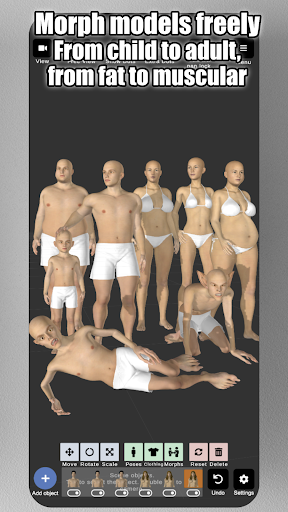
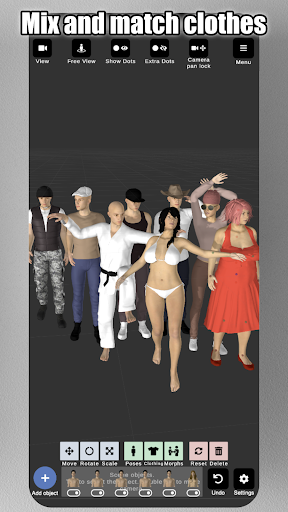


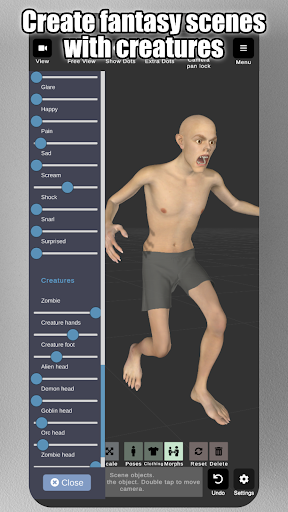
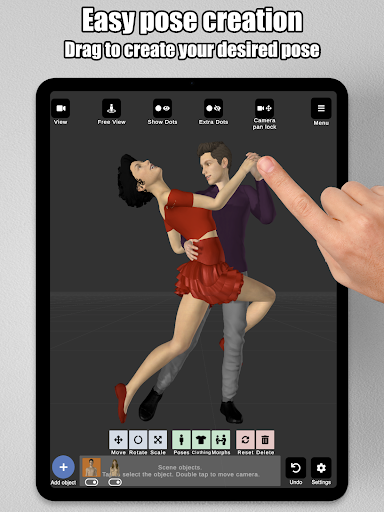
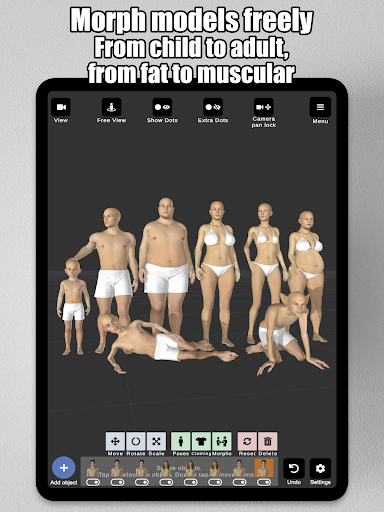
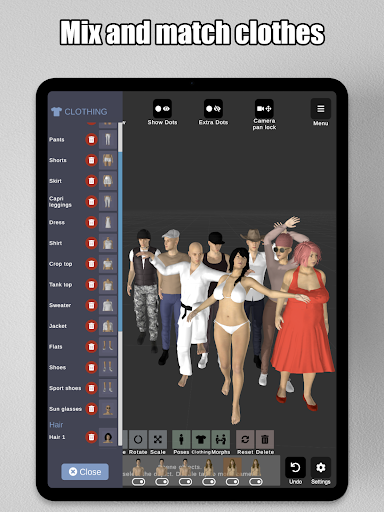


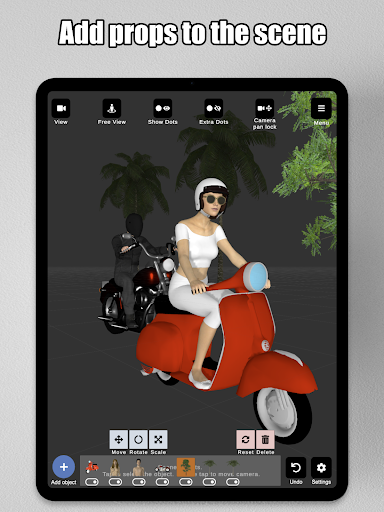
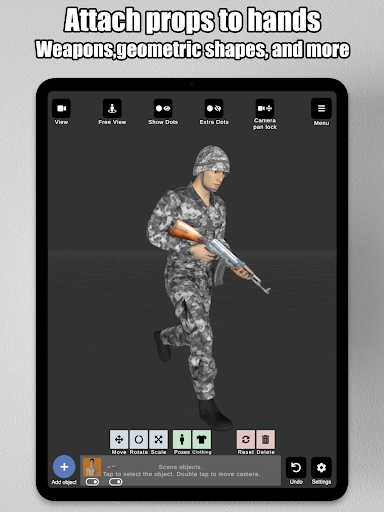
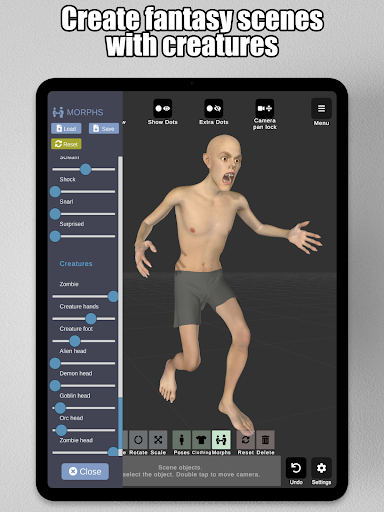
Art Model is a feature-rich 3D posing app designed for artists and designers. This powerful tool allows users to pose and morph an unlimited number of human models simultaneously, making it ideal for character design, illustrations, and storyboarding. With realistic male and female models, as well as a wooden mannequin option, the app caters to both digital and traditional artists.
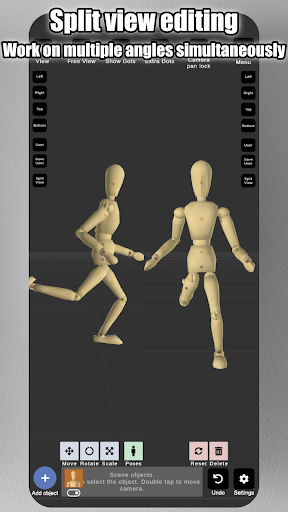
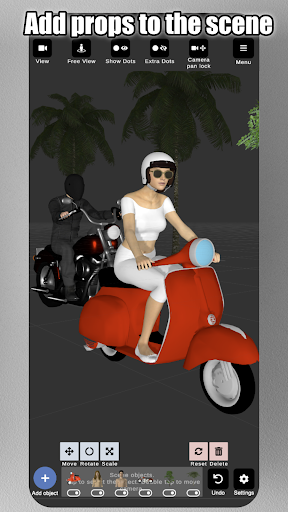
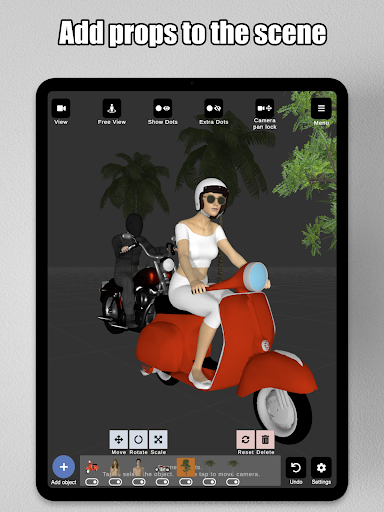
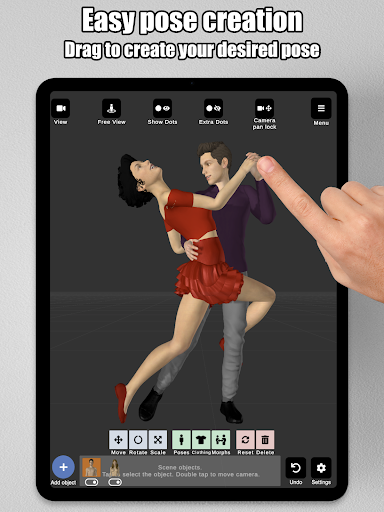
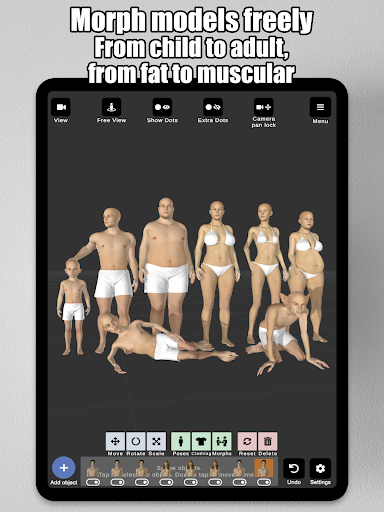
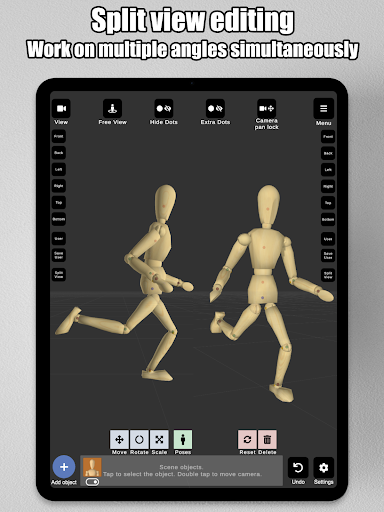
The app's intuitive control system lets users create poses by simply tapping and dragging limbs into position, eliminating the need for complex joint rotations. The advanced morphing system enables customization of models from children to adults, skinny to muscular, and everything in between. Artists can enhance their scenes with props, background images, and split-view editing that allows simultaneous viewing from multiple angles.
This versatile tool is particularly valuable for artists looking to improve their drawing skills or create professional-quality reference materials. The combination of realistic models, customizable morphs, and scene-enhancing features makes Art Model an essential app for anyone involved in figure drawing, character design, or illustration work.
Art Model stands out with its comprehensive set of features tailored for artists. The app includes both male and female 3D models that can be posed using an innovative drag-and-drop limb positioning system, making pose creation fast and intuitive. The inclusion of a traditional wooden mannequin model provides an alternative for artists who prefer classic drawing references.
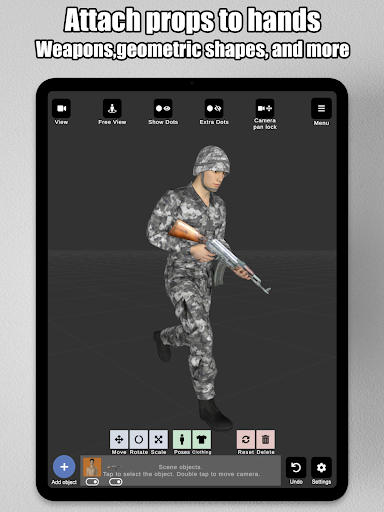
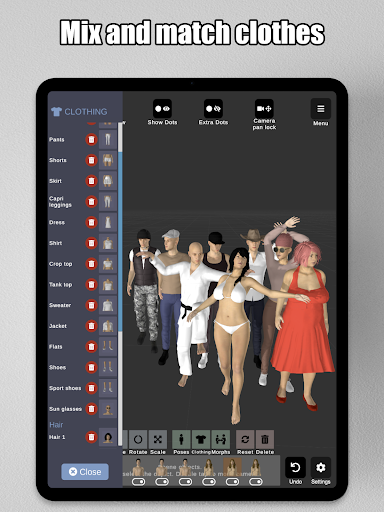
The morphing capabilities are exceptional, allowing users to create unique models through full-body transformations and specific body part adjustments. Artists can modify models from children to adults, adjust body types from skinny to muscular, and even create fantasy creatures. The app supports clothing options and includes various headgear choices like hats and helmets.
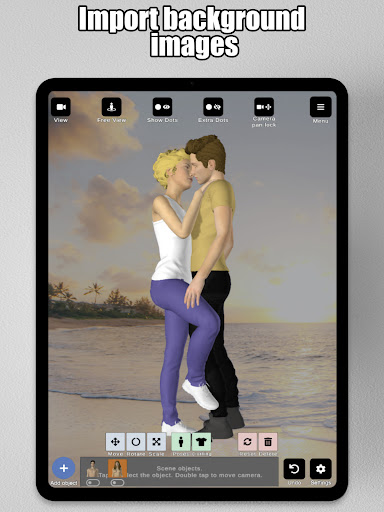
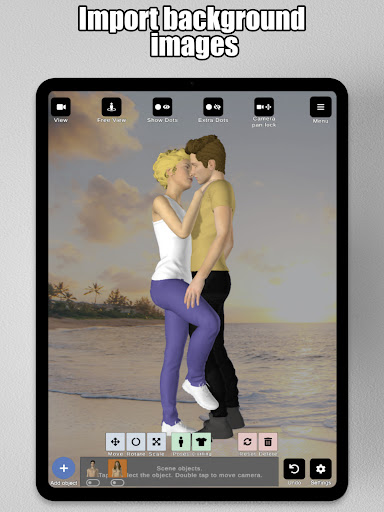
Additional features include advanced lighting options, prop integration with over 20 different items, and the ability to import background images. The split-view editing function enables simultaneous viewing from two camera angles, while the save/load functionality allows users to store their favorite poses and morphs for future use. These features collectively provide artists with a complete toolkit for creating professional-quality reference materials.
User-friendly interface
Extensive morphing options
Realistic 3D models
Variety of posing tools
Split-view editing feature
Limited basic hair options
No advanced animation tools
Some features may overwhelm beginners
Requires powerful hardware
Occasional performance issues
Transform photos into amazing monochrome dither art with professional algorithms
 4.1
4.1
Stylish letters, Stylish Keyboard, Symbols, Emojis, Cool nickname
4.40
AI Assistant, powered by ChatGPT GPT-4 & GPT-4o. Your intelligent companion.
3.50
Text to Image, Image to Video & AI Chat
4.20
Draw on screen: FP sDraw is a simple and lightweight drawing app
4.70
Make your phone cooler and have a fantastic experience
4.80
Digital, Abstract, Classic - all types of color wheels in one app!
4.60
Draw glowing spinners, relax, and spin your creative art
4.60
Novices can also easily complete diamond painting masters
4.70
The ultimate tool for creating animations
4.60
Sketch, plan, take notes and illustrate on an infinite canvas.
4.20
Custom Character Creator & PFP Maker!
4.20
OneUI 8.5 icons ✨ Smooth, modern & based on the latest Play Store design ??
4.10
AR Anime Drawing: How to draw anime with AR drawing & sketching apps!
4.00
Paint with oils and sketch with natural tools on a realistic virtual canvas.
3.80
Experience next-gen icons with a modern liquid glass look.
3.60
Sketch, trace and master AR drawing with awesome anime art!
3.30
Art of Combination Wear OS Watch Faces
3.30
Premium version of Shimeji-ee app with no ads & no limit active shimeji
4.3


User Reveiws