

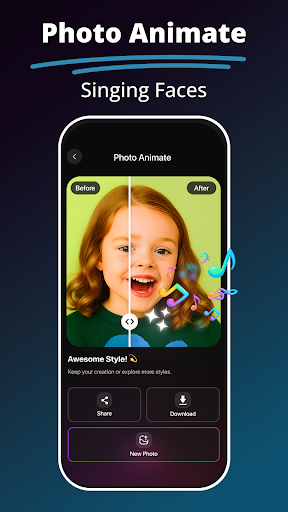
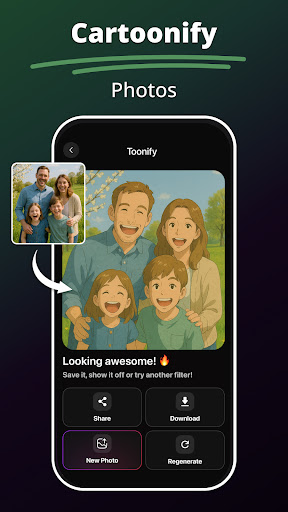
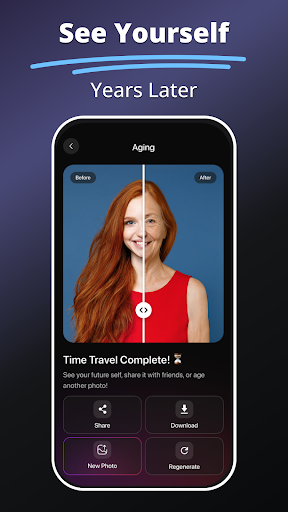
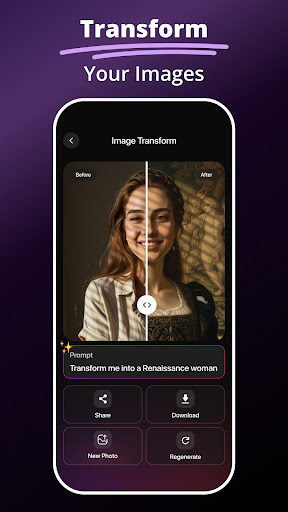

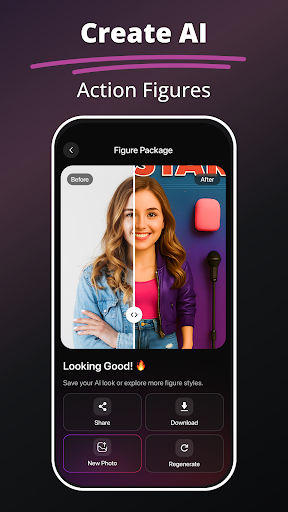
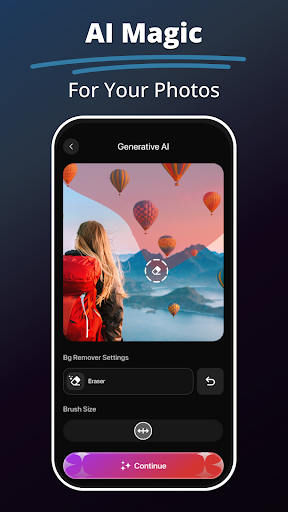
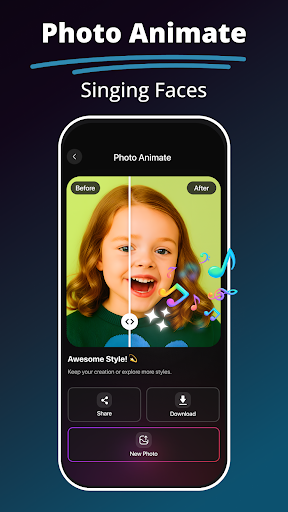
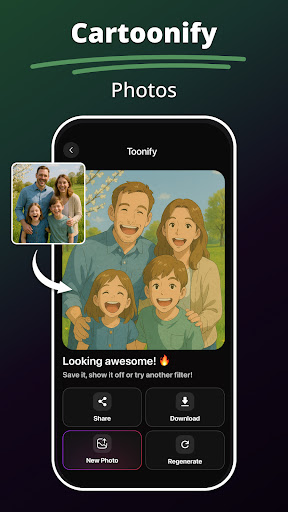
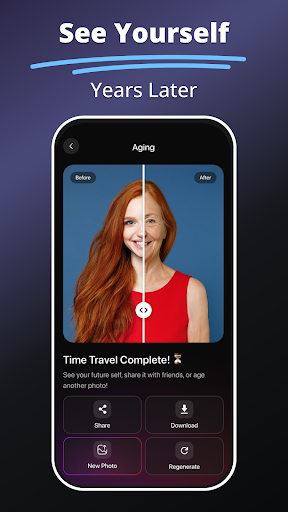
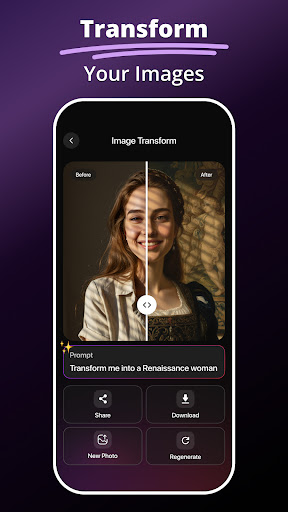
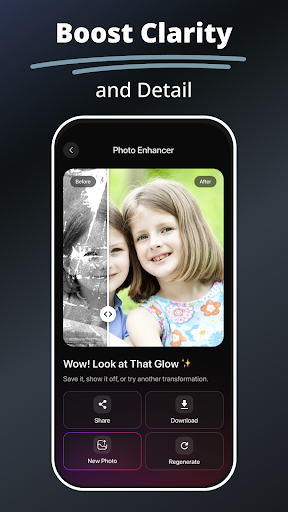
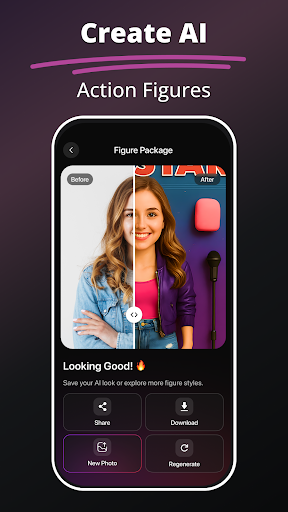
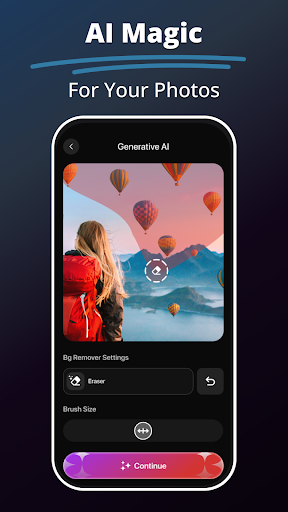
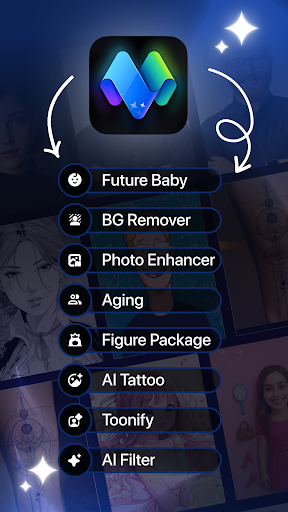
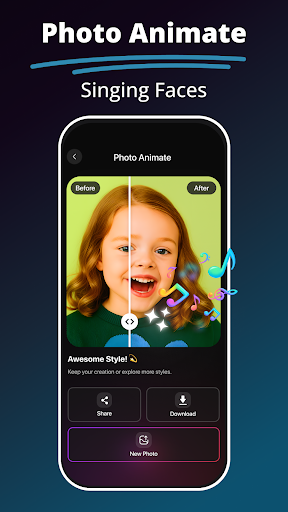
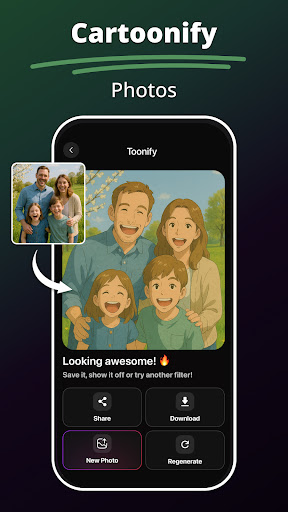
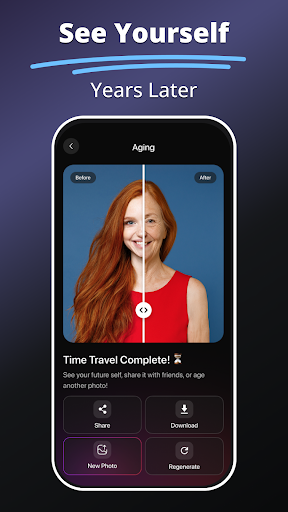
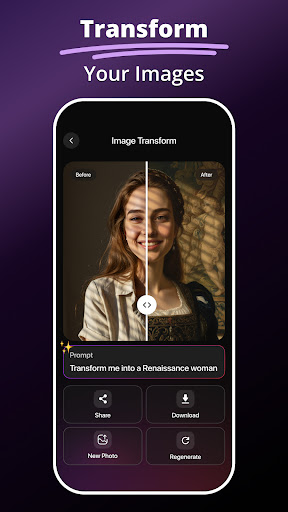

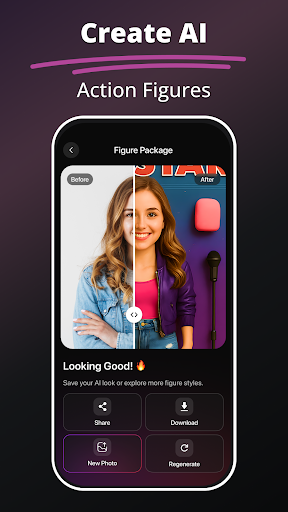


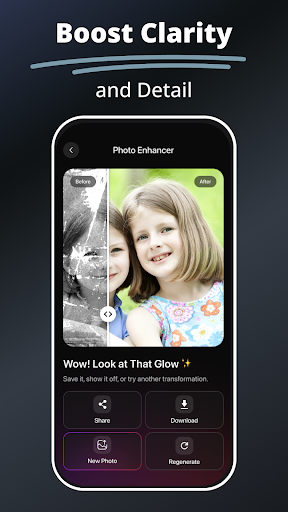
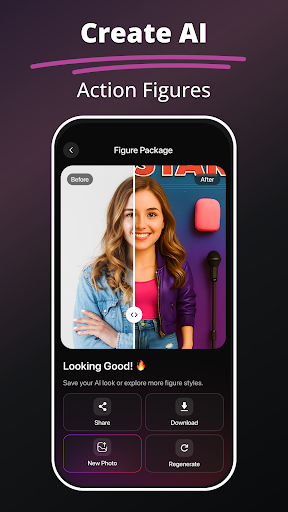
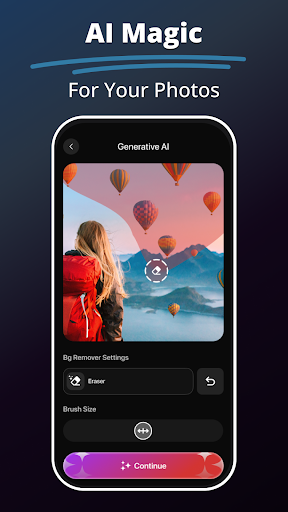
MePic is an innovative AI-powered photo editor designed for creative professionals and casual users alike. This all-in-one solution combines advanced editing tools with imaginative features, enabling users to transform ordinary photos into extraordinary digital art. The app's core functionality revolves around portrait enhancement, creative design, and experimental image manipulation.
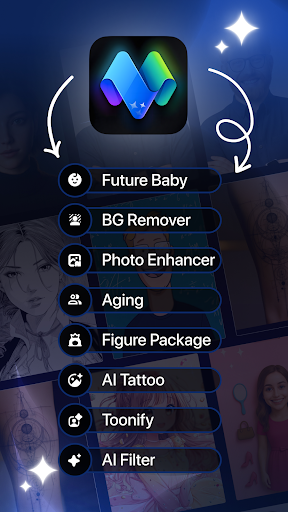
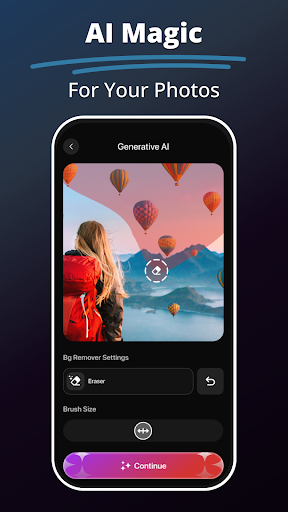
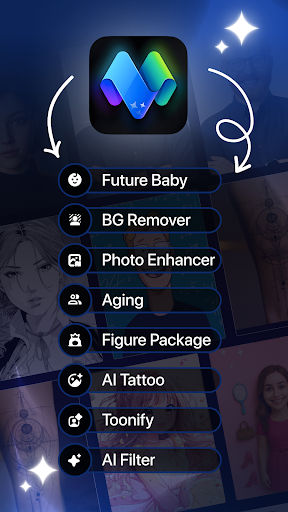
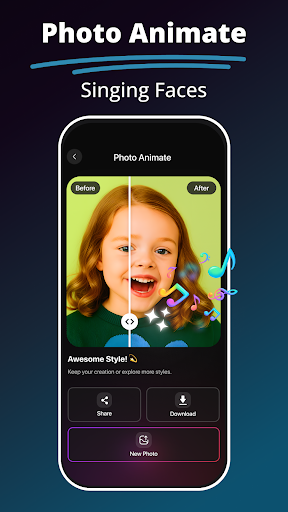
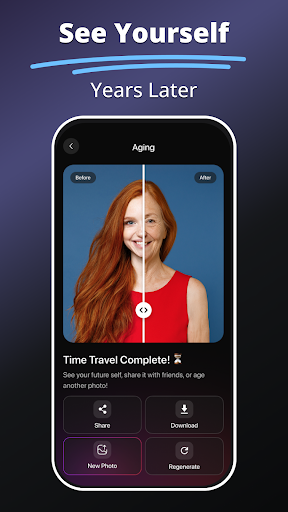
Key features include Text to Image generation that turns descriptions into visuals, a Future Baby Generator for fun predictions, and comprehensive AI filters ranging from skin smoothing to artistic painting effects. MePic also offers specialized tools like Hair & Beard Changer, Background Remover, and Photo Animate functionality. These capabilities make it particularly valuable for social media enthusiasts and digital artists looking to create unique content.
The application finds its sweet spot in helping users express their creativity while maintaining professional-grade editing standards. Whether you're enhancing portraits, designing avatars, or experimenting with new visual styles, MePic provides the tools to bring your artistic vision to life across both mobile and desktop platforms.
MePic distinguishes itself through its diverse range of specialized editing tools and creative features. The Text to Image functionality utilizes sophisticated AI algorithms to interpret textual descriptions and generate corresponding high-quality visuals, making it an exceptional tool for concept artists and designers. The app's AI Photo Editor incorporates intelligent processing that automatically adjusts lighting, color balance, and facial features while offering manual control for precise modifications.
Unique features like the Future Baby Generator demonstrate the app's innovative approach to entertainment and social sharing. The Avatar Creator allows unprecedented customization options, enabling users to modify hairstyles, makeup, and facial features across various artistic styles. Professional-grade tools such as the Background Remover and Object Editor provide precise selection capabilities and seamless editing functions that typically require desktop software.
MePic's implementation of these features emphasizes user accessibility without compromising on professional quality. The combination of automated AI enhancements with manual editing controls creates a versatile environment suitable for both beginners and experienced editors. Each feature is optimized for performance across devices, ensuring smooth operation even when applying complex transformations or generating detailed images.
Advanced AI-powered editing
Comprehensive toolset
User-friendly interface
Creative features
Professional results
Subscription required
High system requirements
Learning curve
Limited free features
Occasional bugs

Discover Cartoon Dream : Unleash Your Creativity with CuttingEdge AI
 4.50
4.50
Design your dream room with AI. Get decor ideas & plan home interiors
3.90
Digital Drawing: Draw & Paint
4.10
Draw on screen: FP sDraw is a simple and lightweight drawing app
4.70
Paint with oils and sketch with natural tools on a realistic virtual canvas.
3.80
Your Essential Color Theory Guide: Red, Yellow, Blue (RYB)
4.5
Make your phone cooler and have a fantastic experience
4.80
Unleash Your Creativity with Draw Cartoon - AR Drawing App
4.10
Experience next-gen icons with a modern liquid glass look.
3.60
Minecraft & Roblox Clothes
4.70
Photo stitcher for automatically screenshot stitching into a long screenshot
4.70
Castle is social media for creating and playing games!
4.60
Digital illustration drawing & painting pad app to paint Anime and Manga art
4.50
Stylish letters, Stylish Keyboard, Symbols, Emojis, Cool nickname
4.40
Just trace a projected picture on paper and color! Draw & Paint with AR drawing
4.40
Create Logos, Tattoos, AI Art & more with our AI Photo Generator & Design Editor
4.20
Vidu is an AI video generator made for creators and aspiring makers.
3.30
Sketch, trace and master AR drawing with awesome anime art!
3.30
Art of Combination Wear OS Watch Faces
3.30


User Reveiws