
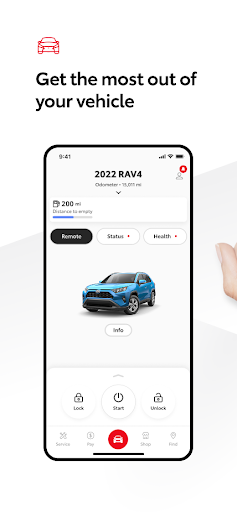
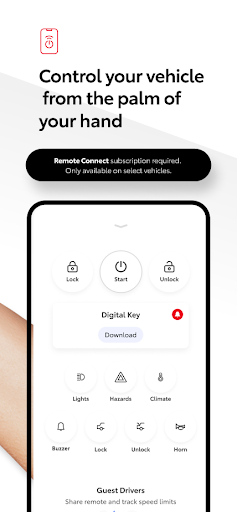


The Toyota app is a comprehensive vehicle management solution designed specifically for Toyota owners. This innovative application allows users to maintain complete control over their vehicles through a range of connected services. Key features include Remote Connect functionality, which enables engine start/stop, door lock/unlock, and provides access to Digital Key and Last Parked Location services.
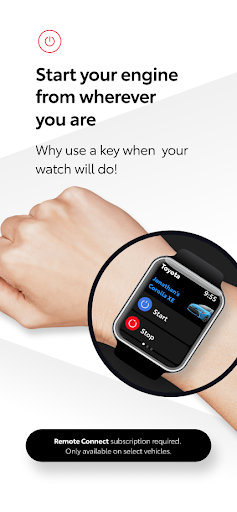
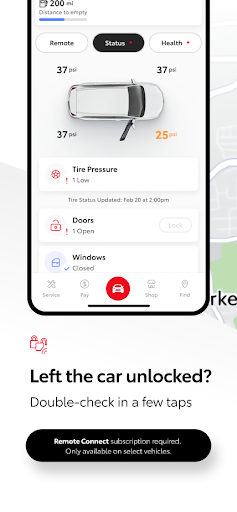
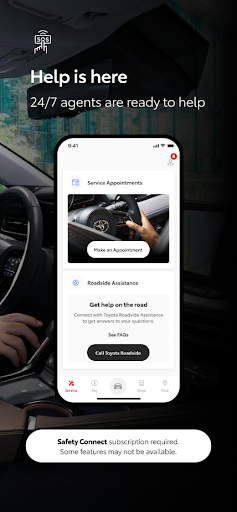
Additionally, the app offers Service Connect for simplified maintenance scheduling and vehicle health tracking. Drive Connect provides cloud-based navigation and voice command support, while Safety Connect ensures roadside assistance and emergency support. Owner Resources give instant access to essential documents like owner's manuals and warranty guides. The app also supports Wear OS, extending its functionality to smartwatches.
This application is particularly valuable for modern drivers who want to stay connected with their vehicles while on the go. The integration of multiple services into a single platform offers unprecedented convenience and peace of mind for Toyota owners, making vehicle management more efficient and accessible than ever before.
The Toyota app distinguishes itself through an impressive array of features designed to enhance vehicle ownership experience. The Remote Connect service stands out with its comprehensive suite of functions including remote engine control, door locking mechanisms, and innovative Digital Key technology that transforms smartphones into virtual car keys.
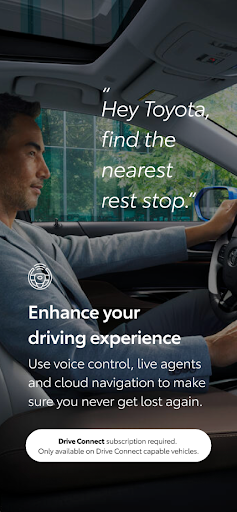
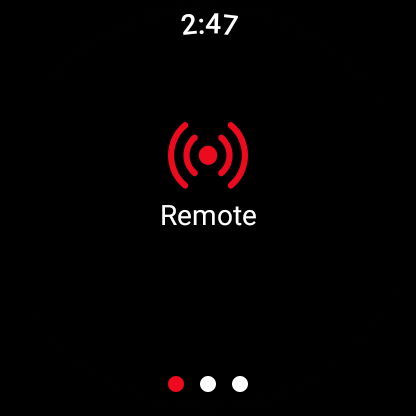
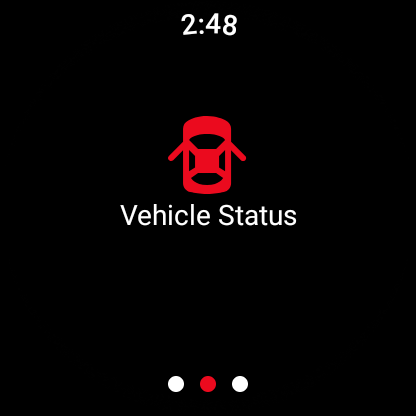
A notable innovation is the Drive Connect feature, which combines cloud navigation with advanced voice command capabilities. Users can map routes using real-time data and interact with their vehicles through natural language commands like 'Hey Toyota. Take me home.' The app's integration with Wear OS devices represents another significant advancement, allowing drivers to operate remote services directly from their smartwatches.
The application's architecture demonstrates technical sophistication through its reliance on 4G network infrastructure and GPS technology. While this dependency ensures reliable connectivity, it also establishes clear operational boundaries. The implementation of trial periods for various services showcases Toyota's customer-centric approach, allowing users to experience premium features before committing to paid subscriptions.
User-friendly interface
Comprehensive vehicle control
Advanced safety features
Convenient maintenance tracking
Innovative voice commands
Network dependency issues
Limited vehicle compatibility
Paid subscription required
Technical limitations exist
Regional restrictions apply

Wear Os Watch Face - Animated Snow - Sesonal for Christmas & Winter
 4.3
4.3
Wear Os Watch Face - Animated Snow Effect & Magic Spark - 6 Scenes
4.10
Find EV charging stations
4.30
Stay in touch with your friends and family using LINE!
3.40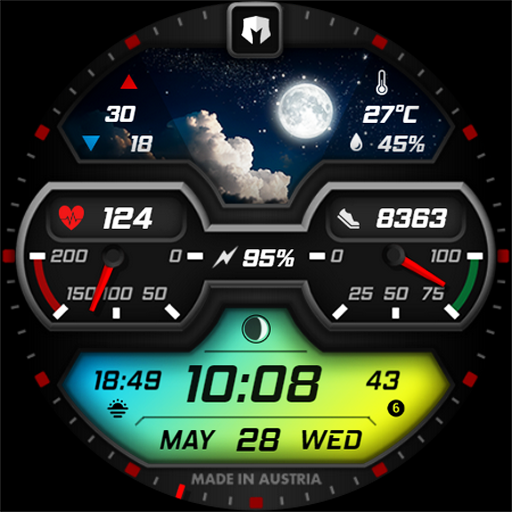
Stylish, Energizing and Modern Watch Face crafted by Dominus Mathias.
4.50
Simple, helpful messaging by Google
4.60
Control your Samsung Smart TVs, appliances, and SmartThings-compatible devices
4.60
Back up your contacts & access them anywhere
4.30
Spam call blocker and caller ID for automatic call protection!
4.40
Gym Log & Workout Tracker | Fitness Journal, Training & Weight Lifting Planner
4.90
The most customizable minimal watch face. For Wear OS 5.0, API 34+ and later
4.70
Kia Access makes getting your vehicle information easier than ever
4.60
A realistic hybrid watch face with many customization options.
4.60
Connect to your Bluelink equipped Hyundai vehicle from your smartphone.
4.50
Current temperature, weather hourly, weather radar by the weather forecast app
4.40
Beautiful artistic animated digital watch face, with a customizable layout!
4.40
sleep, alarm, snoring, stress, healing, focus, sound therapy, circadian rhythm
4.10
an Analog Watch Face for winter season with freeze winter background for Wear OS
4.1
Analog watch face with 8 complications and expedition styling
4.2


User Reveiws