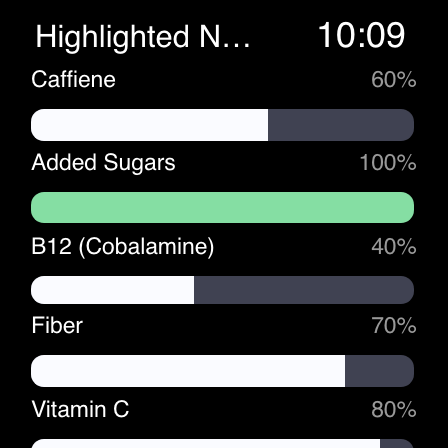
Calorie Counter by Cronometer

4.60

Information

Category:

Android Wear

Price:

Free

Rank:

48

Rating:

4.60

Overview

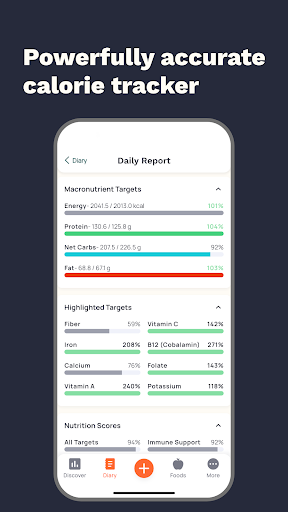
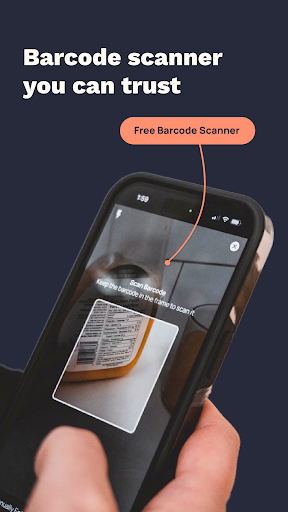
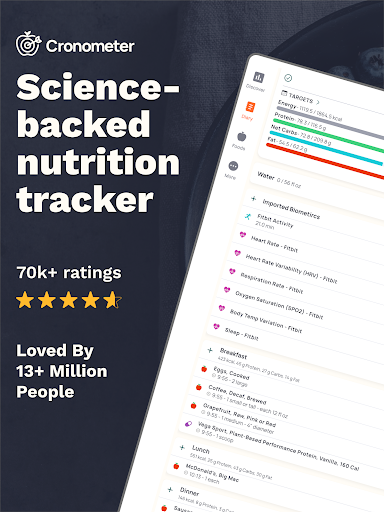
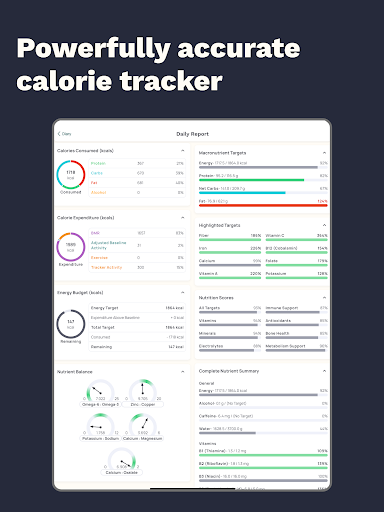
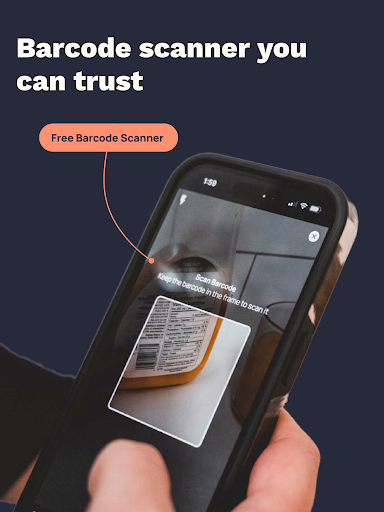
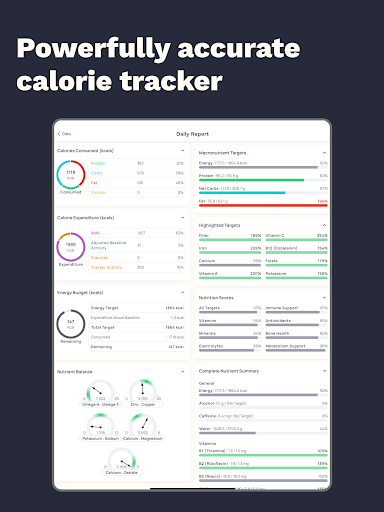
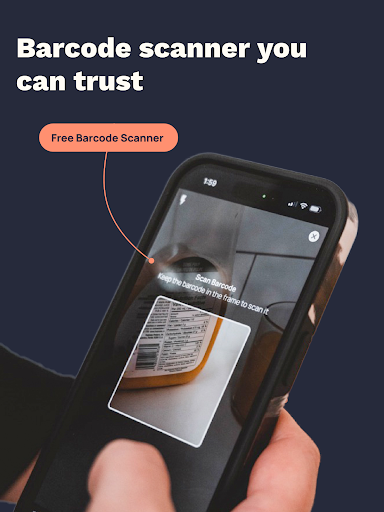
Cronometer is a comprehensive health and nutrition tracking app designed for Android Wear devices. This calorie counter goes beyond basic tracking by providing detailed insights into macronutrients, micronutrients, and overall dietary balance. Users can log meals through multiple methods including manual entry, barcode scanning, and innovative AI-powered photo logging.

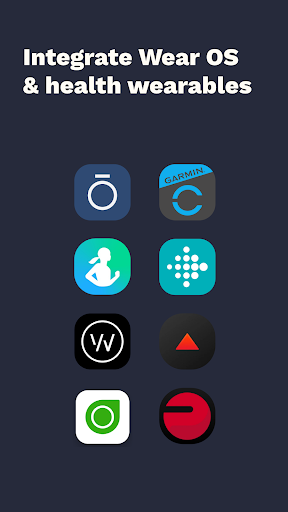
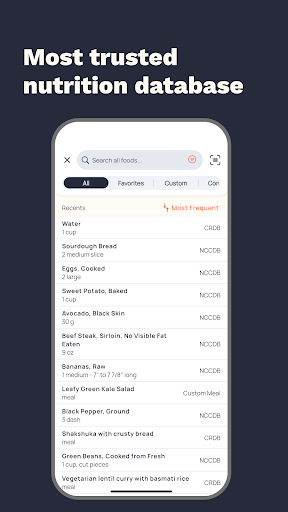
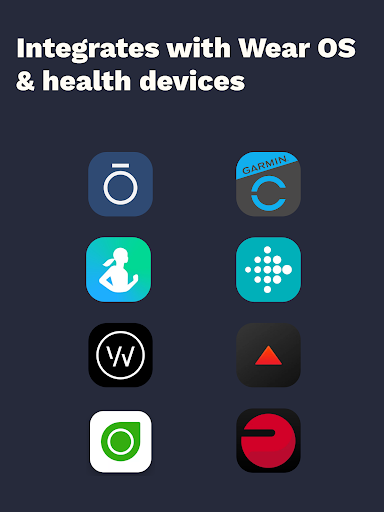
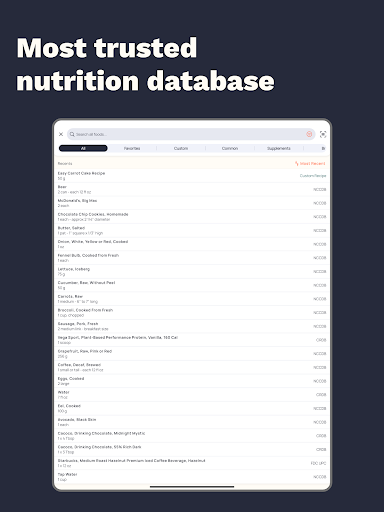
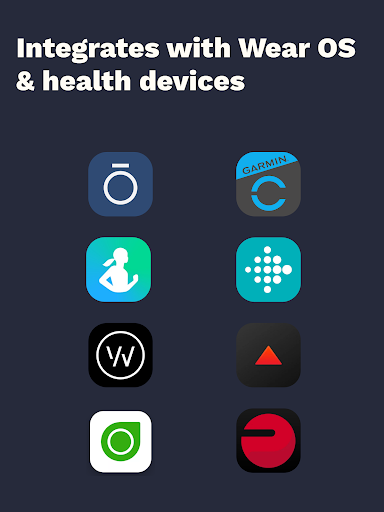
The app stands out with its verified nutrient database of over 1.1 million foods, ensuring unparalleled accuracy in tracking. It integrates seamlessly with wearable devices like Fitbit, Garmin, and Dexcom, creating a unified health monitoring system. Whether your goal is weight loss, muscle gain, or general wellness, Cronometer offers the tools to track progress effectively on your smartwatch.

Features

Cronometer distinguishes itself through several key features tailored for Android Wear users. The app's photo logging capability allows users to snap meal pictures, with AI technology identifying ingredients and estimating portions automatically. Its extensive food database, sourced from lab-analyzed data rather than crowdsourced information, provides precise nutritional values.

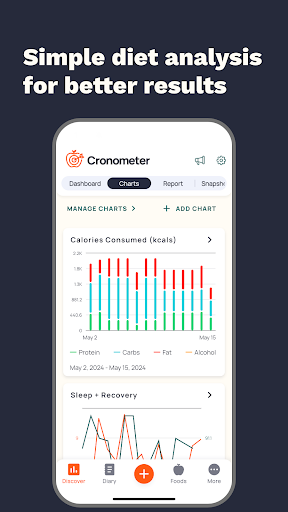
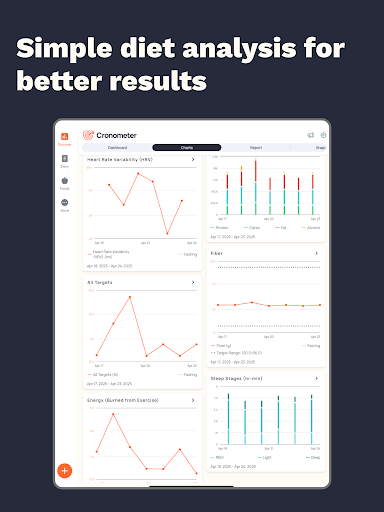
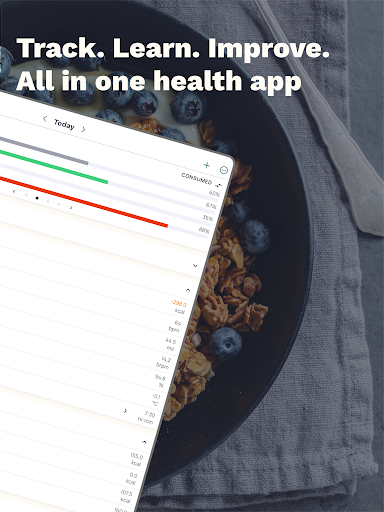
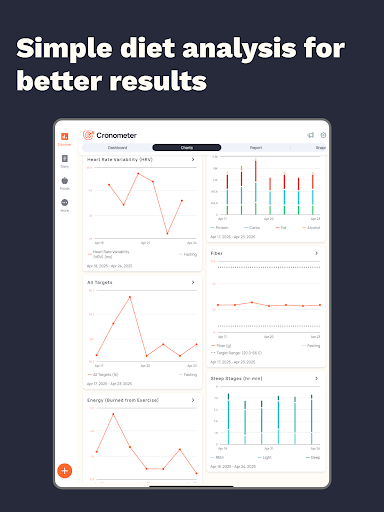
Advanced tracking options include hydration monitoring, sleep tracking, and custom biometric measurements. The app's wearable integrations enable real-time synchronization of health data across devices. Premium subscribers (Cronometer Gold) gain access to enhanced features such as nutrition scores, food suggestions, and professional PDF reporting, all accessible directly from their Android Wear device.

Companion app integration

Companion app integration refers to the seamless connection and data synchronization between a wearable device application and its corresponding mobile or web application This ensures that users can access their health and nutrition data across multiple platforms without any disruptions For Calorie Counter by Cronometer this means that users can easily track their calorie intake macronutrients micronutrients and other health metrics from their Wear OS devices while having the assurance that all information is accurately reflected in the main mobile application The implementation of this feature in Cronometer involves deep integration with various wearable technologies such as Fitbit Garmin and Wear OS watches Through these integrations the app can pull data from wearable devices to provide a holistic view of the user's health including activity levels heart rate sleep patterns and more This allows for a comprehensive approach to health tracking where users can see how their nutritional intake correlates with their physical activities and overall wellbeing The value of companion app integration for users lies in the convenience and consistency it offers They can log their meals using the AI-powered photo logging on their smartwatch and then review detailed nutrient breakdowns on their phone or computer This cross-device compatibility enhances the user experience by providing flexibility in how and where they interact with their health data Furthermore it supports better health outcomes by ensuring that all important information is centralized and easily accessible making it simpler for users to stay on top of their health goals

Wear OS/device compatibility

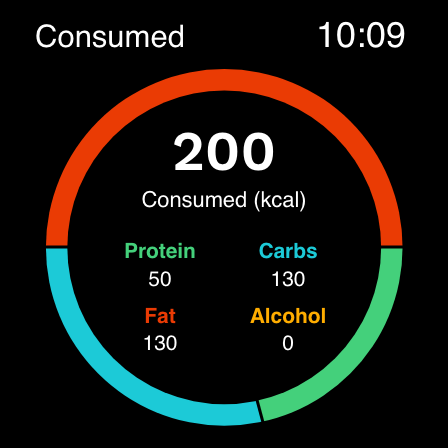
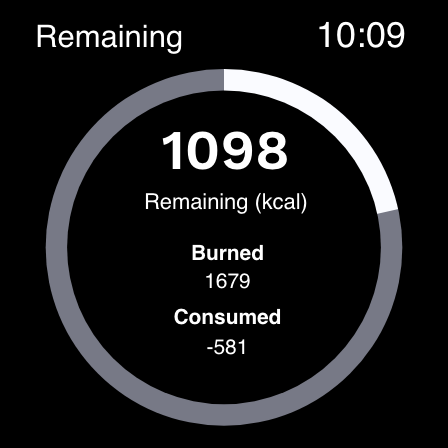
Wear OS device compatibility is crucial for applications aiming to provide a unified user experience across smartphones and smartwatches For Calorie Counter by Cronometer this compatibility means that users can track their calories and macros directly from their Wear OS watches without needing to have their phones nearby This level of integration significantly enhances the accessibility and convenience of health tracking as users can quickly log their food intake or check their daily nutrient summaries right from their wrists To achieve this Cronometer has developed a dedicated Wear OS application that maintains the core functionalities of its mobile counterpart but optimized for the smaller screen size and different interaction patterns typical of smartwatches Users can benefit from features like barcode scanning for quick food logging and receive timely reminders to log their meals or hydration levels The true advantage of having Wear OS compatibility is the ability to maintain continuous tracking throughout the day regardless of whether the user has their phone with them This encourages more consistent logging habits which are essential for accurate long-term health monitoring Additionally the immediacy of logging on a wearable device reduces the chances of forgetting to log meals or snacks which can happen when relying solely on a mobile app By offering robust support for Wear OS Cronometer not only expands its reach to tech-savvy individuals who prefer wearing their technology but also reinforces its commitment to providing versatile and reliable tools for managing personal health

Props

Highly accurate food database

Seamless wearable integration

Comprehensive nutrient tracking

User-friendly interface

Professional-grade tools

Cons

Premium features costly

Steep learning curve

Limited free version

Requires constant input

Heavy battery usage

Features and Functions

What is this app and what can I use it for?

A comprehensive nutrition tracker for Android Wear with calorie counting and macro tracking

How do I download and install this app on my device?

Search 'Cronometer' on Google Play Store and tap install on your Android device

How do I get started after opening the app for the first time?

Create an account, set goals, and start logging your first meal using preferred method

What are the main features and capabilities of this app?

AI photo logging, verified food database, wearable integrations, and detailed nutrient tracking

How can I customize my experience and adjust preferences?

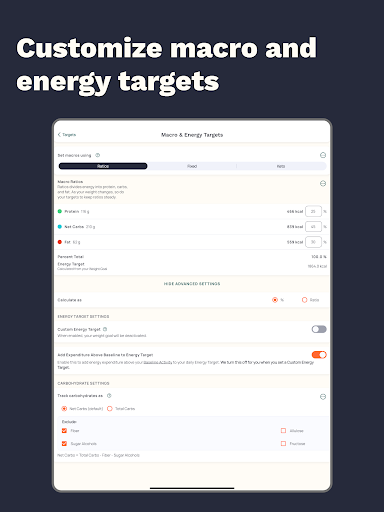
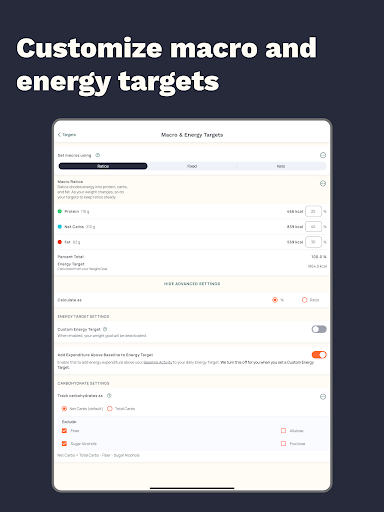
Adjust daily targets, notification preferences, and default measurement units in settings

How do I save or bookmark my favorite content for later access?

Save favorite meals and recipes for quick future logging in your personal library

How can I share content with friends or on social media?

Share nutrition reports directly through the app's built-in social sharing feature

How do I access detailed information and explore more content?

Explore detailed nutrient breakdowns and historical data in analytics section

What permissions does this app need and how do I manage them?

Manage permissions through device settings, primarily needs camera and health data access

How do I check for updates and keep the app running smoothly?

Check Google Play Store regularly for updates and maintain sufficient storage space
Show more

User Reveiws

{{ comment.reviewer_name }}
{{ comment.review_date_formatted}}
{{ comment.review_content }}
{{ tab.name }}
{{ comment.reviewer_name }}
{{ comment.review_date_formatted}}
{{ comment.review_content }}
No reviews with this rating