
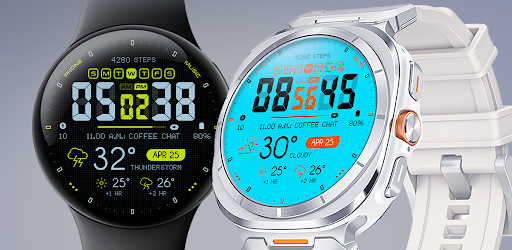
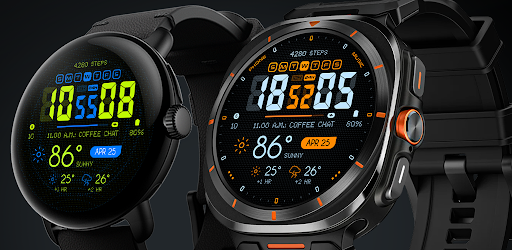
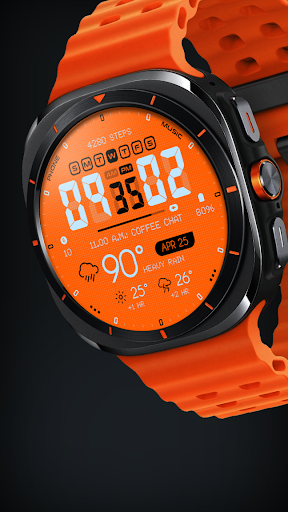
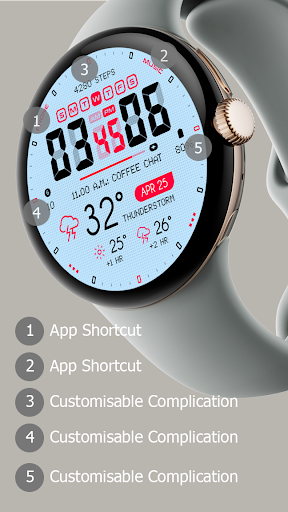
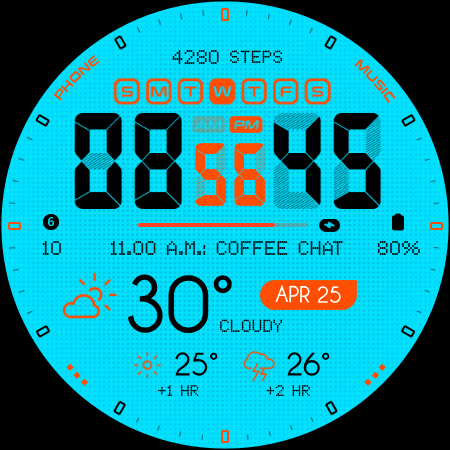
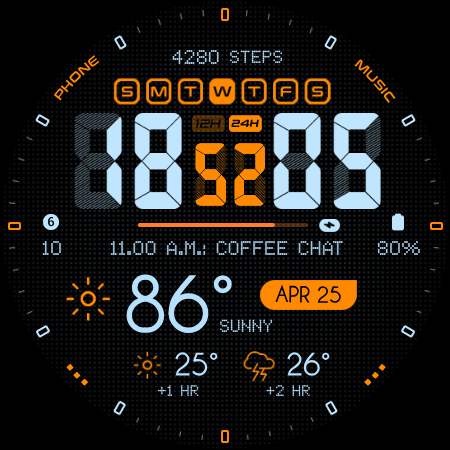
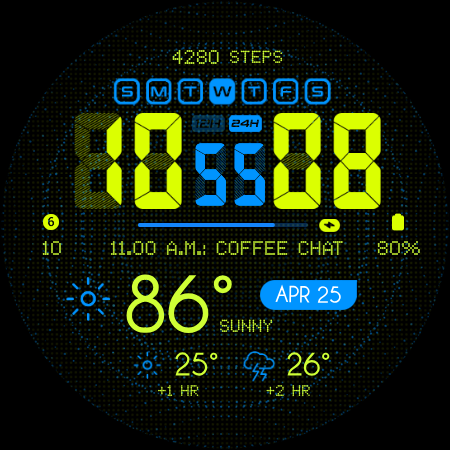

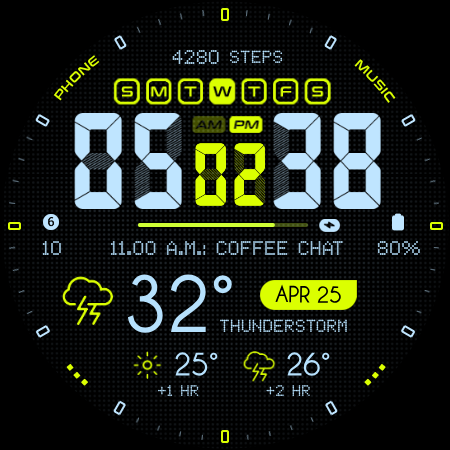

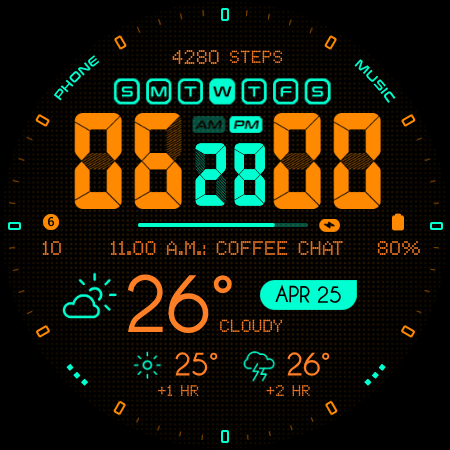

Oogly Atmos is a dynamic weather-themed watch face designed for Wear OS smartwatches. It combines vivid colors, real-time weather updates, and customizable features to deliver both style and functionality. The watch face displays current weather conditions alongside a 2-hour forecast, ensuring users stay informed at a glance.
With compatibility across devices like Galaxy Watch 5, Pixel Watch, and other Wear OS models (API 30+), Oogly Atmos offers versatile utility. Its animated background option adds movement for those who love vibrancy, while the ability to toggle it off ensures focus when needed. This makes it an ideal choice for users seeking a blend of aesthetics and practicality on their smartwatch.
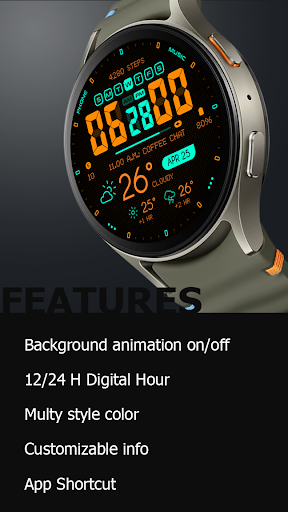
Oogly Atmos stands out with its array of innovative features tailored for personalization and convenience. Users can choose between 12/24 hour formats, activate or deactivate background animations, and toggle index visibility for a cleaner layout. These options allow individuals to tailor the watch face according to their preferences.
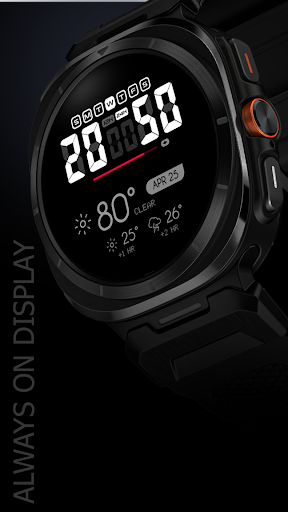
The app also supports customizable information display, enabling users to prioritize the data most relevant to them. Additional functionalities include an app shortcut for quick access and an always-on display mode that ensures critical information remains visible even when the screen is idle. Together, these features create a seamless user experience that balances utility with visual appeal.
Real-time weather updates
Vivid color design
Customizable layout
Animated background
Cross-device compatibility
Limited to Wear OS
Requires API 30+
No iOS support
Premium feel but not free
Animation may drain battery

Highly customizable hybrid watch face for Wear OS, perfect for everyday use.
 4.60
4.60
Christmas - Festive - Christmas Village - Winter - Christmas lights
5.00
Animated Watch Face and Customizable with 24 Backgrounds. Perfect for Christmas!
3.90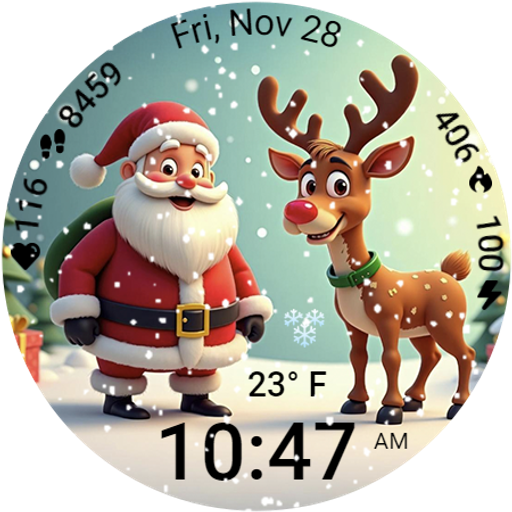
A heartwarming Christmas scene featuring a cute image of Santa and Rudolf
4.0
A watch face that fuses motorsport precision with contemporary smartwatch design
4.4
Authentic military-tactical design with ZULU time! Realistic and functional!
3.80
Premium hybrid watch face with many customizations for Wear OS devices.
4.40
Control your Samsung Smart TVs, appliances, and SmartThings-compatible devices
4.60
Back up your contacts & access them anywhere
4.30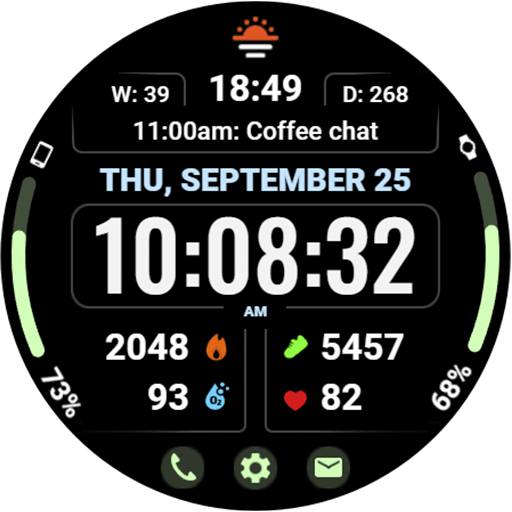
Beautiful, colorful and practical watch face. For Wear OS devices.
5.00
Hyperlocal rain alerts by MyRadar using patent-pending technology, radar & more
4.80
Diet tracker for weight loss - track calories, food and macros. Simple and easy!
4.70
The most customizable minimal watch face. For Wear OS 5.0, API 34+ and later
4.70
To-Do List: daily schedule planner, task organizer, to do reminder app, calendar
4.60
Retro digital watch face with customizable colors and a unique lighting effect
4.60
Current temperature, weather hourly, weather radar by the weather forecast app
4.40
Digital watch face with big numbers and many customization for Wear OS devices
4.40
Sleek, highly customizable watch face inspired by Galaxy Watch Circle Dashboard.
4.2
Minimalistic design modern digital watch face.
4.5


User Reveiws