
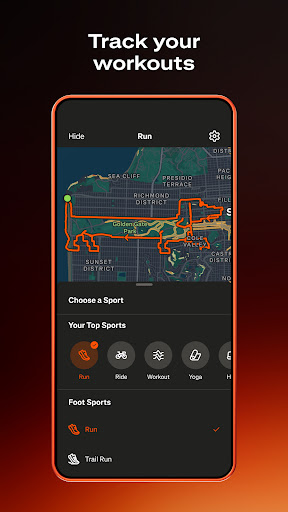
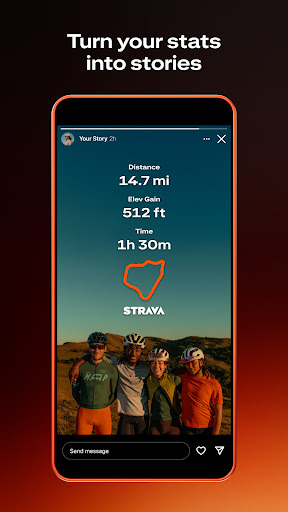

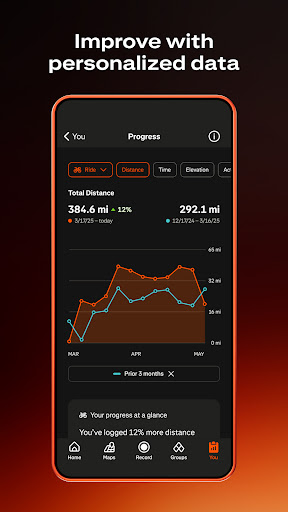

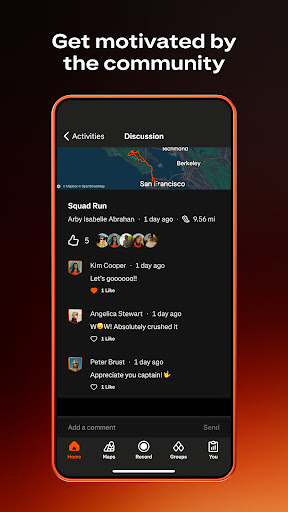
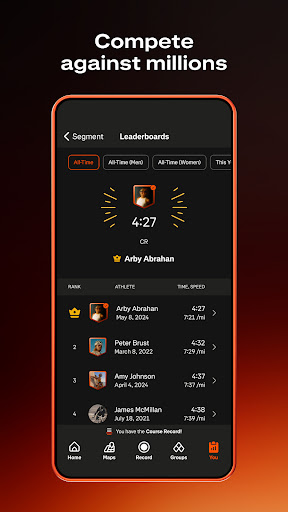
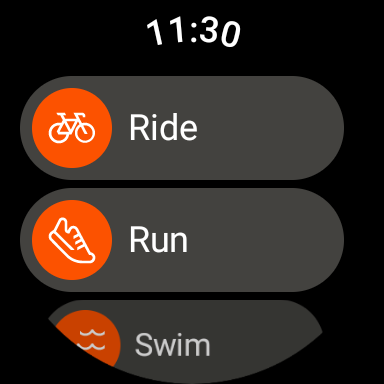
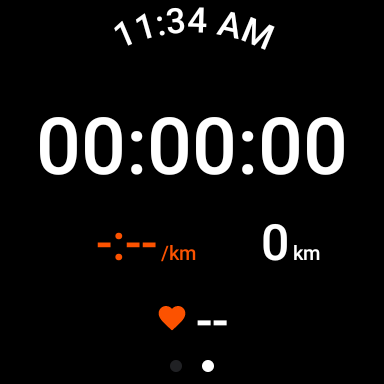
Strava is the ultimate fitness tracking app that combines community building with performance monitoring, designed specifically for athletes and fitness enthusiasts. With over 180 million active users, Strava supports a wide range of activities including running, cycling, walking, hiking, and yoga, along with over 40 other sport types. The app allows you to track your progress through detailed data insights, compete on segments to climb leaderboards, and even integrate with popular devices like Apple Watch, Garmin, Fitbit, and Peloton.
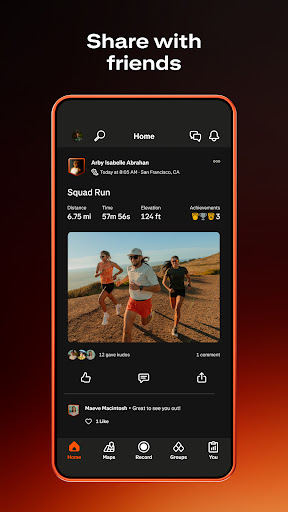
Beyond individual performance, Strava fosters a strong sense of community. You can join local clubs, participate in monthly challenges, and follow friends or professional athletes to stay motivated. The app also emphasizes safety and privacy, offering features like Beacon for real-time location sharing and customizable privacy settings. For those seeking more advanced tools, Strava's subscription service provides intelligent route recommendations, live segment updates, AI-driven insights, and personalized training plans.
Strava stands out with its comprehensive feature set tailored for both casual exercisers and serious athletes. The app's activity tracking capabilities cover an impressive range of sports, while its device compatibility ensures seamless integration with thousands of popular fitness gadgets. One of the key highlights is the segment competition feature, which lets users race against others on specific routes, adding a gamified element to workouts.
The social aspect of Strava is equally robust. Through Clubs and Challenges, users can build supportive networks and maintain motivation. The app's privacy controls are particularly noteworthy, allowing users to manage who sees their activity data and even hide specific map points. Subscribers gain access to premium features like AI-powered analytics, custom goal setting, and injury prevention exercises through Recover Athletics. These advanced tools provide deeper insights into training patterns and help optimize athletic performance.
User-friendly interface
Extensive device support
Strong community focus
Detailed performance metrics
Flexible privacy options
Premium features costly
Occasional GPS issues
Limited offline functionality
Subscription required for AI
Some devices unsupported

Walking app for weight loss: walk & step tracker, pedometer, indoor treadmill
 4.60
4.60
Christmas and New Year - Themed Watchface
4.2
Christmas is near, let's count together the days left until Santa comes
4.0
Deck out your Wear OS Watch face with a beautifully decorated pine wreath!
4.50
Watch face for Wear OS.
4.20
Funny animated watch face for Thanksgiving
4.2
Hybrid Vibrant Health Watch Face for Wear OS
4.1
Fast and smart typing with Emojis, GIFs, and more
4.50
Toyota app currently supports 2010 or newer vehicles (2018 or newer for Hawaii).
4.50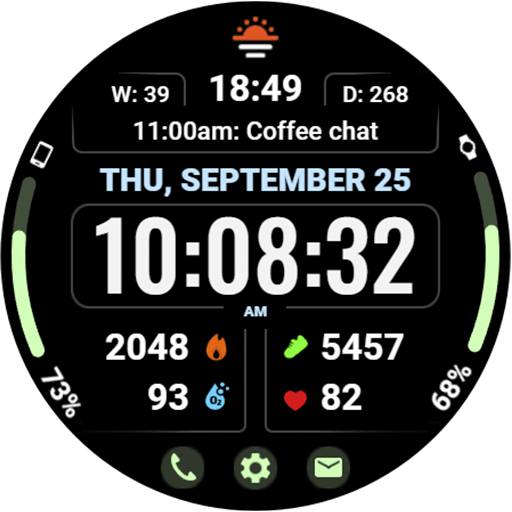
Beautiful, colorful and practical watch face. For Wear OS devices.
5.00
Real-time weather radar with temperatures, warnings, hurricanes, and widgets
4.80
Embrace the holiday spirit with this magical animated watch face!
4.40
Digital watch face. For Wear OS devices.
4.40
Elegant animated Christmas tree with multiple customization options
4.20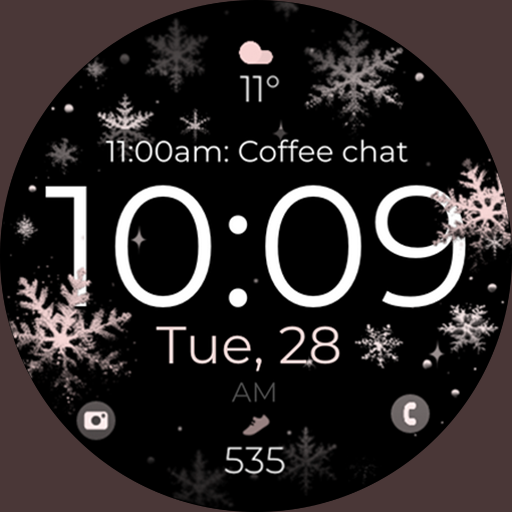
Snowflake Rose Gold Watch Face - Digital, modern, & sleek with GYRO effect.
4.10
Embrace the festive spirit with our Christmas Countdown watchface for Wear OS
4.10
sleep, alarm, snoring, stress, healing, focus, sound therapy, circadian rhythm
4.10
Structured watch face with seven complications and modular UI elements
3.90
Stylish digital watch face for Wear OS devices with customizable features
4.1


User Reveiws