
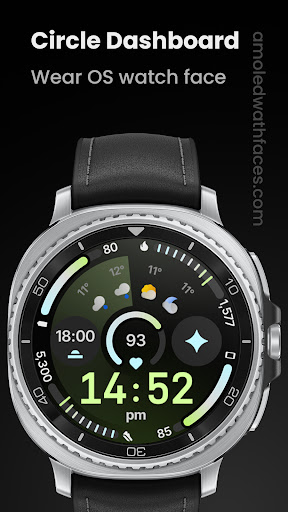
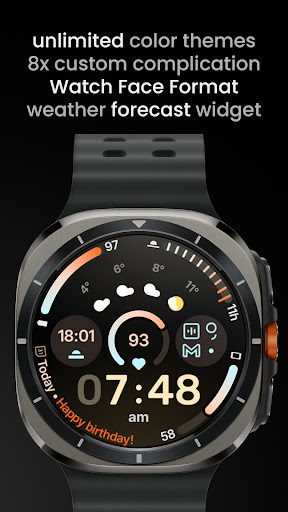
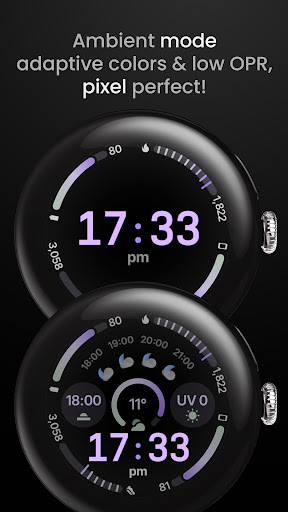

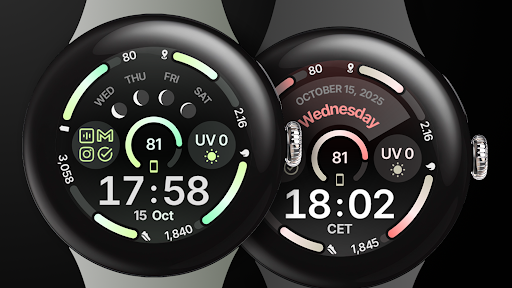
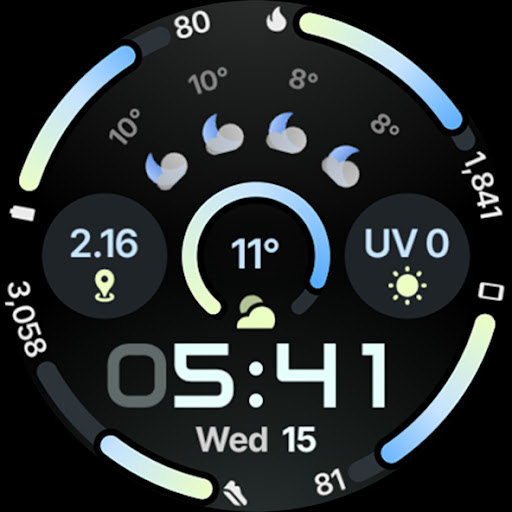
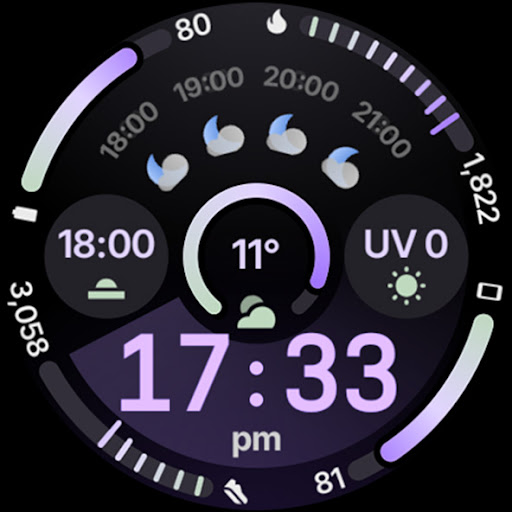
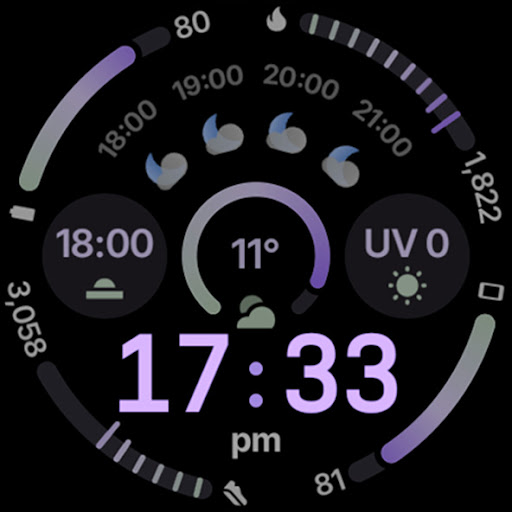
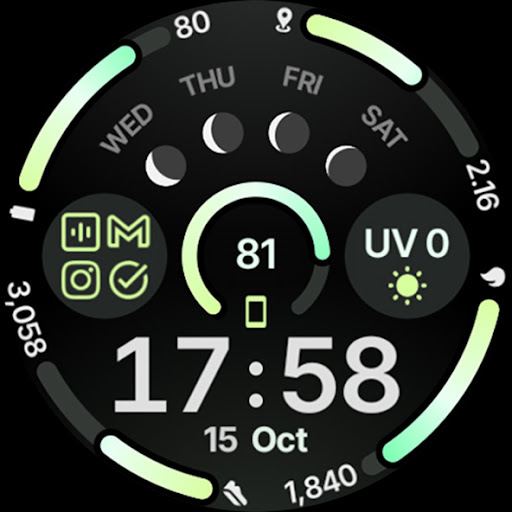
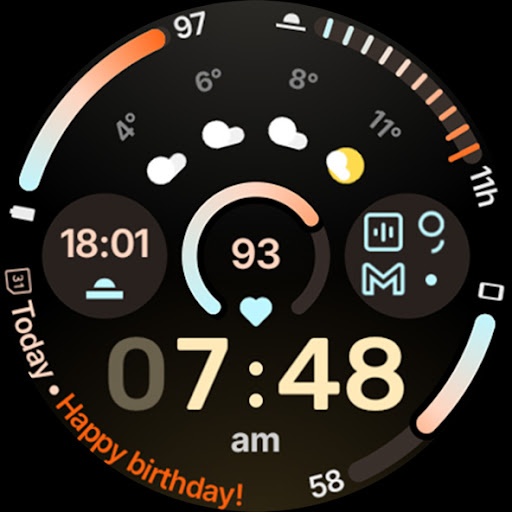
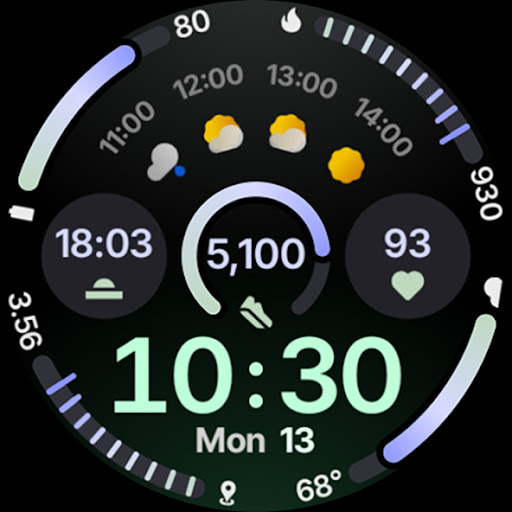
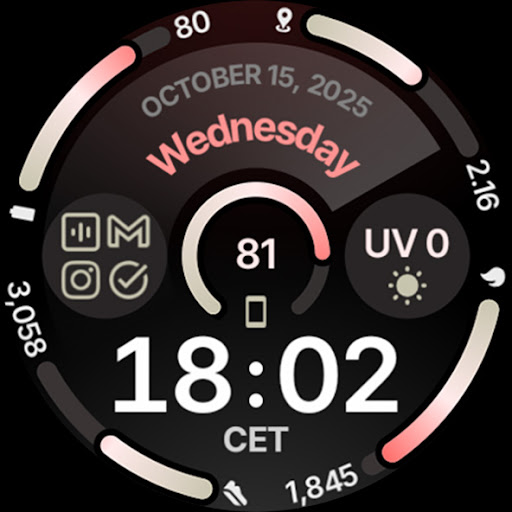
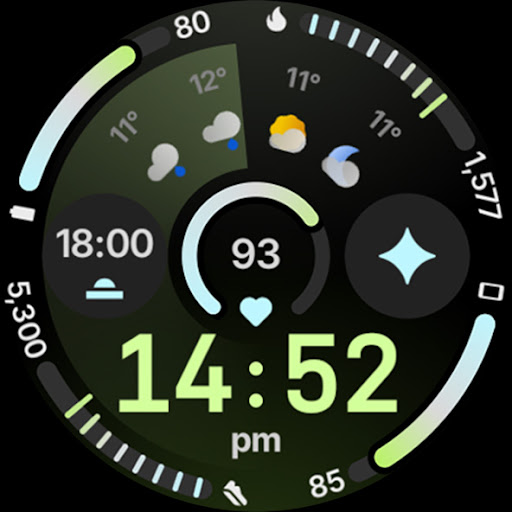
Circle Dashboard Watch Face is a feature-rich watch face designed exclusively for Wear OS 4+ devices. Inspired by the Galaxy Watch 8 series, it utilizes Watch Face Format 4 to deliver an advanced user experience. The watch face offers unique functionalities such as custom complication slots, adaptive complication text size, and multiple always-on display styles.
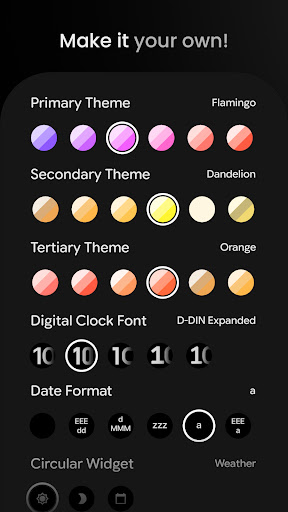
This application stands out with its unlimited color theme combinations, true black background, and battery-friendly design. Users can customize their experience with various digital clock fonts, date formats, and widgets like weather forecast and moon phases. With support for phone notifications complications and animated AOD entering, Circle Dashboard ensures both functionality and aesthetics are top-notch.
Ideal for users seeking a highly customizable and visually appealing watch face, Circle Dashboard caters to those who want to optimize their smartwatch's appearance and usability. Its comprehensive configuration options allow personalization that suits individual preferences, making daily interactions more engaging and efficient.
Circle Dashboard Watch Face boasts an array of sophisticated features tailored for tech-savvy users. With support for eight custom complication slots and various complication types including SHORT_TEXT and RANGED_VALUE, it provides versatile information display options. The inclusion of new material 3 expressive progress bars and optional seconds indicators enhances visual feedback.
One of the standout features is the multilanguage support and true black background, ensuring readability and aesthetic appeal across different contexts. The app also supports unlimited color theme combinations and three always-on display styles, allowing users to tailor the look to their preference. Additionally, the adaptive complication text size and digital clock blinking colon effect add a dynamic touch to the overall design.
The watch face is optimized for performance with battery-friendly operations and offers innovative elements like animated AOD entering on Wear OS 6+. These features collectively provide a seamless blend of functionality and style, setting Circle Dashboard apart from other watch faces in terms of customization and user engagement.
Highly customizable
Battery friendly
True black background
Unlimited color themes
Advanced complications
Wear OS 4+ only
Complex setup
Premium cost
Limited device support
Requires additional apps

Watch face designed for Thanksgiving Day. 7 Background Styles included.
 3.20
3.20
sleep, alarm, snoring, stress, healing, focus, sound therapy, circadian rhythm
4.10
The Chevron App allows you to pay for fuel from the comfort of your car!
4.80
Funny animated watch face for Thanksgiving
4.3
Retro digital watch face with customizable colors and a unique lighting effect
4.60
Animated video-game inspired “secret agent” simulation, right on your wrist!
4.20
Fast and smart typing with Emojis, GIFs, and more
4.50
Your local weather forecast, storm tracker, radar maps & live weather news
3.40
Toyota app currently supports 2010 or newer vehicles (2018 or newer for Hawaii).
4.50
Gym Log & Workout Tracker | Fitness Journal, Training & Weight Lifting Planner
4.90
A modern hybrid informative watch face for Wear OS designed by BALLOZI
4.80
WTW M17 is a premium and luxurious hybrid watch face
4.70
To-Do List: daily schedule planner, task organizer, to do reminder app, calendar
4.60
Simple, helpful messaging by Google
4.60
Reliable phone calls with spam protection, caller ID and more helpful features
4.40
Watch face for Wear OS.
4.20
A Wintery Snow Globe on Your Wrist; now celebrating Christmas!
4.2
Analog watch face with 8 complications and expedition styling
4.3
Stylish digital watch face for Wear OS devices with customizable features
4.3


User Reveiws