
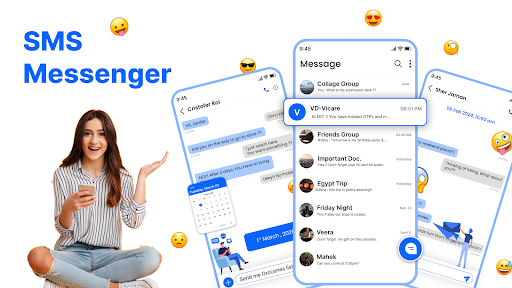
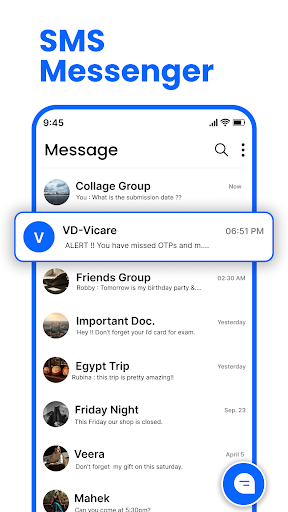
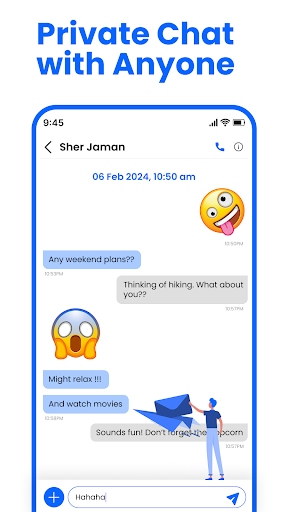
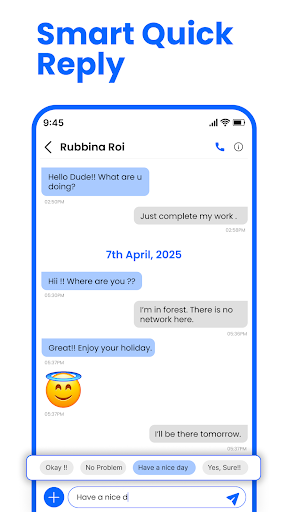
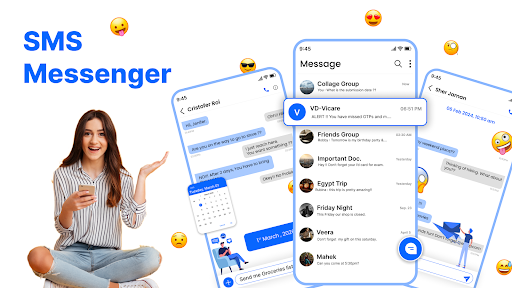
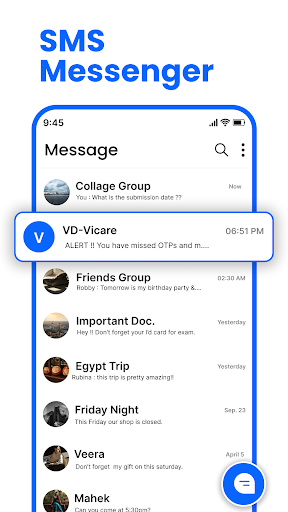
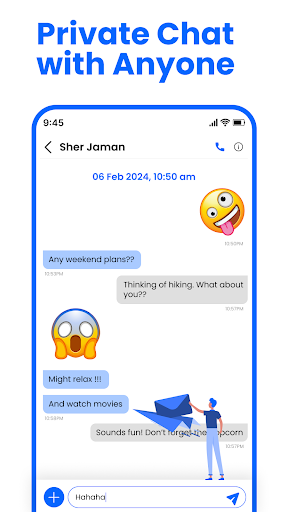
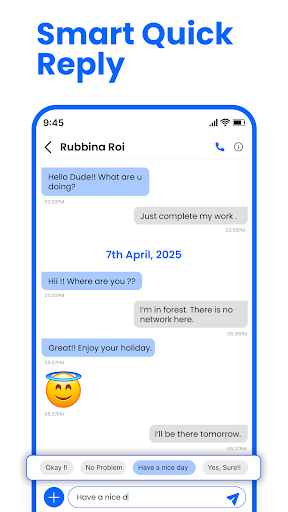
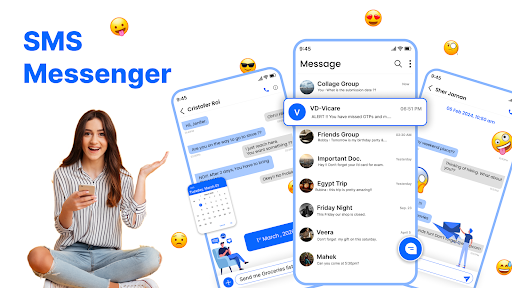
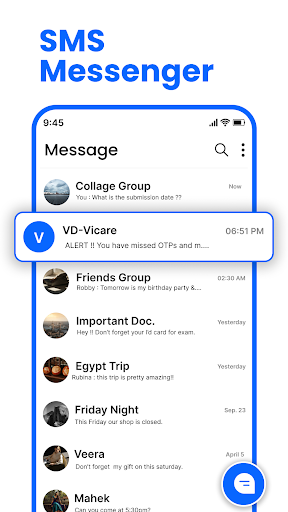
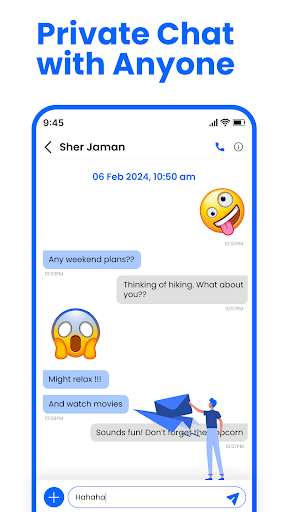
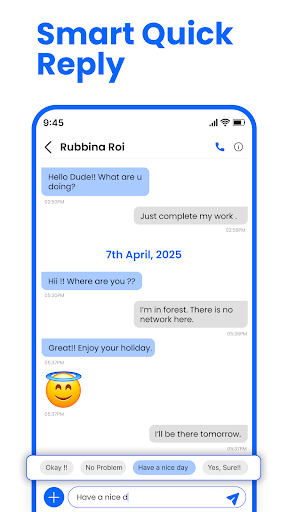
Messenger: SMS Home is a feature-rich communication app designed to enhance your texting experience on Android devices. This app not only allows you to send and receive text messages instantly but also offers advanced customization options for organizing your SMS efficiently.
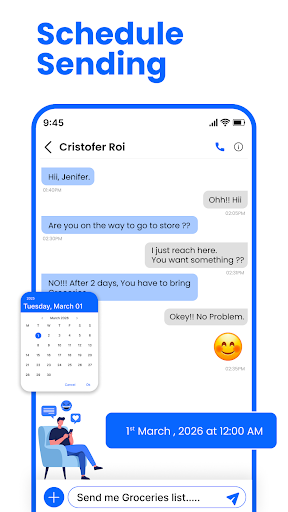
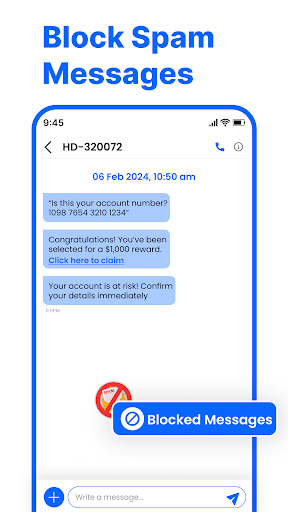
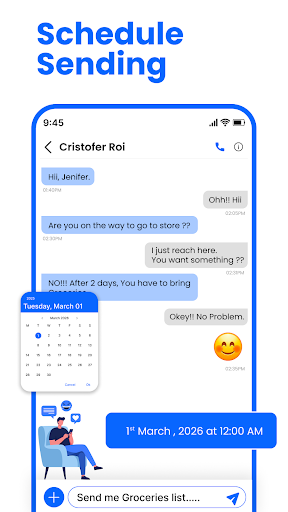
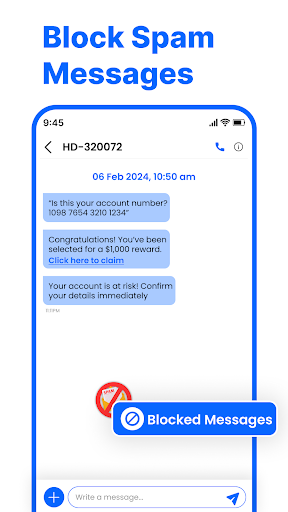
With its user-friendly interface, the app provides powerful tools such as scheduled messaging, spam blocking, and swipe actions for better inbox management. Whether you need to schedule birthday messages in advance or block unwanted promotional alerts, Messenger: SMS Home puts you in complete control of your messaging.
The app's compatibility with all Android devices, including Samsung, Google Pixel, and Motorola, ensures a seamless performance across different platforms. Its smart launcher feature and personalized home layout make it an ideal choice for users seeking both functionality and style in their messaging app.
Messenger: SMS Home stands out with its comprehensive set of features tailored for efficient communication. One of its key highlights is the Smart Launcher, which provides quick access to essential functions from the home screen, allowing users to manage applications and organize SMS effortlessly.
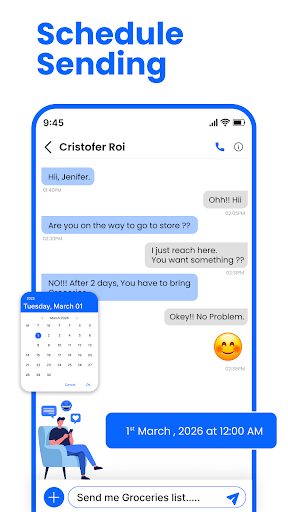
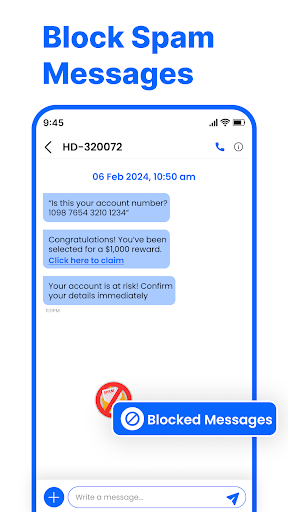
The app's scheduling feature enables users to plan and automate their messages, ensuring timely delivery of important texts like work reminders or birthday wishes. Additionally, the robust spam-blocking mechanism helps maintain a clean inbox by filtering out unwanted messages and promotional content.
Another notable feature is the Swipe Actions functionality, which streamlines inbox organization through simple gestures. Users can archive, delete, or mark messages as read/unread with a single swipe. These innovative tools collectively create a fast, secure, and intuitive messaging experience that works seamlessly across all popular Android versions.
User-friendly interface
Advanced customization
Spam blocking feature
Scheduled messaging
Cross-device compatibility
Limited iOS support
Occasional bugs
Ads in free version
Requires permissions
Learning curve
Use this Dialer app alone or as a TREK: Total Interface companion.
 4.70
4.70
Google's fast and secure browser
4.10
Connect and browse the internet with a fast VPN proxy server and IP blocker.
4.50
Message and video call your family and friends in HD!
3.80
Welcome to the future of phone service.
4.60
An agentic AI browser for Android, built by Perplexity
4.50
A softphone app with seamless SIP calling and an intuitive VoIP dialer
3.50
Read OBD2 data and DTCs Create custom dashboards Enhanced diagnostics available
4.70
A customizable phone number in the cloud
4.20
Enhance browsing with AI-powered features and Copilot.
4.70
Identify unknown numbers, block spam calls, customize calls with cool themes.
4.60
Group Chat That’s Fun & Games
4.30
SMS & MMS Messaging App to easily send messages or schedule SMS on Chat
4.10
Send SMS and chat messages easily with a fast text messaging app for Android.
4.10
Share the moment!
4.10
Tether to Windows, OS X, Linux PCs or Android tablets. No root. No tether fees.
3.90
Official NDI app: turn your phone into a professional live-streaming IP camera.
3.20
A Browser with powerful ad blocker to help focus on what really matters.
3.00
An app dedicated solely to marriage, not dating, and supported by a rigorous verification mechanism to ensure seriousness.
4.5


User Reveiws