
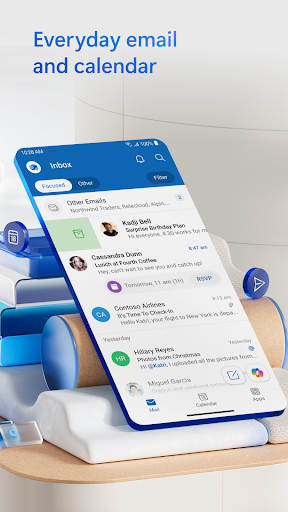

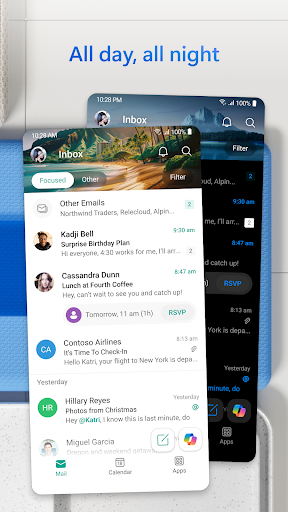




Microsoft Outlook is a comprehensive email and calendar app designed to streamline your busy life. It consolidates your emails, files, and calendar into one secure platform, ensuring you stay productive regardless of the source of your messages - be it work, school, or personal accounts. The app intelligently organizes your inbox, filtering emails into Focused and Other categories for easy access to critical communications.
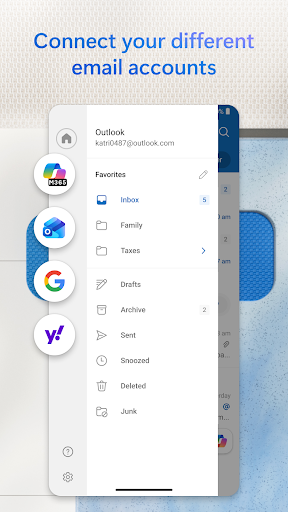
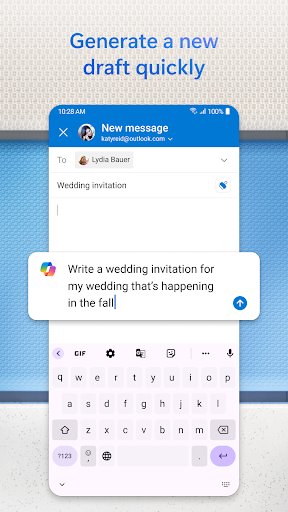
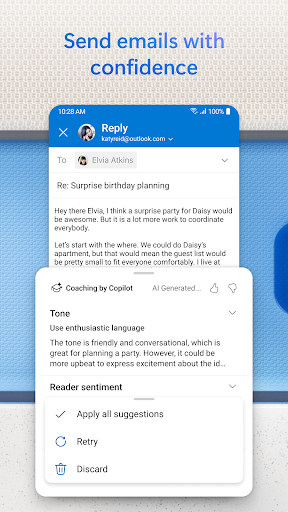
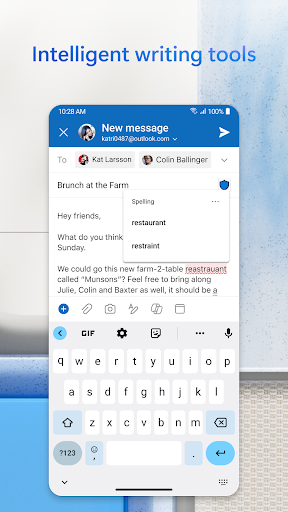
This all-in-one solution allows you to view multiple calendars simultaneously, helping you keep track of your schedule efficiently. With support for various account types including Microsoft Exchange, Gmail, Yahoo Mail, and iCloud, Outlook offers flexibility and connectivity on the go. Its intelligent editing tools help craft professional-quality emails with ease, while seamless integration with cloud services enables quick attachment handling.
Outlook's advanced features like swipe gestures, flagging important emails, and voice-activated search enhance productivity by cutting through daily clutter. Enterprise-grade security ensures protection against phishing and spam, making it a reliable choice for managing sensitive information. Whether you're scheduling meetings or organizing tasks, Microsoft Outlook provides the tools necessary to manage your digital life effectively.
Microsoft Outlook stands out with its robust feature set tailored for efficiency and organization. One of its key strengths is the ability to connect multiple email accounts such as Microsoft Exchange, Gmail, Yahoo Mail, and iCloud, allowing users to manage all their communications from a single interface. This unified approach extends to file management, where recent attachments and cloud storage links are easily accessible directly from the inbox.
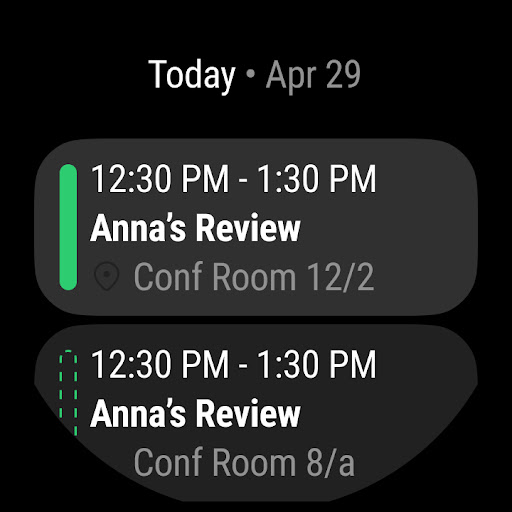
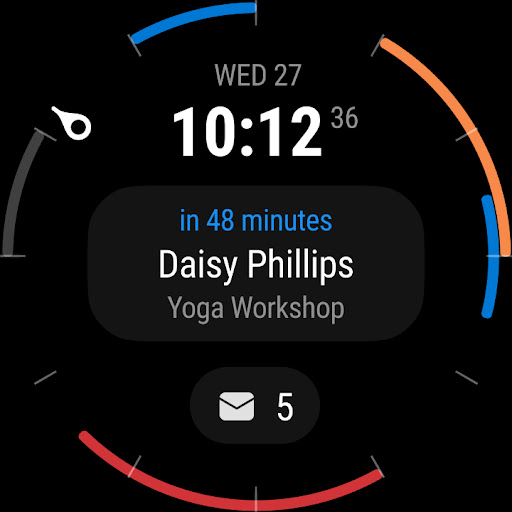
The app's planning and calendar management capabilities are equally impressive. Users can view different calendars side by side, facilitating better scheduling and time management. Integration with video calling platforms like Teams, Zoom, and Skype ensures seamless participation in online meetings. Additionally, the RSVP functionality lets users respond to invites with personalized comments, enhancing communication and coordination.
Productivity is further boosted by intelligent tools that group similar emails and conversations, suggest replies, and enable hands-free email listening via Play My Emails. Voice-activated search helps locate contacts, events, and attachments quickly. Security features include enterprise-grade protection against viruses, phishing, and spam, along with encryption options for sensitive emails (requiring a Microsoft 365 subscription). These innovations make Outlook an indispensable tool for both personal and professional use.
User-friendly interface
Robust security features
Seamless account integration
Intelligent email organization
Comprehensive calendar management
Occasional sync issues
Limited free features
Heavy on system resources
Complex setup for beginners
Subscription required for full functionality

Christmas watch face. For Wear OS devices.
 4.30
4.30
Christmas Theme Watch Face for Wear Os
5.00
Analog watch face with 8 complications and expedition styling
4.0
Artistic Digital Watchface
4.3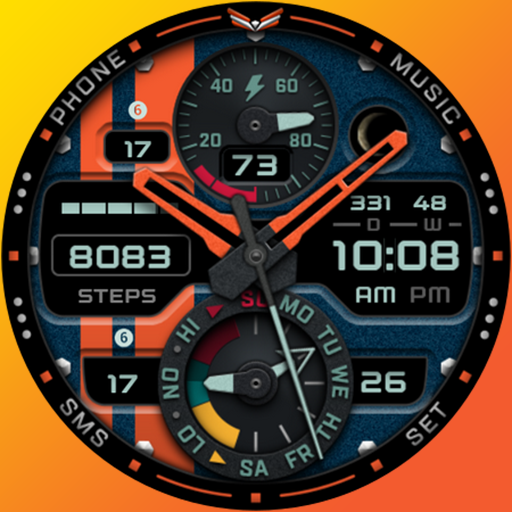
A modern premium sporty hybrid watch face for Wear OS by Ballozi
4.70
Nutrition, Macro tracker: Food, fitness & healthy diet tracking for weight loss
4.60
Gym & home workout plans with strength training, exercise tracking, HIIT & more.
4.60
Funny animated watch face for Thanksgiving
4.1
Control your Samsung Smart TVs, appliances, and SmartThings-compatible devices
4.60
Digital, flexibly customizable watch face. For Wear OS 5.0, API 34+ and later.
5.00
Real-time weather radar with temperatures, warnings, hurricanes, and widgets
4.80
Ideal for surviving in the wasteland left after nuclear fallout
4.50
Elegant animated Christmas tree with multiple customization options
4.20
Let's celebrate Thanksgiving - Wear Os watch face
4.20
The #1 source of faces for your smartwatch!
4.00
Get helpful reminders, take progress photos and find answers to your questions.
3.90
Authentic military-tactical design with ZULU time! Realistic and functional!
3.80
Simple Analog-Digital Watchface For Wear OS 3.0 and Up Smartwatches
4.2
Fitness interactive virtual pet super fighter boy watch face
4.3


User Reveiws