
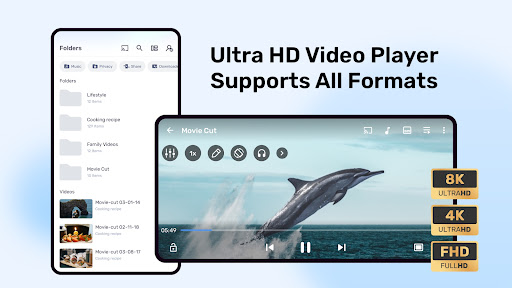


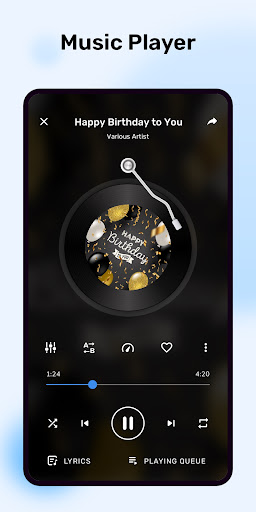
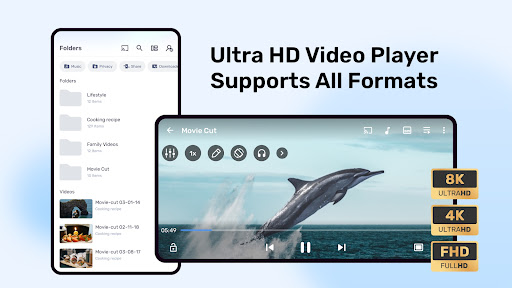
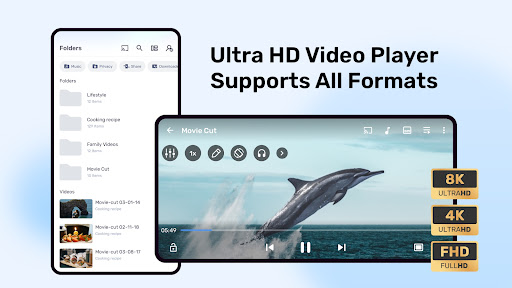
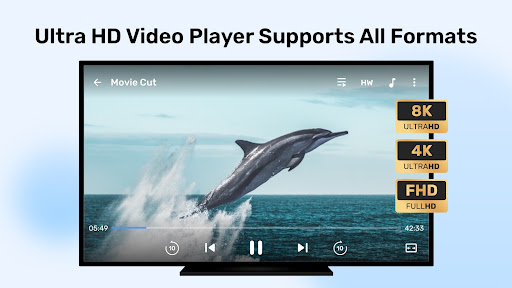
MX Player is a powerful video and music player designed for Android devices, offering advanced hardware acceleration and comprehensive subtitle support. The app utilizes a new HW+ decoder to enhance video playback on supported devices, ensuring smooth performance even with high-resolution files.
Beyond its core video playback capabilities, MX Player includes innovative features like multi-core decoding, which significantly improves performance on modern devices. The app also provides practical tools such as Kids Lock, allowing parents to safely entertain children without worrying about unintended device interactions. With its robust feature set, MX Player caters to both casual viewers and advanced users seeking greater control over their media experience.
One of MX Player's standout features is its advanced hardware acceleration, which allows the app to deliver superior video playback performance. This is complemented by multi-core decoding, which maximizes the processing power of modern devices to ensure smooth playback of even the most demanding video files.
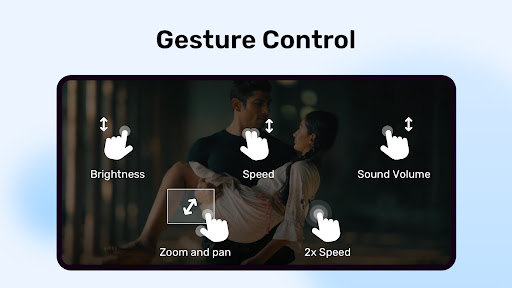
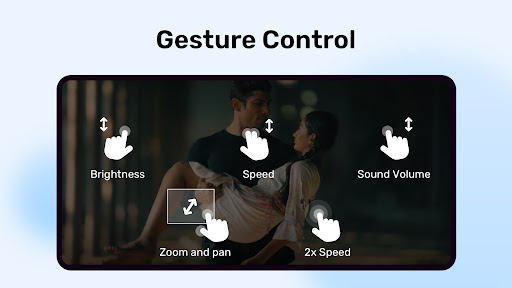
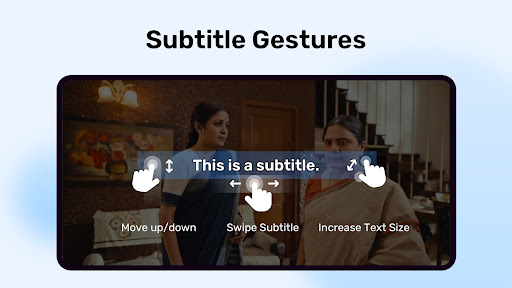
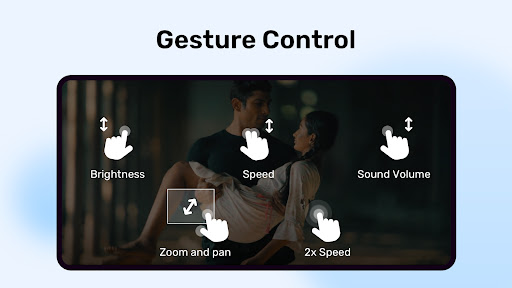
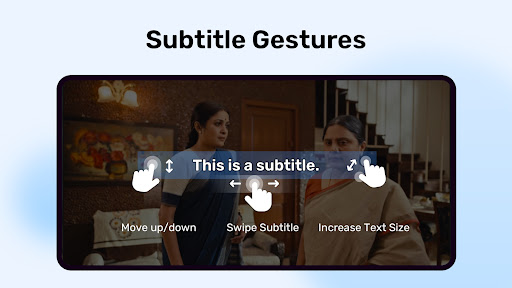
The app also offers an intuitive user interface with features like pinch-to-zoom and gesture-based subtitle controls. These allow users to easily adjust their viewing experience, whether they need to zoom in on details or modify subtitle settings on the fly. Additionally, MX Player supports a wide range of subtitle formats, including SubStation Alpha, SAMI, and SubRip, making it a versatile choice for users who require extensive subtitle options.
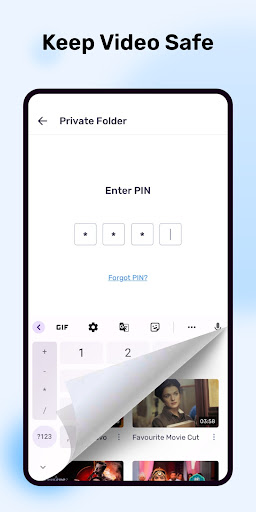
Privacy and security are also prioritized, with features like Privacy Folder enabling users to hide personal videos. Meanwhile, Kids Lock ensures that younger users can enjoy content safely without accessing other apps or device functions. These thoughtful additions make MX Player not just a video player, but a comprehensive media solution.
Advanced hardware acceleration
Multi-core decoding support
Wide subtitle format compatibility
User-friendly gesture controls
Kids Lock for child safety
Occasional package errors
Requires multiple permissions
Ads in free version
Complex for beginners
Heavy on system resources

Video player, file manager for all formats, 4K/HD media player supports subtitle
 4.30
4.30
Client application for NextPVR software
3.00
Video Player - Unlimited features, 30 days money back guarantee.
4.60
Video Downloader is an utility that can save videos and music from web sites
4.20
Video player with powerful streaming playback and various convenient features.
2.10
Seamlessly connect and control your smart devices, anytime, anywhere with ease.
4.60
#1 Torrent App on Android ** No Ads Ever + Battery Saver **
4.80
Browser for Fire TV to stream webvideos, online movies, livestreams in HD
4.40
Photo editor & video maker with music and slideshows.
4.10
GENRAL PRO - General Pro is the best video player that fully supports all formats.
4.70
HD video maker with no watermark, no ads & vlog maker with music, PIP, text
4.50
Fast & Private HD Video Downloader with Built-in Proxy Browser and Video Player.
4.50
Download website videos fast&privacy
4.40
Powerful, professional, versatile teleprompter. Developed by an active film crew
4.00
IPTV-Smarters Player Pro M3U - Watch Live Stream TV Channels with Chromecast
4.00
Connect 2 UVC devices for recording and broadcast video/audio stream
3.90
HD video & music player - All format support with floating & PIP mode!
3.80
Mix with Virtual DJ directly from your phone or tablet !
3.10
You can play SWF format file!
2.50


User Reveiws